1
GoDaddy
Sign in and open your Domain Portfolio. Choose the domain, then open the DNS tab. Choose Add New Record, select CNAME, enter cards in Name and custom.zapped.to in Value, leave TTL at its default and choose Save.
 Help Center
Find where your domain's DNS is managed and add the one CNAME record Zapped needs, with steps for GoDaddy, Namecheap, Cloudflare, Squarespace and Spaceship.
Connecting a custom domain takes one DNS record at the company that manages your domain. This guide shows how to find that company, what to type in each field, and the steps at the most common providers.
Zapped shows Not connected yet or Waiting for DNS for your domain and you need to add the CNAME record at your domain provider.
custom.zapped.to.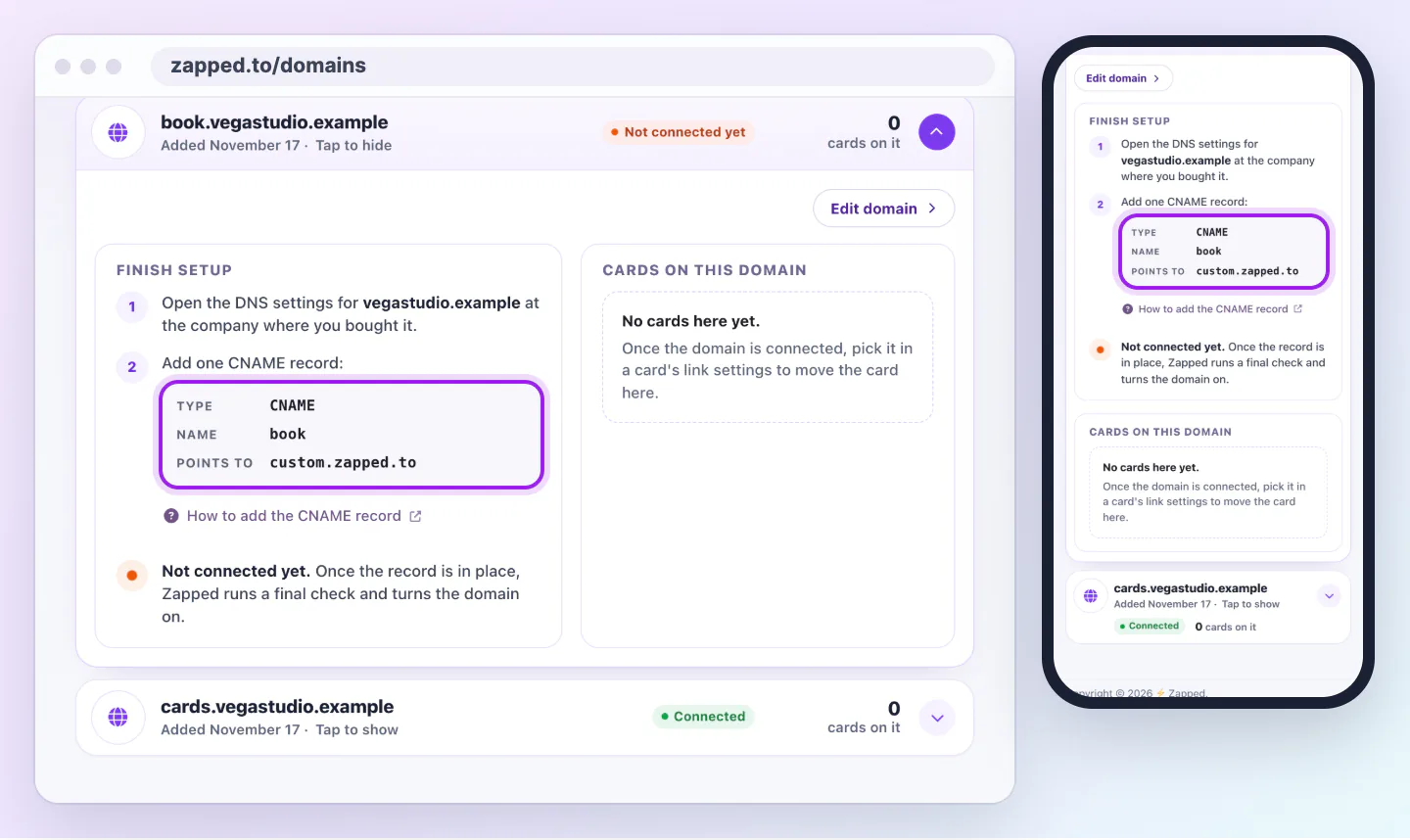
Copy the values from Finish setup rather than from this guide. They are made for your exact domain, and Zapped always shows the current target.
DNS records live with whichever company runs your domain's nameservers. If you bought the domain at one company and later moved the nameservers to another, such as Cloudflare or your web host, add the record at the second one. A record added anywhere else is ignored.
To check, open your domain in the account where you bought it and look for Nameservers. Names that end in domaincontrol.com belong to GoDaddy, registrar-servers.com to Namecheap, ns.cloudflare.com to Cloudflare, squarespacedns.com or googledomains.com to Squarespace, and spaceship.net to Spaceship. Anything else, such as your web host, is where the record goes.
Every provider asks for the same four things, under slightly different labels. For a domain such as cards.yourbrand.com, the record looks like this:
CNAMEcardscustom.zapped.toDefault or AutomaticIf your provider asks for the full name instead of the short one, enter the whole subdomain, such as cards.yourbrand.com. If it adds your domain to the end automatically and you type the full name, you end up with cards.yourbrand.com.yourbrand.com, which never connects.
Menus at these companies change from time to time. Each card links to the provider's own guide, which always shows their current screens.
Sign in and open your Domain Portfolio. Choose the domain, then open the DNS tab. Choose Add New Record, select CNAME, enter cards in Name and custom.zapped.to in Value, leave TTL at its default and choose Save.
Sign in, open Domain List and choose Manage next to your domain. Open the Advanced DNS tab and choose Add New Record under Host Records. Select CNAME Record, enter cards in Host and custom.zapped.to in Value, then select the green check mark to save. Namecheap adds your domain to the host by itself.
Sign in, choose your domain and open DNS, then Records. Choose Add record, set Type to CNAME, enter cards in Name and custom.zapped.to in Target. Turn Proxy status off so the cloud is grey and reads DNS only, then choose Save. A proxied, orange cloud record can stop the connection from finishing.
Open your Domains dashboard and choose the domain. Open DNS, then DNS Settings, and scroll to Custom Records. Choose Add record, set Type to CNAME, enter cards in Name and custom.zapped.to in Data, then save. You may be asked to confirm your password first.
Sign in and open Advanced DNS for your domain. Under Custom records, choose CNAME from the list, enter cards in Host and custom.zapped.to in Value, then choose Add.
Using a different company? Look for DNS, DNS records, Zone editor or Advanced DNS in your domain settings. The fields are the same four described above.
Zapped checks for your record by itself, so there is nothing to press. Most records are found within an hour, and DNS changes can take up to a day to reach everyone.
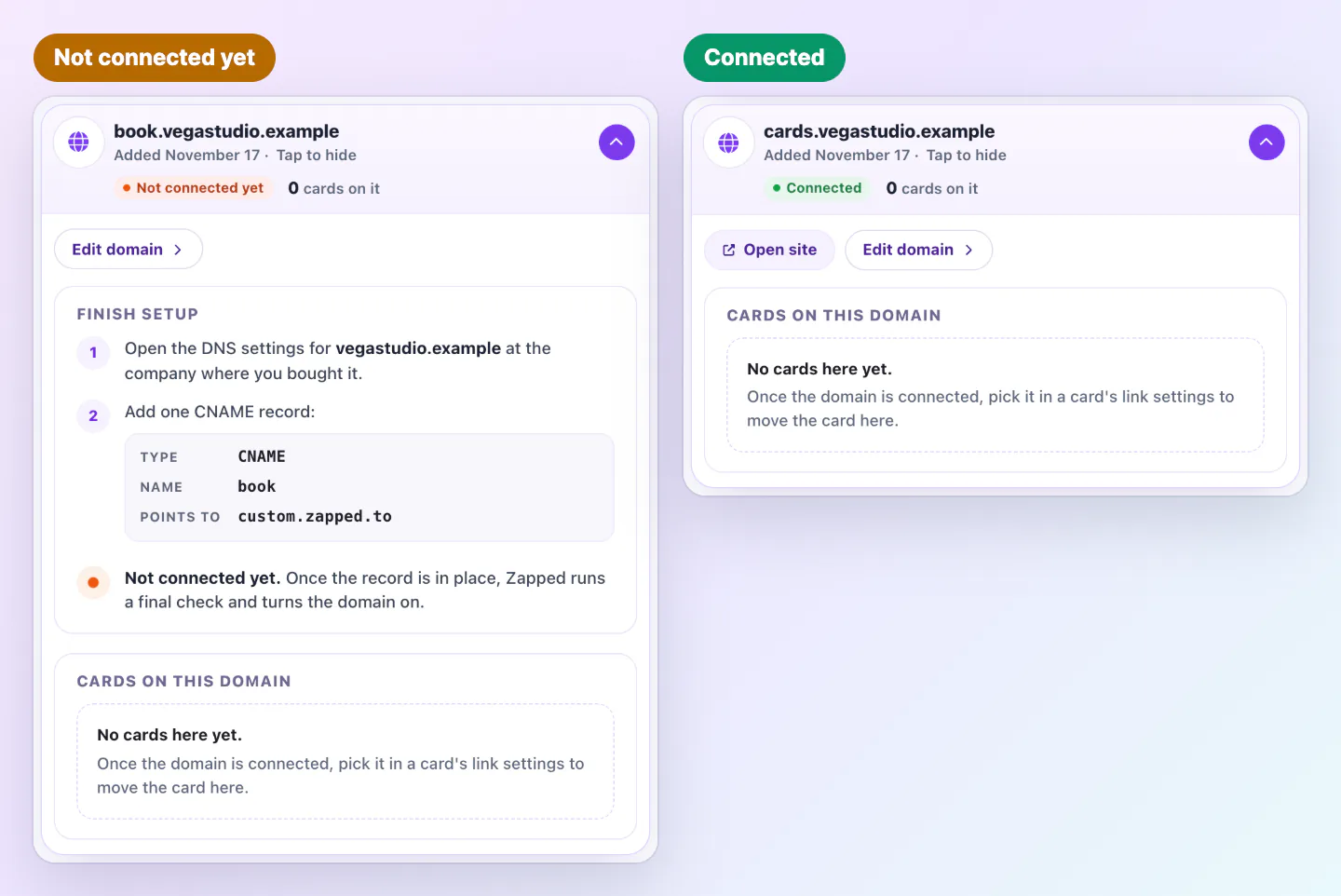
When the record is found, Zapped sets up a secure certificate for your domain and the status reads Final check while we confirm everything works. Then it reads Connected and you can move cards onto the domain from each card's link settings.
No. A CNAME on a subdomain such as cards.yourbrand.com only changes that subdomain. Your main website and email records stay as they are.
Most providers do not allow a CNAME on the root domain, because it would conflict with your website and email records. Use a subdomain, or contact support if you need the root domain.
Usually under an hour, and up to a day while DNS changes spread. The status in Custom domains updates by itself.
Was this guide helpful?