Why does history not show the lead's name?
The history pages keep lead details private by design. Open Inbox to work with the lead itself.
 Help Center
Read delivery history, send test events, replay a retained event and track each request with its operation ID.
The Lead webhooks pages show what was sent, what is waiting and what you asked for, without exposing lead details or secrets. Every test or replay request you make has an operation ID you can check later.
A delivery failed, you want to confirm a test or replay request, or you need to explain what happened to a lead delivery.
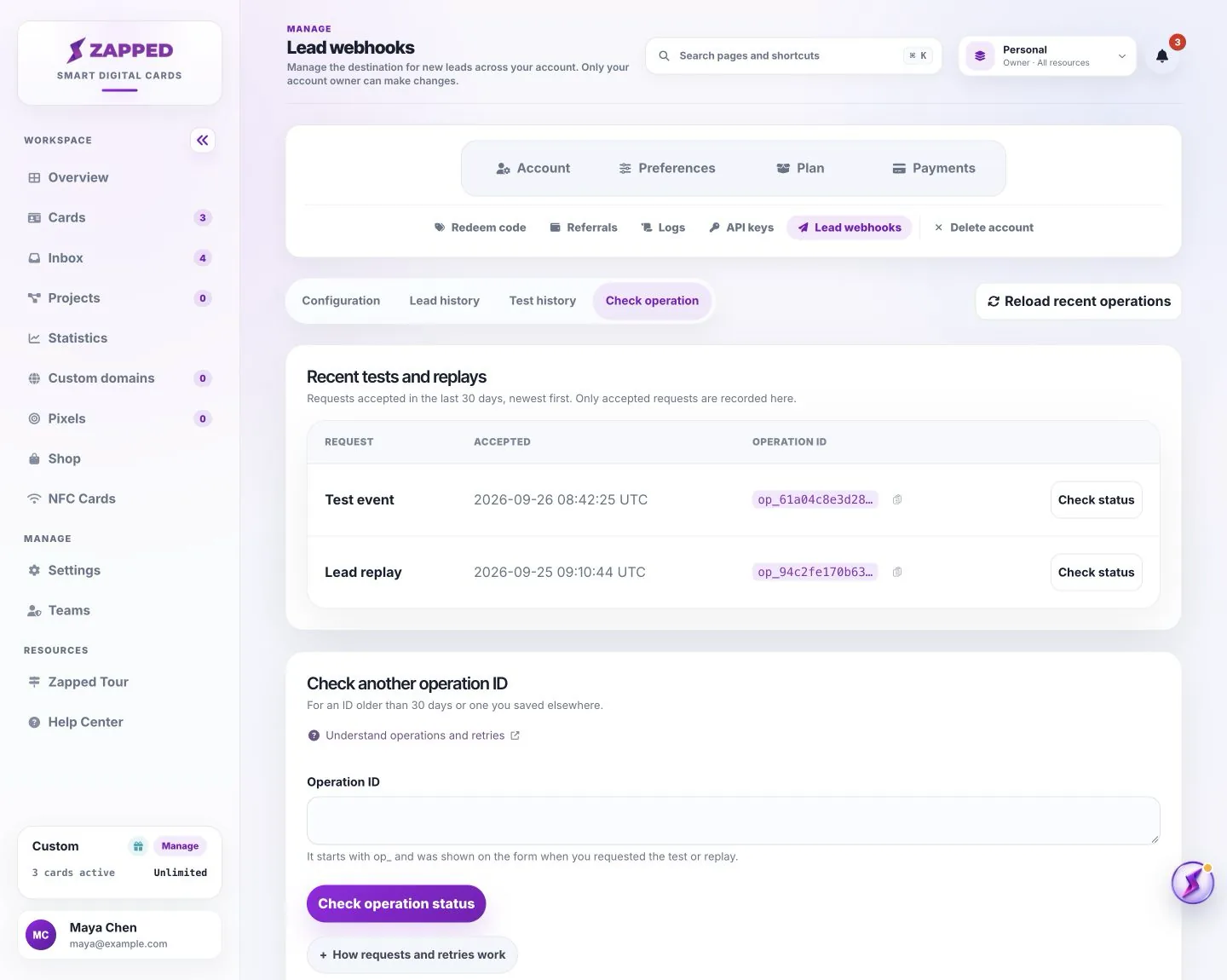
History never shows lead details, saved URLs, signing secrets or receiver responses. It shows delivery states, attempts and outcomes.
Tests let you check a receiver without a real lead. The limits are one unfinished test, one test per destination every five minutes and five tests per account in 24 hours. A test expires after 15 minutes.
When a request is accepted, the page says so and points you to the matching history page for the delivery outcome.
When the original request target was deleted, such as the destination or the retained delivery, the page says the request cannot schedule more work.
When delivery is paused, the page says so and you can check the operation again later to reconcile any earlier acceptance.
On a conflict, the page says the operation ID belongs to a different submission. Do not reuse it for changed inputs.
A declined test was not scheduled, and the page shows the reason, such as a test limit being reached.
When the page reports the outcome as unknown, this does not confirm that nothing was scheduled. Check the same operation ID again.
An accepted request records scheduling, not delivery. If a response is lost, check the original operation ID before doing anything else. Any explicit retry must reuse the same operation ID, so the same work is never scheduled twice. Opening a fresh history page creates new request IDs and does not reconcile an earlier request.
Lead webhooks are included with Professional. Open Account, then Lead webhooks, and save your HTTPS destination to get started. Delivery begins only after you configure a destination and the service is available. Custom-plan access follows your agreement.
The history pages keep lead details private by design. Open Inbox to work with the lead itself.
It means Zapped recorded the scheduling. The matching history page shows whether the delivery itself succeeded.
Was this guide helpful?