Can I connect a domain I do not own?
No. You need access to the DNS settings for the domain or subdomain you want to connect.
 Help Center
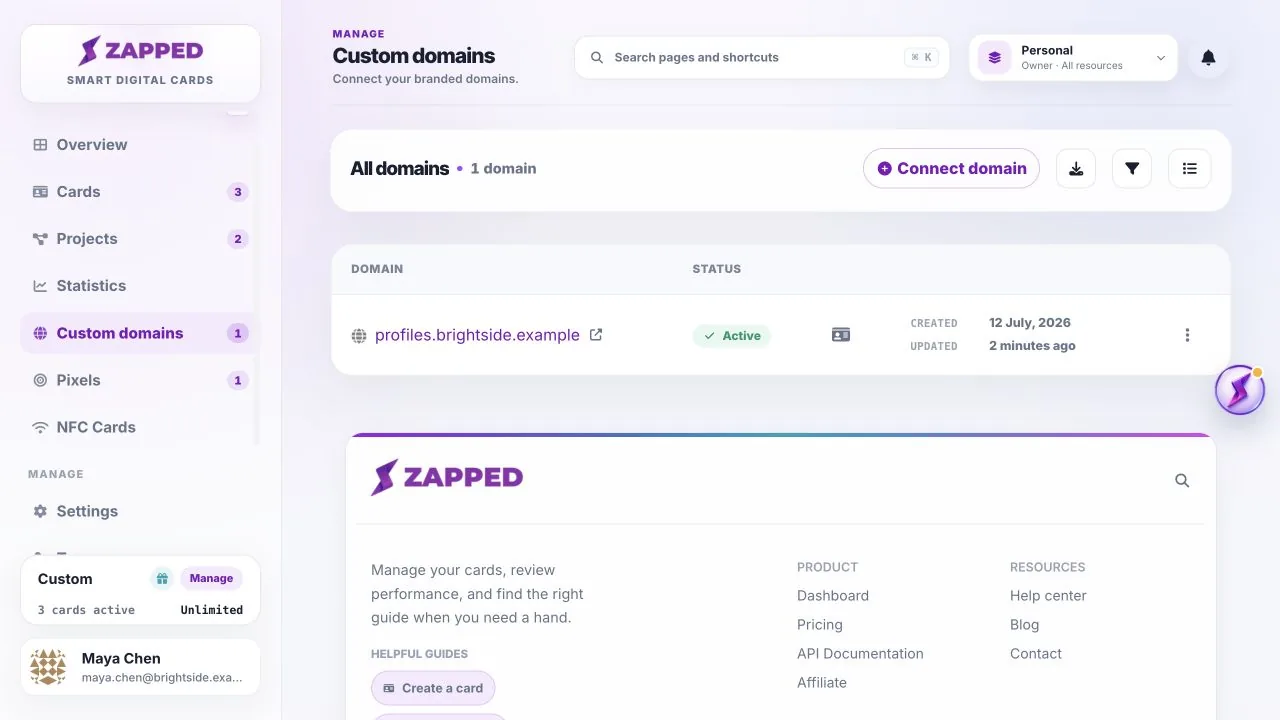
Open Custom domains to review and manage branded domains connected to Zapped.
Custom domains lets you manage branded URLs for cards and supported Zapped pages.
No. You need access to the DNS settings for the domain or subdomain you want to connect.
Yes. The domain list reflects the active workspace shown at the top of the app.
Was this guide helpful?