Are draft saves private?
Yes. Publish is the action that updates the public card.
 Help Center
Update your profile and card settings without changing the live card until you publish.
Settings contains your profile and visual options. Blocks controls the actions and content visitors can use on the card.
You want to update your profile and card settings without changing the live card until you publish.
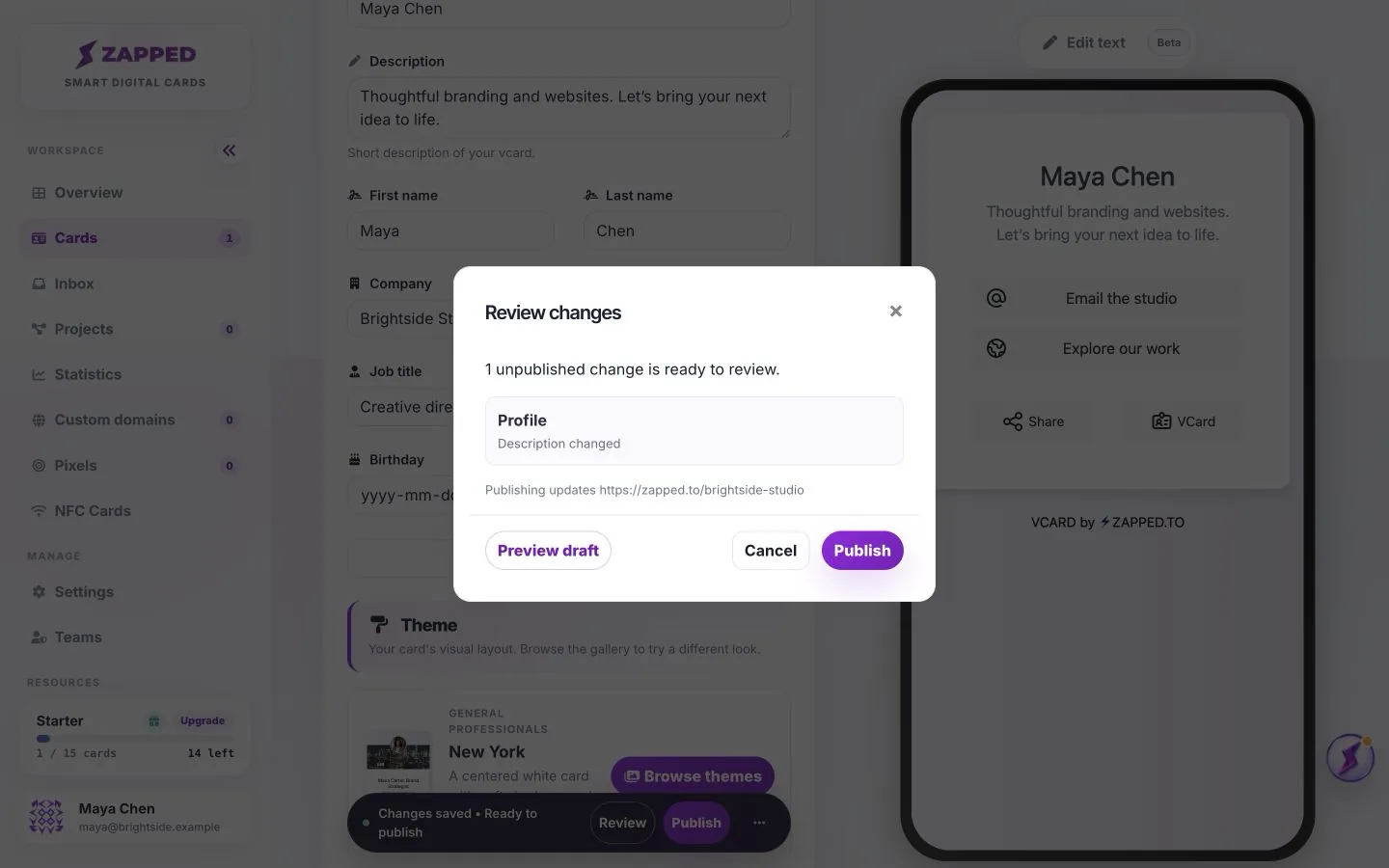
An editor preview can contain unpublished changes. Check the public URL separately when verifying what visitors see.
Settings contains profile information, theme and customizations. Blocks contains the actions and content visitors use, including Lead Forms. Edit text lets you select supported wording directly in the card preview.
Saving a draft lets you continue later without updating the public version. Check Review and Preview draft before publishing, especially after changing layout or enabling a form.
Yes. Publish is the action that updates the public card.
Only when their role and card access allow it.
Was this guide helpful?