Are projects the same as workspaces?
No. A workspace is the overall account context. Projects are groups inside that workspace.
 Help Center
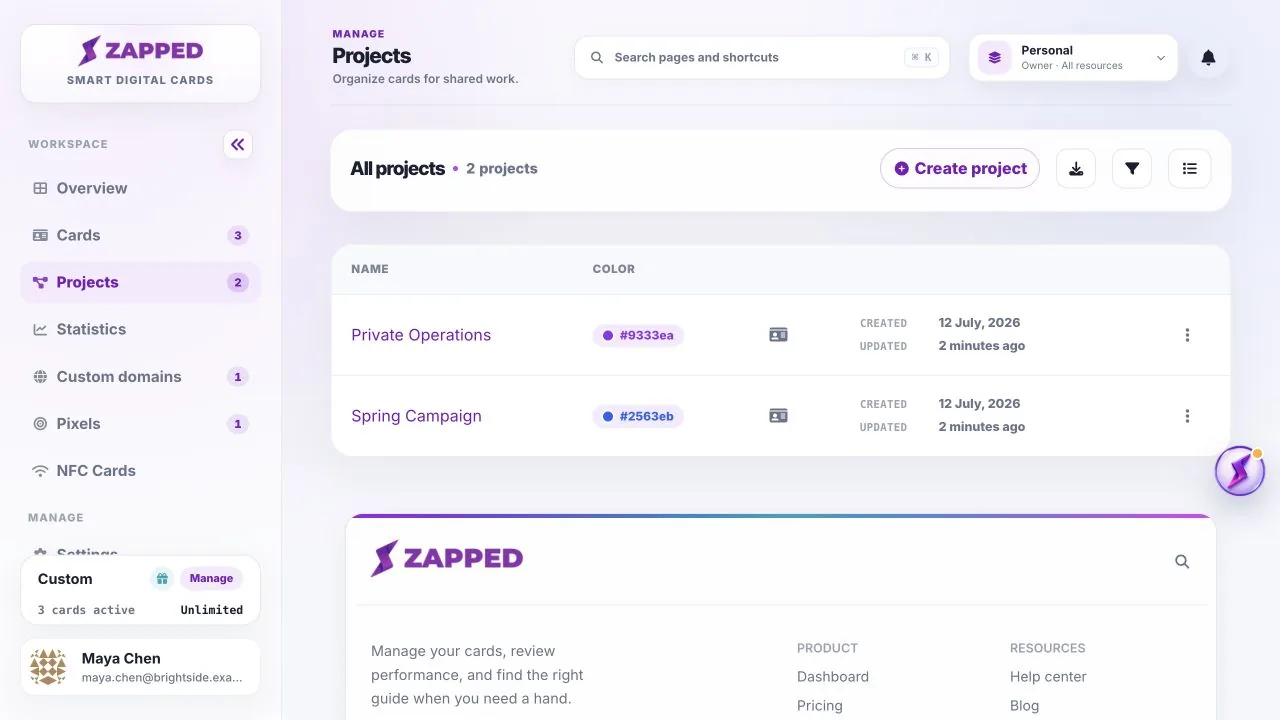
Open Projects to organize related cards and review the project groups in the active workspace.
Projects are organizational groups inside the workspace you are currently viewing.
No. A workspace is the overall account context. Projects are groups inside that workspace.
Yes. Selected-project access can limit a teammate to only the projects assigned to their membership.
Was this guide helpful?