Who can approve a review?
Only the account owner in the Personal workspace. Team members cannot approve reviews for integration drafts.
 Help Center
Understand the review first workflow that keeps integration changes private until you approve them.
Managed-profile integrations prepare private drafts, ask you to review, and can publish only the exact version you approved. Account API permissions for other resources, such as projects or teams, can make changes directly and are separate from this workflow.
You are deciding whether to connect a tool, or you want to understand what an integration changed on your cards.
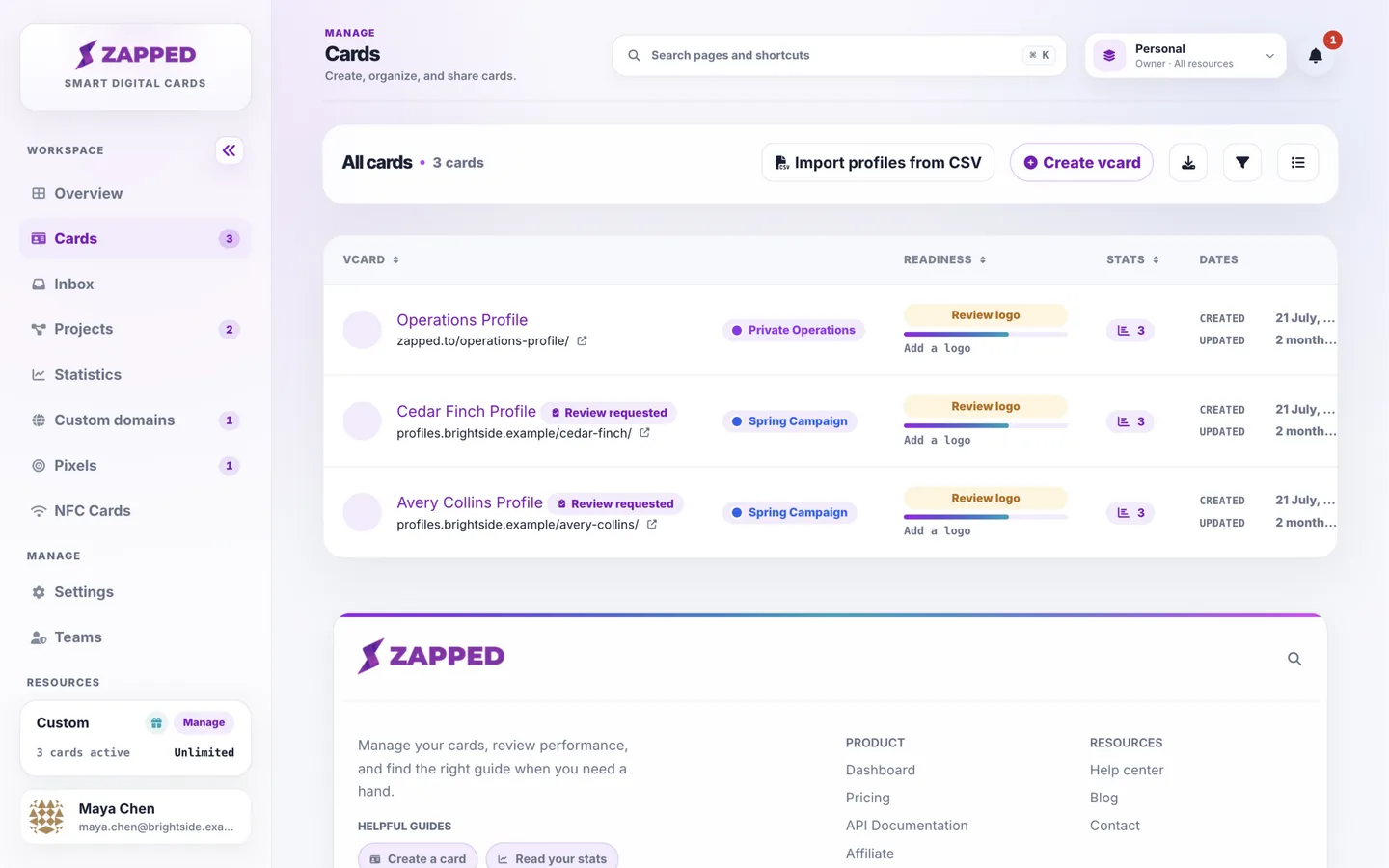
Drafts are not public. The owner and authorized tools can access them; visitors see only the published version.
An approval applies to one exact version of one profile. If the draft changes after you approve, that approval can no longer be used and the profile needs a new review. This is why a tool can never publish something you have not seen.
The notification bell shows when profiles are waiting for your review. The Cards list shows a Review requested badge on each card that has a waiting review. The review link from the tool opens the same page.
The public developer guide at /api-documentation/managed-profiles documents REST operations and the narrower MCP tool set. It is available while machine access is enabled on the site, without a plan or login requirement for reading. Using the operations still requires the relevant plan features and key permissions.
Manage all customer API keys at /account-api. Its AI assistants tab shows the MCP setup and its Developer API tab shows the REST addresses. The account API uses /api, the managed-profile REST API uses /api/managed-profiles, and MCP uses /mcp. One key may carry permissions for more than one surface, but their operations and availability controls remain distinct.
Professional includes the developer API, managed-profile API and MCP connections for AI assistants. Starter includes CSV profile import in the dashboard, but not API or MCP access. Custom plans keep their agreed permissions. If access is temporarily paused, the API keys page shows a pause notice; upgrading does not remove a site-wide pause.
Only the account owner in the Personal workspace. Team members cannot approve reviews for integration drafts.
The review stays open for 7 days and then expires. The tool can request a new review at any time.
Was this guide helpful?