Does cancelling my plan cancel my setup order?
No. Your setup order carries on. It has its own refund rule.
 Help Center
Stop billing for a while or for good, what you keep until the period ends, and how to change your mind.
You can cancel from the Plan page at any time, and on monthly plans you can pause billing instead. Your cards and content stay saved either way.
You want to stop paying, take a break, or come back after cancelling.
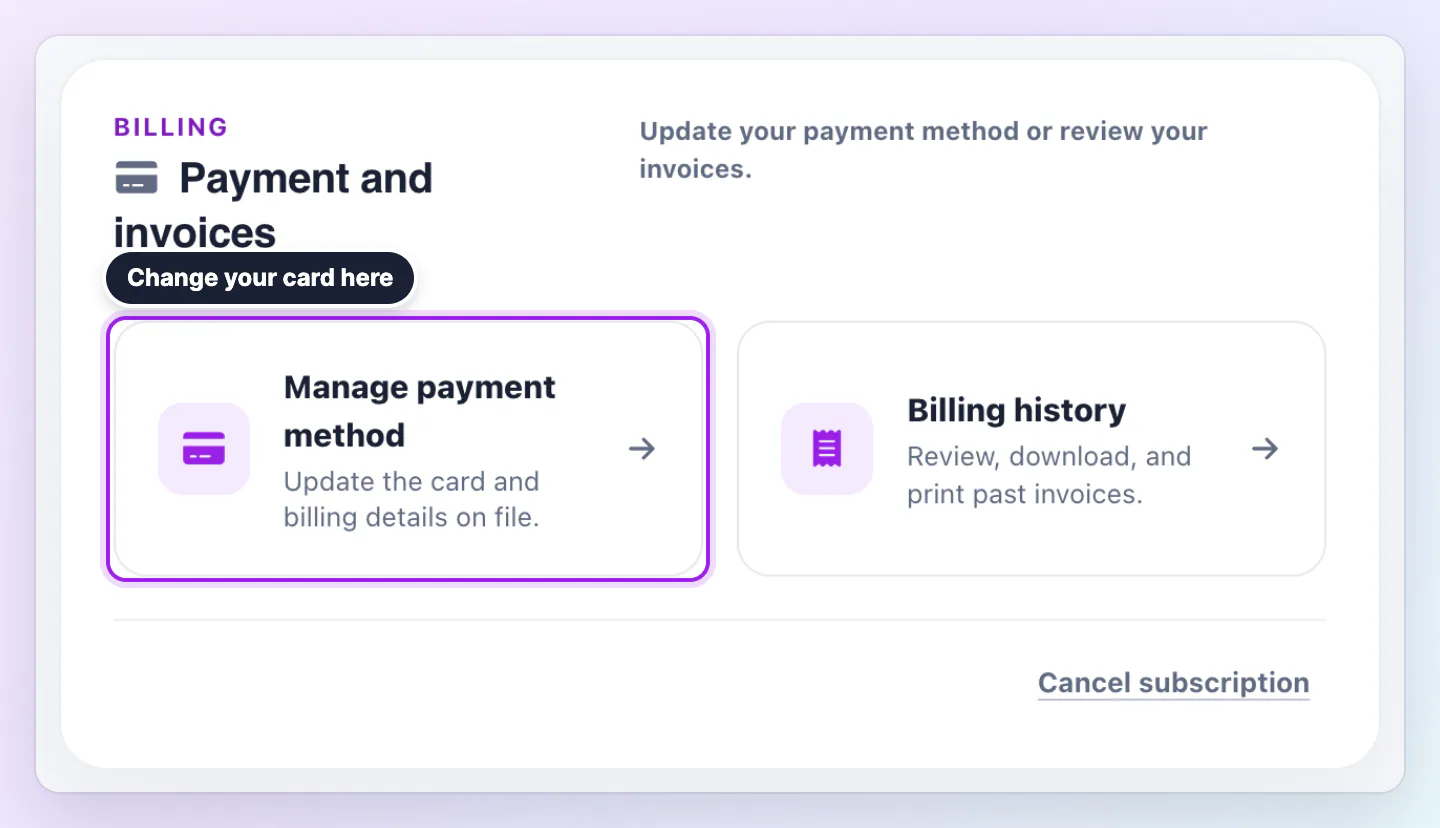
Cancelling keeps your paid features until the end of the period you already paid for, with no grace hours after that. Then your account moves to Free, or back to the plan page if you must choose a plan.
Pause is for paid monthly plans, including earlier monthly plans. It is not offered on yearly plans, during a free trial or on a plan that is already ending. A yearly plan can cancel and keep its features until the paid year ends.
Your paid features continue until the end of the current billing period. After that, during the pause, paid features stop and your cards and content stay saved. New accounts stay on Plan and billing, where you can resume or cancel, and accounts that are eligible for Free use Free. Billing is scheduled to resume on the date the review page shows. Paid features return after that payment is confirmed.
After you confirm, the Plan page shows the date your paid features end, and we email you Your Zapped plan ends on that date. Until then you can choose Keep my subscription, and the scheduled cancellation is removed.
After the end date your previous plan cannot be restarted. You choose one of the plans on offer at its current price. If you are on an earlier plan that is no longer offered, the cancel box warns you before you confirm that you cannot restart it at your old price later.
Cancelling during a free trial costs nothing. You keep your plan until the trial ends and you are not charged.
Your cards and content stay saved. If you use a custom domain, we email you the date it stops serving your card. After that date the card stays available on its regular Zapped address.
Cancelling stops future charges. Asking for money back is a separate request. If you are inside your 30 day window, the Before you go box shows the date and a link to ask. The guide on money back explains the rules.
No. Your setup order carries on. It has its own refund rule.
No. Pause is only for monthly plans. A yearly plan can cancel and keep its features until the year you paid for ends.
No. Cards and content stay saved. Only your paid features end.
Was this guide helpful?