Why do I see fewer cards than someone else?
Your visible cards depend on the active workspace plus your team role and access scope.
 Help Center
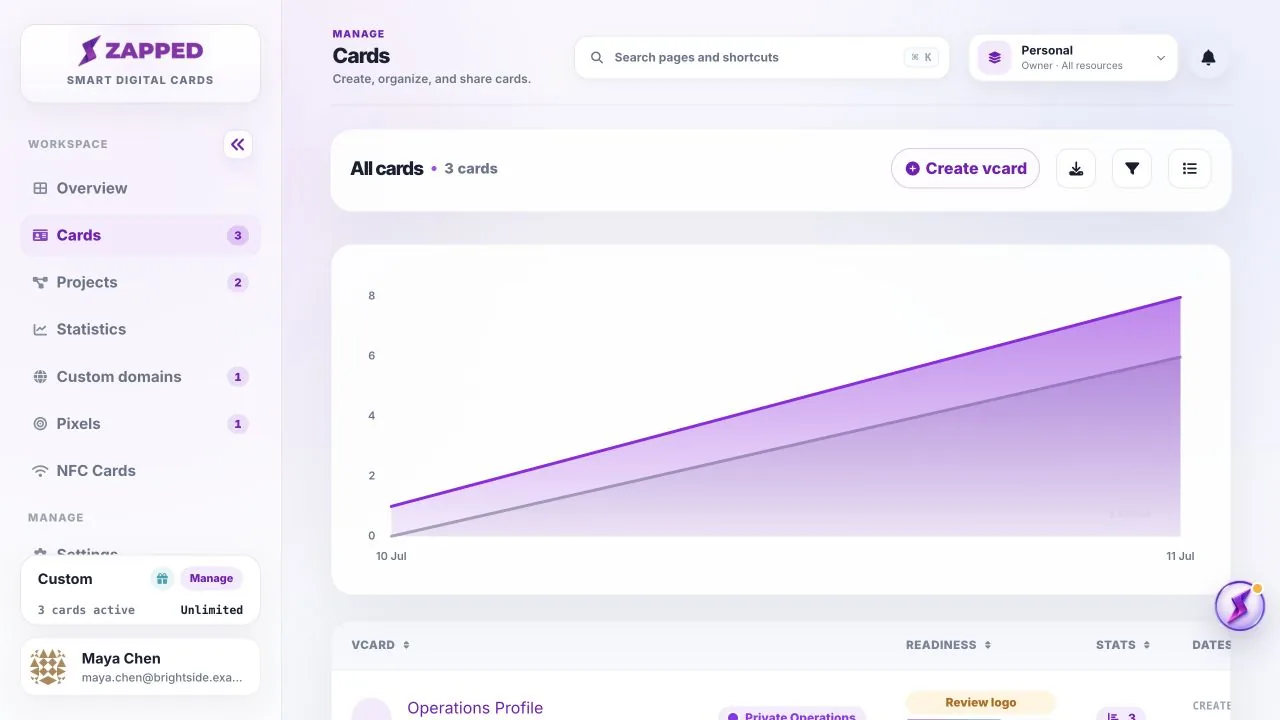
Open Cards to create, edit, filter, export, and manage your digital cards.
Cards is the main list for every digital business card in the active workspace.
Your visible cards depend on the active workspace plus your team role and access scope.
Yes, when you are inside the shared workspace and your membership allows card access.
Was this guide helpful?