Who can see payment records?
Payment records are owner-level account information and are not shared through normal team workspace access.
 Help Center
Open Payments to review account payment history and billing records.
Payments contains billing records associated with the account owner.
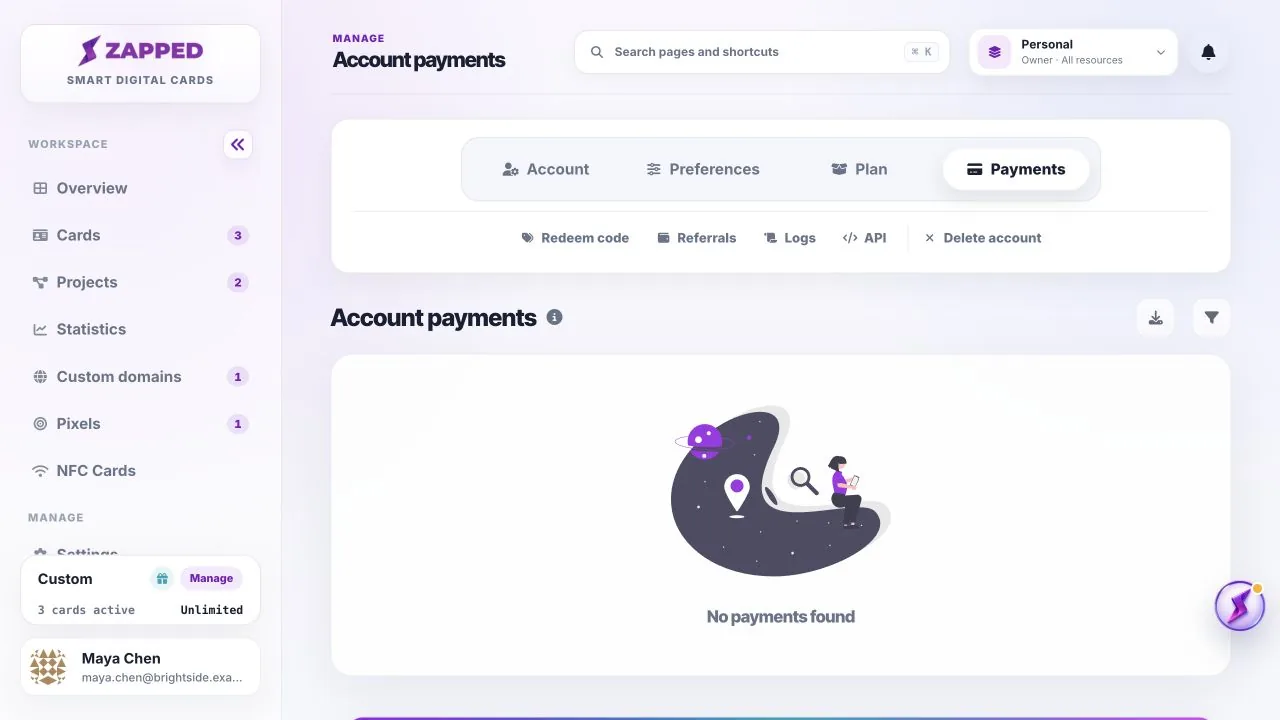
Payment records are owner-level account information and are not shared through normal team workspace access.
Check the selected account and payment date first, then contact support with the relevant account email and approximate billing date.
Was this guide helpful?