Why does the CSV have more rows than the page?
It contains all leads matching the active filters, including other pages.
 Help Center
Download a CSV of the leads you can access, including form answers and follow-up details.
You want to download a CSV of the leads you can access, including form answers and follow-up details.
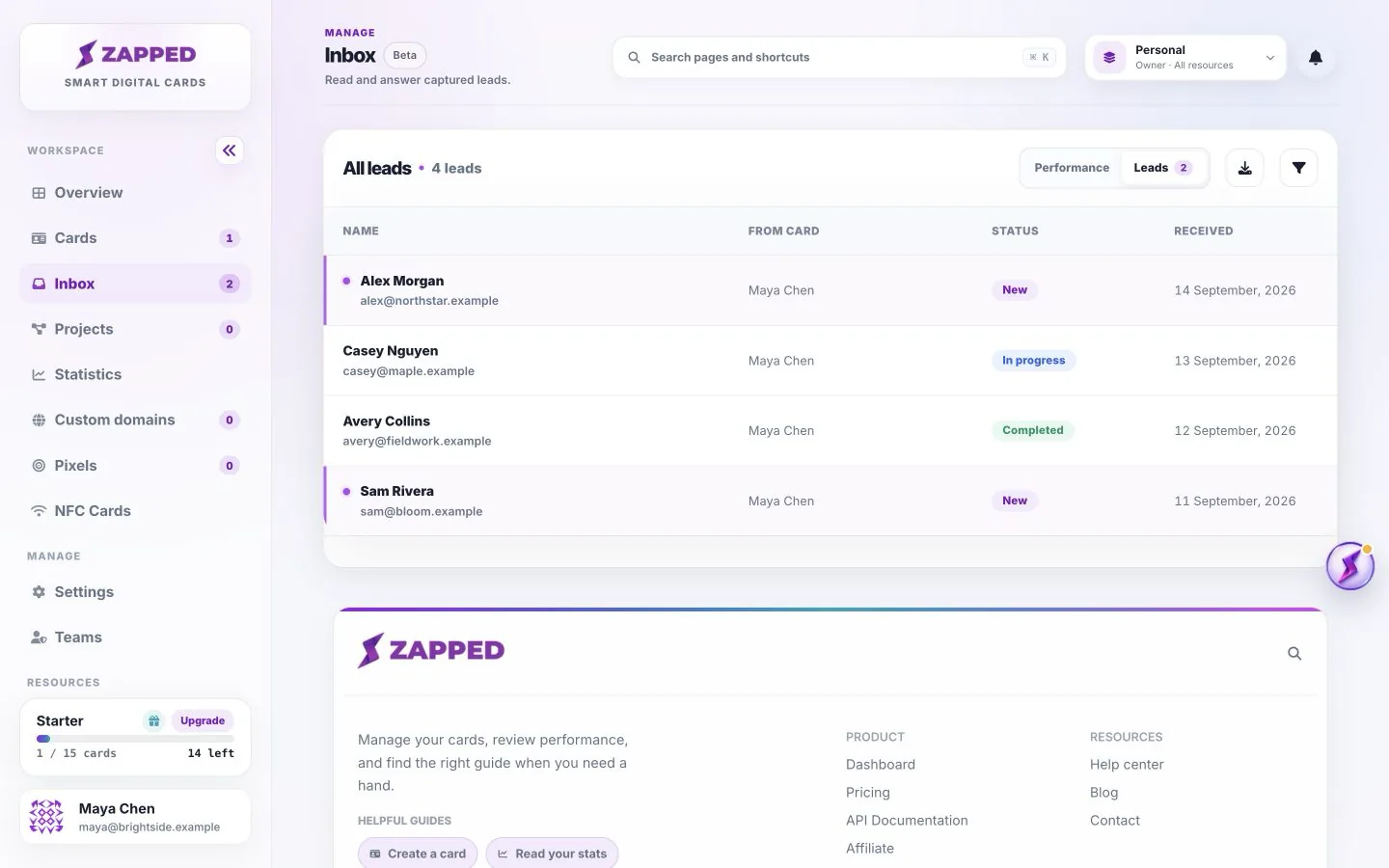
Export before records expire. A downloaded file is separate from the Inbox and does not stop automatic retention.
The CSV includes received time, name, email, phone, company, message, status, capture preset, purpose, card name, available campaign and referrer details, and private notes. It also includes the form name, qualification answers and marketing consent.
Qualification answers share a column with their question labels. A blank contact or answer field usually means it was not collected or was optional. Export reflects the current filters and sorting.
Lead CSV export is available across plans independently of general export options elsewhere in Zapped. In shared workspaces, the member must still have permission and access to the relevant cards.
Check the marketing consent column before moving contacts into a marketing workflow. An enquiry and a marketing opt-in are separate choices. Export does not send mail, update statuses or remove leads.
Export before the lead’s retention window ends. Changing plans does not restore already expired records or extend the retention assigned to existing leads.
Spreadsheet apps may interpret phone numbers as numbers. Import the CSV using text columns when you need to preserve leading zeros or a plus sign. Keep the original file if you need to import it again.
It contains all leads matching the active filters, including other pages.
No. Export downloads the matching records; opening a lead in Inbox is a separate action.
Was this guide helpful?