Why can I not create another card?
Check the card limit on your account plan and the active workspace.
 Help Center
Create a card, check its content and publish it for sharing.
Start with your name and the details a new contact needs most. You can refine the design and add more actions after creating the card.
You want to create a card, check its content and publish it for sharing.
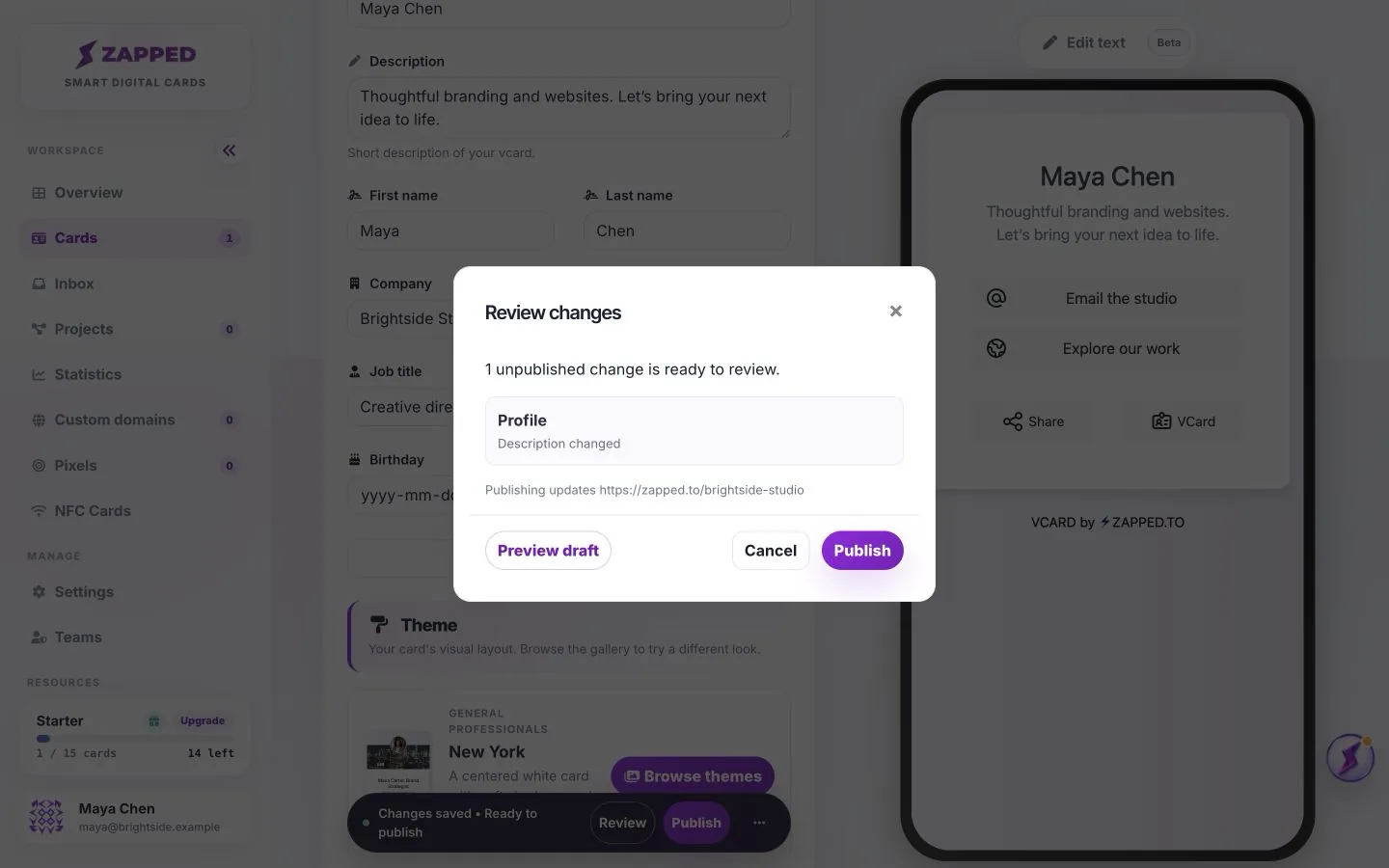
Saving edits creates a private draft. Use Publish to make those edits visible to visitors.
Start with your name, role and a short explanation of how you help. Add a contact or portfolio block, then decide whether visitors should save your details or submit their own. A Lead Form collects their details; Save contact shares yours.
Choose a theme with Your card preview and inspect the phone layout. Publish when ready, then open the public link to confirm that the intended content is visible.
Check the card limit on your account plan and the active workspace.
Yes. Edit the draft, preview your changes and Publish again.
Was this guide helpful?