Do Account settings change team resources?
No. Account settings apply to your signed-in account. Shared workspace resources are managed from their own product pages.
 Help Center
Open your account settings to review your profile, preferences, and account details.
Account settings belongs to your signed-in account, not to a shared workspace.
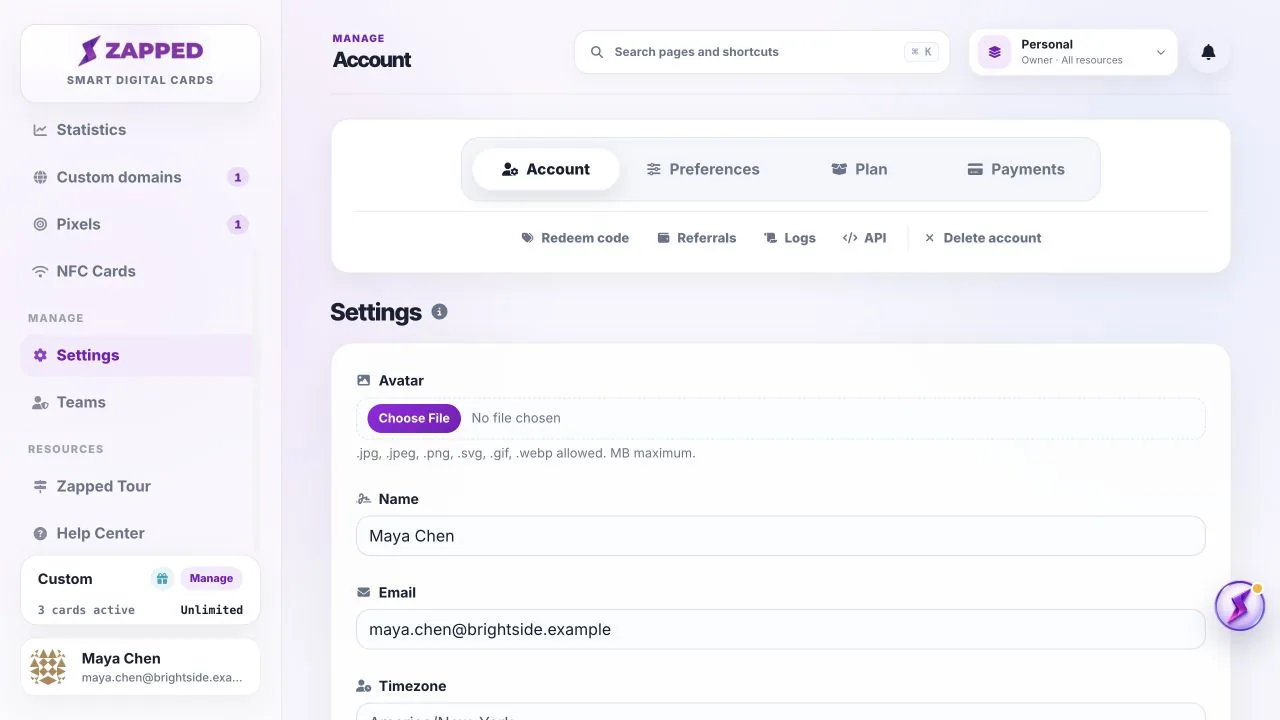
No. Account settings apply to your signed-in account. Shared workspace resources are managed from their own product pages.
Billing and plan details are owner-level areas. Use Plan to manage the payment method, and use Payments for billing history.
Was this guide helpful?