What if I was invited to a team?
Sign up with the exact email address used in the invitation. Team membership is matched to that address.
 Help Center
Create a Zapped account and finish the steps needed to begin building cards.
Creating an account gives you a Personal workspace for your own cards, projects, and account settings.
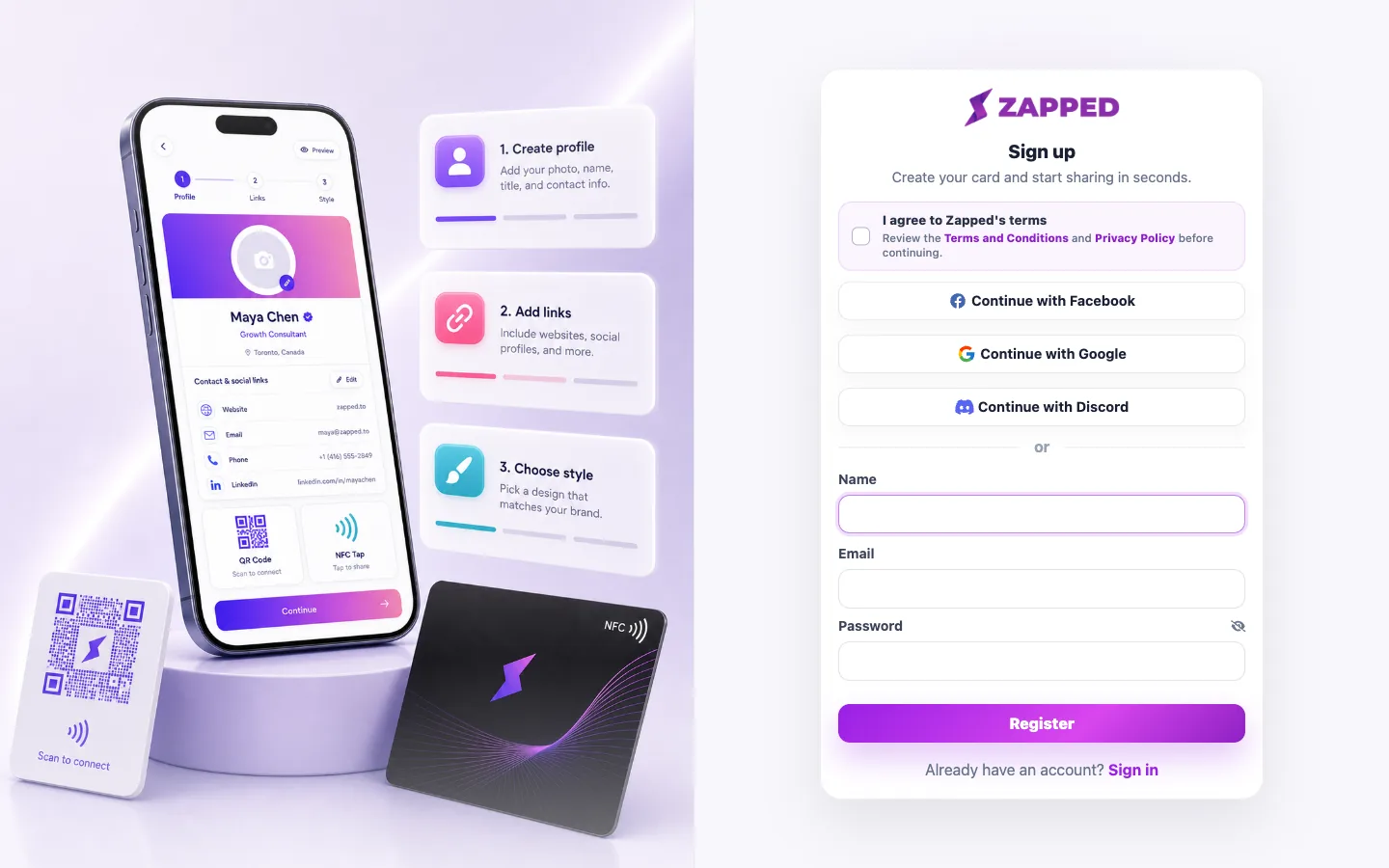
Sign up with the exact email address used in the invitation. Team membership is matched to that address.
Yes. Those cards belong to your Personal workspace unless you switch into an accepted shared workspace before creating them.
Was this guide helpful?