Why can I not create another card?
Check the card limit on your account plan and the active workspace.
 Help Center
Create a card, check its content and publish it for sharing.
Check your active workspace before creating a card. Its owner account determines the available card and block allowances.
You want to create a card, check its content and publish it for sharing.
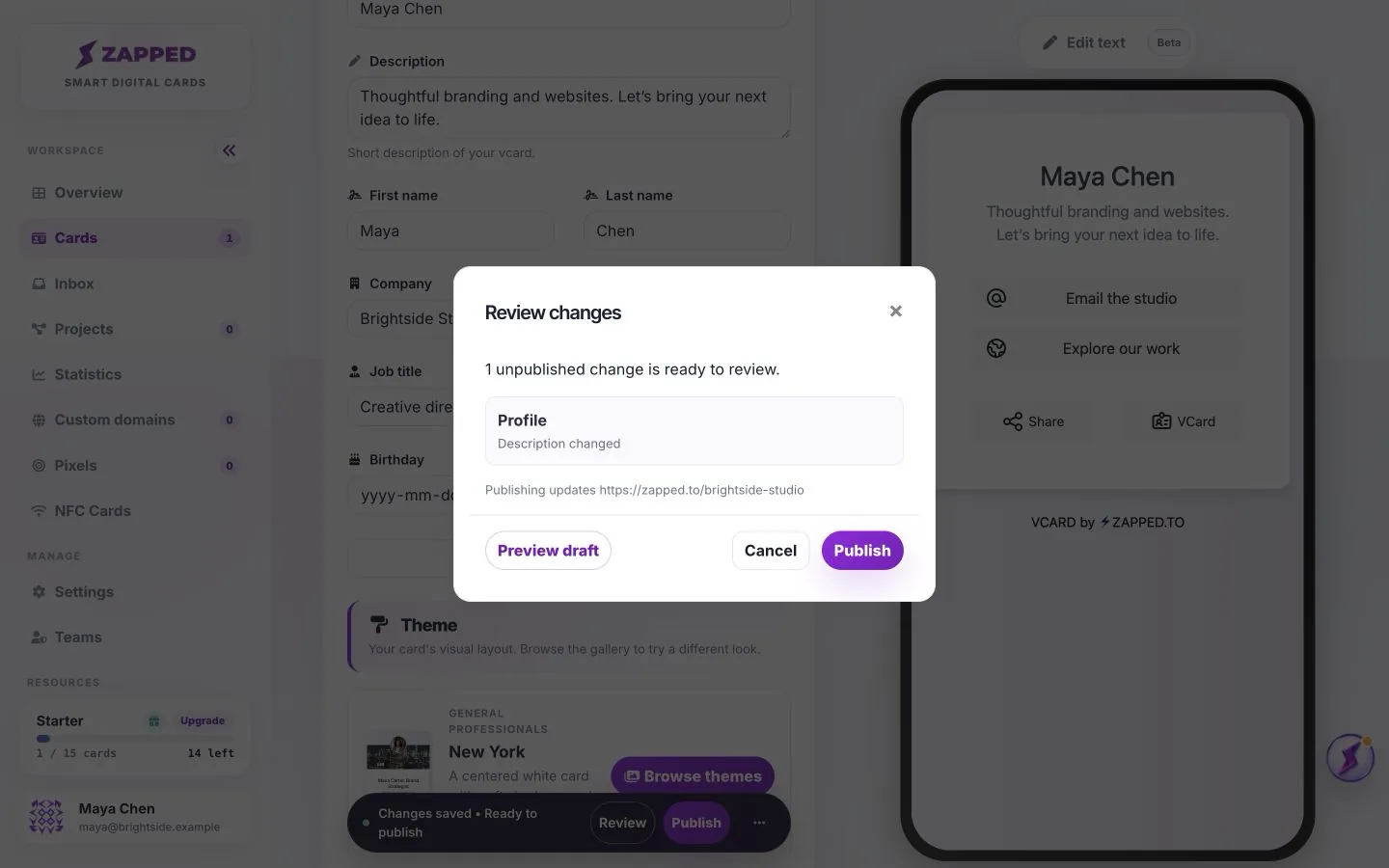
Saving edits creates a private draft. Use Publish to make those edits visible to visitors.
The editor is where you refine the profile, theme and blocks. Creating a draft is not the same as publishing it. Keep the first version focused, review it on a phone-sized preview and publish when it is ready to share.
A QR code or NFC link should point to the public card URL. Keep that URL stable if it is already printed or written to a tag.
Check the card limit on your account plan and the active workspace.
Yes. Edit the draft, preview your changes and Publish again.
Was this guide helpful?