Can a team member change the owner plan?
No. Plan and billing management belong to the account owner.
 Help Center
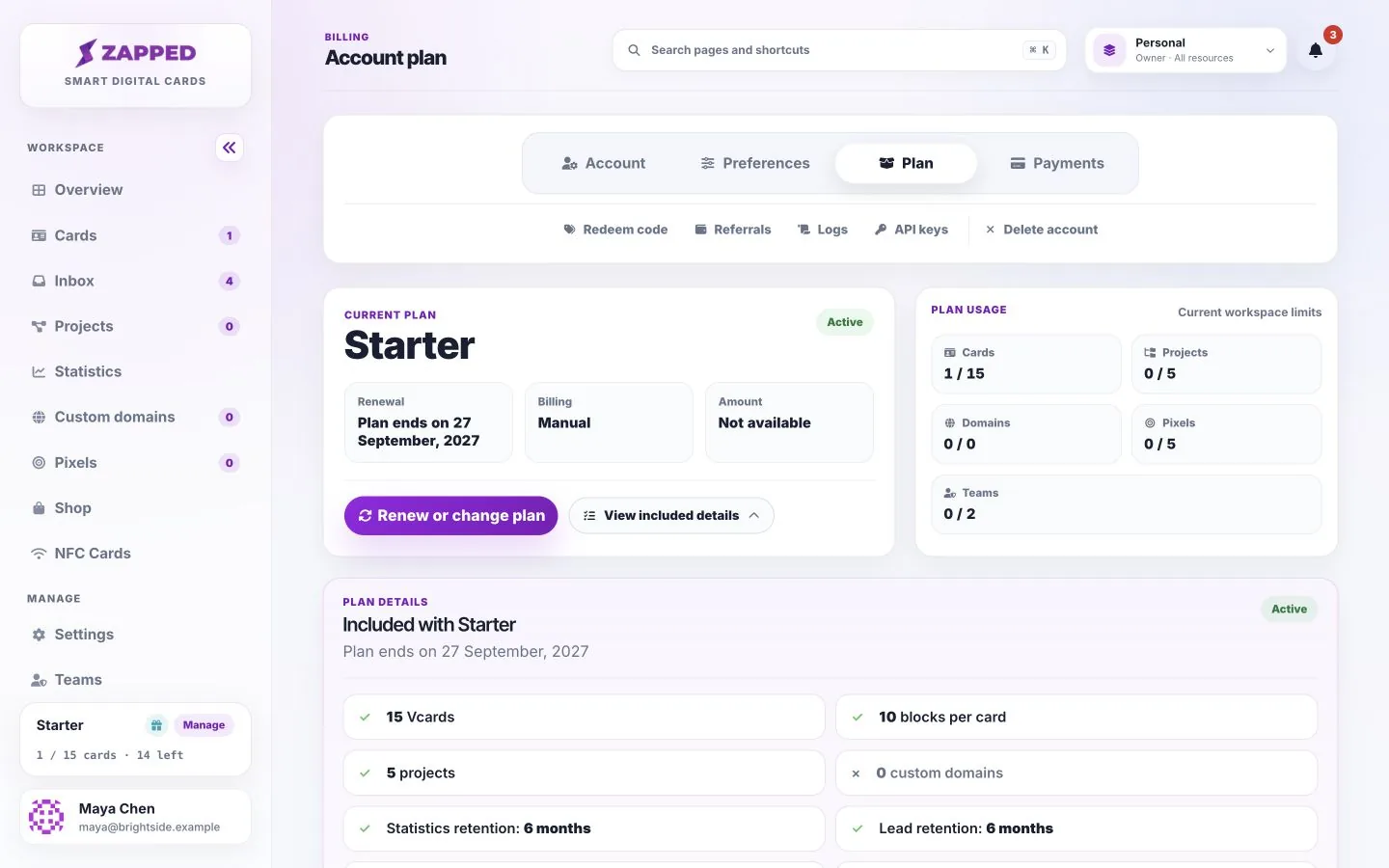
Check your current plan, usage limits and lead retention before changing your subscription.
Your plan combines editing tools with account allowances. Billing and plan management remain available to the account owner in Personal workspace.
You want to check your current plan, usage limits and lead retention before changing your subscription.
Themes, private drafts, publishing, text editing, image framing, lead forms, Inbox and lead CSV export are available across plans, within current limits and permissions.
Plan usage shows how much of each allowance the active workspace has used. In a team workspace, limits belong to its owner. Return to Personal for your own billing and plan management.
Theme selection, text editing, draft publishing and Inbox lead CSV export are shared capabilities. Card counts, block counts, team allowances and retention still vary by plan. Lead CSV export is separate from general export controls in other areas of the app.
Statistics retention and lead retention describe different records. A lead may remain after its associated view data expires. Check the displayed allowance rather than assuming all records are kept for the same period.
Starter and Professional include CSV profile import. Professional also includes developer API access and MCP connections for AI assistants. Professional also includes lead webhooks, which you can configure from your Personal workspace. Custom plans keep their agreed features.
Private drafts, preview and publishing, inline text editing, image framing, lead forms, Inbox, lead CSV export and help remain available across plans within their existing limits. Profile CSV import and Inbox CSV export are different features.
Your plan includes the listed capabilities, and you can create keys for them from API keys. External tools and AI assistants may require their own subscriptions.
No. Plan and billing management belong to the account owner.
No. Keep your own secure export for records you need. Deleted leads are not protected by unlimited retention.
Was this guide helpful?