Why do I not see a referral program?
Referral availability can depend on account settings, plan, or program status.
 Help Center
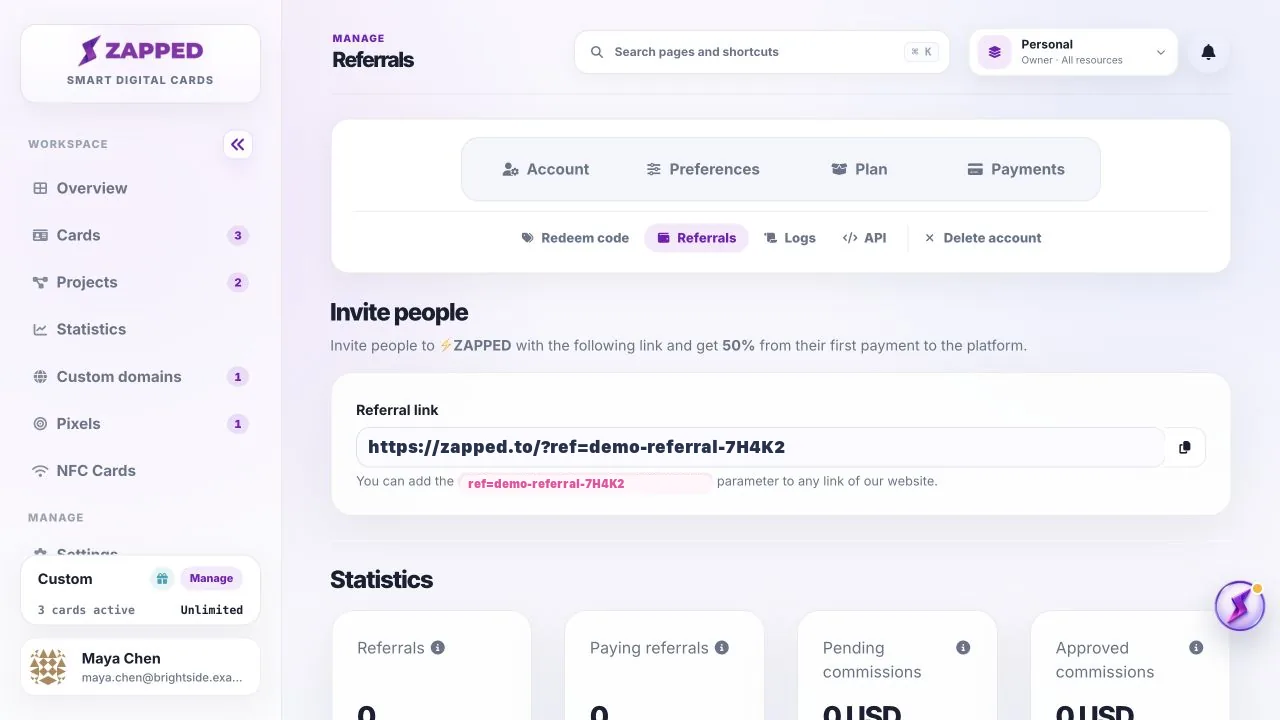
Open Referrals to find your sharing link and review available referral activity.
Referrals is an account-level page for programs that are enabled for your account.
Referral availability can depend on account settings, plan, or program status.
Referral links are account-level. Use the link from the account that should receive referral credit.
Was this guide helpful?