Why do I see different cards after signing in?
You may be viewing a different workspace. Use the workspace switcher to move between Personal and accepted shared workspaces.
 Help Center
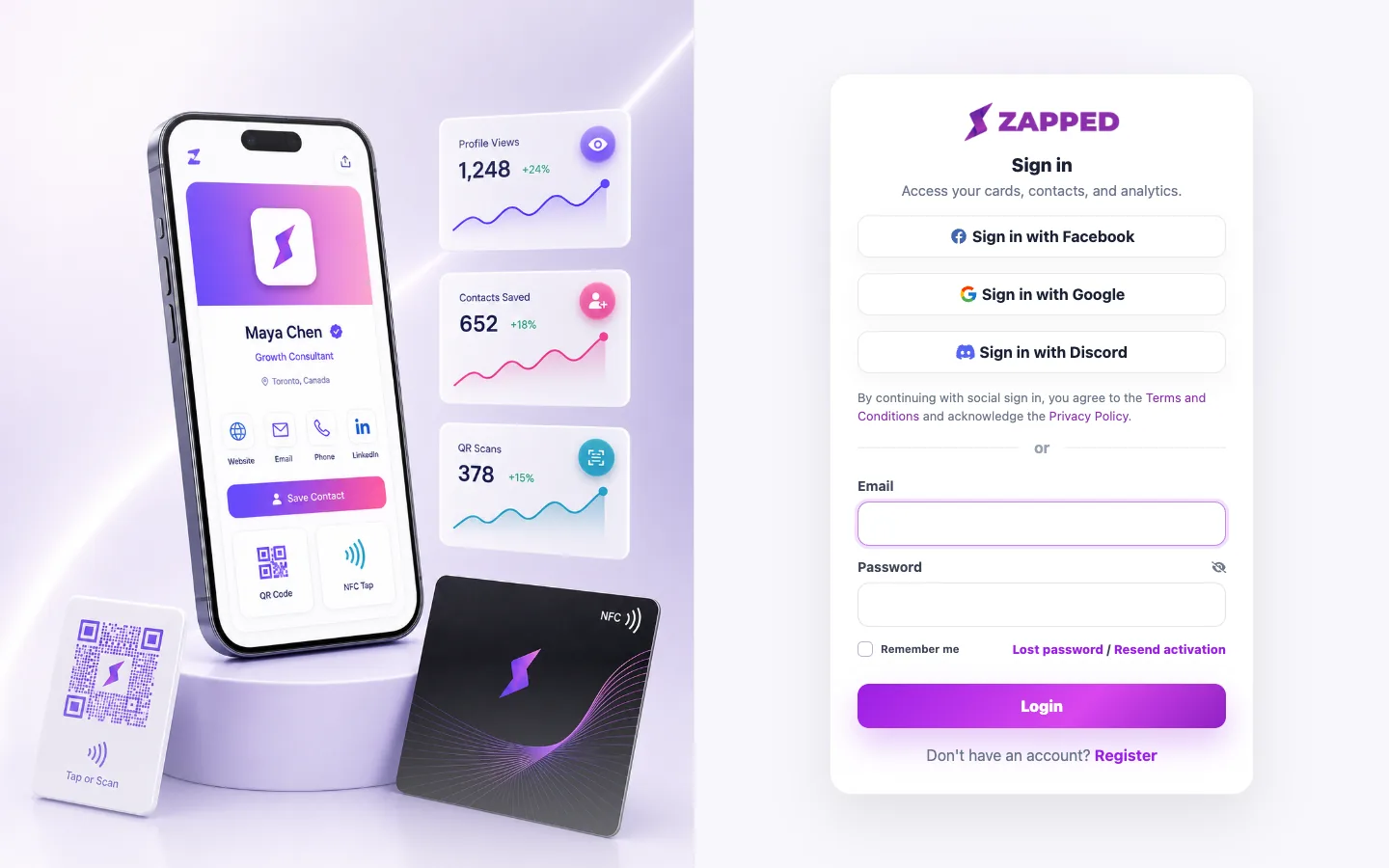
Sign in securely and continue to your Personal or shared workspace.
Signing in opens the workspace connected to your Zapped account.
You may be viewing a different workspace. Use the workspace switcher to move between Personal and accepted shared workspaces.
The invitation may be tied to another email address or alias. Sign in with the exact invited address.
Was this guide helpful?