Help Center

How to recover your Zapped account

Request a password reset link when you cannot sign in to your account.

Password recovery sends a reset link to the email address connected to your Zapped account.

Use this guide when you forgot your password or cannot access the dashboard with your saved credentials.

Before you start

Have access to the inbox for the email address on the account.

Reset your password

  1. Open the Zapped sign-in page.
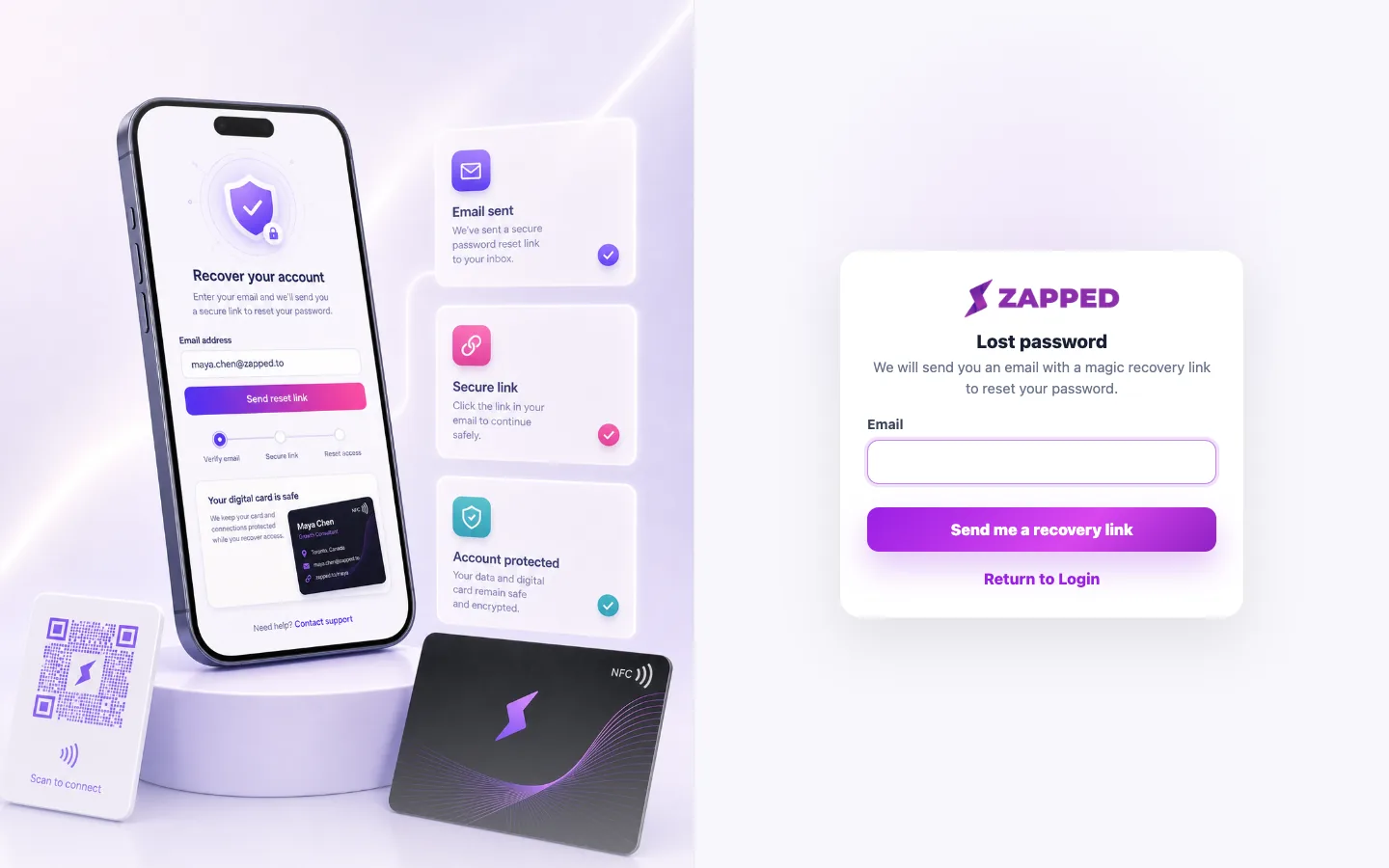
  2. Choose Lost Password.
How to Recover your Account on Zapped?
  1. Enter the email address for your account.
  2. Complete the CAPTCHA if it appears.
  3. Submit the form and open the reset link from your email.
How to Recover your Account on Zapped?
  1. Create a new password, then sign in again.

Recovery tips

  • Check spam or promotions folders if the reset email does not appear.
  • Use the newest reset email if you requested more than one link.
  • Contact support if you no longer have access to the account email.

Was this guide helpful?

Still have questions? Contact support and we'll help you out.