Does adding a pixel here track every card automatically?
Not always. A pixel record stores the tracking ID. Attach or enable it where Zapped offers pixel tracking for the resource.
 Help Center
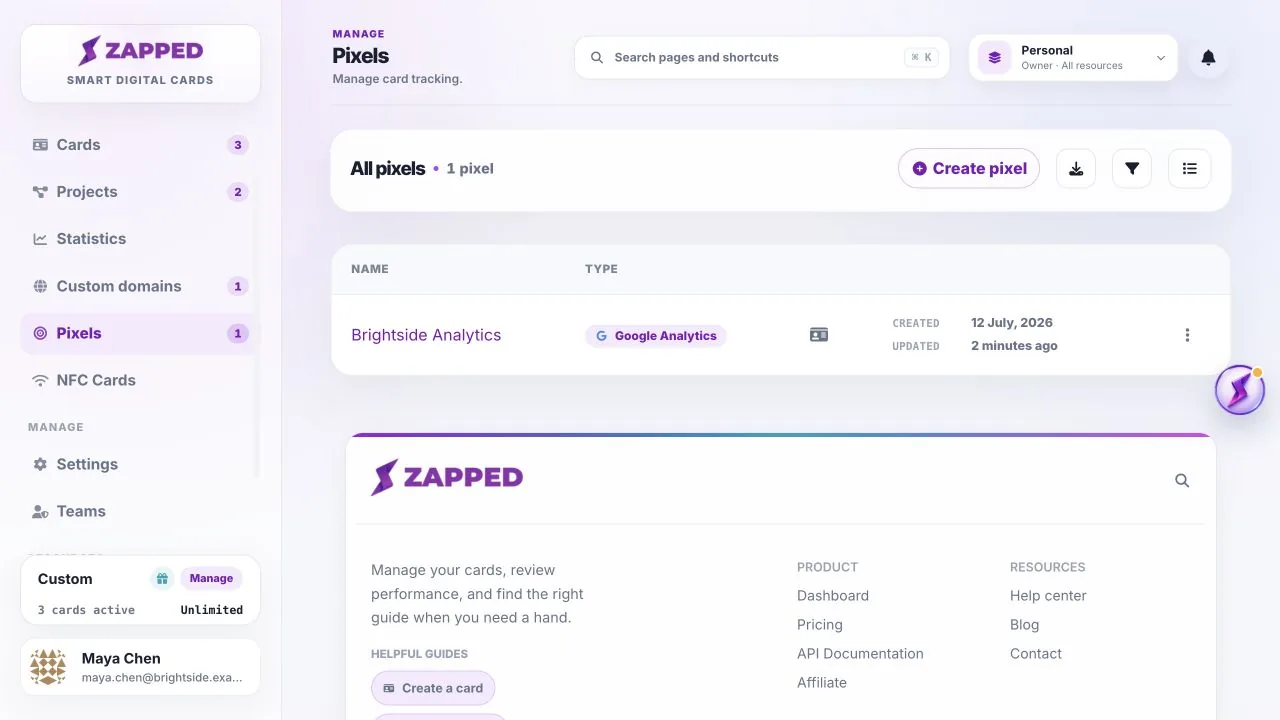
Open Pixels to review tracking connections for the active workspace.
Pixels stores the tracking identifiers you connect to supported analytics or advertising platforms.
Not always. A pixel record stores the tracking ID. Attach or enable it where Zapped offers pixel tracking for the resource.
Only teammates with the right workspace permissions can create or edit pixel records.
Was this guide helpful?