When should I create a project?
Create one when a group of cards needs shared organization, reporting context, or a permission boundary.
 Help Center
Create a clearly named project to organize related cards inside the active workspace.
A project is a simple way to group work by client, campaign, brand, or internal purpose.
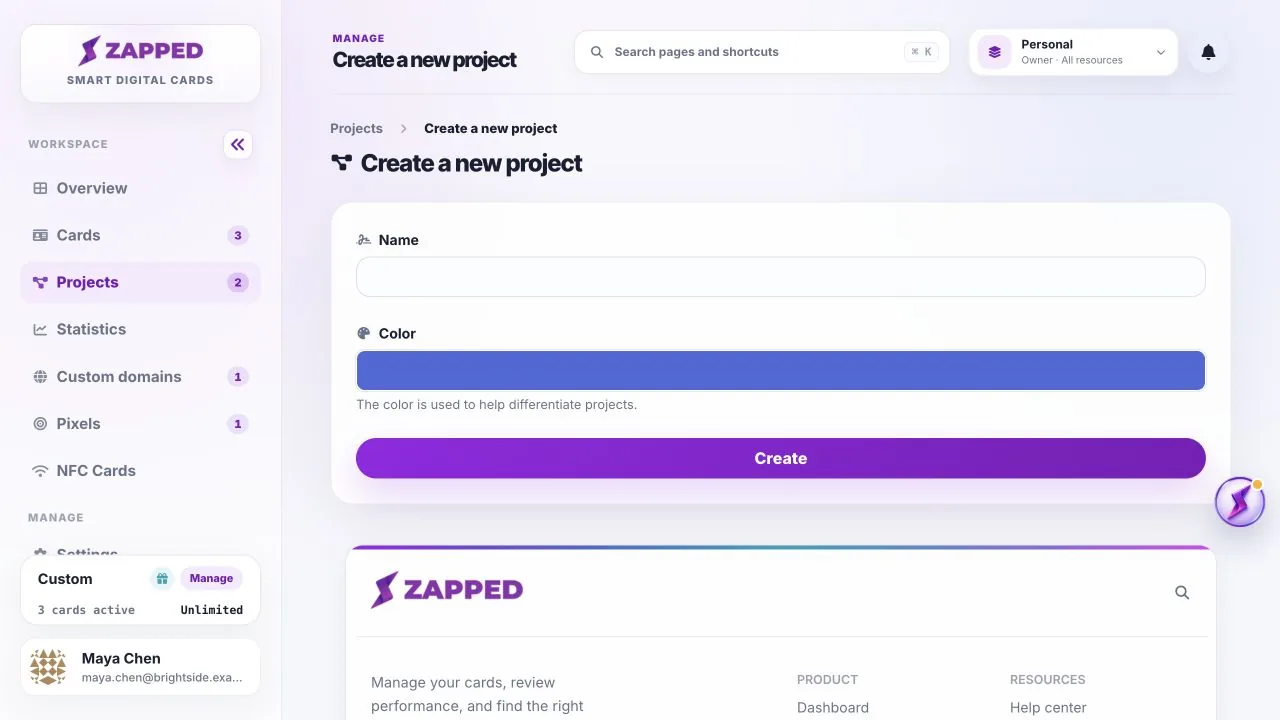
Create one when a group of cards needs shared organization, reporting context, or a permission boundary.
Projects can help organize team resources, but Teams controls membership, roles, and access scope.
Was this guide helpful?