How to use your vCard for receiving payments
Add payment related blocks so visitors can pay or open your payment links from a vCard.
Payment blocks let visitors move from your vCard to the payment destination you provide.
Use this guide when you want your vCard to support payment links, donation links, or payment provider actions.
Before you start
Prepare the payment URL or provider details before adding the block.
Add a payment block
- Open the vCard editor.
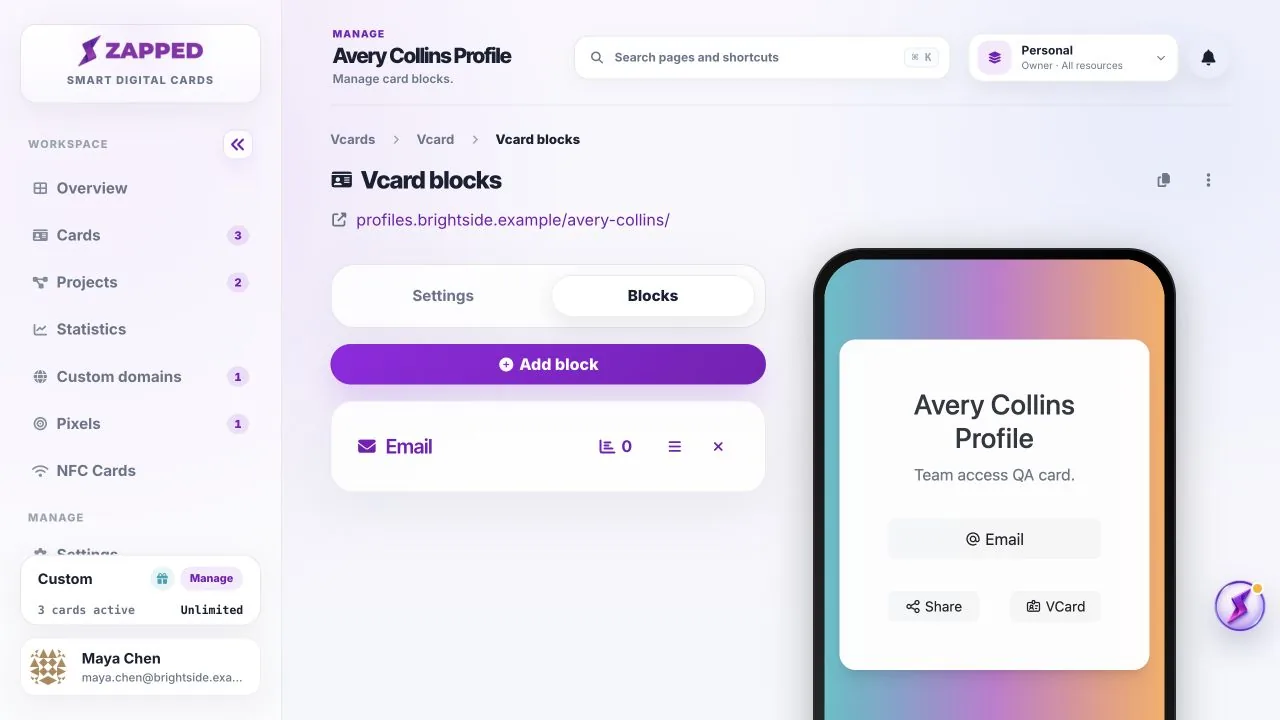
- Go to the Blocks section.
- Choose Add Block.
- Select the payment related block type that matches your provider or payment link.
- Enter the payment details, save the block, and test the public vCard link.
Reference screenshots
Payment tips
- Use a clear block label so visitors know what payment is for.
- Test the payment link from a private browser window before sharing it.
- Keep payment provider account settings up to date outside Zapped.
Was this guide helpful?
What went wrong?
Thanks for your feedback.
Still have questions?
Contact support and we'll help you out.