Views
How often the card opened
Use views to check whether a sharing effort is bringing people to the card. Compare the period before and after you changed where the card is shared.
Next check: your sharing link or QR placement.
 Help Center
Review card visits, visitors, and interactions to understand what people do after opening a card.
Statistics help you understand how visitors engage with your cards over time.
Read the signal
Statistics are most useful when you compare a meaningful time period, look for a pattern, and make one focused improvement rather than reacting to a single visit.
Views
Use views to check whether a sharing effort is bringing people to the card. Compare the period before and after you changed where the card is shared.
Next check: your sharing link or QR placement.
Visitors
Visitors help you understand reach without treating every repeat opening as a new person. Compare this with views to see whether people return.
Next check: message relevance and audience.
Interactions
Interactions show that visitors used a supported action. If views rise but actions do not, review the top label, order, and destination of the card blocks.
Next check: the first visitor action.
Devices and referrers
Use device and referrer detail when available to refine the design and choose where to share the card. Test the top source on its typical phone.
Next check: mobile preview and share channel.
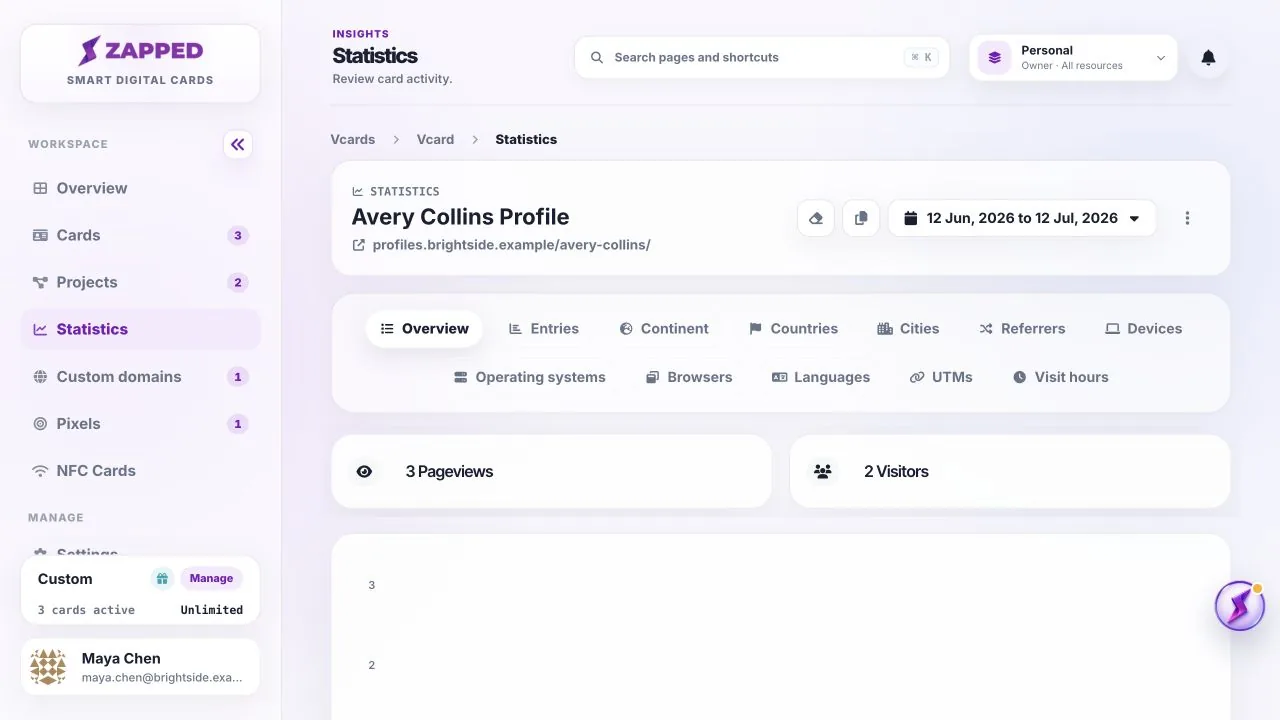
One visitor can open a card more than once, so views and visitors are not always the same number.
Interactions are actions visitors take on the card, such as tapping configured contact or link actions when available.
Was this guide helpful?