What if my receiver is down for a while?
Deliveries are retried with growing gaps while the payload is retained. If the retries run out, the delivery is marked failed. You can request up to three replays, one per hour, from the history.
 Help Center
Have every new lead your cards capture delivered to your own endpoint as a signed JSON request.
Lead webhooks queue each eligible new lead for delivery to your HTTPS receiver, so your CRM, automation or internal tool can process it. Delivery runs in the background and requires a configured destination, a plan that includes webhooks and an enabled webhook service.
You want leads delivered to your own system instead of only reading them in Inbox.
Keep the signing secret private. It is what your receiver uses to trust that a request really came from Zapped.
Each eligible lead produces a JSON event with type lead.created and schema version 1. Delivery attempts can repeat the same event, so deduplicate by webhook-id. The body holds lead fields, the source card and the consent details the visitor gave.
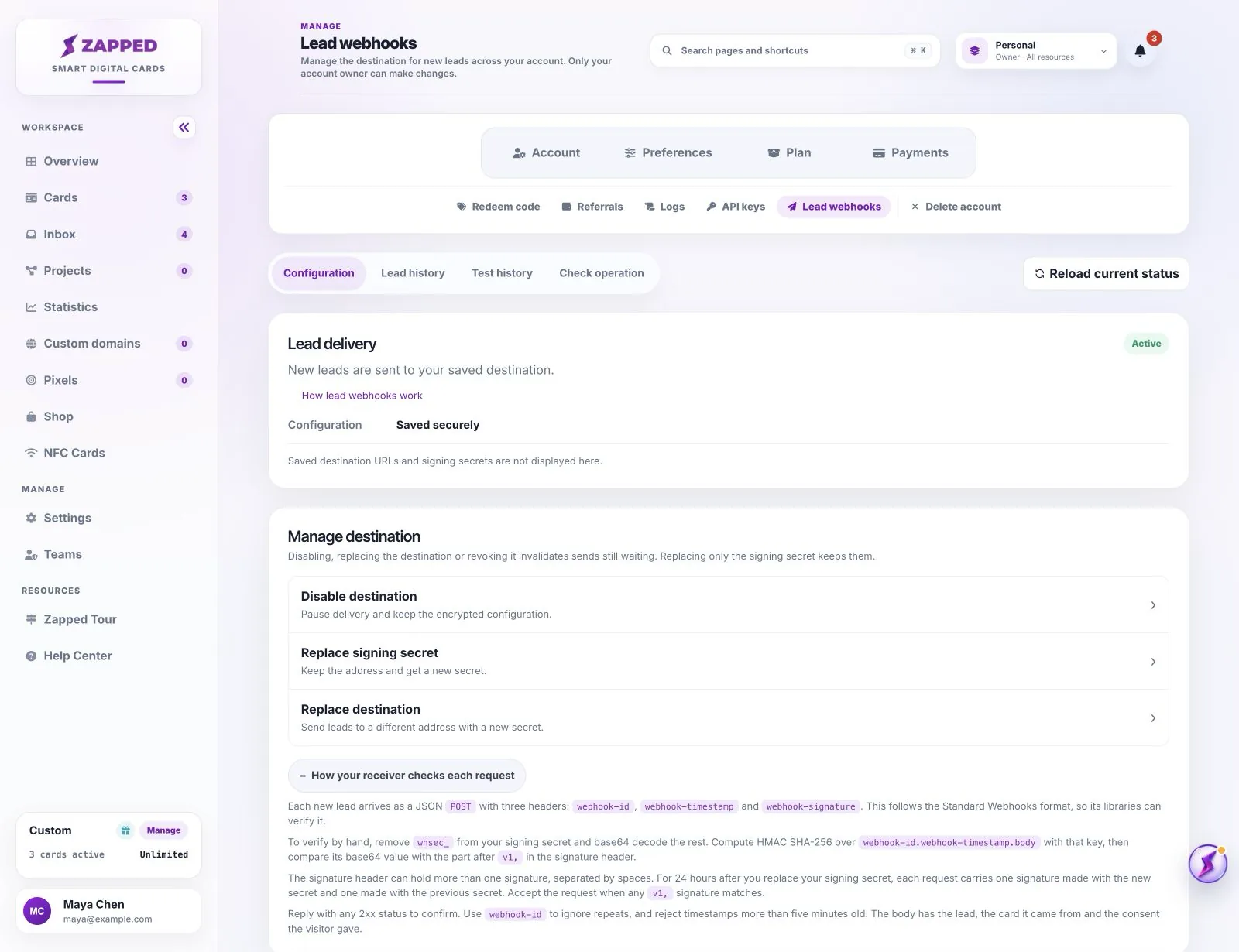
Requests carry three headers: webhook-id, webhook-timestamp and webhook-signature. This follows the Standard Webhooks format, so its libraries can verify requests for you.
To verify by hand, remove whsec_ from your signing secret and base64 decode the rest. Compute an HMAC SHA-256 value over webhook-id.webhook-timestamp.body with that key, then compare its base64 form with the part after v1, in the signature header. Reply with any 2xx status, use webhook-id to ignore repeats, and reject timestamps more than five minutes old.
Network failures and HTTP 408, 429 or 5xx responses can retry automatically, with increasing delays, up to eight automatic attempts within 24 hours and only while the payload remains available. Most other 4xx responses are terminal, and 410 also pauses the destination. The API receiver reference lists the full retry rules.
A retained event may be replayed manually within its retention window, up to three times and no more than once per hour. Delivery history lasts 30 days, but the payload is retained for at most 7 days and can expire sooner with the lead. A history entry does not guarantee that replay is still available.
Replacing the destination address, disabling it or using emergency revocation invalidates queued work from that route. Rotating a signing secret on an active destination preserves queued deliveries and provides a 24-hour overlap with the previous secret. Update your receiver with the new secret shown once.
Resuming an automatically paused active destination preserves its configuration. Held deliveries are released in background batches, subject to attempt and retention limits, so they may not all leave immediately.
Emergency revocation clears the saved URL and signing secret. Contact support to restore access afterwards. Use Disable for a temporary stop. A request admitted immediately before revocation may still reach the receiver.
Lead webhooks are included with Professional. Open Account, then Lead webhooks, and save your HTTPS destination to get started. Delivery begins only after you configure a destination and the service is available. Custom-plan access follows your agreement.
If your plan stops including webhooks, deliveries stop and configuration access is unavailable. Your encrypted destination is retained. An active destination can resume sending to the saved address when you return to an eligible plan. Disable or revoke it before downgrading, or ask support to revoke retained configuration afterwards.
Deliveries are retried with growing gaps while the payload is retained. If the retries run out, the delivery is marked failed. You can request up to three replays, one per hour, from the history.
No. The history pages never show lead details, saved URLs, secrets or receiver responses. Open Inbox to work with the lead itself.
Was this guide helpful?