Does the owner use a login?
No. You sign in with your own account and do not count as a member login. Each teammate you invite takes one.
 Help Center
How member logins are counted, what uses one, and what happens when your plan has fewer logins than your team.
Each Team and Business plan includes a number of member logins. A login is a place for a teammate who signs in to Zapped as Admin, Editor or Viewer. People who only have a card do not need one.
An invitation will not go through, you are choosing a plan size, or a plan change says to remove members first.
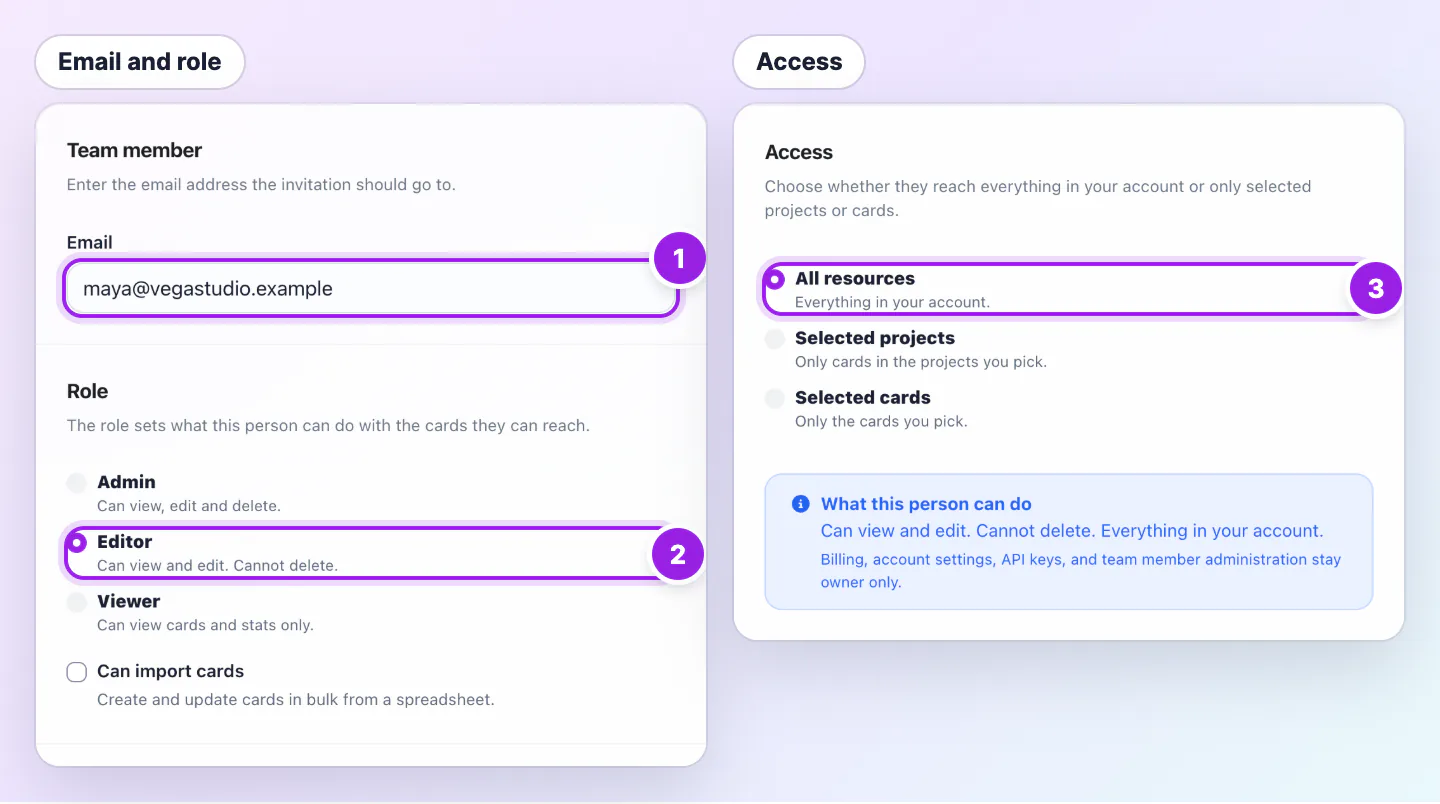
Viewers use a login too. A pending invitation uses a login immediately. After acceptance, the member keeps using that login. Cancelling, declining or letting a pending invitation expire after 14 days releases it. You, the owner, do not use a member login.
A move to a plan with fewer logins than you use is held, counting open invitations. The Plan page says how many members to remove on the Teams page first. Expired invitations do not count, and a change that keeps the same plan is never held.
If a payment lapses, nobody loses their login at once. Zapped checks logins the next time you add someone, and old invitations over the limit can no longer be accepted.
Solo does not include team logins. You sign in as the owner and the plan covers one person.
No. You sign in with your own account and do not count as a member login. Each teammate you invite takes one.
They already hold a login, so adding them again costs nothing.
Was this guide helpful?