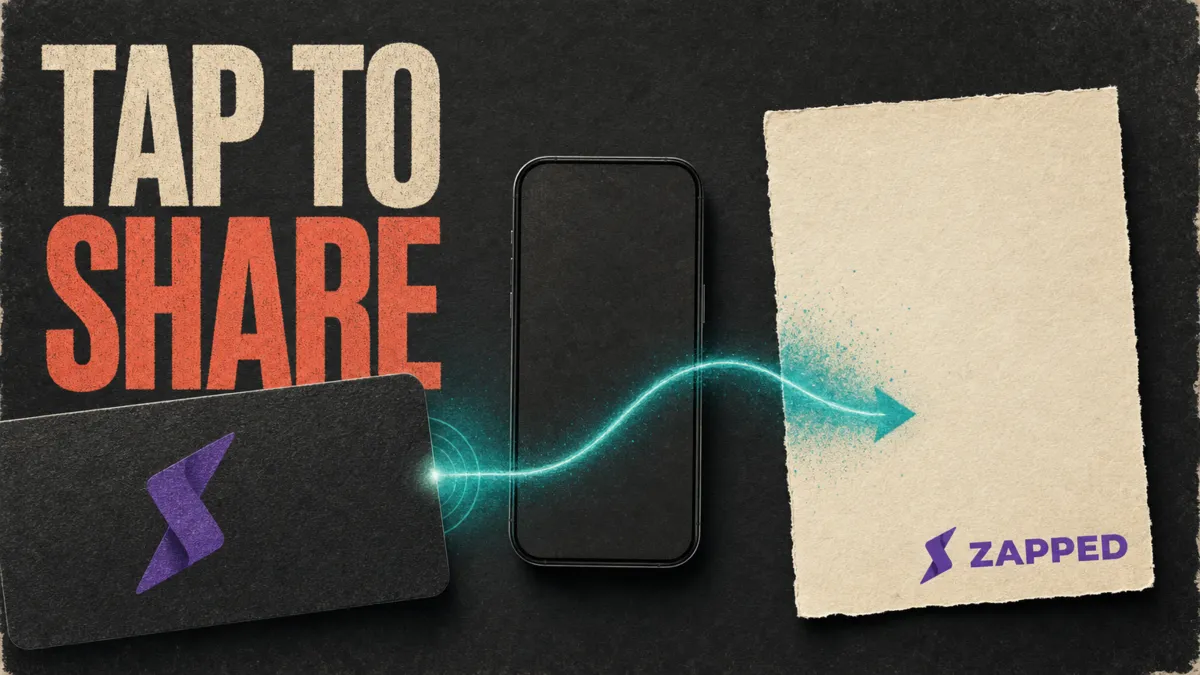
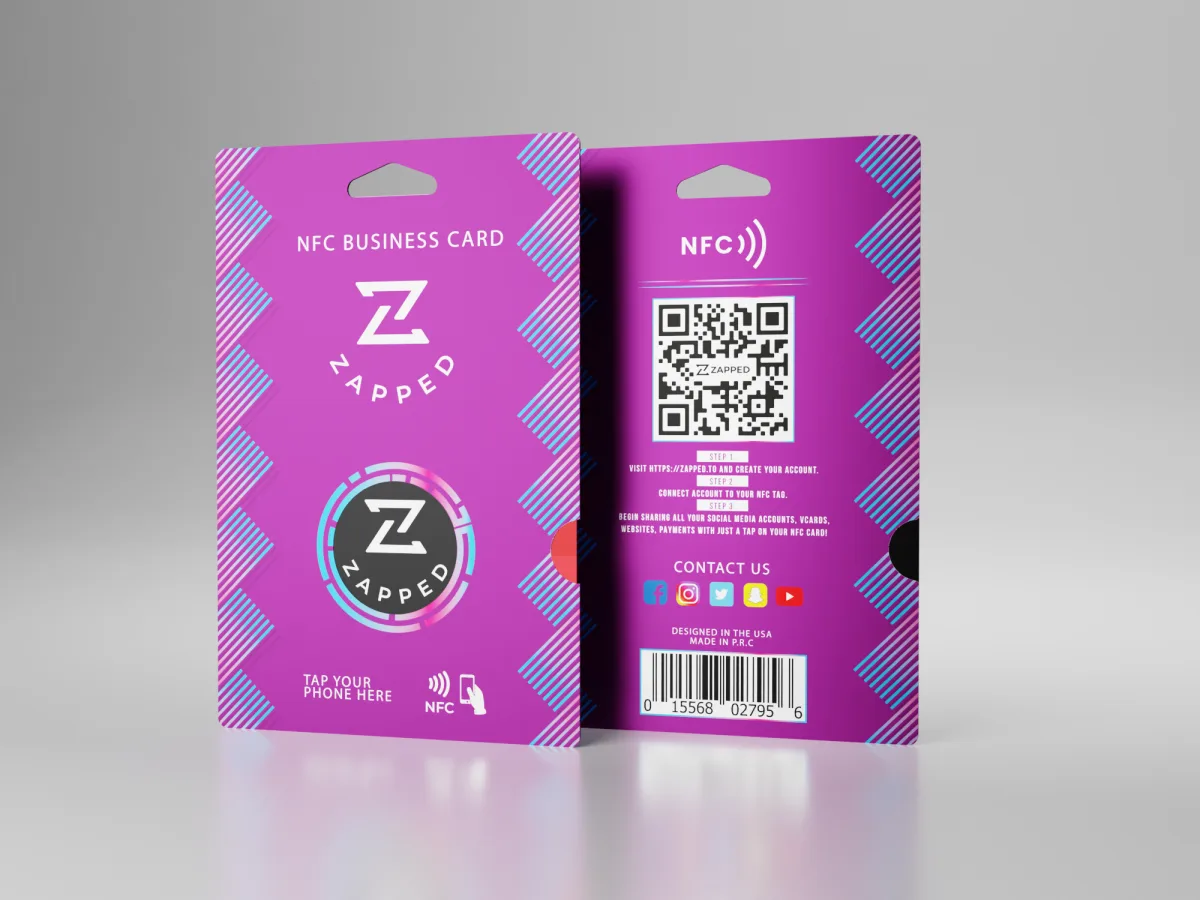
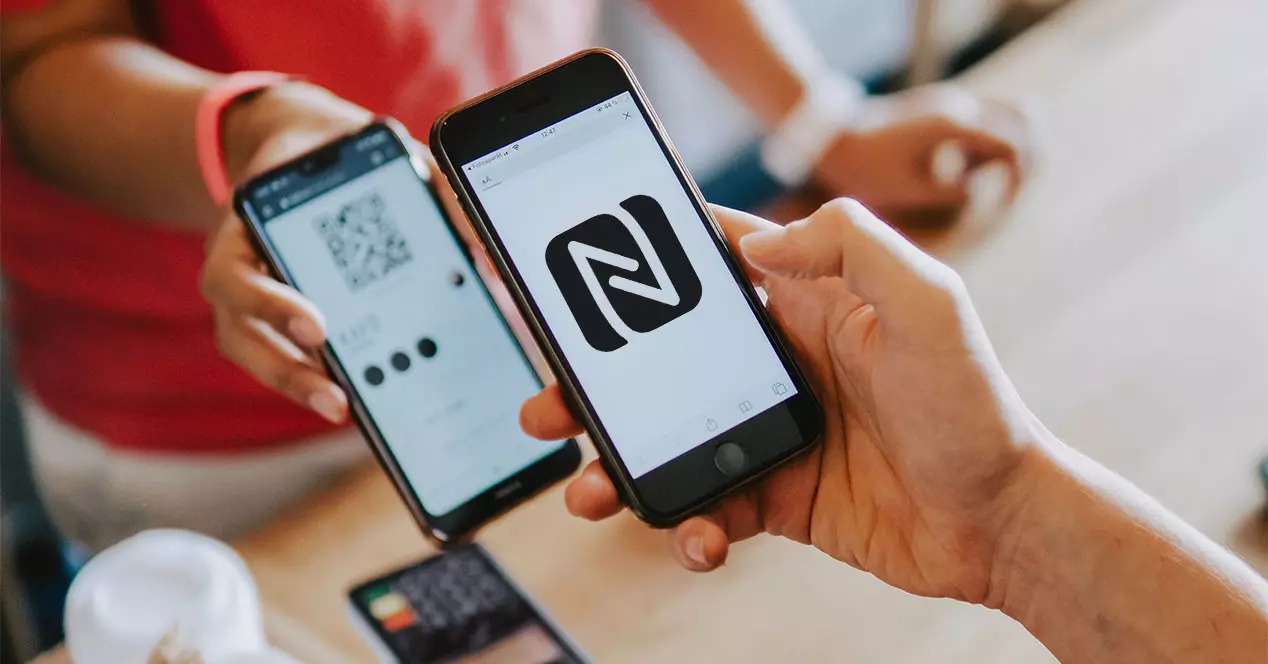
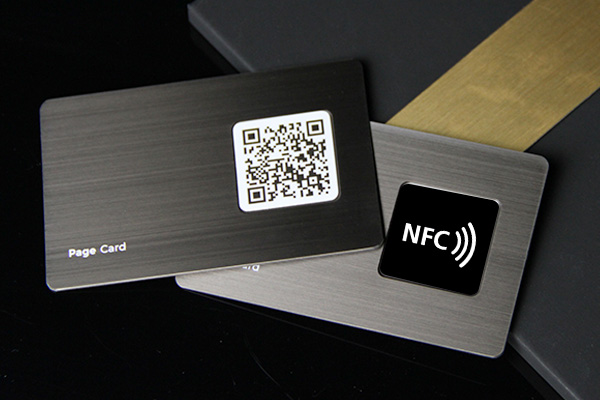
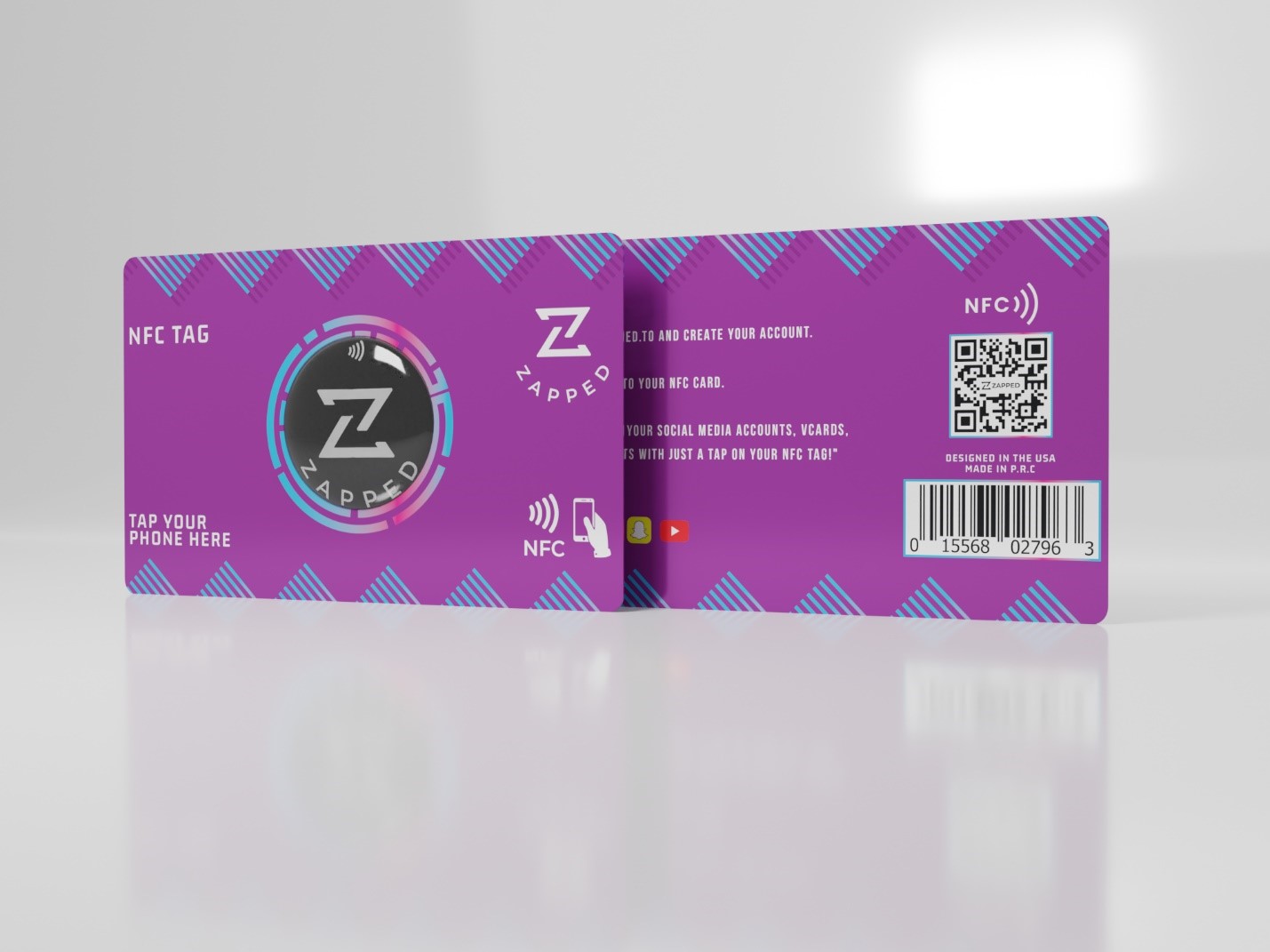
NFC business cards are physical cards with a small NFC chip inside. When someone taps the card with a compatible phone, the phone opens a digital profile, website, contact page, lead form, or other online destination.
Quick answer
An NFC business card is a reusable business card that uses near field communication to open a digital card link when tapped with a compatible phone. It is best for people who still want a physical card, but want the contact details, links, QR code, booking page, and team information to stay editable online.
Key takeaways
- NFC cards usually work by opening a URL stored on the card's NFC chip.
- The online destination is more important than the chip itself.
- A QR code backup is useful because not every phone or user scans NFC the same way.
- Good NFC cards combine a physical card, an editable profile, a QR backup, and a clear follow up action.
- Zapped works best when the NFC card opens an editable digital profile instead of static contact data.
How NFC business cards work
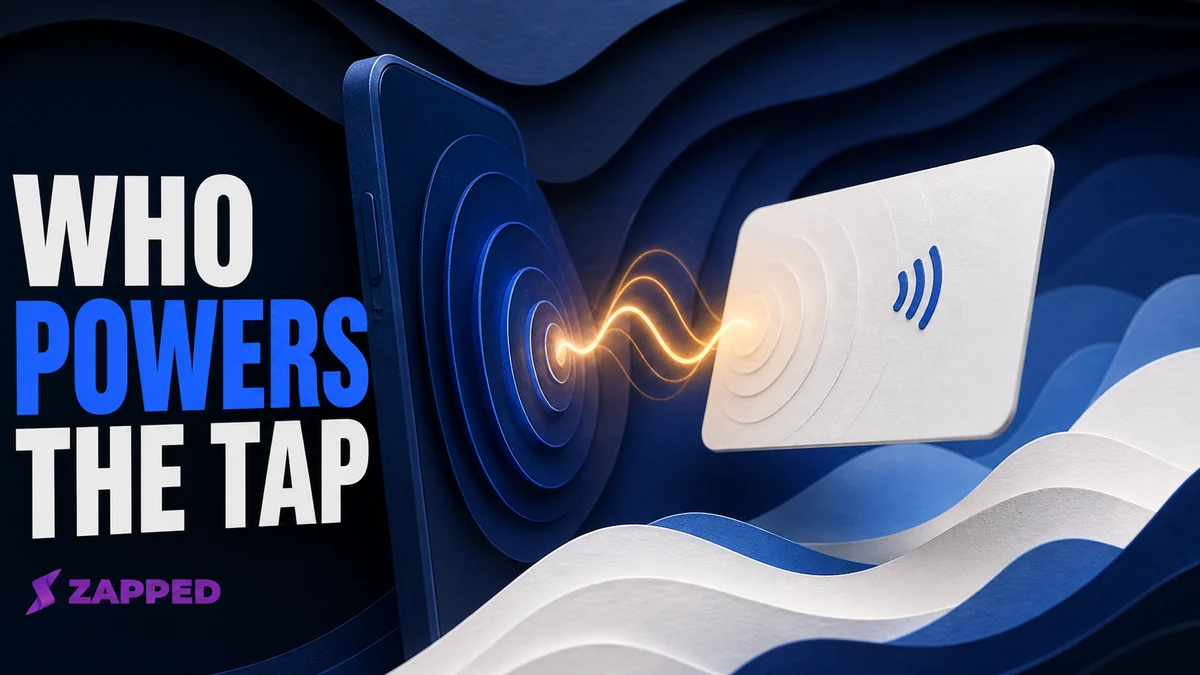
An NFC business card contains a small passive tag. The tag does not need its own battery. When a compatible phone comes close to the tag, the phone can read a small payload from the chip.
The distinction between the passive card and the phone reader is explained in whether NFC business cards need batteries.
For business cards, that payload is usually a web URL. The URL opens a digital business card profile where the person can view your details, save your contact, open links, book a meeting, or view company information.
If you have seen these sold as "tap" cards and want the terminology and the step by step mechanics of the handoff, our explainer on what a tap business card is covers both.
That means the NFC card has two parts:
| Part | What it does |
|---|---|
| Physical card | Creates the tap interaction and carries your printed brand |
| Digital profile | Holds the live contact details, links, media, and calls to action |
Most NFC business cards use the chip to store a short URL. That URL opens a digital business card, portfolio, booking page, lead form, or company profile. The card can feel high tech, but the practical value comes from what happens after the tap. For the recipient side of that handoff, see how an NFC business card can be used for phishing.
NFC business cards vs QR business cards
NFC and QR codes are complementary. A strong card often uses both. For a deeper side by side using the same decision criteria, see NFC vs QR code business cards.
| Feature | NFC business card | QR business card |
|---|---|---|
| Interaction | Tap phone to card | Open camera and scan |
| Hardware needed | NFC enabled phone | Camera phone |
| Printed visibility | Invisible chip unless labeled | Visible code |
| Best use | Fast face to face sharing | Universal backup and printed materials |
| Update method | Update the destination profile | Update the destination profile |
If you are making a card for broad use, include a QR code backup even when NFC is the main interaction.
NFC business cards vs digital business cards
A digital business card is the online profile. An NFC business card is a physical card that opens that profile with a tap.
| Type | What it is | Best for |
|---|---|---|
| Digital business card | Online contact profile shared by link, QR, email, or text | Remote sharing and updates |
| NFC business card | Physical card with an NFC chip that opens a digital profile | Face to face networking |
| Paper business card | Printed contact details | Simple, low tech exchanges |
| Hybrid QR/NFC card | Physical card with NFC and printed QR code | Events, sales teams, and broad compatibility |
If you already have a strong digital business card, NFC is a sharing method. If you only buy an NFC card without a useful profile behind it, the experience will feel unfinished.
If you are ready to compare physical cards, plans, and exit terms, use our Best NFC Business Cards in 2026 guide.
Benefits of NFC business cards
NFC cards are useful because they combine a physical handoff with an online profile.
Benefits include:
- Faster sharing at events and meetings.
- Fewer reprints when contact details change.
- Room for more links than a paper card can hold.
- A more memorable tap interaction.
- Better team consistency when multiple employees use the same platform.
- Optional analytics and lead capture when the digital profile supports them.
- Less paper waste over time if the card is reused.
NFC business card limitations
NFC cards are not perfect for every situation.
| Limitation | How to handle it |
|---|---|
| Some people do not know where to tap | Print a small tap instruction on the card |
| Some Android phones have NFC disabled | Add a QR code backup |
| Thick or metal phone cases can interfere | Tell the recipient to scan the QR code instead |
| Static chip data can become stale | Point the chip to an editable profile URL |
| The tap can feel awkward if the card is not labeled | Use clear print cues, such as tap or scan |
The best NFC card feels effortless because it gives people more than one way to open the profile. If a card has stopped working altogether, see our guide to fixing an NFC business card that will not scan. If the tag reads but the page will not open, use the guide to recovering an NFC business card link.
What should an NFC business card open?
An NFC card should open the next step you want the person to take. For most professionals, that is not a raw phone number. It is a digital profile.
Good destinations include:
- A Zapped digital business card profile.
- A company team member profile.
- A booking page.
- A portfolio or media page.
- A lead form.
- A product or sales page.
- A vCard download page.
Avoid sending people to a generic homepage if the goal is contact exchange. A business-card tap should make saving or contacting you easy.
Make the NFC card open a Zapped profile
NFC business cards work best when the tap opens a profile you control, not a fixed contact record that goes stale. Zapped gives the tap a live destination with contact saving, links, booking, social profiles, and team friendly updates.
That means the card can stay in circulation while the online profile changes. The NFC card starts the interaction, and the Zapped profile carries the useful next steps.
How much do NFC business cards cost?
Costs vary by material, quantity, printing, and software. For current prices from named sellers instead of a general framework, see how much an NFC business card costs. A simple NFC card can be inexpensive, while premium metal cards, custom printing, team management, analytics, and CRM workflows can raise the total cost.
Think about cost in two parts:
| Cost type | What it covers |
|---|---|
| Physical card cost | Card material, chip, printing, shipping, and quantity |
| Platform cost | Editable profile, QR code, analytics, team controls, integrations, and support |
For one person, the main question is whether the card saves reprints and improves follow up. For a team, the bigger value is brand consistency, centralized updates, and less manual contact management.
For a small business, the useful starting point is usually one live profile, a QR fallback, and a card that matches how customers actually meet you. Our guide to NFC business cards for small businesses turns that into a practical pilot and rollout plan.
Who should use NFC business cards?
NFC cards are a strong fit for:
- Sales teams.
- Realtors and brokers.
- Consultants.
- Recruiters.
- Event staff.
- Founders.
- Creators.
- Agencies.
- Hospitality and venue teams.
- Anyone who networks repeatedly in person.
They are less important if you only share contact details online or rarely meet people face to face.
How to choose an NFC business card
Use this checklist before buying or programming cards:
- Confirm the card opens a profile you can edit later.
- Make sure the profile includes a save contact action.
- Add a QR code backup to the printed design.
- Test the card on iPhone and Android before ordering in bulk.
- Choose material based on the setting, not just appearance.
- For teams, check admin controls, templates, permissions, and analytics.
- Avoid locking the tag until the final destination has been tested.
That includes deciding between a card and a sticker format. NFC sticker vs NFC business card covers when each fits better.
For Zapped users, the clean setup is to make the Zapped profile the destination, then use the same profile for NFC, QR, link sharing, and team pages.
Common NFC business card mistakes
Do not buy a card without knowing where it points. The digital profile is the part people actually use after the tap.
Do not rely only on NFC. Add a QR code or short URL so people have a backup.
Do not write permanent details directly to a tag if your information changes. Use an editable profile URL.
Do not lock a tag until you have tested it across multiple phones.
NFC business cards for teams
Teams need more than individual cards. They need control over brand, employee details, and what happens after the scan.
Useful team features include:
- Shared templates for consistent branding.
- Admin controls for updating employee profiles.
- Team pages or company level profiles.
- Lead capture or contact collection.
- Analytics for events, sales teams, and field teams.
- Easy offboarding when an employee leaves.
This is where a managed digital card platform matters. A team can keep the physical cards simple while updating the online profiles from one place.
FAQs
Do NFC business cards work with iPhone?
Yes, modern iPhones can read many NFC tags and open supported URL records. A QR code backup is still useful for compatibility and user preference.
Do NFC business cards work with Android?
Yes, many Android phones support NFC reading, and Android is often flexible with NFC tags. NFC must be enabled on some devices.
Can NFC business cards be updated?
The physical chip may store a fixed URL, but the online profile behind that URL can be updated. That is why a dynamic digital profile is better than writing static contact details to the chip.
Are NFC business cards expensive?
They usually cost more than basic paper cards, but they can reduce reprints because the online profile can change. Cost depends on material, design, quantity, and whether the card is part of a managed platform.
Are NFC business cards better than paper cards?
They are better when you want a reusable card that opens live digital information. Paper cards are still useful for simple handoffs, but they cannot update themselves after printing.
Do NFC business cards need an app?
Usually no. If the card stores a normal URL, the recipient can open it in a browser. The card owner may use an app or dashboard to manage the profile, but the person tapping the card should not need to install anything.
What information should be on an NFC business card?
Print the essentials, such as your name, logo, role, QR code, and a tap instruction. Put the detailed contact options, links, booking page, portfolio, and save contact action on the online profile.
Sources
This guide uses current NFC standards and platform documentation.
- NFC Forum, NFC technology: Used for NFC Forum tag and NDEF context.
- Android NFC basics: Used for NDEF reading and writing context.
- Apple Core NFC: Used for iPhone NFC tag reading context.