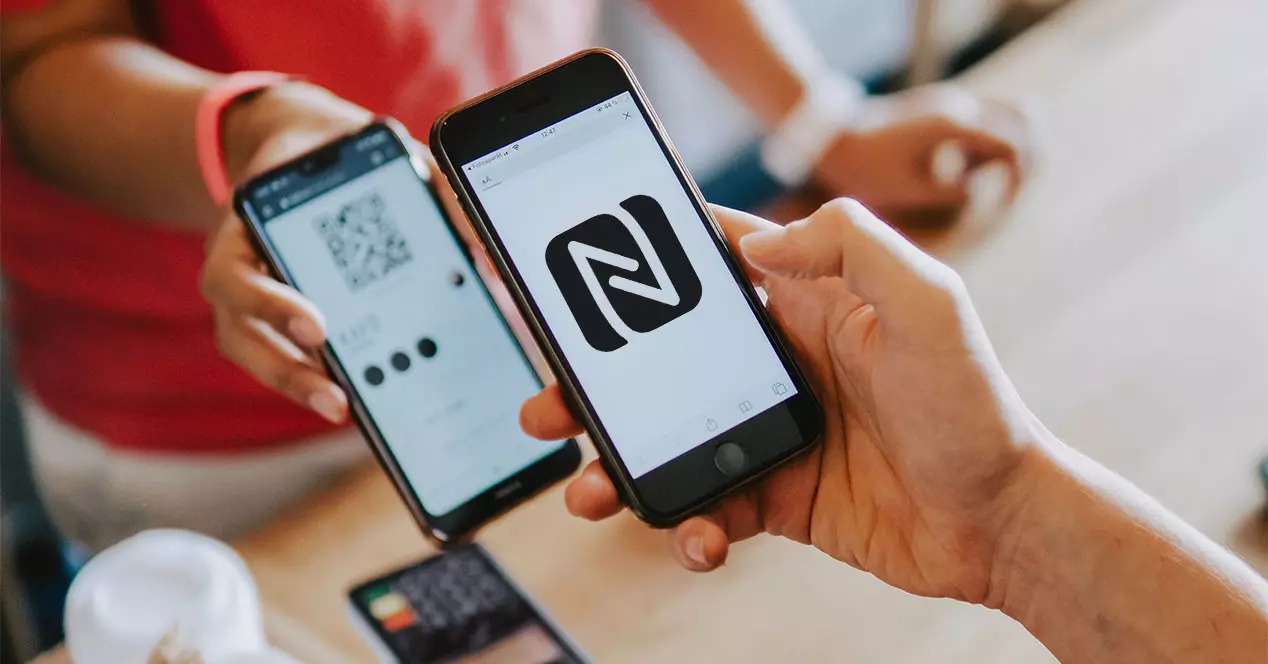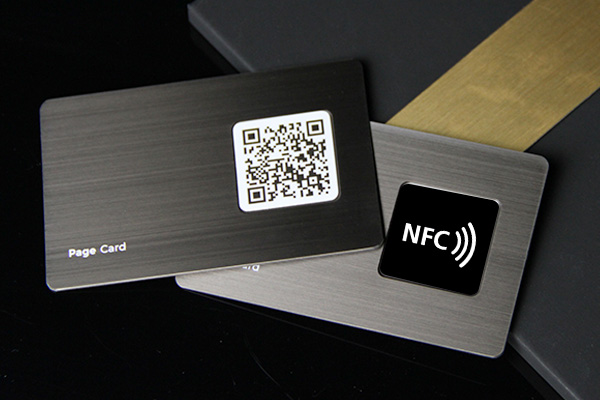
Some NFC cards can be rewritten, but not all of them. The answer depends on the chip type, whether the card was locked, and what kind of data is stored on it.
Quick answer
An NFC card can be rewritten only if it uses a writable NFC tag and has not been permanently locked. Many NFC business cards can be updated by rewriting the URL on the chip, but the better setup is to write one stable profile URL and edit the online profile instead of rewriting the physical card repeatedly.
Key takeaways
- Writable NFC tags can usually be changed until they are locked.
- Some NFC products are intentionally read only or password protected.
- Secure access, payment, and ID cards should not be treated like normal writable tags.
- For business cards, write a stable profile URL once and update the profile online.
- Test rewrite behavior before buying a large batch of NFC cards.
Why some NFC cards can be rewritten
Many NFC business cards and stickers use NFC tags that store NDEF records, such as a URL. If the tag is writable, an NFC writing app can replace the old record with a new one.
For example, you might write:
- A digital business card URL.
- A website link.
- A WhatsApp chat link.
- A simple text record.
- A link to a menu, booking page, or profile.
That is normal NFC tag behavior. It is different from trying to copy or alter a managed access card, transit card, hotel key, ID badge, or payment card. Those systems use security controls and should not be treated as editable marketing tags.
Why some NFC cards cannot be rewritten
An NFC card may not be rewritable for several reasons.
| Reason | What it means | What to do |
|---|---|---|
| The tag is locked | The existing data was made read only | Use a new card or update the destination page if it is a URL |
| The chip is not a normal NDEF tag | It uses a different system or credential type | Do not force it with a business-card app |
| Password protection is enabled | Writes require credentials | Use the original admin tool or supplier process |
| The card is damaged | The phone can read inconsistently or not at all | Test with another phone and replace if needed |
| The app does not support the tag | The tag type is not compatible with your writer app | Try another NFC app or check the tag spec |
If you bought NFC business cards from a vendor, ask whether the card is rewritable, lockable, and what chip type is used.
If the card uses a wood or bamboo surface, also review how wooden NFC business cards are constructed so the inlay, finish, payload, and replacement questions stay in scope.
If avoiding recurring fees is part of the decision, compare the card, destination, and optional software separately in our guide to NFC business cards without a subscription.
Best setup for editable NFC business cards
The most reliable business-card setup is not to rewrite the card every time your details change. Instead, write one stable URL to the NFC card and edit the profile behind that URL.
That gives you three advantages:
- The physical card keeps working.
- Your contact details can change online.
- You can use the same profile for QR code, NFC tap, and direct link sharing.
For how long that physical card itself is expected to keep working, independent of how many times you rewrite it, see are NFC business cards reusable.
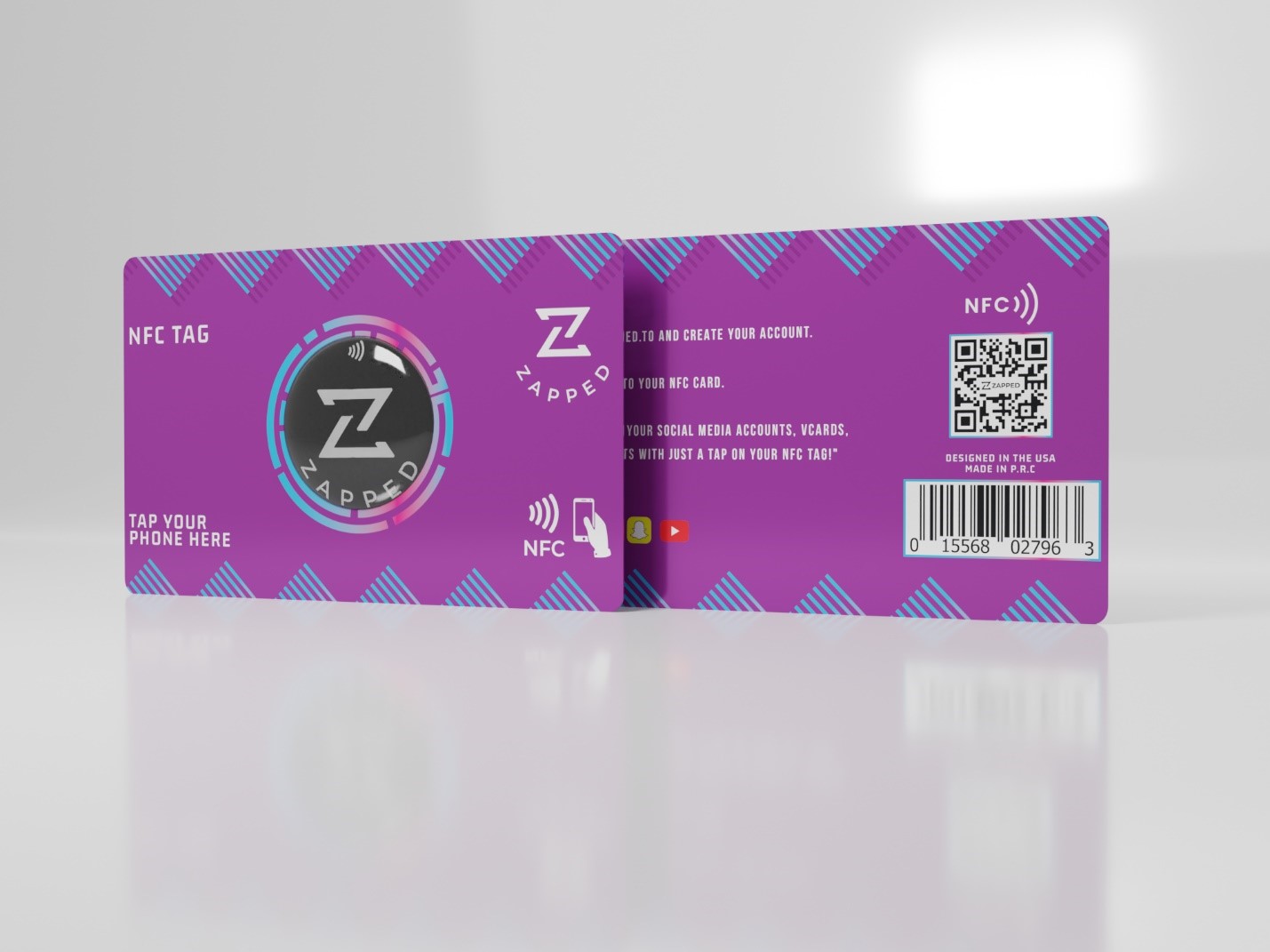
At Zapped, this is where the setup fits naturally. The NFC card can open your Zapped profile, and you update the profile when your role, phone, offer, booking link, or social links change.
How to check whether your NFC card is rewritable
Use a normal NFC writing app and a safe test card, not an access card or payment card.
- Scan the NFC card and confirm it reads.
- Check whether the app identifies an NDEF record.
- Try writing a harmless test URL.
- Scan again to confirm the new URL opens.
- If the app warns that the tag is locked, do not keep retrying.
- If you plan to lock the card, do that only after final testing.
When you write a URL, the app should ask you to hold the phone close to the tag and wait for confirmation. If that write confirmation never appears, stop and check the tag type before trying random rewrite tools.
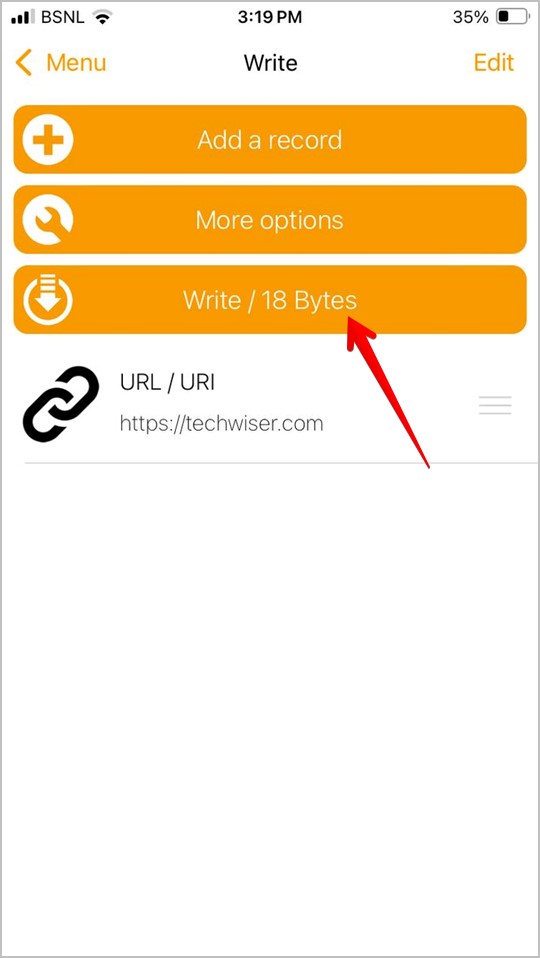 Visual reference: NFC Tools write prompt screenshot from TechWiser's NFC tag programming walkthrough.
If the card is for your business, test on both iPhone and Android. Some phones place the NFC antenna in different locations, so the tap experience can vary.
Rewritable, locked, or managed credential?
Use this quick triage before you assume the card can be changed. If the card has stopped working entirely rather than just resisting a rewrite, start with the full NFC business card troubleshooting guide instead.
| What you see | What it probably means | Next step |
|---|---|---|
| The app shows an NDEF URL and allows write | Writable marketing tag | Rewrite with a profile URL and test |
| The app reads the URL but write fails | Tag may be locked or write protected | Update the destination page if you control it |
| The phone opens a wallet, access, hotel, or transit flow | Managed credential | Use the official provider app or admin portal |
| The app cannot identify an NDEF record | Different RFID/NFC technology or damaged card | Check the vendor chip spec |
| The card opens a Zapped or profile URL | Best case for business use | Update the online profile, not the chip |
Should you lock an NFC business card?
Locking can prevent accidental overwrites, but it also removes flexibility. For a business card, locking is usually less important if the chip only stores a public profile URL.
Consider locking only when:
- The URL is final.
- You have tested the card fully.
- You control the destination profile.
- You understand that the chip cannot easily be changed later.
If you are unsure, leave the tag writable and protect the destination profile with account security instead.
What to ask before ordering NFC cards
If you are buying cards for a team, ask the vendor a few questions before placing the order:
- What NFC chip type is used?
- Is the tag writable before shipping?
- Will the tag be locked by default?
- Can the card point to a URL that you control?
- Can you test one sample before ordering a full batch?
Those answers matter more than the card material. A metal, plastic, or bamboo card can all work well if the chip behavior matches your workflow.
Use Zapped so you rewrite the profile, not the card
Writable NFC tags are useful, but you do not want your networking system to depend on rewriting chips every time something changes. With Zapped, the NFC card can keep pointing to the same profile URL while you update the profile content from your account.
That means your title, phone number, booking link, social links, lead form, and company details can change without touching the card. The NFC card becomes the tap trigger, and Zapped becomes the editable layer behind it.
FAQs
Can I rewrite an NFC business card with my phone?
Yes, if the card has a writable NFC tag and it has not been locked. You need an NFC writing app and a phone that supports writing NFC tags.
Can a locked NFC card be unlocked?
Usually no. Many tags are permanently locked once that setting is applied. If the card points to a live URL, update the destination profile instead of trying to unlock the card.
Can I rewrite an NFC card on iPhone?
Some iPhones can write compatible NFC tags through apps, but support depends on the app, iPhone model, iOS behavior, and tag type. Test before buying cards in bulk.
Is rewriting an NFC business card the same as copying an access card?
No. Rewriting a simple NFC business card URL is different from copying a managed access credential. Access, payment, transit, and ID cards use security systems and should not be handled like marketing tags.
What should I write to an NFC business card?
Write a stable digital business card URL. That lets the card open your live profile while you edit contact details online over time.
Sources
- NFC Forum, NFC technology overview
- Apple Developer, Core NFC
- Android Developers, NFC basics
- IETF RFC 6350, vCard Format Specification
- TechWiser, how to program NFC tags on iPhone and Android for the NFC Tools write screen visual reference.