Social Media NFC Cards: What Should the Tap Open?
Choose whether a social NFC card should open one public profile, a page of social links, or a digital business card, then measure interest without mistaking a tap for a follow.
Article category
NFC and QR code guides for programming tags, creating vCard QR codes, using wallet passes, and making tap or scan sharing work reliably.
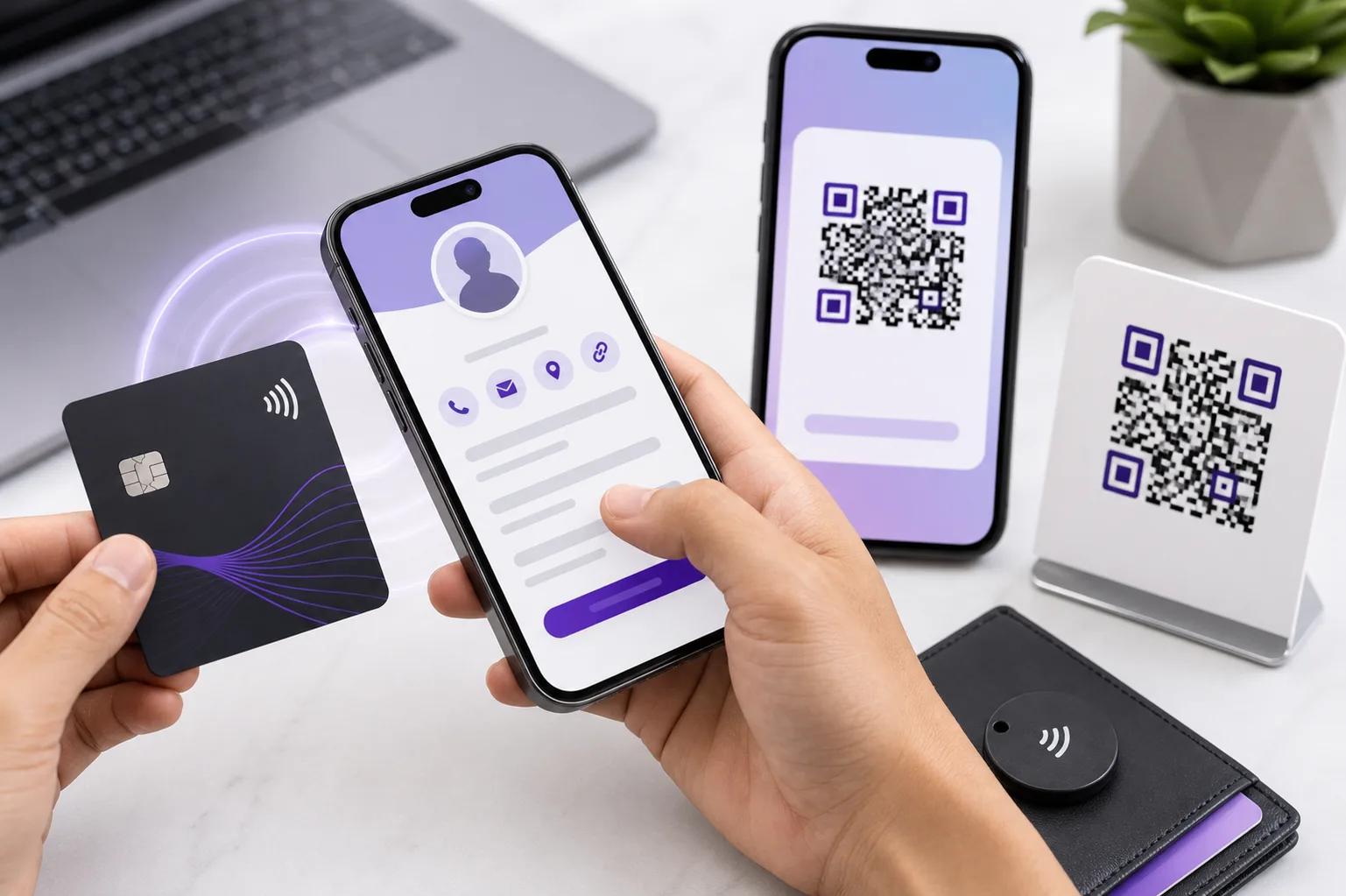
Choose whether a social NFC card should open one public profile, a page of social links, or a digital business card, then measure interest without mistaking a tap for a follow.
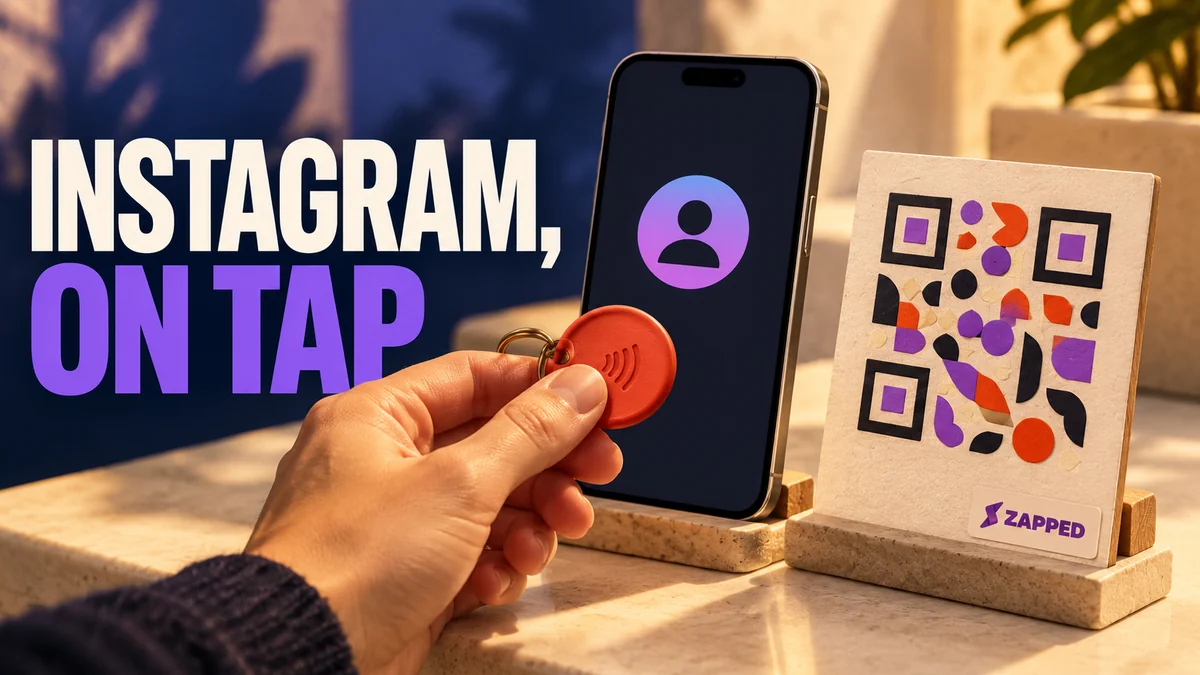
Set up a standalone NFC tag for your Instagram profile, choose a writable tag, understand phone prompts, and add a QR fallback.
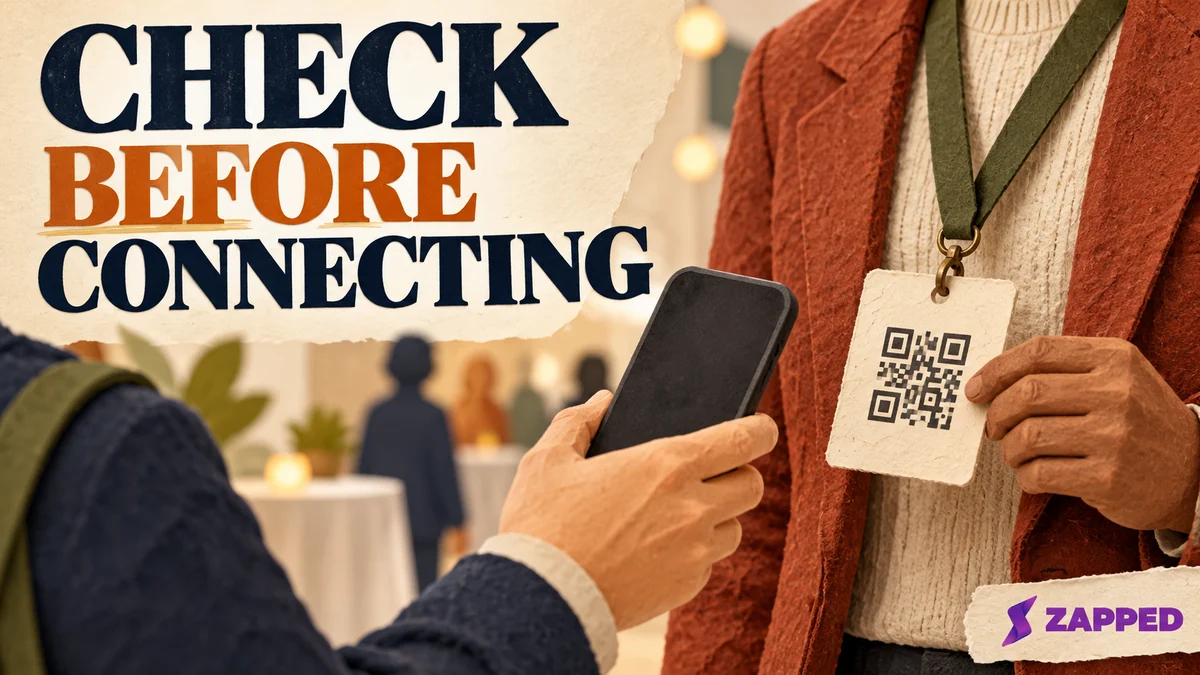
Scan a LinkedIn QR code with the app or phone camera. Learn what to tap on iPhone and Android, how to open a saved code, and what to do if the scan fails.
Decide when a LinkedIn QR code helps on a resume, when a plain link works better, and how to protect privacy and keep a readable fallback.
Learn how NFC WiFi tags work, when QR fallback is safer, how to protect guest networks, and how to measure proximity campaigns without overclaiming results.
Create a LinkedIn QR code from the mobile app, scan it on iPhone or Android, check profile privacy, place it safely, and keep a URL fallback.
A practical guide to NFC business cards for students, including what the tap should open, free and paid options, QR fallback, and career fair use.
Learn what NFC business card analytics can show, how views differ from visitors, how to read clicks and sources, and what the numbers cannot prove.
Learn how consultants can use an NFC business card as a possible handoff to one clear public destination, with a QR fallback and role clarity.
A failed tap is not proof of a damaged NFC business card. Use a read only tag check, remove interference, and try a second reader before replacing it.
A bare waterproof label does not tell you what a card was tested to withstand. Learn how to read an IP rating and what water can do to an NFC tap.
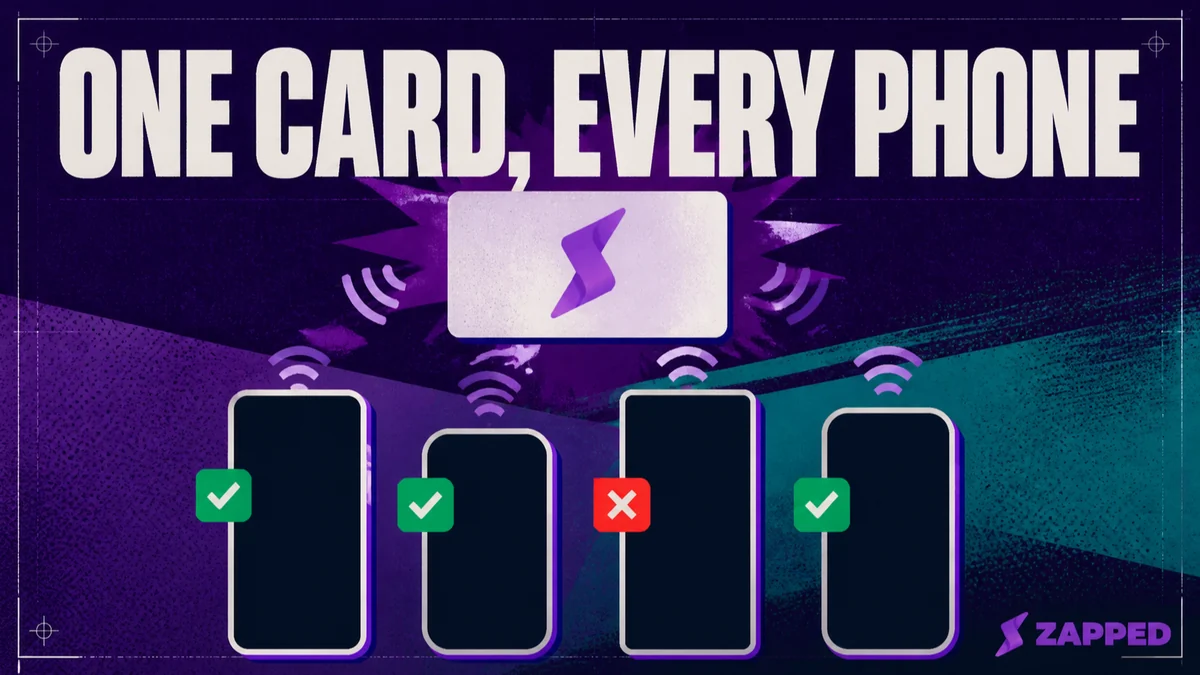
Confirm your NFC business card actually reads on the phones your contacts carry. A device matrix and a failure decision path before your next event.