
How to Plan an NFC Marketing Campaign from Tap to Conversion
Plan an NFC campaign around one action, distinguish taps from visits and conversions, tag NFC and QR sources with UTMs, and test the full path before launch.
Article category
Practical guides for digital business cards, NFC troubleshooting, and professional use cases that sit outside the core category set.
Plan an NFC campaign around one action, distinguish taps from visits and conversions, tag NFC and QR sources with UTMs, and test the full path before launch.

Match conference organizers, exhibitors, speakers, and attendees with a capture method that fits their moment, data access, and next follow-up.
How to measure event ROI with a pre event baseline, source tags, joined capture, CRM and finance records, review dates, and an honest plan for missing data.
Copy a short trade show lead form, set required and optional fields, route interest and timing, keep marketing permission separate, and test the QR form on a phone before the show.
Get the exact Google review link, write it to an NFC card, test iPhone and Android prompts, add a QR fallback, and invite every customer without rewards or pressure.

Calculate event costs and deal margin, then work out the break even leads, deals, and cost per qualified lead in a practical worksheet.
Build an event lead follow up system with clear lead groups, owners, service levels, permission checks, and a way to recover stalled leads.
Compare a trade show lead capture app by testing badge compatibility, offline sync, CRM export, event pricing, and data terms before the show.
See how NFC ads work across posters, packaging, shelves, mail, and events. Match each tap to a useful next step, offer a fallback, and check tag trust.
Plan a digital visiting card mini website with the right contact actions, services, proof and sharing options for a phone screen.
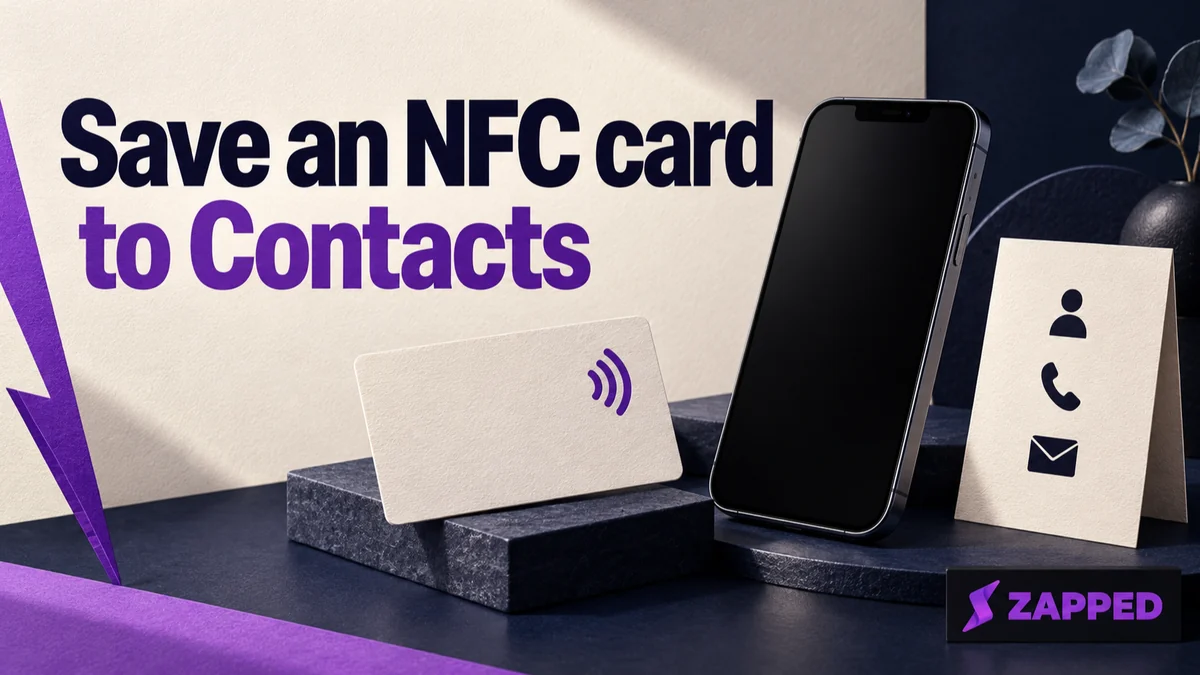
Tap an NFC business card, open its profile or contact card, review the details, choose where it saves, and confirm it in iPhone Contacts.
Create your Electronic Business Card in classic Outlook for Windows, attach it to one email or add it to a signature, and find the right option for new Outlook, web, or Mac.