Somebody sends you a link to a diploma, a certification badge, or a membership card, and you have about thirty seconds to decide whether it means anything. The honest answer is that the picture itself means very little. What counts is the issuer's own page behind it, and each issuer's page answers a different question. Three real examples show how different those answers are.
If you want the background on issuers, holders and verifiers first, we cover it in what digital credentials are. Here we stay with the examples and follow each one to the check a stranger can actually run.

An MIT diploma is checked on MIT's own verifier
MIT's Registrar offers an opt-in digital diploma. It is coded and certified with Blockcerts, and only graduates after 2017 are eligible, generally until January after they graduate. A student has to choose it, so plenty of MIT graduates will never have one, and that alone is not a red flag.
If someone does hand you one, ask for the certificate URL or the JSON file. MIT's digital diploma verification page accepts either. The steps:
- Open MIT's verification portal in Google Chrome or Safari, which MIT recommends.
- Paste the certificate URL into the Certificate URL field and choose Verify. If you were sent a JSON file instead, drag and drop it onto the page or select it.
- Read what comes back.
MIT says this check can authenticate the issuer, the issue time, and whether the diploma was issued to a specific individual. That is a real, narrow set of answers: MIT issued it, here is when, and it names this person. Keep the word Blockcerts attached to MIT's example. It describes how MIT built this diploma, not how every school does it.
Notice what the page does not say. MIT explains how to authenticate a submitted diploma, but it does not say an employer or another school must accept the result. Whether to accept it stays your decision.
An AWS badge link shows issuer, issue date and active status
Amazon Web Services automatically issues a digital badge, delivered through Credly, when someone earns an AWS Certification. The earner claims it from the email Credly sends, or by signing in to their AWS Certification Account and opening the Digital Badges tab. Earners can then put the badge on a social profile or personal website, which is usually where you meet it.
The link is the useful part. AWS says a direct badge link lets an employer verify the issuer and issue date for that unique earner. So skip the screenshot and ask for the earner's own badge link. Then open it and check three things:
- The issuer is AWS, not just a logo in the corner of the image.
- The issue date matches what the person told you.
- The badge reports whether the certification is active.
That last point is where AWS ties status to time. The badge remains active while the certification is valid, and holders must recertify every three years to keep it active. A badge issued four years ago and never renewed can still look handsome in a profile. Its status is the thing to read.
Don't stretch this to every certification program. The Credly route, the three year cycle and the active status are what AWS describes for its own badges. Another vendor's badge needs its own issuer's answer.
A membership badge shows grade and withdrawal
Professional associations issue badges too, and the APBMA example is a good one because it shows who controls what another person can see. APBMA issues digital badges for membership grade and for membership year milestones, and it says its badges follow Open Badges 2.0. That version label matters, because Open Badges 3.0 is a different, newer specification. Don't assume one from the other.
Members find their badges in the member portal and choose whether to make a badge public. If a member does, the public badge page shows its grade or milestone and whether the badge was withdrawn. The member's name appears only if the member makes it public. So a badge page with no name is not suspicious on its face. It may simply be the member's privacy choice.
There is a second route. Membership can also be checked by code. Where a membership code is looked up, the page confirms the member's name, membership grade and whether the membership is current. So if you need to be sure of a person's standing today, ask them for their membership code, not a screenshot of the badge. Reach that lookup through APBMA's own site rather than a link someone forwards you.
A Wallet pass displays membership; check the issuer for proof
Many memberships also live as passes on a phone, and this is where people over-trust a nice looking thing. Apple documents loyalty and membership passes in Apple Wallet, and says a provider can update a pass as the holder's membership level changes. Apple's pitch is practical: tap on a contactless reader and the pass comes up for check in. Google, for its part, lists membership cards among the example uses of a Generic pass in Google Wallet, and lets issuers define custom labels and values.
Both are excellent at displaying a membership. Apple's page describes how membership passes are stored and updated, but it does not describe them as W3C verifiable credentials or describe any proof that a stranger could check. That is a silence on that page, not a verdict on every pass, so the pass alone does not tell you which standard it follows.
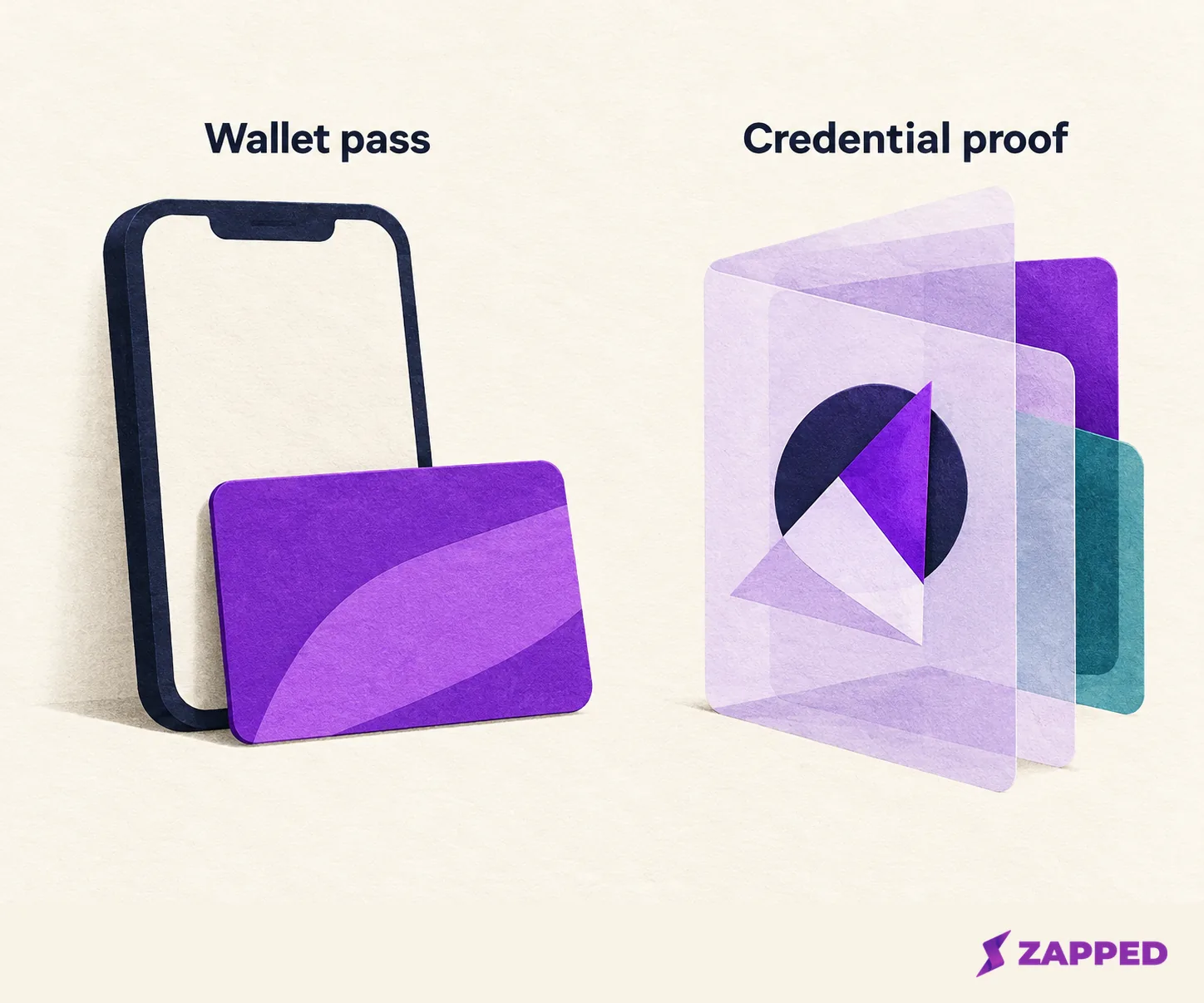
So ask a simple question of any pass: which issuer page or lookup confirms this membership? If the answer is a public lookup like the code check above, you have a route. If the answer is nothing, treat it as a membership card the holder is displaying. That is a fair thing to be, just not the same thing as a verified credential.
What a successful check does and doesn't tell you
When a check passes, it feels like the end of the story. It isn't, and the standard says so plainly. Verifying a W3C credential means checking conformance, the securing mechanism, and any available status check, such as whether the credential has been suspended or revoked. It does not evaluate whether the claims inside are true.
Open Badges 3.0 follows the same logic. It aligns achievement badges with that W3C model, and it requires at least one proof mechanism, along with the details needed to evaluate that proof, before a credential counts as a verifiable one.
Put the three examples next to that and the pattern is clear:
| Example | What the issuer's route checks | What it leaves to you |
|---|---|---|
| MIT digital diploma | Issuer, issue time, issued to a specific individual | Whether to accept it |
| AWS certification badge | Issuer, issue date, active status | Whether the skills fit the job |
| APBMA membership badge | Grade or milestone, withdrawn state; code lookup adds name and current status | How much a membership matters to you |
A successful check confirms only the fields that issuer's route exposes. It does not tell you the holder is good at the work, and no page above says an employer or school must take it at face value.
When all you have is an image, a profile or a pass
Sometimes the trail stops. A candidate sends a badge picture, a profile screenshot, or a Wallet pass, and there is no link. Don't guess and don't call it verified. Ask for the issuer's official lookup page, or the credential file itself, such as the JSON file in the MIT case. If the issuer can't name a route, describe what you have as a display or a membership card, and leave it at that until the issuer confirms the claim.
If you hold a credential and want it beside your contact details, add the issuer's verification page to a Zapped card as a link block: open a card editor from Cards, choose Blocks, add the link, and publish, since block edits stay in draft until you do. The issuer's page still does the proving. Zapped is a digital vCard contact platform and does not issue, verify, or store verifiable credentials or act as an identity wallet.