A digital credential is a digital record that carries a claim about a person, organization, or achievement. A verifiable credential goes further. Its record is tamper evident, its authorship can be checked cryptographically, and a verifier can inspect who issued it before deciding whether to accept the claim.
That distinction matters. A polished badge, PDF, wallet item, or QR code can look official without proving much on its own. Trust comes from the chain behind the claim, not from the fact that the record is digital.
A polished badge is not the proof
Digital credential is the broad category. It can include a digital badge, microcredential, Open Badge, certificate, blockchain credential, or verifiable digital credential, as this broader category shows. A digital version of a diploma or training certificate can still be useful without the full machinery of a verifiable credential.
The better question isn't whether the item has a nice design. Ask what it claims, who made that claim, and how someone else can check it. Europass describes digital credentials as digital versions of credentials such as diplomas and training certificates. They can be stored in a learner wallet and checked for validity and authenticity by a third party through its European Digital Credentials service.
That isn't the same as a screenshot of a badge or a page that merely displays a name. A QR code can take you to a page. It doesn't, by itself, tell you whether the claim is genuine, current, or accepted for the decision in front of you.
The chain behind the claim
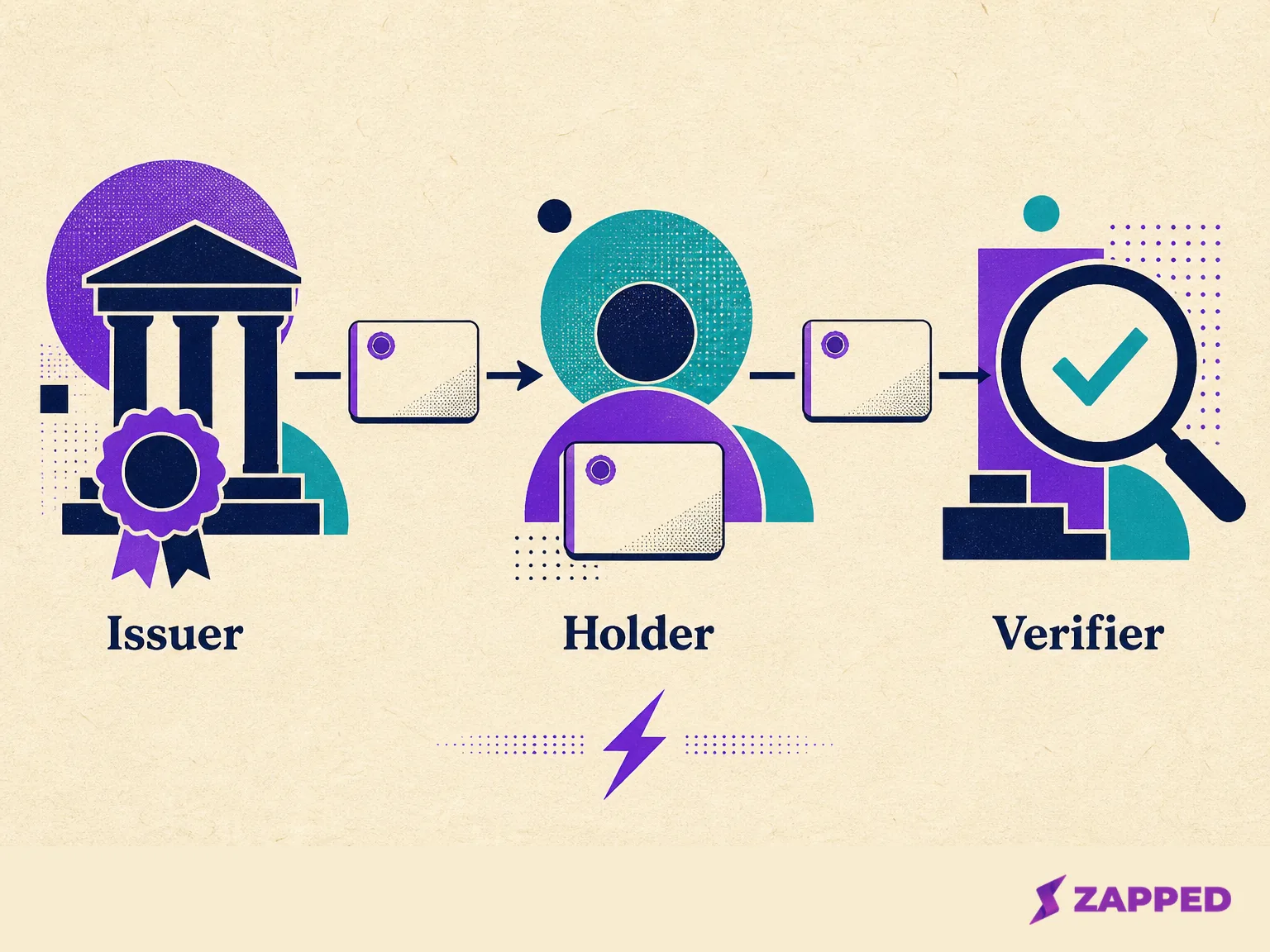
The mechanism gets easier to follow once you name the three roles. The issuer, holder, and verifier aren't decorative labels. They explain who makes the claim, who carries it, and who has to decide whether it's good enough.
- The issuer creates the credential and makes the claim. This might be a school, employer, licensing body, or another organization.
- The holder receives and presents the credential. A wallet can keep the record ready to share, but holding it doesn't make the holder its issuer.
- The verifier checks the presentation for a hiring, enrollment, access, identity, or professional decision.
Before you rely on an item, you should be able to name the issuer, the subject, the claim, and the validity information. “This person completed this course” is a claim. “This person showed me a blue badge” is only a description of what appeared on screen.
A verifiable credential carries one or more claims from the same entity. It can include the issuer, validity information, verification material, and status metadata, giving the verifier something concrete to inspect. It still doesn't outsource the final decision.
Verification is not acceptance
This is where most explanations blur the edges. Verification and validation are different. Verification checks the protected record and its cryptographic proof. Validation asks whether the issuer and claim meet the verifier's requirements for this situation.
In practice, the verifier first checks whether the signature or other proof matches the credential and its verification material. That material can include a cryptographic public key associated with the issuer. If the proof checks out, the record has passed a technical checkpoint.
Then comes the judgment call. Does the hiring organization trust that issuer for this role? Does the school accept that learning record for enrollment? Does the access system recognize the issuing authority? A valid signature can't answer those questions for the verifier.
So a credential can be authentic and still be unsuitable for the decision. That's not a failure of cryptography. It's the boundary between proving what a record is and deciding what the record is worth here.
Five questions before you rely on one
Use these questions when a credential arrives as a badge, file, wallet item, or link. They're quick, but each one changes the trust decision. The W3C data model puts these pieces together.
- What is the claim? Name the achievement, identity attribute, authorization, or other fact the record says is true. A credential without a clear claim is just a container with a serious looking label.
- Who issued it, and who is the subject? The issuer must be identifiable, and the subject is the person or organization the claim describes. Keep those roles separate from the holder who presents the record.
- Can the proof be checked? Look for a verification path and the material needed to check authorship and integrity. A working link or downloadable file isn't the same thing as a verified record.
- Is it current? Check validity dates and the credential's status. Status information can show suspension or revocation, but status schemes and verifier rules vary. Don't assume every credential follows one universal lapse or revocation policy. The Europass overview, for example, doesn't state one universal rule for every digital credential.
- What is the minimum information this transaction needs? Where the credential and wallet support it, selective disclosure lets the holder share only the necessary information. A verifier should request only what the transaction requires, not a complete personal history because the wallet happens to contain one.
The European Digital Credentials overview helps illustrate how learning records can be stored and checked. If the verifier can't support the credential's format, issuer, or status check, don't treat a successful download as proof. Ask the issuer for its official verification route or an alternate document the receiving organization accepts before sharing sensitive information.
Where standards fit, and where they stop
Standards make the moving parts clearer, but they don't turn every credential into a universal passport. The W3C recommendation for verifiable credentials defines the data model and is dated May 15, 2025.
OpenID covers two practical handoffs around that model. OpenID4VCI issuance defines an OAuth protected API for issuing credentials and supports multiple credential formats. OpenID4VP presentation defines how a verifier requests and receives a presentation, including flows on one device or across devices. It also binds the presentation to the intended verifier and transaction with client identifier and nonce values, which helps detect replay or injection.
Open Badges 3.0 is a concrete learning credential ecosystem. Its credentials are digitally signed and compatible with the W3C data model, according to the Open Badges 3.0 guide.
The useful promise is a shared vocabulary and established handoffs. The missing promise is automatic acceptance everywhere. A verifier still needs to support the format, trust the issuer, check status, and apply its own policy.
Credential or contact profile?
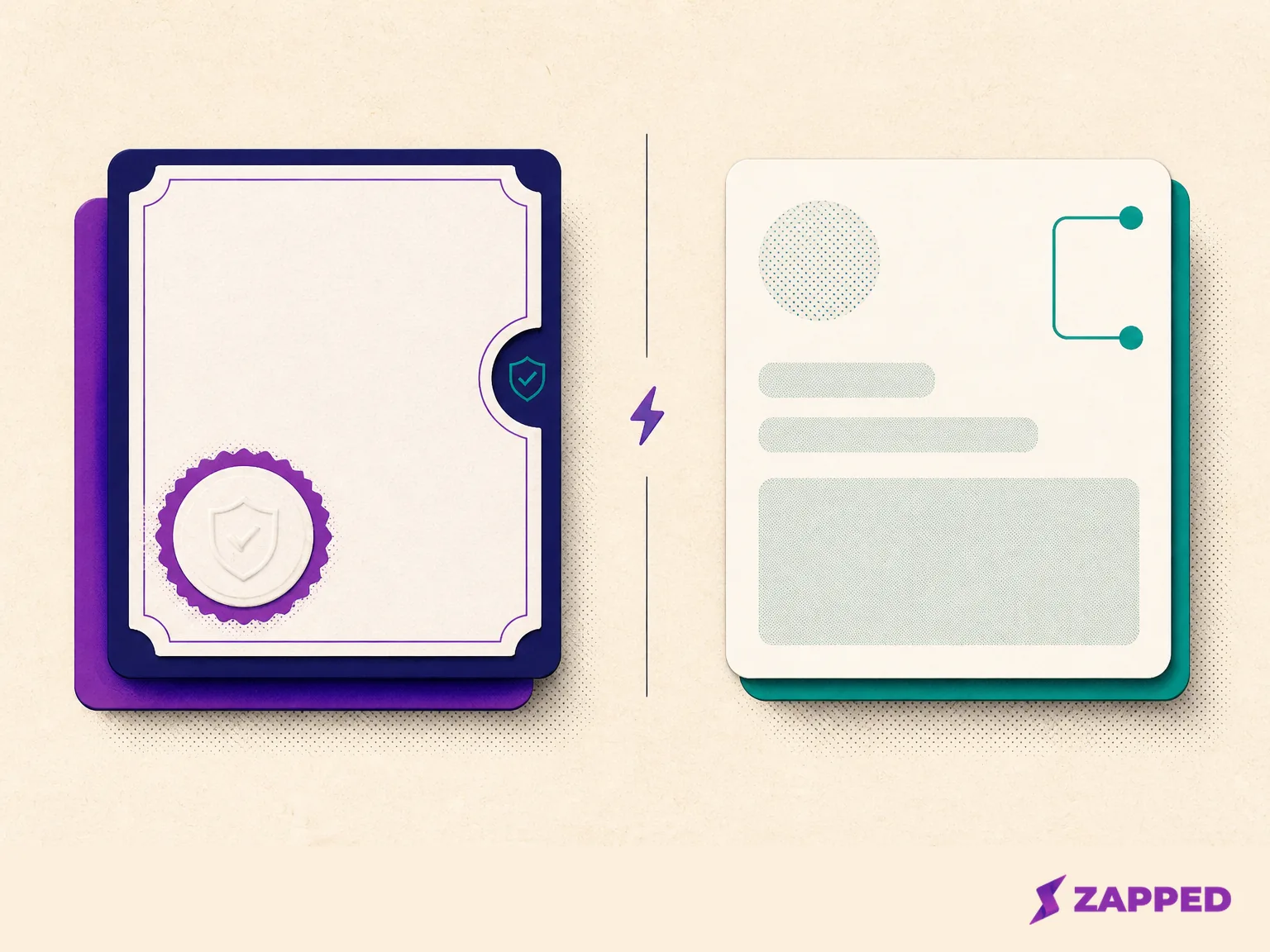
The cleanest boundary is the job each item performs. A credential carries an issuer's claim that someone may need to prove. A contact profile helps another person reach that someone. The W3C model separates those jobs, and the difference looks like this:
| Question | Digital credential | Digital business card |
|---|---|---|
| Main job | Carry a claim about identity, learning, authorization, or another achievement | Share contact details and useful links |
| What to inspect | Issuer, subject, claim, proof, validity, and status | Phone, email, profile links, and the page where those details live |
| What makes it useful | A verification path plus an issuer the verifier accepts | A simple way for someone to reach you and save your details |
| What a QR code means | It may open a presentation or verification route, but the code itself is not proof | It can open the public profile |
| Best fit | Hiring, enrollment, access, identity, or a professional claim | Networking, introductions, follow through, and contact sharing |
Zapped sits on the contact profile side. It's a platform for public web cards shared by QR code, link, or NFC, so it solves the reachability problem. That makes the card a contact sharing tool, not a credential issuer or verifier. Polish and QR access don't change the job.
Use the simplest tool that matches the job
If the job is to let someone reach you, a contact profile is the right tool. A Zapped card opens in a normal browser without an app, and the recipient can save contact details without creating an account. That's exactly the sort of low friction handoff a networking conversation needs.
If the job is to prove a degree, license, identity attribute, or authorization, use the credential workflow the receiving organization accepts. Ask what format it supports, how it checks the issuer and status, and what information it actually needs. A public profile can sit beside that process, but it can't replace the claim and proof.
Zapped also documents per card analytics and team workspaces, which helps answer whether contact sharing is getting follow through and how a group will manage its cards. Those are useful sharing and rollout questions, not credential verification questions.
Start with the smallest tool that proves the point. Use a credential when a claim backed by an issuer must survive scrutiny. Use a contact profile when the only thing you need to prove is that someone can reach you. Confusing the two creates paperwork where a link would do, or trust where a link has earned none.