Yes, an NFC business card can deliver a phishing lure. The tag is usually a carrier for a web address, while the phishing happens at the destination when a deceptive page asks the recipient to disclose information or take an unsafe action.
Treat an NFC business card like a link handed to you in person. Check where it goes before giving the page anything.
This is narrower than the question of whether NFC is safe in general. For that broader privacy and safety view, read Are NFC Business Cards Safe?. Here, the useful boundary is between the tag, the phone handoff, the destination, and your decision to continue.
What a normal tap actually passes along
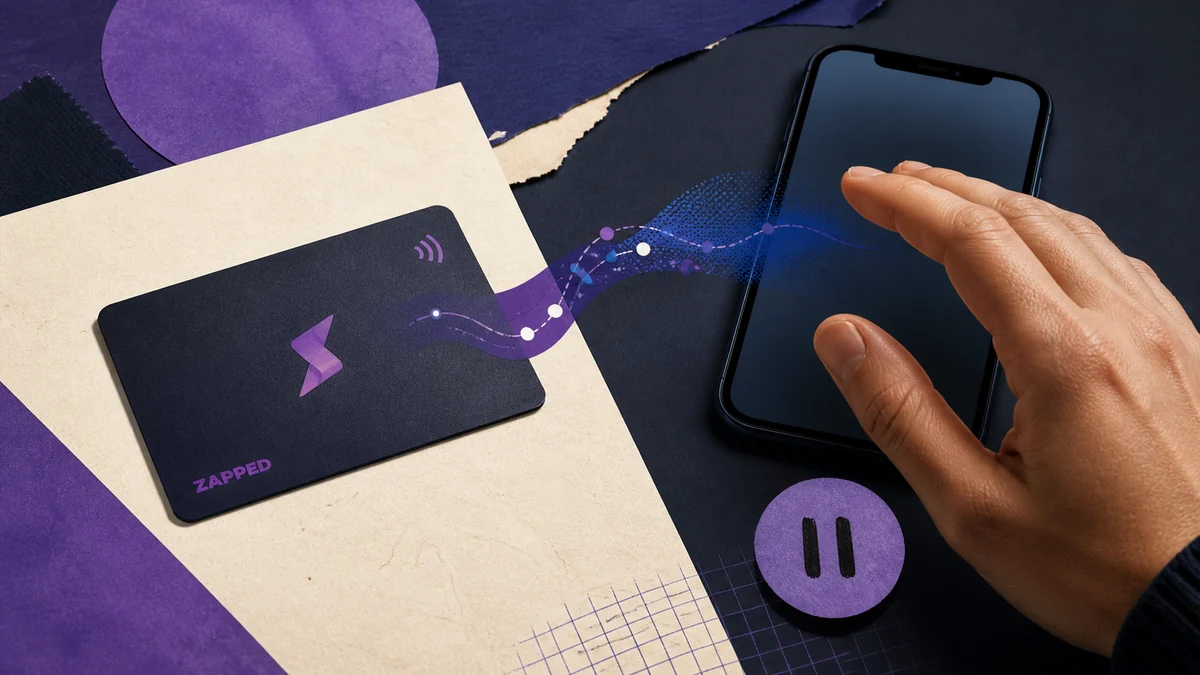
An NFC business card can contain an NDEF record, a standard format for exchanging data between compatible NFC devices and tags. One common record carries a URI, such as a web address. The passive tag stores that data, but it does not host the website that the address points to.
The NFC Forum description of NFC technology explains this tag and web handoff model.
That distinction matters because a valid tag read says very little about the reputation of the destination. The NFC Forum defines the data format and the way a URI can be stored, not whether the domain belongs to the person or company shown on the card. What are NFC business cards? covers the basic sharing mechanism if you need that piece first.
When a tag contains a web URI, the phone may pass it to the default browser. The NFC Forum’s cross platform user experience guidance describes browser handling and confirmation steps, while also noting that behavior can vary with the operating system, installed applications, and user interaction. Do not treat one phone’s prompt as a rule for every phone.
An NFC tap is therefore an entry point, not an approval. A notification, preview, or browser handoff can still leave the recipient with a separate choice about whether to open the page and what to do there. How to scan an NFC business card on an iPhone covers device interaction without changing that trust boundary.
How the risk chain works
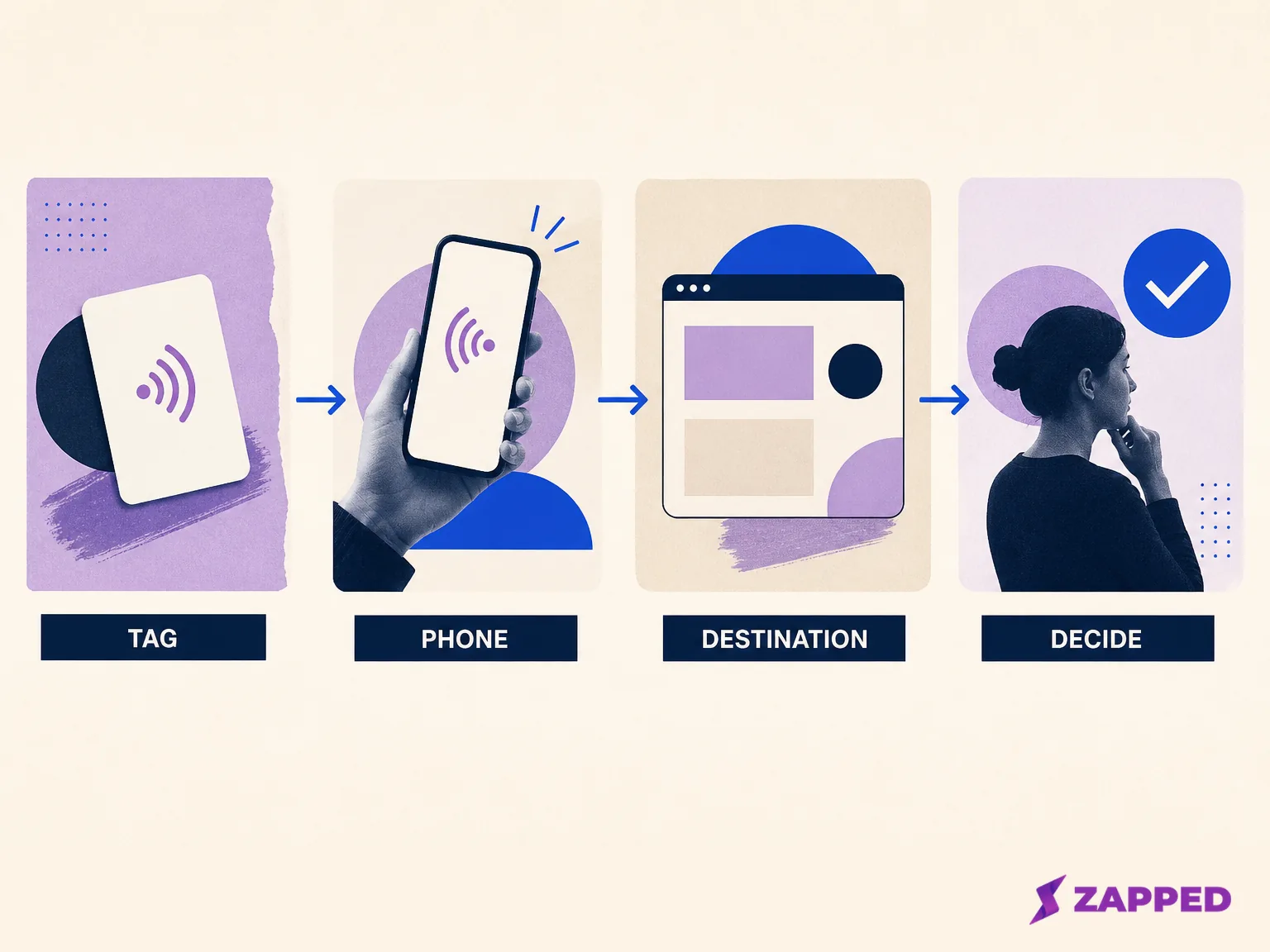
Conceptual diagram of the tag, phone handoff, destination, and recipient decision. It is not a captured workflow or evidence of a completed test.
1. The carrier
The card presents a physical tag that stores data, often a URI. The printed design can make the card look familiar and trustworthy, but the design is not an identity check for the stored address. The tag and the brand impression are two separate signals.
2. The handoff
The phone reads the tag and may offer the URI to a browser or another suitable application. The exact interaction depends on the platform and the person’s action. A successful read does not mean the recipient has approved a login, payment, download, or form submission.
3. The destination
The URI leads somewhere. That may be the owner’s profile, a legitimate company page, a redirect, or a deceptive site. NDEF formatting can tell the phone how to interpret the record. It cannot establish that the destination domain is legitimate.
4. The request
The social engineering begins when the destination asks for something that deserves scrutiny. That might be a password, a security code, personal information, money, a download, or another action presented as necessary to continue. Apple’s phishing guidance identifies directed webpages, URL mismatches, and requests for secrets as warning signs.
Research such as Trojan of Things: Embedding Malicious NFC Tags into Common Objects has demonstrated malicious NFC tag scenarios in proof of concept work, including deceptive approval flows. That establishes technical possibility, not frequency.
There is no reliable statistic in the available record showing how often NFC business cards are used as phishing lures, so the sensible response is a clear trust boundary rather than a dramatic prevalence claim.
What each layer can and cannot establish
The quickest way to avoid confusion is to ask what the current layer proves, then stop it from proving more than it can.
| Layer | Can establish | Cannot establish | Reader consequence |
|---|---|---|---|
| Tag | A stored NDEF record can include a URI. | That the domain is legitimate or the page is safe. | Inspect the destination. |
| Phone handoff | The URI may be passed to a browser, subject to platform behavior and interaction. | That the recipient approved the next action. | Read the preview or prompt. |
| Destination | This is where the request appears. | That the request deserves trust because the card looked professional. | Stop at an unexpected request. |
| Recipient action | Continuing or entering information is a separate decision. | That browser warnings catch every bad page. | Navigate independently when needed. |
Chrome’s unsafe site guidance documents warnings for known phishing and malware sites, as well as warnings for some lookalike addresses. Those warnings are useful backstops. A page that does not trigger one is not automatically trustworthy, especially when its domain or request does not fit the context.
This is also why the ordinary business card case is different from protected credentials or payment systems. A public URI tag does not itself submit credentials or complete a payment.
As the NFC Forum cross platform tag UX guidance shows, what happens after a read depends on the phone, application, and user interaction. For that separate boundary, see Can You Copy an NFC Card to Your Phone? and Are NFC Cards Legal?.
The recipient check before you submit
If someone hands you a card at a meeting, event, or doorstep, the decision can stay simple. You do not need to diagnose the tag. You need to decide whether the destination deserves the next action.
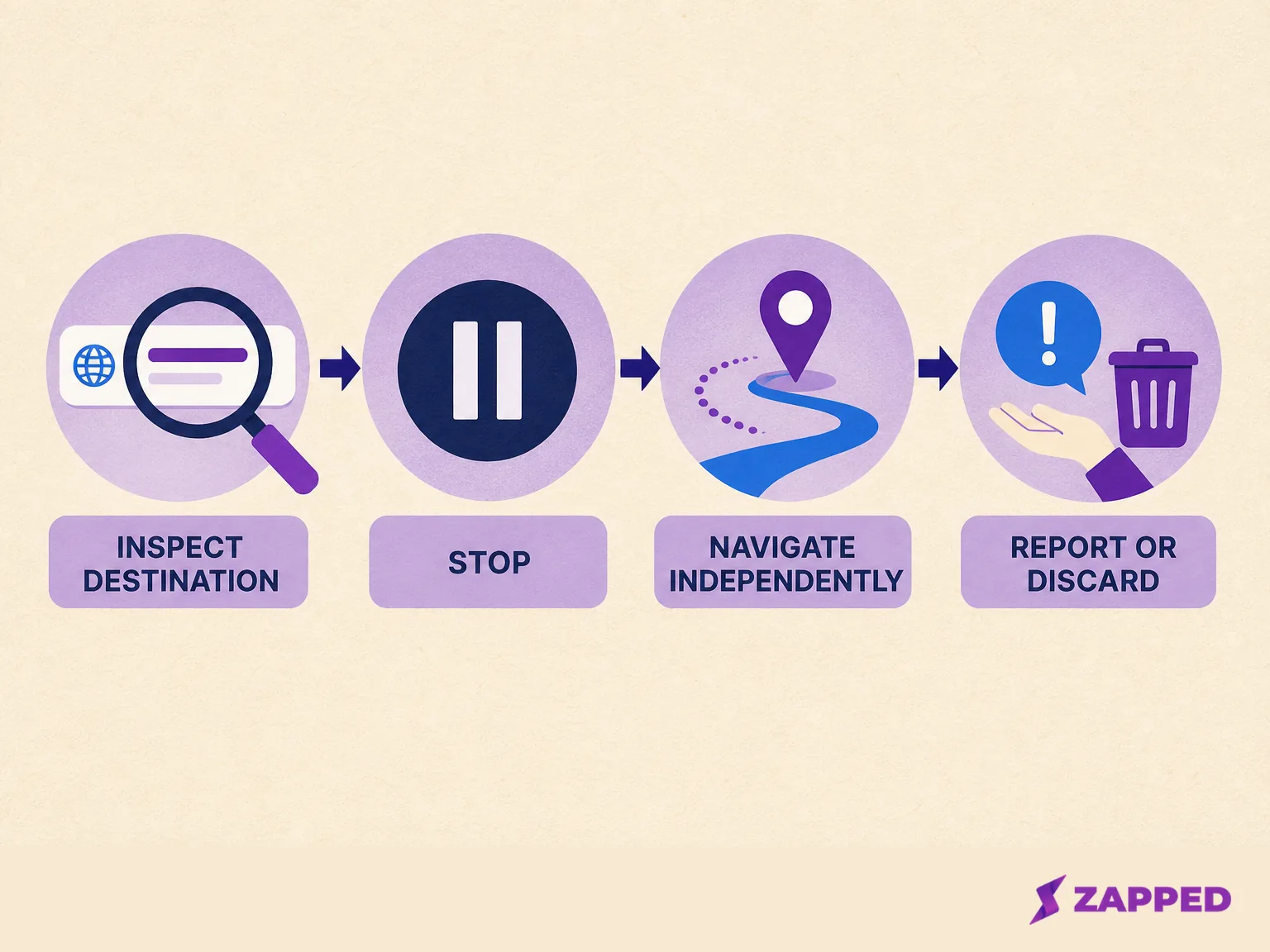
Conceptual recipient safety flow. It shows decisions to make, not a browser screenshot or a tested device sequence.
-
Read the actual domain. Look at the address shown by the browser, not only the logo, card name, or visible page heading. A familiar brand on the card does not make a different domain familiar.
-
Stop at a warning or an unexpected request. A browser warning deserves a stop. So does a page that asks for a password, security code, personal information, download, money, or unrelated action that the conversation did not establish.
-
Do not enter a secret because the card sent you there. Apple advises against entering passwords or security codes into a webpage someone directs you to. The same principle applies when the direction arrives through a tap.
-
Reach the claimed company independently. If the page says it represents a bank, employer, conference, or vendor, use an address or contact route you already know. Do not rely on the card’s page to prove its own identity.
-
Discard or report what does not make sense. Keep the card out of circulation if its destination conflicts with its stated purpose. If the situation involves a real organization, report the suspicious page through an independently known channel.
The tap can still be useful when you treat it as a link preview. You are allowed to stop after the address appears. You are also allowed to use a visible QR code or type a known address instead, if that gives you a clearer route.
NFC versus QR code business cards explains that handoff choice without turning this into a general QR safety guide.
Controls for the person issuing the card
Owners have a different job. The goal is not to promise that a professional design makes a destination safe. The goal is to make the intended destination recognizable, inspectable, and easy to reach through more than one visible route.
-
Use a destination you control. The page should belong to the person or organization represented by the card, and its purpose should match the conversation in which the card is handed over.
-
Inspect the encoded URI after writing. Confirm the address stored on the tag, then check that it reaches the intended page. The programming details belong in Can NFC Cards Be Rewritten?, so this article will not turn that check into tag writing instructions.
-
Protect the physical carrier. Because NFC Forum tags can be writable or read only, a card can lose its trust signal if a writable tag is replaced, rewritten, or paired with a different destination. That is a conditional threat model, not a claim about how often it happens. Physical inspection and a clear owner process reduce ambiguity. Trojan of Things provides feasibility context for malicious tag scenarios.
-
Use a recognizable domain. A recipient should be able to connect the address with the person or organization on the card. Avoid pages that unexpectedly ask for secrets, downloads, or unrelated payments.
-
Provide a visible fallback. Print a QR code or typed URL so the recipient can choose a route where the destination is plainly visible before continuing. A fallback also helps when a phone handles NFC differently from the owner’s phone.
-
Audit before important handoffs. Check the card, the stored URI, and the live destination before an event or campaign. If any one of those has changed, update the visible explanation before distributing the card.
If you want the same profile available through more than one handoff, Zapped lets you share a card through an NFC tap, QR code, or link, and the card opens in a normal browser without requiring an app. That describes the delivery route, not a guarantee that any destination is immune to phishing.
Where this answer stops
This guide covers a public business card that leads to a page and a recipient deciding whether to continue. It does not explain protected credential copying, payment authorization, or access systems. Those boundaries belong in Are NFC Cards Legal?, while broader provider controls belong in Most Secure Digital Business Card: Security Checklist.
Older research such as Steal Your Life Using 5 Cents: Hacking Android Smartphones with NFC Tags reported NFC and Android issues such as URI spoofing and privacy impacts. That work is historical context, not proof of a current exploit on every device. Platform behavior changes, which is another reason to inspect the destination and stop before submitting anything sensitive.
The practical verdict
For recipients, an NFC business card is a link handoff. Read the destination, treat warnings and unexpected requests as stop signs, and use an independently known route when the page claims to represent someone else.
For owners, make the destination recognizable, verify the URI, protect the physical tag, and offer a visible QR or typed URL fallback. The useful security boundary is not the card’s polished appearance. It is the moment before the recipient gives the destination anything.
Sources
Sources checked 2026-08-06.
- NFC Forum, NFC Technology
- NFC Forum, Cross platform NFC Tag UX
- NFC Forum, Data Exchange Format NDEF Technical Specification
- Apple Support, Recognize and avoid social engineering schemes including phishing
- Google Chrome Help, Manage warnings about unsafe sites
- Trojan of Things: Embedding Malicious NFC Tags into Common Objects
- Steal Your Life Using 5 Cents: Hacking Android Smartphones with NFC Tags
- Zapped's product facts