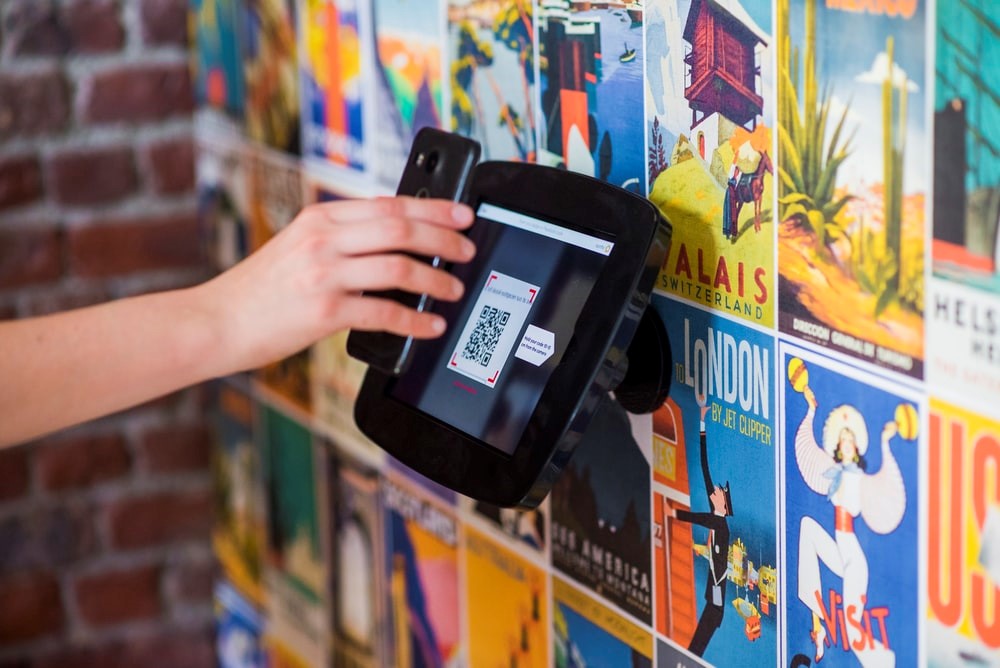
NFC cards are legal when they are used to share information you are allowed to share, such as a website, digital profile, or contact details. Problems start when a card is used to copy credentials or bypass access controls.
Quick answer
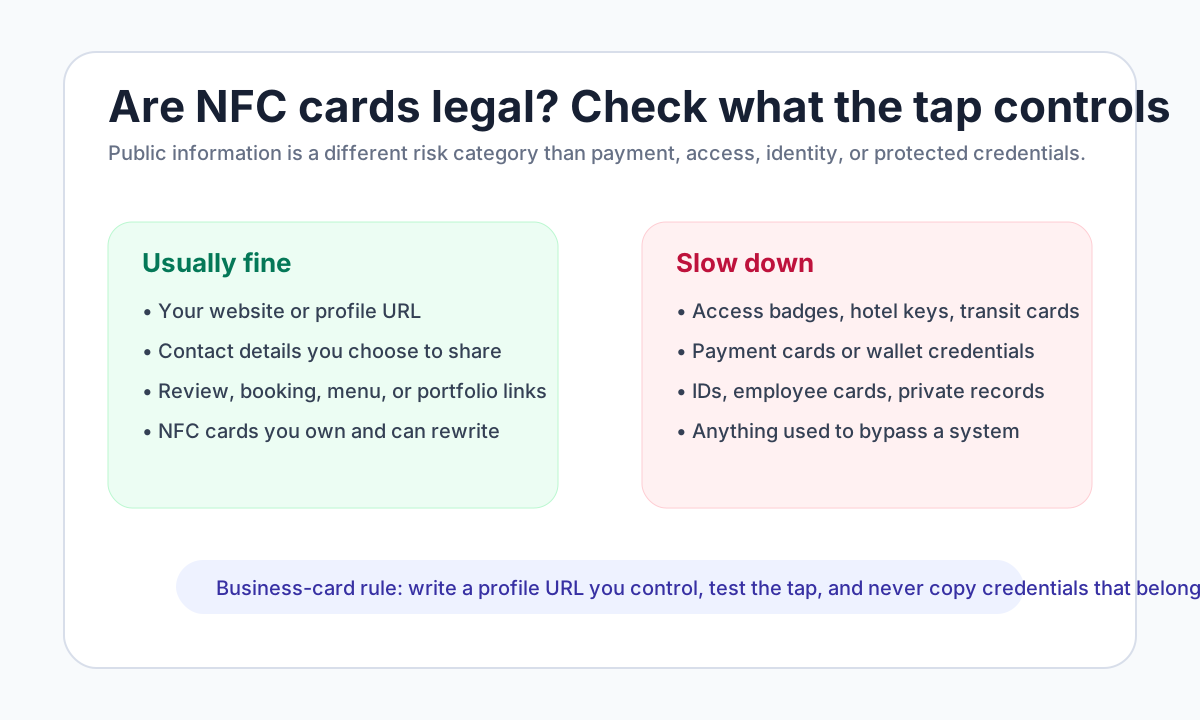
NFC business cards are generally legal because they point to public or owned information. Do not copy hotel keys, payment cards, employee badges, transit cards, or secure credentials unless the owner and system rules explicitly allow it.
Key takeaways
- NFC and QR are legal and useful when they share information you control.
- Keep payment, access, and private credentials separate from public sharing workflows.
- Test the card or code on real phones before using it with customers.
- Use an editable destination so printed cards and tags do not become stale.
What to decide first
Start with what the tap or scan should open. A public profile, review link, menu, payment flow, or app screen each has different trust and testing requirements. The destination should be clear before you print cards or program tags.
What is usually legal
NFC business cards are usually straightforward when they open information you control and are allowed to share. That includes your website, digital business card, booking page, review link, portfolio, menu, payment page created inside an approved provider, or public campaign landing page.
The risk changes when the NFC card tries to imitate or copy a credential. Access cards, hotel keys, transit cards, payment cards, employee badges, campus IDs, and other managed credentials are governed by the owner, issuer, system rules, and local law. Do not copy or emulate those unless the issuer explicitly provides an approved way to do it. For the separate risk of a public card link leading to a deceptive request, see how an NFC business card can be used for phishing.
| Choice | Best for | Watch out for |
|---|---|---|
| QR code | Universal phone access and print material | Needs enough size and contrast |
| NFC tag or card | Fast tap sharing in person | Some devices or cases can make tapping harder |
| Public profile URL | Contact, booking, menu, or portfolio sharing | Should not require visitor login |
| Payment or credential flow | Approved app and account use only | Do not copy protected cards or private credentials |
What to include
A QR or NFC workflow needs two parts: the physical trigger and the destination behind it. The trigger can be a card, sticker, poster, packaging insert, or phone screen. The destination should be useful on mobile, fast to load, and safe to update after the card or code is already in the world.
Useful elements include:
- A short label that tells people what the scan or tap opens.
- A tested destination URL with no login requirement for the visitor.
- A fallback printed URL when the environment makes scanning difficult.
- A profile or landing page that can be edited without reprinting the physical item.
- Clear separation between contact sharing, payments, access credentials, and private data.
Testing before you share it
Test the scan or tap from the same distance and lighting where people will actually use it. Try both iPhone and Android if the audience is mixed. If the destination opens a payment page, app flow, or third-party profile, check the current official guidance because support can vary by region, device, merchant, or account status.
How to make it work in the real world
Start with the smallest version that solves the reader's problem. Then add the pieces that make follow-up easier: a clear headline, one main call to action, a tested QR or link, and a destination that is easy to update. If the topic depends on a third-party platform, check the current official help page before publishing instructions.
Practical examples
- Use a QR code when the person will see the card or ad offline.
- Use a direct link when the person is already in email, social, or chat.
- Use a digital profile when several links need to live behind one destination.
- Use tracking when you need to know which campaign or event worked.
Real-world use cases
For are nfc cards legal? what businesses should know, the best setup depends on what the person expects after the scan or tap. A networking card should open contact details and a save-contact action. A review card should open the right review destination. A payment code should stay inside the approved payment app flow. A product or menu code should open a mobile page with the answer visible quickly.
Use this simple rule: if the destination contains information you own and can share publicly, a QR or NFC card is usually straightforward. If the destination involves payment credentials, access credentials, private records, or someone else's account, slow down and check the official rules first.
Troubleshooting scans and taps
When a QR code or NFC card fails, the problem is often practical rather than strategic. Check the code size, contrast, damaged print, phone camera distance, redirect chain, landing page speed, NFC tag placement, and whether the destination requires an app or login. Keep a printed fallback URL when the card may be used outdoors, in low light, or by older phones.
Common mistakes to avoid
Do not overload the reader with too many choices. Avoid untested links, low-contrast designs, outdated screenshots, broad claims, and static pages that cannot be corrected after the card, ad, or profile is shared.
Where Zapped fits
Zapped is useful when a card, link, QR code, NFC tap, email signature, or campaign needs one live destination. You can update the profile after sharing it, add contact and booking actions, and see which sharing moments produce clicks.
Before you publish or print
- Test every link, QR code, and phone action from a mobile device.
- Use one primary call to action.
- Keep screenshots, pricing, platform steps, and offers current.
- Review the profile or landing page after each campaign or print run.
FAQs
Is are nfc cards legal? what businesses should know worth it for small businesses?
It can be worth it when the campaign has a clear offer, tracking plan, and follow-up path. Without those, the channel can create attention without measurable sales.
How should I track results?
Use a dedicated URL, QR code, call tracking number, booking link, coupon, or landing page so the campaign has a visible response path.
Where should the campaign send people?
Send them to the most useful next step, such as a landing page, booking page, review page, profile, quote form, or product page.
How does a digital card help marketing?
A digital card keeps the follow-up page editable, so the printed material, QR code, or profile link does not become stale.
Sources
- NFC Forum, NFC technology for how NFC tags and readers exchange data.
- IETF RFC 6350, vCard format for the contact-data format behind many digital contact files.
- Our Zapped digital business card features for current profile, QR, NFC, team, and analytics workflows.