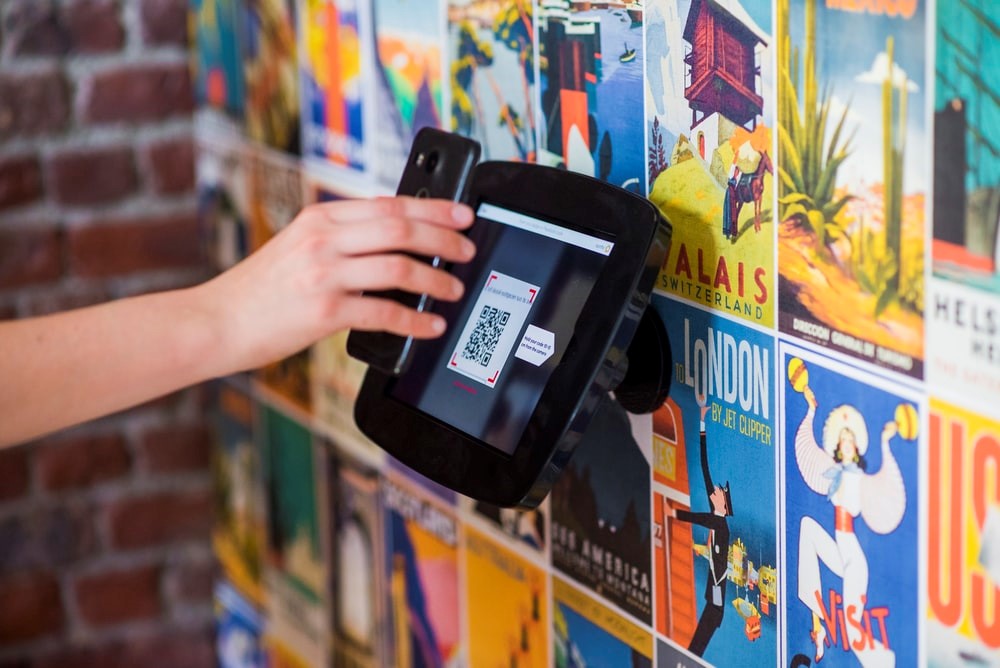
PayPal support at gas stations depends on the station, the pump system, the PayPal app flow, and whether the merchant supports QR checkout, pay at pump, a station app, or PayPal-linked cards.
Quick answer
Some PayPal app flows support Pay at pump, and PayPal QR checkout can work where a merchant supports in-store QR payments. Do not assume every gas station accepts PayPal QR at the pump. Open the PayPal app or the station's own app before you arrive, confirm the location, and have a backup card ready.
Key takeaways
- PayPal's help page describes a Pay at pump flow inside the PayPal app.
- QR checkout and pump authorization are not the same thing.
- Some station-branded apps can use PayPal as the payment method.
- Support can vary by country, station brand, location, pump hardware, and account eligibility.
- Check the app before you depend on PayPal for fuel.
How PayPal pay at pump usually works
PayPal's current help article says the Pay at pump flow starts in the PayPal app under Payments, then Pay at pump. From there, you choose a gas station, enter the pump number when prompted, verify the payment method, and start fueling.
The important point: this is not the same as scanning any random QR code at any pump. The station has to appear in the supported app flow.
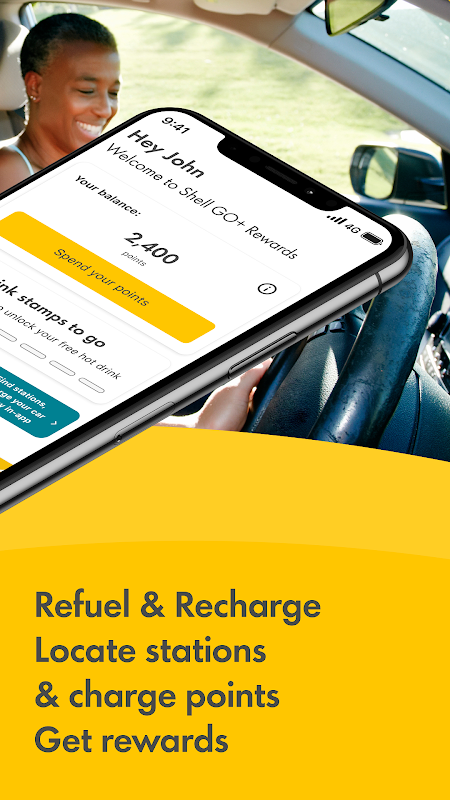 Visual reference: Shell app Pay at Pump screenshot showing PayPal as a payment method from the Shell app listing on Aptoide.
Ways PayPal may work at a gas station
| Payment path | Where it happens | What to check |
|---|---|---|
| PayPal Pay at pump | PayPal app | Station appears in the app, pump number can be entered |
| Station app with PayPal | Shell, Esso, or other station app | PayPal is listed as a payment method in that app |
| PayPal QR checkout | Inside the store or supported checkout | Merchant supports PayPal QR, not just card payments |
| PayPal Debit Card or Mastercard | Card network checkout | Accepted like a normal card where eligible |
| Google Pay with PayPal | Contactless terminal | PayPal is linked and the terminal accepts contactless wallet payments |
Step-by-step check before you drive there
- Open the PayPal app.
- Tap Payments.
- Look for Pay at pump.
- Search or choose the gas station in the app.
- Confirm the pump flow appears for that location.
- Check that your preferred payment method is ready.
- Bring a backup card in case the pump or station is not supported.
If the station uses its own app, open that app instead and check whether PayPal is one of the payment options. Shell and other station apps have offered PayPal-backed pump payment in some markets, but the availability is not universal.
Why the answer changes by station
Gas stations are not one payment environment. A chain may support PayPal in one country, in its own app, at selected stations, or only inside the convenience store. A pump may support card tap but not PayPal QR. A store may accept PayPal QR at checkout but not unlock a fuel pump.
That is why list-style answers like "these gas stations accept PayPal QR" become stale quickly. The safer answer is to check the current app flow for the exact location.
Troubleshooting
| Problem | What to try |
|---|---|
| You do not see Pay at pump | Update the PayPal app and check whether the feature is available in your region |
| The station is not listed | Use another payment method or the station's own app |
| The pump number will not verify | Confirm you are at the selected station and pump |
| The app asks for another payment method | Set the preferred in-store or pump payment method before fueling |
| The QR code is inside the store | Treat it as store checkout, not pump authorization |
QR payments versus profile QR codes
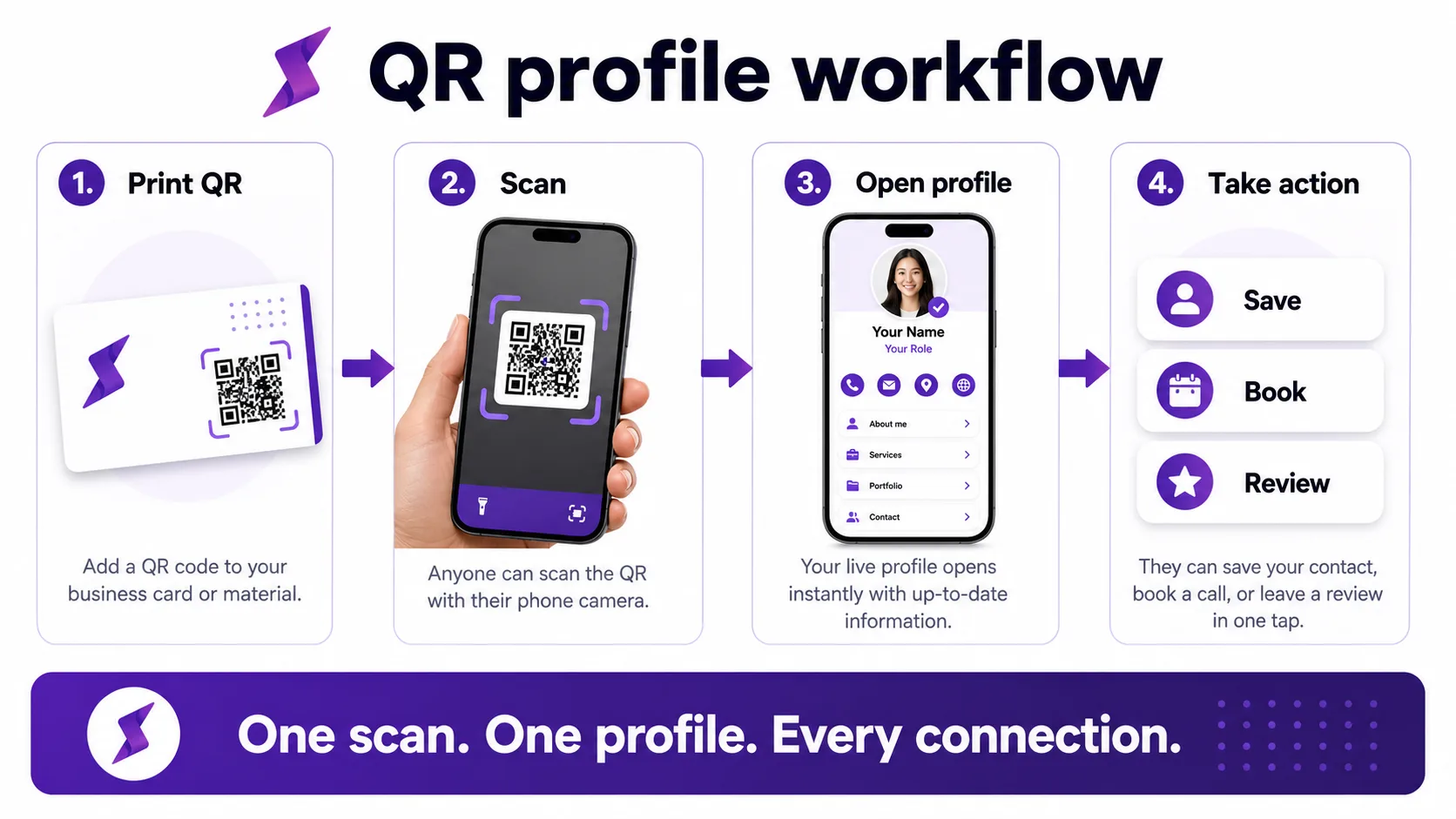
PayPal QR codes are payment tools. Zapped QR codes are profile and contact-sharing tools. They should not be mixed.
Use PayPal QR for approved payment checkout. Use a Zapped QR code when you want a customer, event contact, or prospect to open your profile, save your contact details, book a call, or view links.
FAQs
Do gas stations accept PayPal QR codes?
Some stores or station apps may support PayPal QR or PayPal-backed mobile checkout, but it is not universal. Check the PayPal app or the station app for the exact location.
Can I pay at the pump with PayPal?
PayPal's help center describes a Pay at pump option in the PayPal app where available. The station must be supported in the app flow.
Can I scan a PayPal QR code at any pump?
No. A QR code at checkout and pump authorization are different payment flows. Use the app instructions for the specific station.
What should I use as a backup?
Bring a debit card, credit card, station app, or wallet payment option. Fuel payment systems can fail even when a method is normally supported.
Sources
- PayPal Help, pay at the pump for PayPal pump payment guidance.
- PayPal QR code payments for PayPal QR payment basics.
- PayPal Help, PayPal Everywhere in stores for PayPal Debit Card, QRC, and Pay at Pump context.
- Shell app listing on Aptoide for the Pay at Pump visual reference showing PayPal as a payment method.
- Zapped digital business card features for how Zapped QR codes point to an editable business profile rather than a payment-only code.