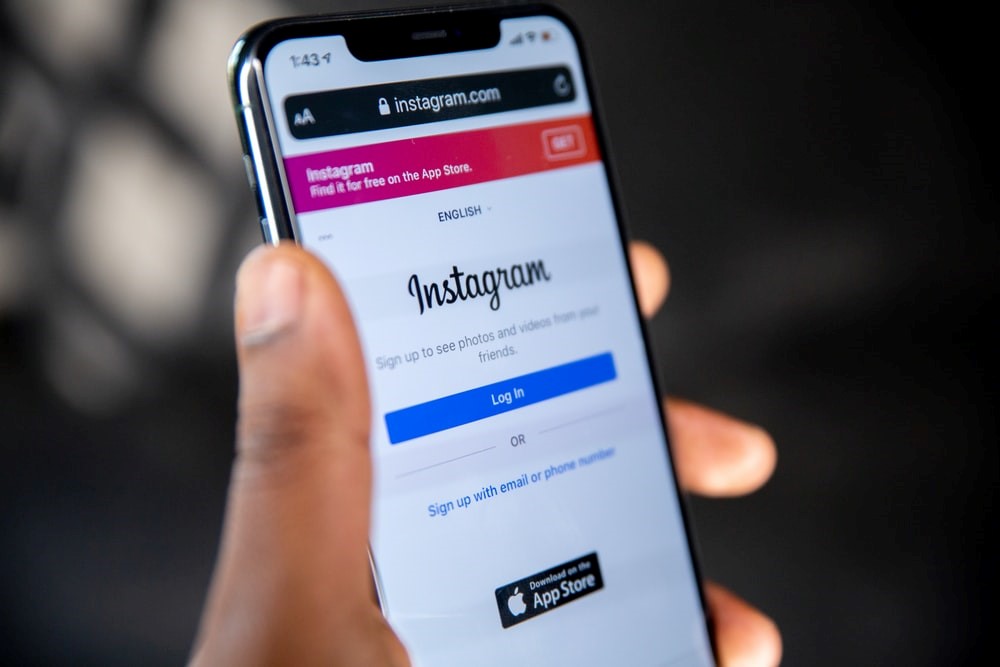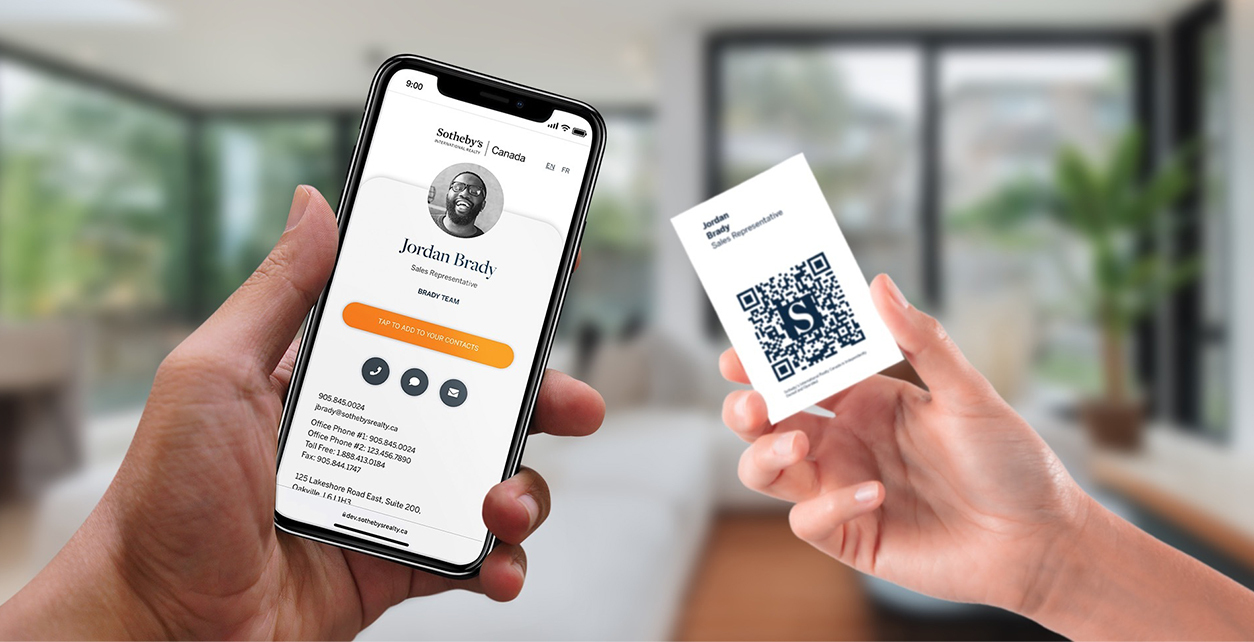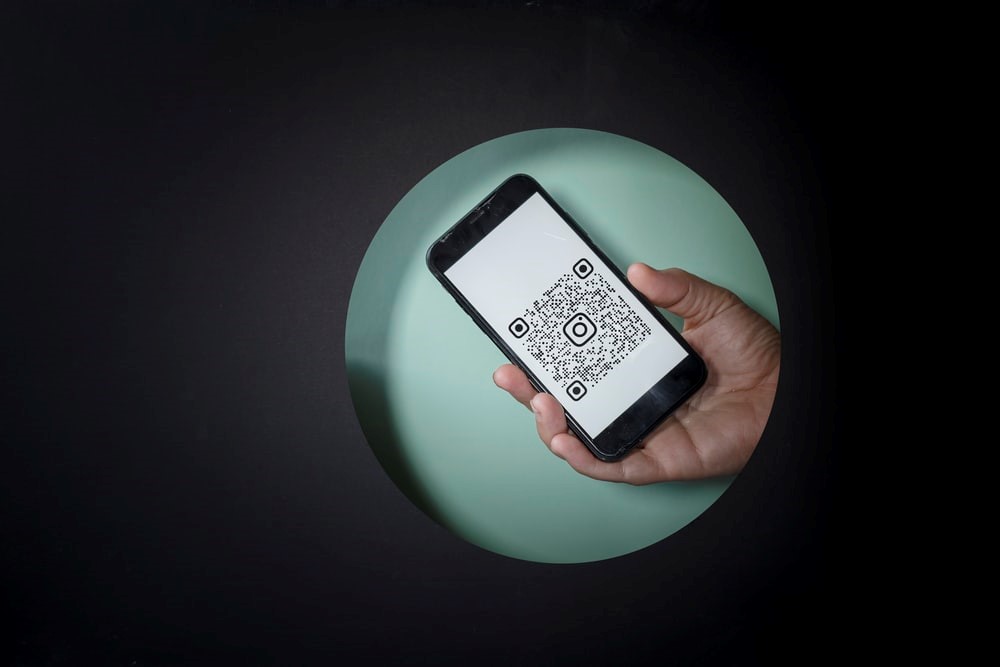
An Instagram QR code or profile card helps people open your Instagram profile from a sign, business card, package, event booth, or phone screen.
Quick answer
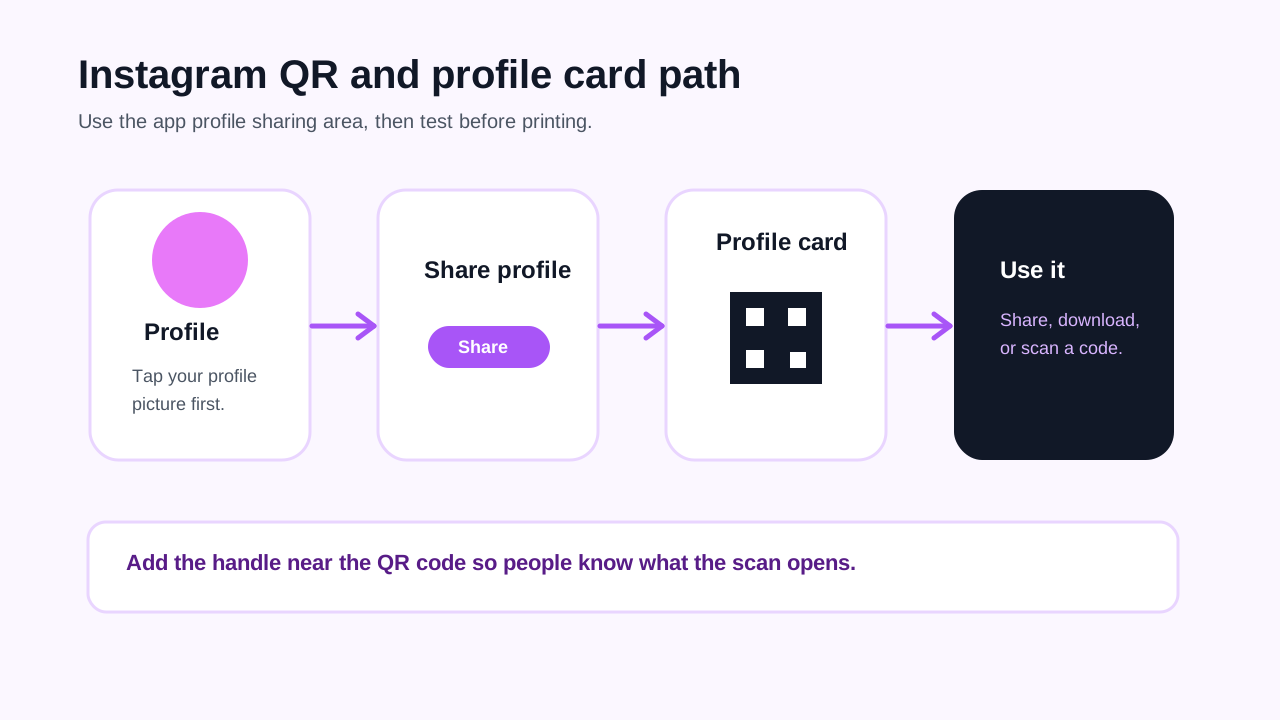
Open Instagram, go to your profile, tap Share profile, then use the profile card or QR code options to share, download, or show the code. To scan someone else's Instagram QR code, open the same profile sharing area, use the scan option, and point the camera at the other code.
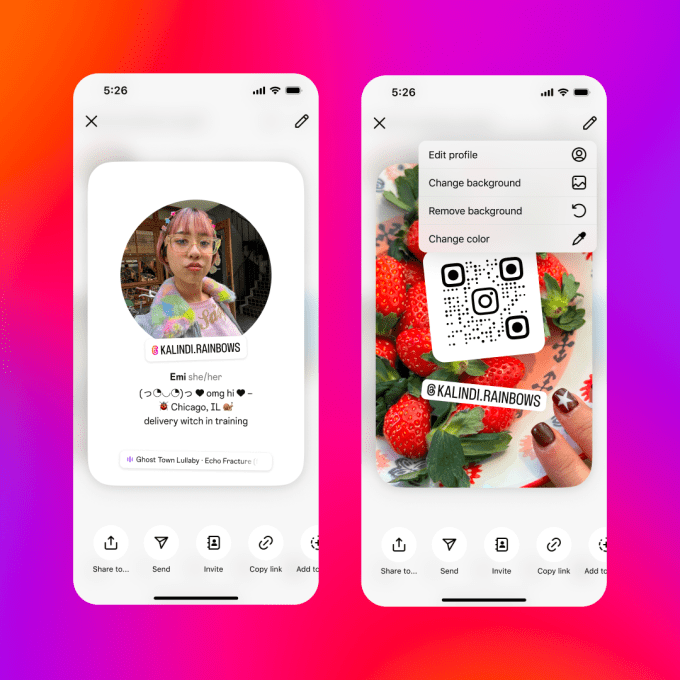
Visual reference: Instagram profile card screenshot credited to Instagram in TechCrunch's profile card coverage.
How to find your Instagram QR code or profile card
Use this flow in the Instagram mobile app:
- Open Instagram.
- Tap your profile picture in the bottom right.
- Tap Share profile below your bio.
- Swipe the profile card if Instagram shows more than one side.
- Use the available share, download, copy link, or story options.
- Test the downloaded code with another phone before printing it.
Instagram's current help uses the profile card language, and the profile card includes a QR-style way to share your account.
How to scan someone else's Instagram QR code
- Open Instagram.
- Go to your profile.
- Tap Share profile.
- Open the scan option in the profile card area.
- Point your camera at the other person's Instagram QR code.
- Wait for Instagram to capture the code.
- Confirm you are opening the expected profile before following or messaging.
If the scan does not work, ask for the profile link or username as a fallback.
When to use an Instagram QR code
| Use Instagram QR | Use a broader profile link |
|---|---|
| You only want follows, DMs, or profile visits | You also need bookings, phone, email, reviews, files, or product links |
| The audience already uses Instagram | The audience may not have Instagram installed |
| The printed piece is social-first | The printed piece is a business card, menu, event sign, or sales asset |
| You can update the Instagram bio often | You need one stable destination across many channels |
For many businesses, the best setup is an Instagram link inside a broader digital profile, plus an Instagram QR where the follow action is the main goal.
Where to place the code
Good placements include:
- Business cards when Instagram is your main portfolio.
- Product packaging when customers post or tag you.
- Event signs when people are already taking photos.
- Receipts or inserts when you want repeat customers to follow.
- Window decals or counter cards when local discovery matters.
Add a short label, such as Scan for Instagram, Follow our work, or See new arrivals. Do not make people guess what the code opens.
Print and testing checklist
- Test the code from another phone.
- Keep enough white space around the code.
- Do not place the code over a photo, foil texture, or busy pattern.
- Keep the printed code large enough to scan comfortably.
- Put your handle near the code in case scanning fails.
- Re-test the code from a printed proof, not only from your screen.
Common mistakes
| Mistake | Better choice |
|---|---|
| Printing only the Instagram icon | Add @yourhandle or a QR code |
| Using a tiny QR code | Make it large enough to scan from normal distance |
| Sending business leads only to Instagram | Use a profile link if they also need phone, booking, or email |
| Forgetting to test after printing | Scan the final printed proof |
| Changing username after printing | Keep a stable handle or use a live profile link |
Where Zapped fits
Zapped fits when Instagram is only one part of the follow-up. A Zapped profile can include Instagram plus phone, email, booking, reviews, products, files, videos, and a save contact action behind one QR code.
Use the Instagram QR when the goal is a follow. Use a Zapped QR when the goal is a complete business follow-up.
FAQs
Does Instagram still have QR codes?
Instagram now presents profile sharing through profile cards and QR-style sharing options. The current path starts from your profile and Share profile.
Can I put my Instagram QR code on a business card?
Yes, if Instagram is a useful next step. Put your handle beside the code and test the printed card.
Should I use my Instagram QR code or a digital business card QR code?
Use Instagram's code for follows. Use a digital business card QR code when someone may need your contact details, website, booking link, reviews, or multiple social profiles.
Can people scan it without Instagram?
The best experience is usually inside Instagram. If your audience may not use Instagram, include your handle, profile URL, or a broader web profile as a backup.
Sources
- Instagram Help, edit and share your profile card for the current profile card flow.
- Instagram Help, scan a QR code to find someone's profile for Instagram QR scanning steps.
- TechCrunch, Instagram's latest feature is a digital business card for your profile for the profile card screenshot credited to Instagram.
- Zapped digital business card features where we combine Instagram, contact, booking, and QR sharing in one profile.