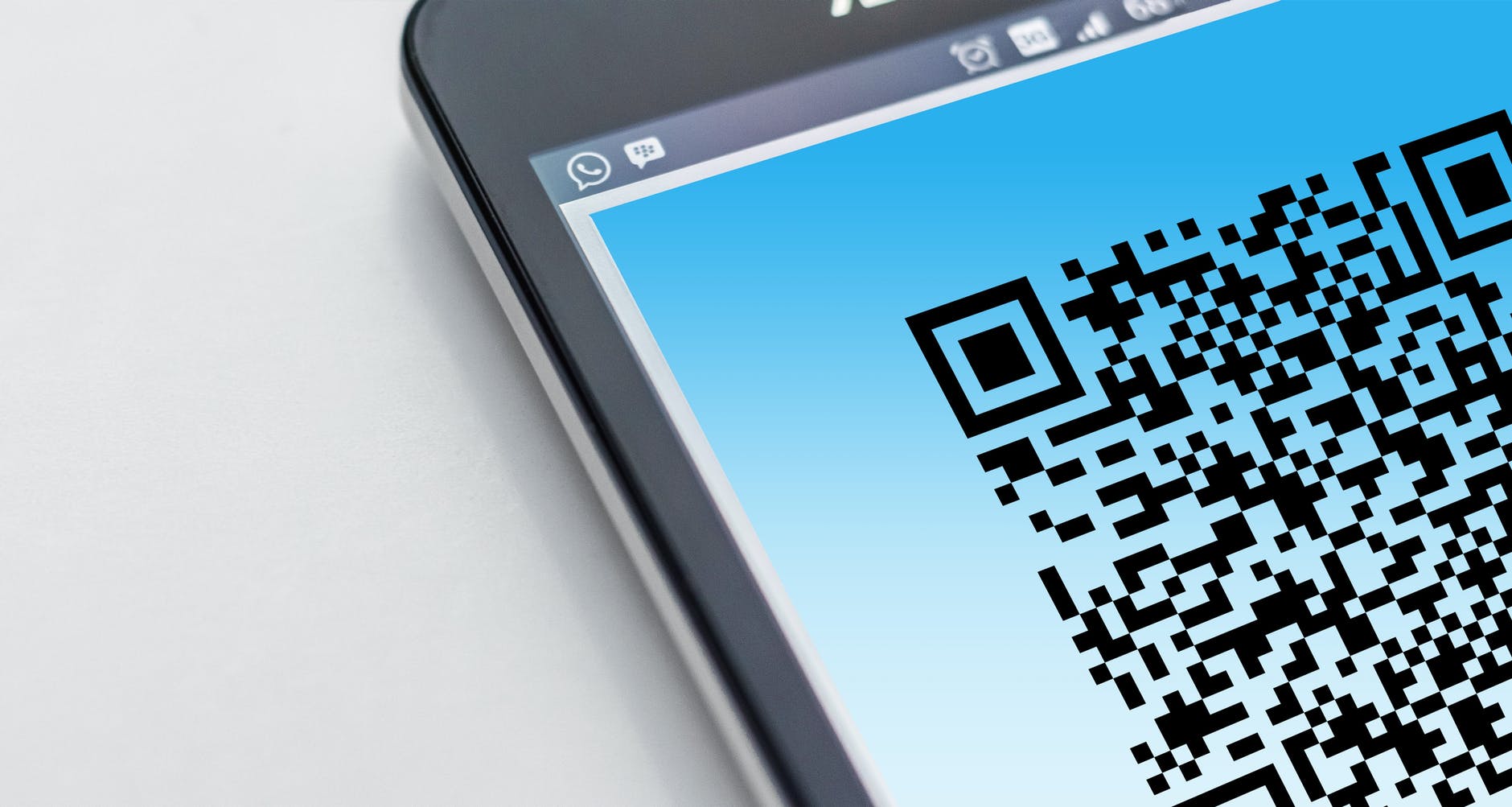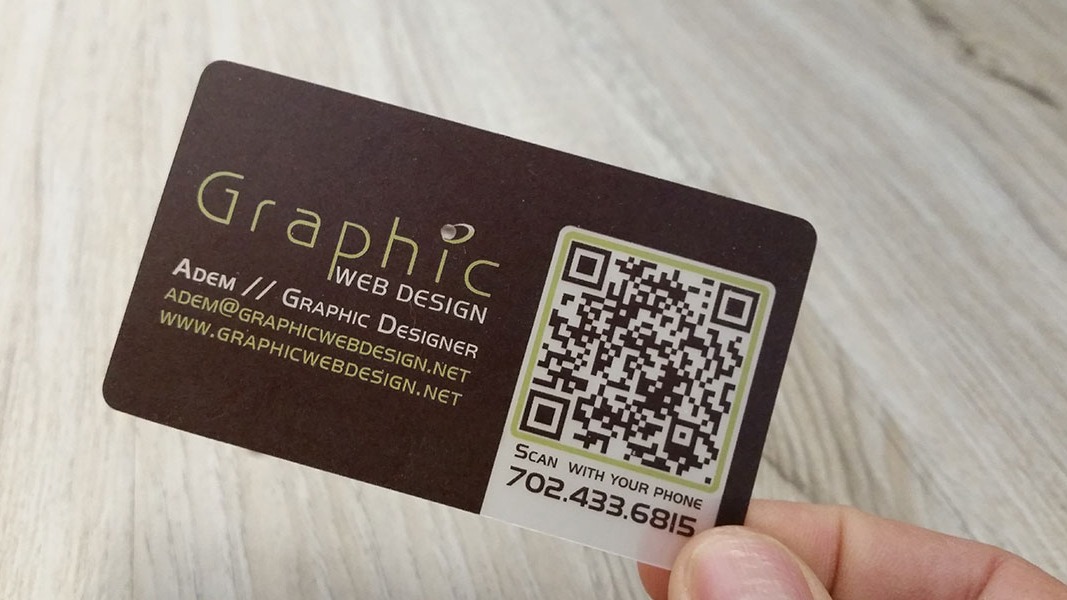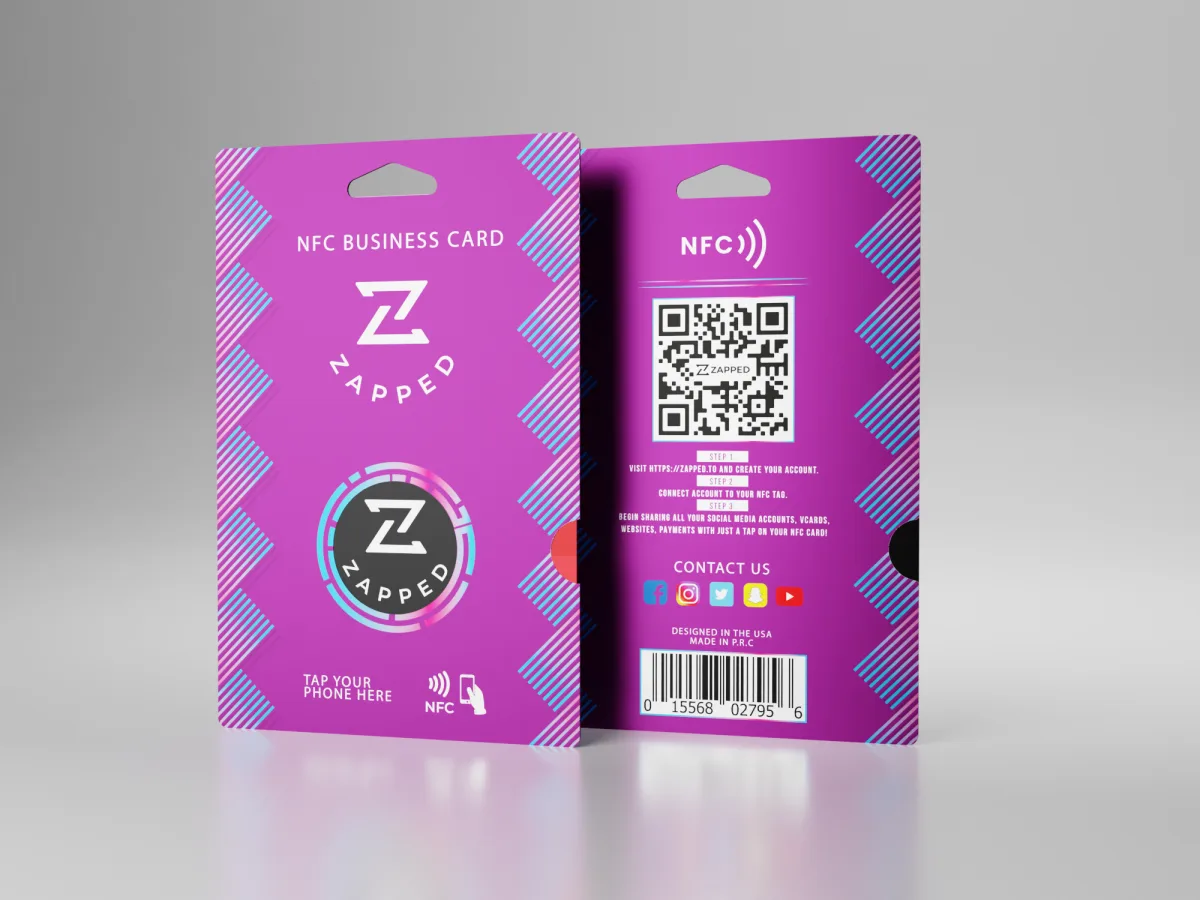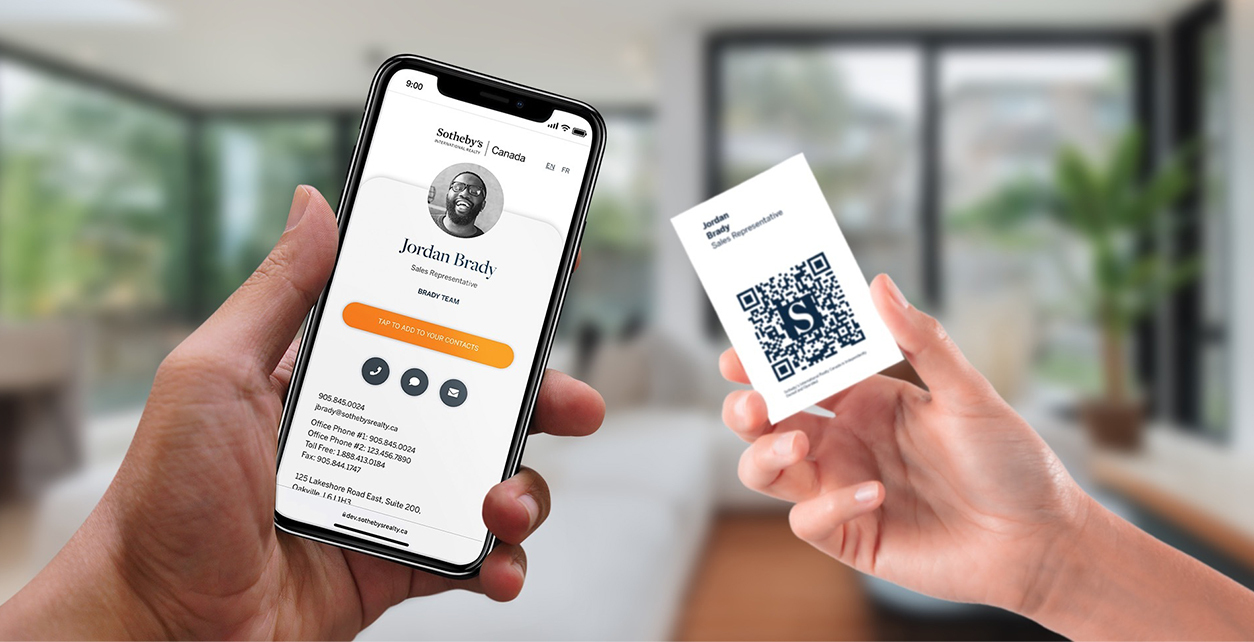
A digital business card QR code gives someone a fast way to open your contact profile with their phone camera. Instead of typing a URL or manually saving details from a paper card, they scan the code and land on a profile they can save, bookmark, or use to contact you.
Quick answer
A digital business card QR code is a scannable code that opens an online business card or vCard profile. The best version points to a live profile URL, not a fixed block of contact data, because the profile can be updated later without reprinting the QR code.
Key takeaways
- Use a QR code to open a live digital profile, not to cram every contact field into the code.
- Test the QR code on iPhone and Android before printing it.
- Put a short instruction near the code, such as
Scan to save my card. - Keep enough white space around the code so phones can scan it quickly.
- Zapped is useful when you want one QR code, NFC tap, and direct link to point to the same editable profile.
What is a digital business card QR code?
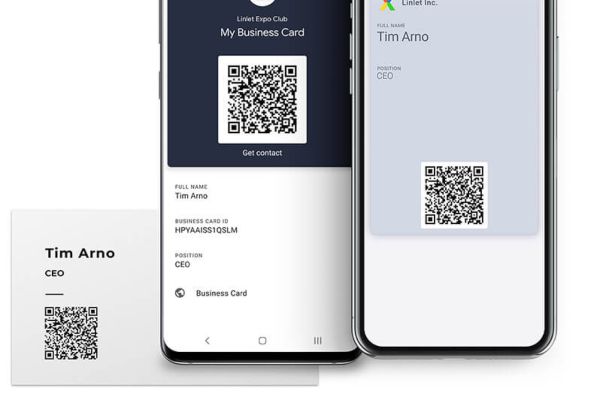
A digital business card QR code is a QR code that opens your online contact profile. That profile can include your name, role, company, phone number, email, website, LinkedIn, booking link, portfolio, payment link, and a save contact button.
The QR code itself is only the doorway. The profile behind it is the real business card. That matters because your job title, phone number, link, offer, or calendar page can change. If the QR code opens a live Zapped profile, you can update the profile without reprinting every card, flyer, badge, or sign that already has the QR code.
QR codes are also familiar to modern phone users. Apple documents QR scanning through the iPhone Camera app, and Android users can scan QR codes through built in camera or quick settings tools on many devices.
QR code business card vs vCard QR code
These terms are often used together, but they are not always the same thing.
| Option | What it opens | Best for | Watch out for |
|---|---|---|---|
| Digital business card QR code | A live profile URL | Networking, teams, events, sales, recruiting | Needs a useful profile behind it |
| vCard QR code | Contact data or a vCard file | Simple save contact workflows | Harder to update after printing if data is embedded |
| Website QR code | A homepage or landing page | Campaigns and product pages | May not make contact saving easy |
| Static contact QR code | Fixed contact fields | One-time simple cards | Changes require a new QR code |
For most professionals, a live digital business card URL is the better default. It gives the scanner more than a static contact record and lets you update the destination over time.
How to create a digital business card QR code
The clean workflow is simple:
- Create a digital business card profile with your core contact details.
- Add only the links that help someone take the next step.
- Copy the profile URL.
- Generate a QR code for that URL.
- Test the QR code on iPhone and Android.
- Add the QR code to your printed card, badge, email signature, slide deck, or sign.
- Recheck the profile any time your contact details or offer changes.
With Zapped, the QR code can point to the same editable profile you use for direct sharing and NFC cards. That keeps the system simpler: one profile, multiple sharing methods.
Where should you put the QR code?
A QR code works best when the person scanning it knows what they will get. Do not leave it floating without context.
Good placements include:
- The back of a physical business card.
- A conference badge or booth sign.
- A sales deck closing slide.
- A printed leave behind.
- An email signature.
- A LinkedIn banner or event profile image.
- A restaurant, salon, clinic, real estate, or service counter sign.
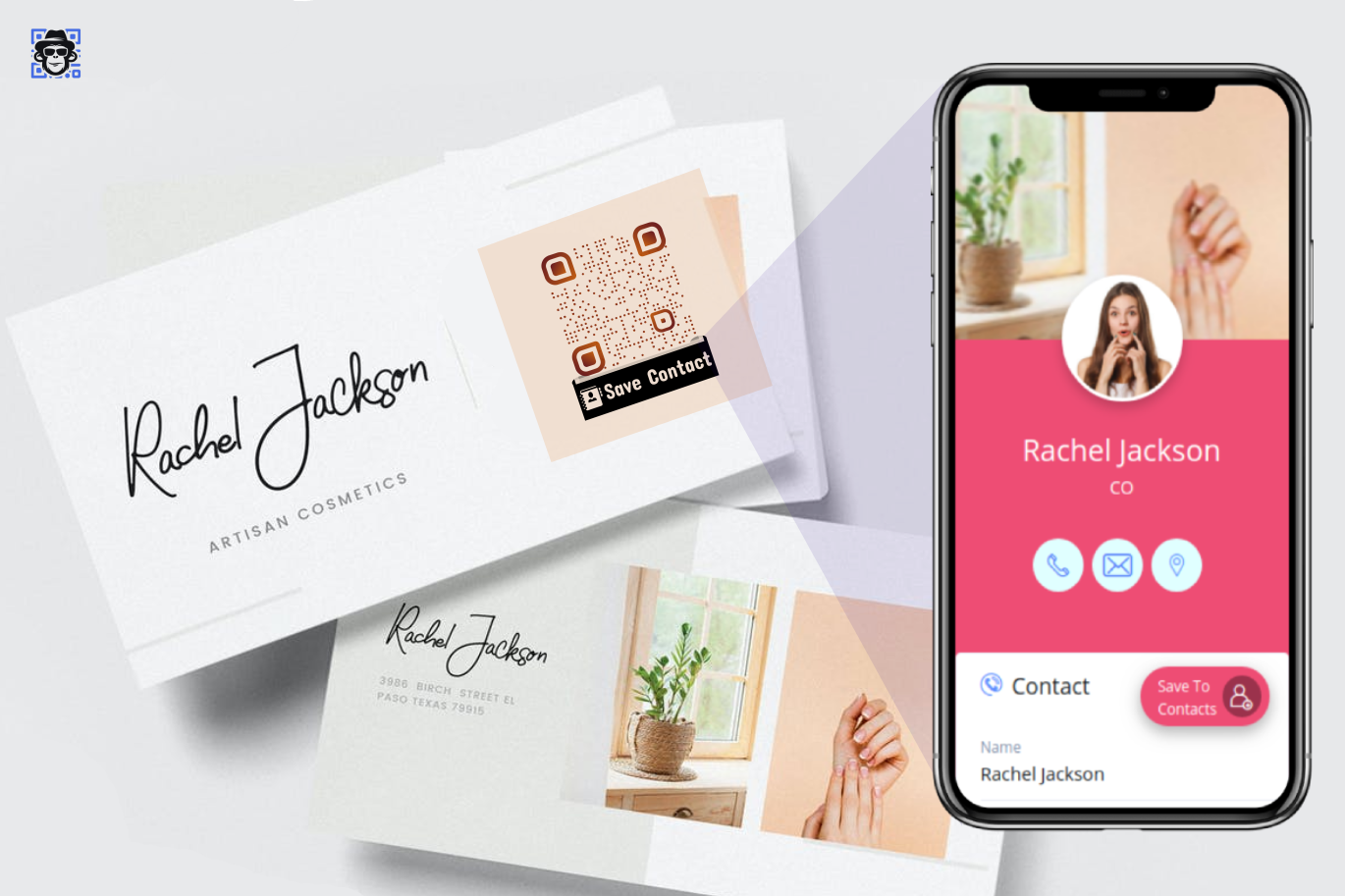
Use a short label near the code. Scan to save my card is clearer than just QR code. For a sales rep, Scan to book a demo may work better. For a recruiter, Scan to connect with our hiring team may be more useful.
QR code design checklist
A QR code can look simple and still fail if the print setup is wrong. Before publishing it, check the basics.
| Check | Why it matters |
|---|---|
| Strong contrast | Dark code on light background scans faster |
| Enough quiet zone | White space around the code helps scanners find it |
| Practical size | Tiny codes fail on textured paper or from distance |
| Short URL | Shorter data usually creates a cleaner QR pattern |
| Real device test | Desktop preview is not enough |
| Useful destination | A scan should lead to a clear next action |
If your QR code goes on a small paper card, avoid packing too much data directly into the code. A short profile URL creates a cleaner code and gives you more room for branding.
Common mistakes
The most common mistake is sending scanners to a generic homepage. That makes the person hunt for your contact details after they already took action. Send them to a profile or landing page built for the moment.
Another mistake is treating the QR code as the whole experience. The code only gets attention for a second. The profile has to answer: Who are you? Why should I save this? What should I do next?
Finally, do not print before testing. Scan the code from a real card mockup, under normal lighting, using more than one phone.
Point the QR code to a Zapped profile
A digital business card QR code should open a destination that feels useful immediately. Zapped gives the scan a focused profile with your contact details, save contact button, links, booking path, NFC option, and team or company context.
This is stronger than a QR code that points to a static image, PDF, or broad homepage. You can keep the same QR code while updating the profile behind it, which is exactly what you want for printed cards, event materials, email signatures, and team cards.
FAQs
What should a digital business card QR code link to?
It should usually link to an editable digital business card profile. That gives the scanner your live contact details, links, and save contact options without forcing you to reprint the QR code later.
Can a QR code save my contact details directly?
Yes, a QR code can contain contact data or link to a vCard file, but a live profile is often more flexible. A profile can include save contact options while also showing links, booking pages, and updated information.
Do people need an app to scan a QR business card?
Most modern phones can scan QR codes with the camera or built in scanner. Apple and Android both document native QR scanning options, though exact steps can vary by device. That broad reach is one of the main reasons QR and NFC compare the way they do.
Is a QR code better than an NFC business card?
Neither is always better. QR codes are universal and easy to print. NFC cards feel smoother in person. Many teams use both, with QR as the backup and NFC as the tap experience.
Can I change my digital business card after printing the QR code?
Yes, if the QR code points to an editable profile URL. If the QR code directly stores fixed contact data, you usually need a new QR code when details change.