See when a digital vCard is the right choice and how it improves sharing, saving, updates, and follow up.
Quick answer
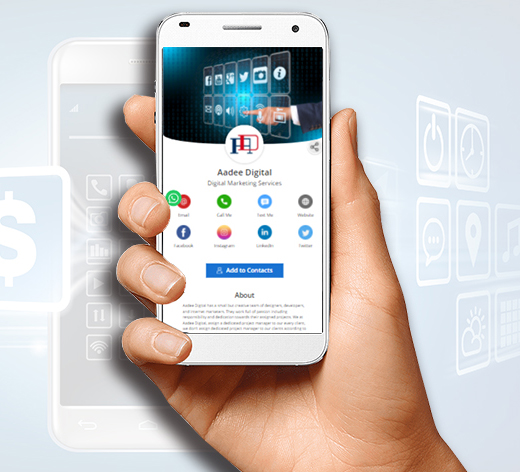
A digital vCard is the right choice when contact details need to be easy to save and easy to update. It works best as part of a live profile, where the recipient can save a contact and also open links, booking pages, social profiles, or company information.
Key takeaways
- Make the recipient journey clear before choosing the card format.
- Use QR or NFC as entry points, not as the whole strategy.
- Point scans and taps to an editable destination whenever details may change.
- Test the complete flow before printing or rolling it out.
What this means in practice
The practical reason to use a digital vCard is not novelty. It is better contact saving and easier maintenance after the first share.
A refreshed business card should answer three questions quickly: who is this person, why should I care, and what should I do next? When the card points to a live profile, those answers can change as the business changes.
Practical checklist
| Check | Why it matters |
|---|---|
| Clear primary action | The recipient knows whether to save, book, call, review, or buy |
| QR code backup | Works even when NFC is unfamiliar or disabled |
| Editable profile | Keeps old cards and links useful |
| Mobile speed | Most scans and taps happen on phones |
| Useful links | Supports the next step instead of creating clutter |
| Team ownership | Prevents stale employee profiles and off-brand cards |
How to use this well
Start with the outcome. If the goal is a saved contact, make the save action obvious. If the goal is booking, put the booking link near the top. If the goal is local trust, include reviews, service area, and a clear way to call or request a quote.
Do not send every person to a generic homepage. A business card scan or tap should open a page made for that handoff. The page can still link to the full website, but it should not make the recipient hunt for the basic next step.
When a digital vCard is the right choice
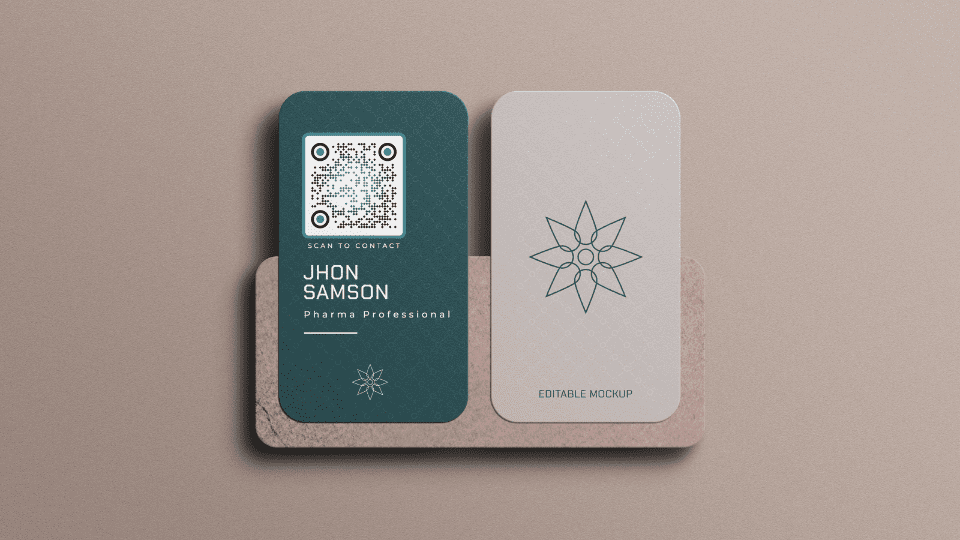
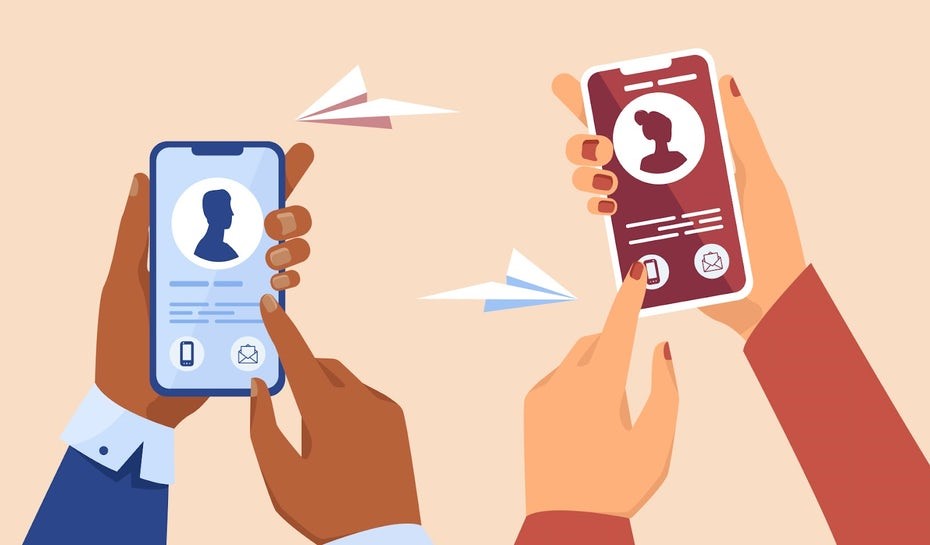
A digital vCard is a strong choice when your contact details need to move across channels. You can share it from a QR code, NFC card, email signature, text message, social profile, or sales follow-up. The recipient gets one place to find the current details instead of searching through old cards or messages.
It is especially helpful for people who change schedules, locations, offers, portfolios, or booking links often. The profile can evolve without breaking the original card.
How to avoid a weak digital vCard
Do not stop at name, email, and phone if the recipient needs more context. Add the action that matters most, then add proof or supporting links. Keep labels plain, remove stale links, and test the profile like a new visitor. If it does not answer who you are and what to do next, it needs editing.
Make the card useful with Zapped
Zapped gives the card a live destination instead of locking every detail into print. The same profile can support QR codes, NFC taps, direct links, email signatures, social links, booking pages, and save contact actions.
That is the practical advantage of a digital card: people still get a simple handoff, but you can keep the profile accurate after the card is shared.
Examples by use case
A student at a career fair can use a QR card that opens a profile with resume, portfolio, LinkedIn, and email. A freelancer can use the same idea for services, project samples, booking, and testimonials. A founder can use it for a short pitch, product link, calendar, and investor or partner contact options.
The best profiles are edited for the audience. A recruiter does not need every social link. A prospect does not need every old project. Put the proof that helps this person decide near the top, then keep secondary links available but quieter.
How to make the profile more credible
Credibility comes from specificity. Add the details that prove the card belongs to a real person or business: a clear name, role, company, location or service context when relevant, and links that support the goal of the exchange. Avoid vague labels such as learn more when a direct label like book a call, view portfolio, or save contact would be clearer.
If the profile is used professionally, review it the same way you would review a resume or proposal. Remove stale links, check spelling, and make sure the strongest proof appears before secondary social links.
FAQs
Do people need an app to open the card?
No. A strong recipient experience opens in a normal browser from a QR code, NFC tap, direct link, or message.
Should I use QR or NFC?
Use QR when visibility matters and NFC when fast close-range sharing matters. Many business cards should use both.
What should the profile include?
Include contact details, a save contact action, website or company link, and the most important next step for that audience.
How should I test the card?
Test the QR code, NFC tap, page speed, save contact action, and important links on both iPhone and Android before printing or sharing widely.
Sources
- NFC Forum technical overview for NFC tap behavior and common NFC use cases.
- IETF RFC 6350 for the vCard contact data format.
- Google Business Profile review guidance for review link and QR code workflows.