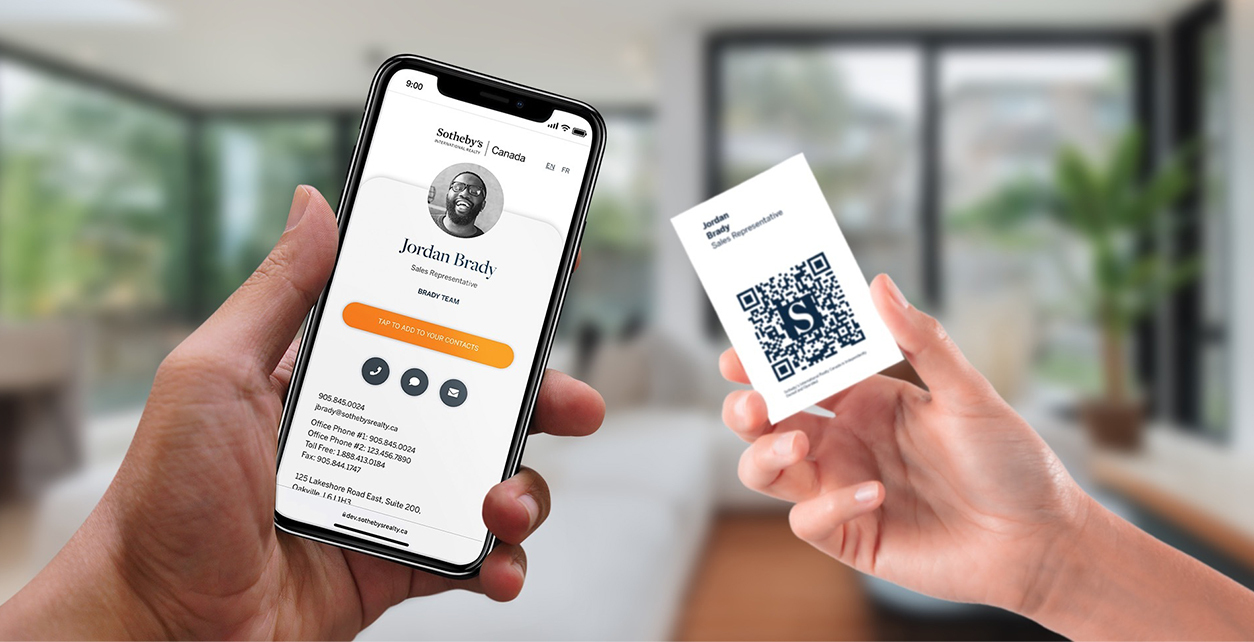
Digital business card exchange is the moment where networking either becomes follow up or gets forgotten. The exchange method should be fast, but the destination profile needs to do the real work.
Quick answer
The easiest exchange methods are QR for visible scanning, NFC for quick taps, and direct links for messaging. The best setup uses all three so the exchange works in different situations.
Key takeaways
- Use a live profile as the source of truth.
- Add QR sharing because it works across more devices.
- Add NFC when in person sharing is part of your workflow.
- Keep the main action clear so people know what to do next.
- Use Zapped where an editable profile, QR, NFC, and team controls belong in one place.
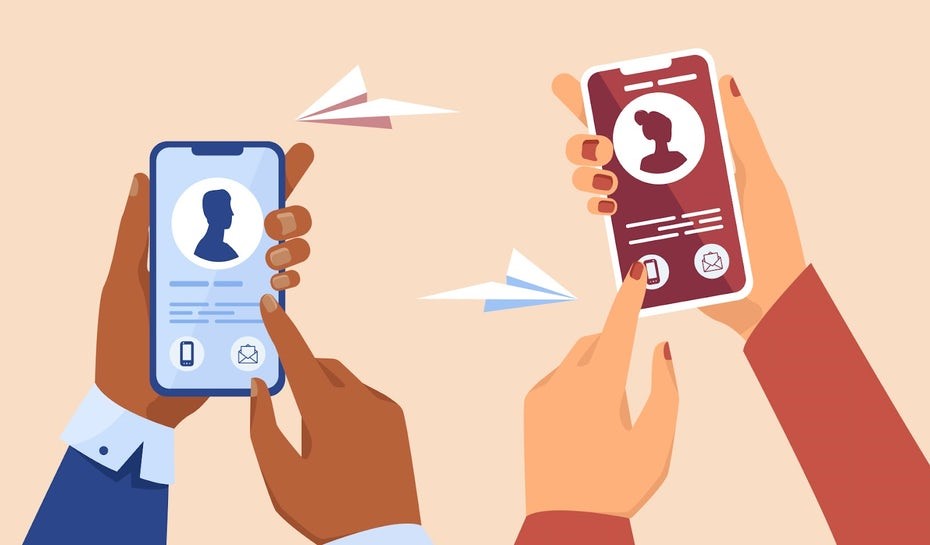
Use this image as a reference point while you compare the options below. The important idea is that the card, code, or NFC tap should lead to a profile that is easy to save and act on.
Best options by use case
| Exchange method | Use it when | Watch for |
|---|---|---|
| QR code | The person can scan your screen or card | Lighting and print size |
| NFC card | You are standing close together | Phone antenna position |
| Link | You are messaging or emailing | Short clear URL |
| Wallet | You want quick access to your own card | Recipient still needs a link or QR |
| Team directory | Someone wants another employee | Keep profiles updated |
How to exchange cards without awkwardness
Use a simple line: I can send you my details, or you can scan this. Then show the QR code or tap card. The point is to keep the conversation natural, not to force a tech demo.
After the exchange, send a short follow up while the meeting is still familiar.
What to include
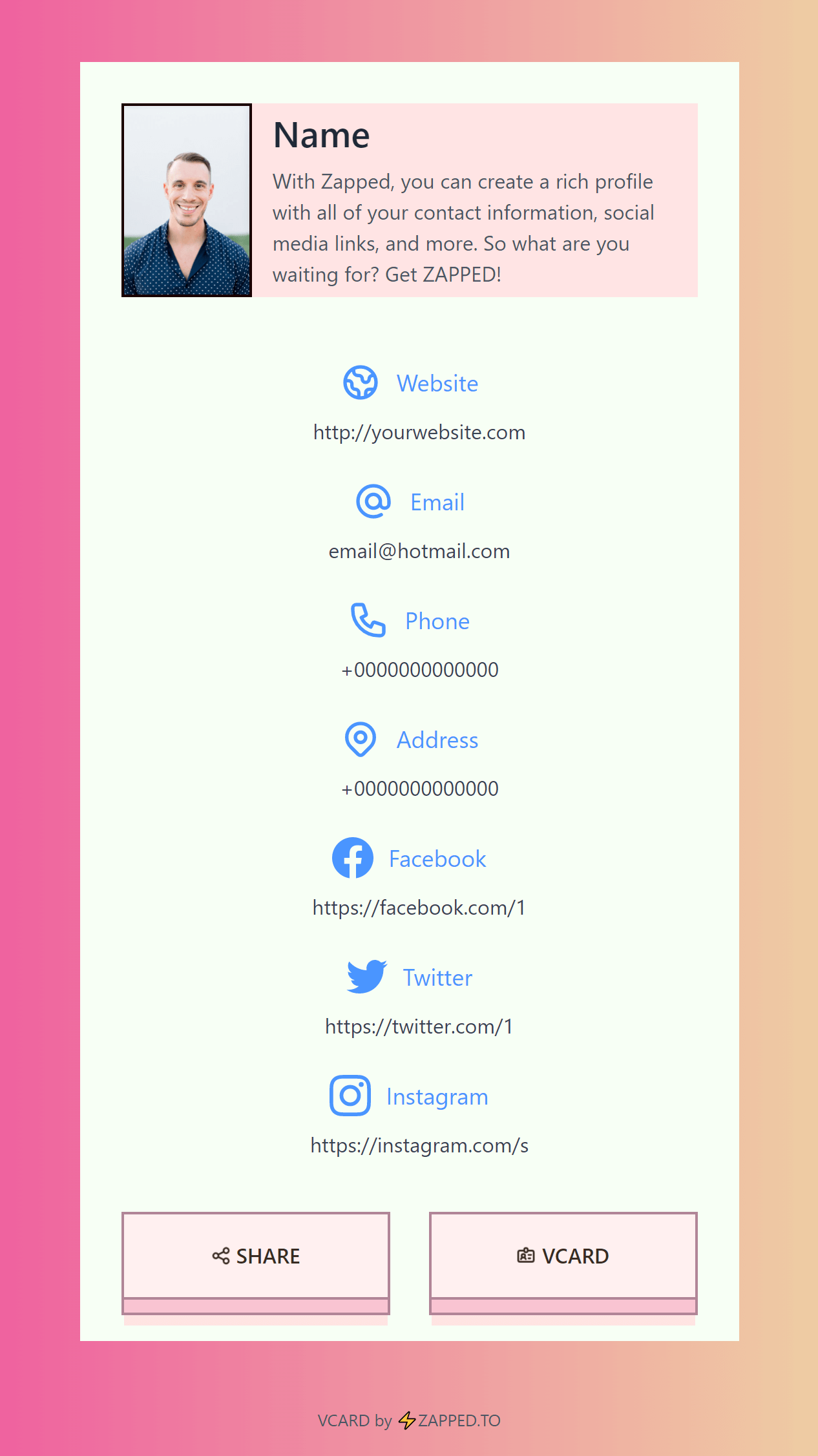
A strong digital business card usually includes:
- Name, role, and company.
- Phone, email, and website.
- A save contact action.
- One primary call to action.
- QR code or direct sharing link.
- NFC support when useful.
- Social, portfolio, booking, payment, or review links when they help.
Simple setup checklist
- Create the live profile.
- Add your essential contact fields.
- Choose one primary action.
- Generate and test the QR code.
- Add NFC or Wallet sharing if the use case needs it.
- Test the experience on iPhone and Android.
- Update the profile whenever your details change.
Event exchange workflow
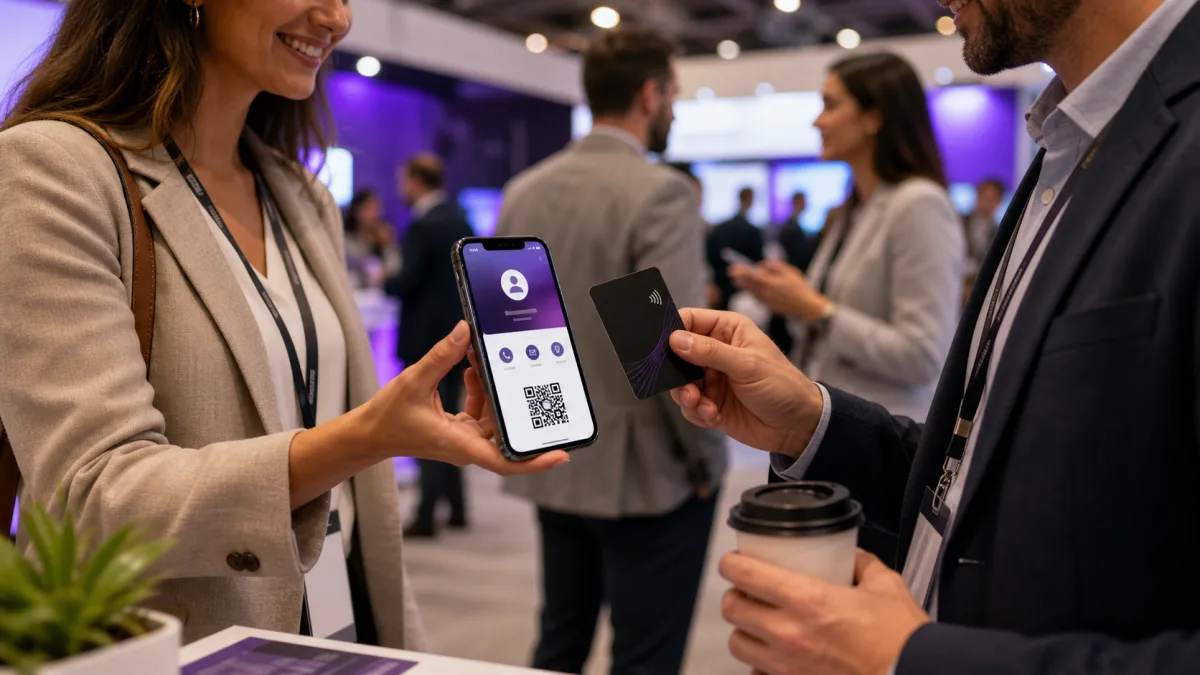
At an event, keep the exchange simple. Show the QR code on your phone, offer the NFC tap if the other person is comfortable, and send the same profile link afterward with a short reminder of the conversation. This gives the recipient three chances to keep your details.
For teams, use a shared event page or consistent profile template so every employee feels connected to the same company story.
After the exchange
The follow up should not be generic. Mention the specific topic you discussed and include the digital card link as the easy way to save your details or book the next conversation.
How to make the exchange feel natural
A digital exchange works best when it feels like a normal part of the conversation. Do not make the other person wait while you search for a profile or explain the technology. Keep the link, QR code, or NFC card ready before the meeting.
Try this simple flow:
- Ask if they want your details.
- Show the QR code or tap the NFC card.
- Point out the save contact button.
- Send the same link by message if follow up is expected.
- Add a note in your CRM or contact list.
The goal is not a flashy tap. The goal is a saved contact and a clear next step.
Make the exchange easier with Zapped
A business card exchange is only successful if both people can use the information later. Zapped helps by making your shared profile easy to open, save, and revisit through QR, NFC, direct link, WhatsApp, email signature, or team directory.
That is useful in meetings, conferences, sales calls, and local service handoffs because the recipient does not have to type details from a card. They can save you immediately, open the right link, and come back to the same profile when they are ready to follow up.
FAQs
What is the best digital business card format?
The best format is usually a live web profile with a QR code, direct link, and optional NFC card. That gives people more than one way to open the same profile.
Do people need an app to view my digital business card?
Usually no. A web based profile should open in a normal browser. Apps can help the card owner manage the profile, but the recipient should not need to install anything just to view your details.
Should I use NFC or QR for digital business card exchange?
Use both when the card will be shared in person. NFC feels fast when someone knows where to tap, and QR gives a visible backup for any phone with a camera.
Can I update the card after sharing it?
Yes, if the QR code, NFC tag, or shared link points to an editable profile. That is one of the biggest advantages over a static printed card.
Where does Zapped fit?
Zapped is built for people who want one editable digital card profile that can be shared by link, QR code, NFC card, and team workflows without rebuilding the card every time details change.
Sources
- NFC Forum, NFC technology and NFC Forum, NFC is in almost everything: Used for short range NFC behavior and NFC card context.
- IETF RFC 6350, vCard format specification: Used for vCard contact data context.
- Apple Support, scan a QR code with iPhone camera: Used for iPhone QR scanning behavior.