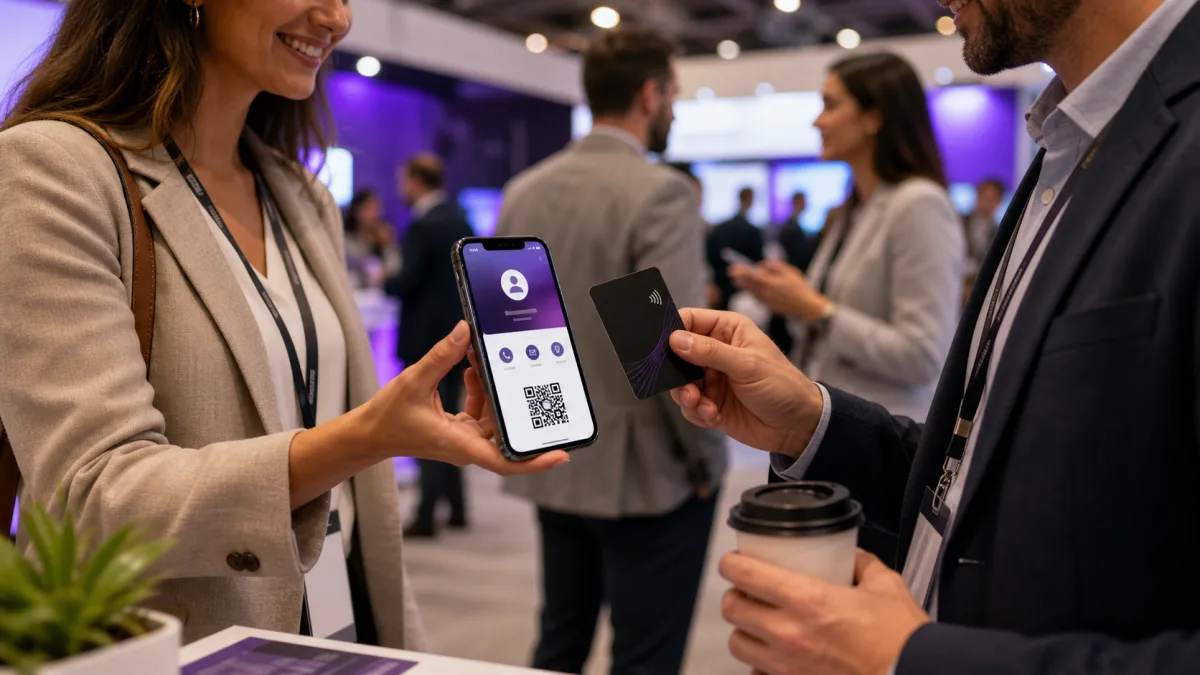
Digital business cards for teams work best when they are treated as a shared customer touchpoint, not a random profile link each employee builds alone. The goal is simple: every sales rep, recruiter, founder, field marketer, and customer facing teammate should be able to share accurate contact details in seconds, while the company keeps branding, links, and follow up paths consistent.
That matters because a team card does more than replace paper. It can connect event conversations to a website, booking page, CRM workflow, product demo, hiring page, or location specific offer. A good rollout gives people a faster way to share themselves and gives the business a cleaner way to manage what happens after the scan.
Quick answer
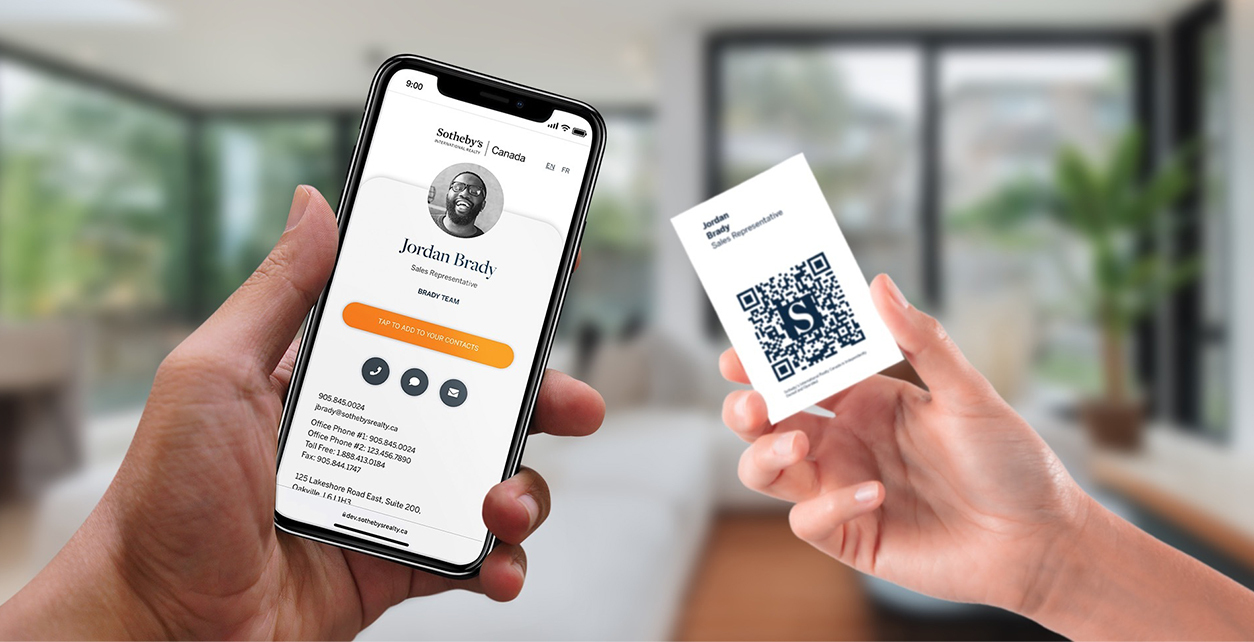
Digital business cards for teams are managed employee profiles that can be shared by link, QR code, NFC card, email signature, or phone wallet shortcut. They work best when the company controls the template, branding, required fields, and primary calls to action, while each teammate keeps an accurate profile for real follow up.
Key takeaways
- Team cards should be managed as a shared customer touchpoint, not as isolated personal pages.
- QR codes, NFC cards, email signatures, and direct links can all point to the same live profile.
- A company template keeps names, titles, photos, branding, and calls to action consistent.
- The card should make follow up easier with save contact, booking, website, or department specific links.
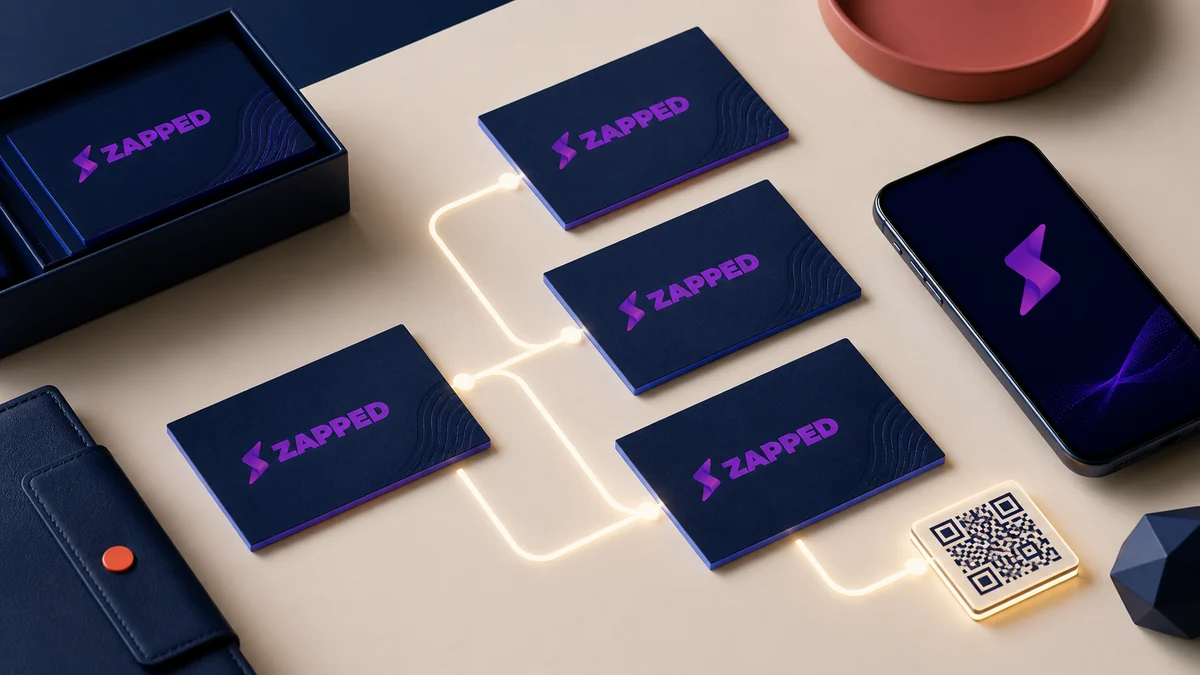
- Zapped is useful when teams need one profile system that works across QR, NFC, links, and employee cards.
What are digital business cards for teams?
A digital business card for a team is a managed profile that each employee can share through a link, QR code, NFC card, email signature, or phone wallet shortcut. Each card usually includes the person's name, role, headshot, phone number, email, company website, calendar link, social profiles, and a clear call to action.
For an individual, a digital card is mainly about convenience. For a company, it is also about governance. The team needs a reliable way to keep job titles, brand colors, logos, office locations, and links current without asking every employee to redesign a card by hand.
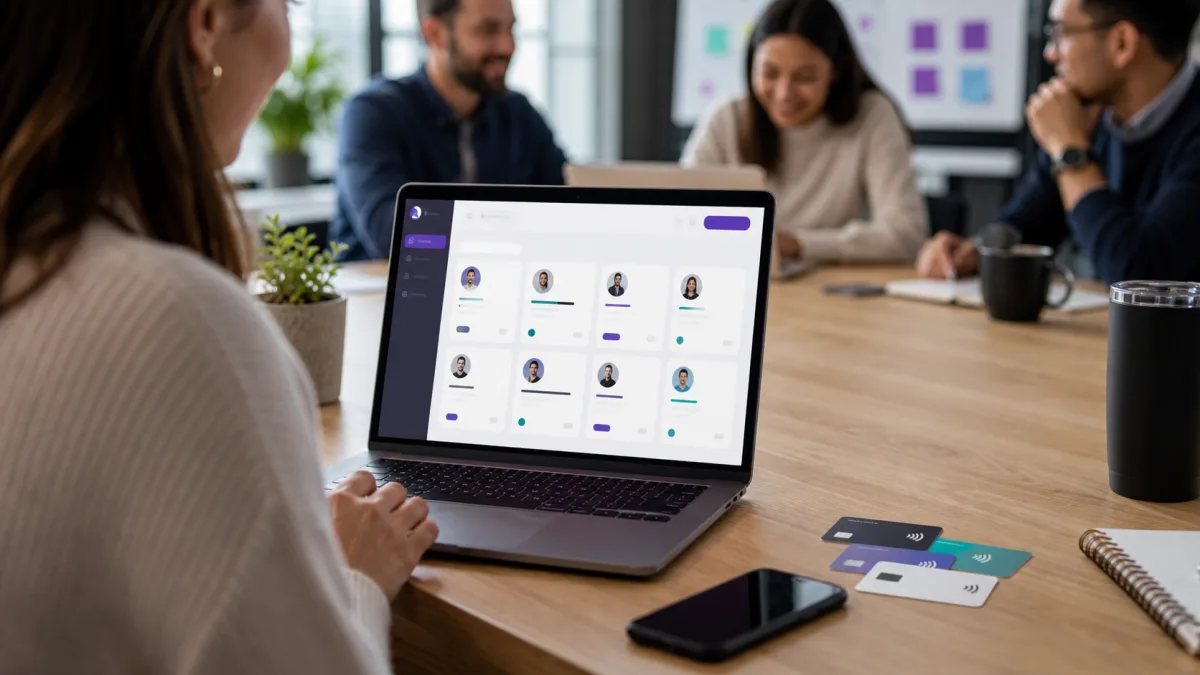
If you are still comparing use cases, start with our guide to digital business cards for companies. This article focuses on the rollout side: what to include, how to share cards, and how to avoid the common mistakes teams make.
When the rollout uses physical NFC cards, team NFC business cards adds the tag register, custody, replacement, and offboarding layer.
Why Teams Switch From Paper Cards
Paper cards still have a place, but they create friction for fast moving teams. They go out of date when someone changes roles, they are hard to track after an event, and they do not make it easy for a prospect to book a meeting or save a contact immediately.
Digital cards solve several team problems at once:
- Contact details stay current. Update the card once, and the next scan shows the new information.
- Branding stays consistent. Teams can use the same logo, color direction, call to action, and link structure.
- Sharing works across channels. The same profile can be shared in person, in email, over chat, on social media, and through printed QR codes.
- Follow up is faster. A card can point to a booking page, lead form, product page, or downloadable contact file.
- Event teams need fewer printed assets. QR badges, NFC cards, and booth signage can keep working even when campaign links change.
The strongest business case is not just "we saved printing money." It is "we made every introduction easier to act on."
What Every Team Card Should Include
A team card should be short enough to scan quickly and complete enough to move the relationship forward. Most employees do not need every possible link. They need the links that help a new contact take the next step.
For most teams, start with:
- Name, role, company, and headshot
- Work email and direct phone number, if appropriate
- Company website or relevant landing page
- Calendar booking link for sales, partnerships, and recruiting
- LinkedIn profile or company social profile
- Primary call to action, such as "Book a demo" or "View our products"
- A downloadable contact option, especially for people who save contacts immediately
The downloadable contact option is worth thinking through. The common contact card format is vCard, defined by the IETF in RFC 6350. A vCard can carry structured details like name, organization, phone, email, and URLs. That is helpful because it gives phones and contact apps a familiar format to save.
If you want to trace where that profile and contact data may live after sharing, read where digital business cards are stored before choosing a team workflow.
The main lesson: do not make every card a mini website. For teams, clarity beats completeness.
QR Codes, NFC Cards, and Email Signatures
Digital business cards usually spread through three practical sharing channels: QR codes, NFC cards, and email signatures. Each one fits a different moment.
QR Codes
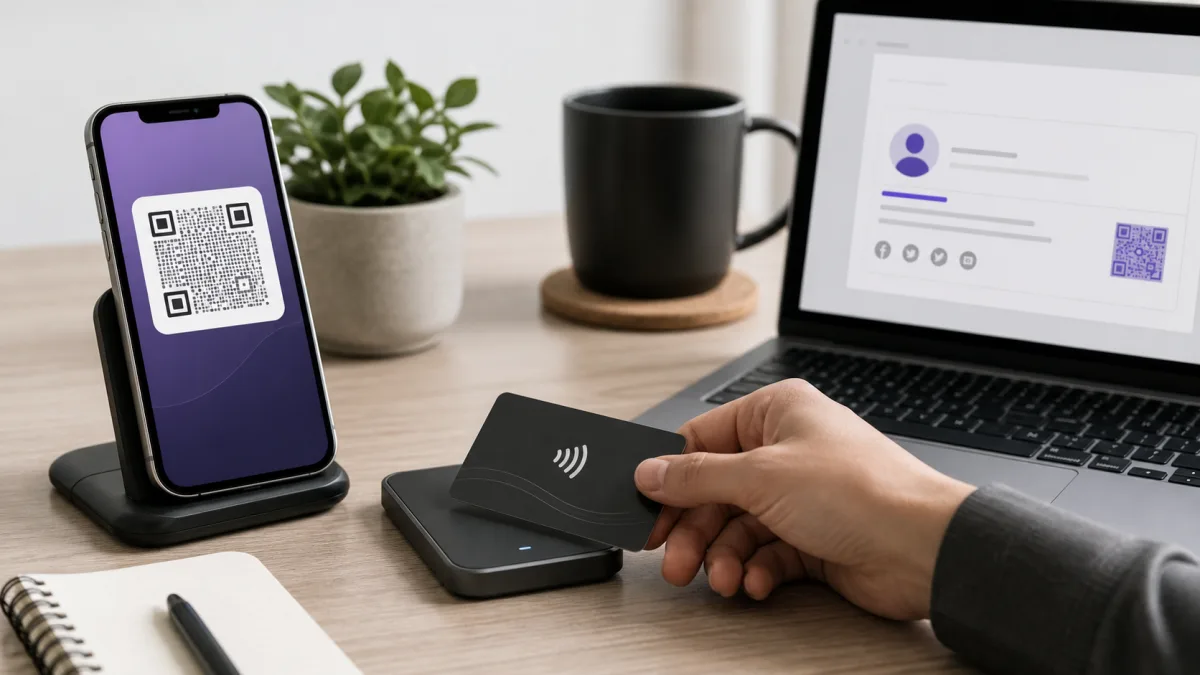
A digital business card QR code is the easiest channel to deploy because nearly every modern smartphone can scan QR codes without a special app. Apple explains that iPhone users can scan QR codes with the Camera app, and Android support documentation covers QR scanning through built in Android tools.
For teams, QR codes are useful on badges, slides, booth signs, printed leave behinds, email signatures, and physical cards. The best QR code usually opens a live card URL rather than embedding all contact details directly in the code. A live URL gives you flexibility. If a teammate changes roles, you can update the card instead of reprinting every QR code.
If your team is also sorting paper cards and event contacts into one system, see how to organize business cards digitally.
NFC Cards
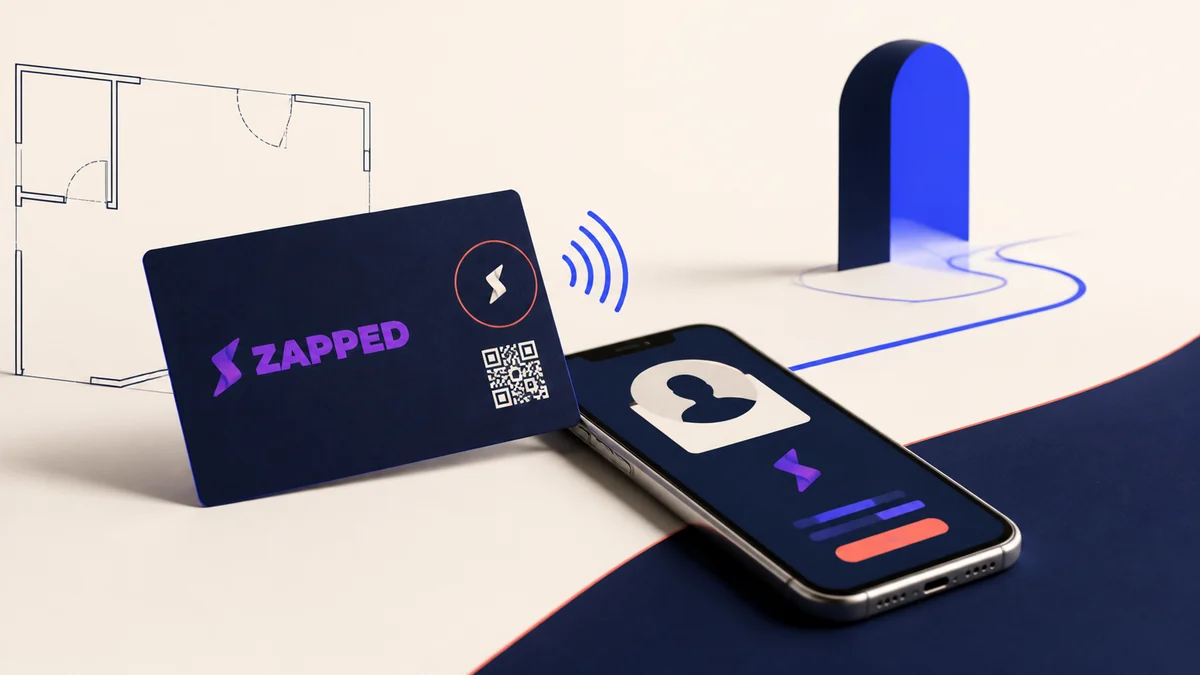
NFC business cards are better for face to face networking. The person taps the card with a phone, and the phone opens the digital profile. The NFC Forum describes NFC as a short range technology that can trigger interactions like opening digital content from tags or devices.
NFC works well for sales reps, founders, recruiters, event staff, consultants, real estate teams, and anyone who regularly meets people in person. It feels more polished than asking someone to type a link, and it avoids the awkward moment of searching for a paper card.
Before ordering hardware for a team, use the best NFC business card features checklist to review the destination, fallback, tag state, permissions, and replacement path.
Email Signatures
Email signatures are the quiet workhorse. A digital card link or QR code in the signature turns every email into a profile sharing moment. This is especially useful for support, sales, partnerships, recruiting, and account management.
If your team is already improving signatures, connect the card project with your digital email signature standards. The same photo, job title, logo, and primary call to action should appear in both places.
A Practical Rollout Plan
The easiest rollout is not always the best rollout. If a team of 40 people each creates a card in a different style, you gain convenience but lose consistency. A better approach is to start with a simple template and expand from there.
1. Choose the Core Use Cases
Write down where the cards will be used first. A sales team at trade shows needs different calls to action than a recruiting team at campus events. A real estate team may need property links, while a consulting team may need calendar booking and case studies.
Start with one or two primary uses:
If you are a small business starting with a few people, our guide to NFC business cards for small businesses covers the one card pilot before you build the full team system.
- Trade shows and conferences
- Sales prospecting
- Recruiting and hiring events
- Local service appointments
- Partner meetings
- Customer support and onboarding
- Founder and executive networking
2. Build One Approved Template
Create one company approved template before adding people. Decide which fields are required, which links are optional, and which brand elements should not be changed.
Your template should answer:
- Which logo is used?
- Which brand colors are allowed?
- Is a headshot required?
- Should the phone number be direct, office, or hidden?
- What is the default call to action?
- Do all employees link to the homepage, or should links vary by department?
- Who owns updates when someone changes title or team?
3. Segment by Department
Most companies need more than one version. Sales may use "Book a demo." Recruiting may use "See open roles." Customer success may use "Visit the help center." Executives may use a press kit or partnership page.
Department level templates prevent the card from becoming generic while still keeping the visual system consistent.
4. Decide How People Will Share
Match the sharing method to the job. Field teams may need NFC cards, or an NFC keychain business card that clips to a lanyard or keys. Remote teams may mostly need email signatures and meeting chat links. Event teams may need QR badges and booth signage.
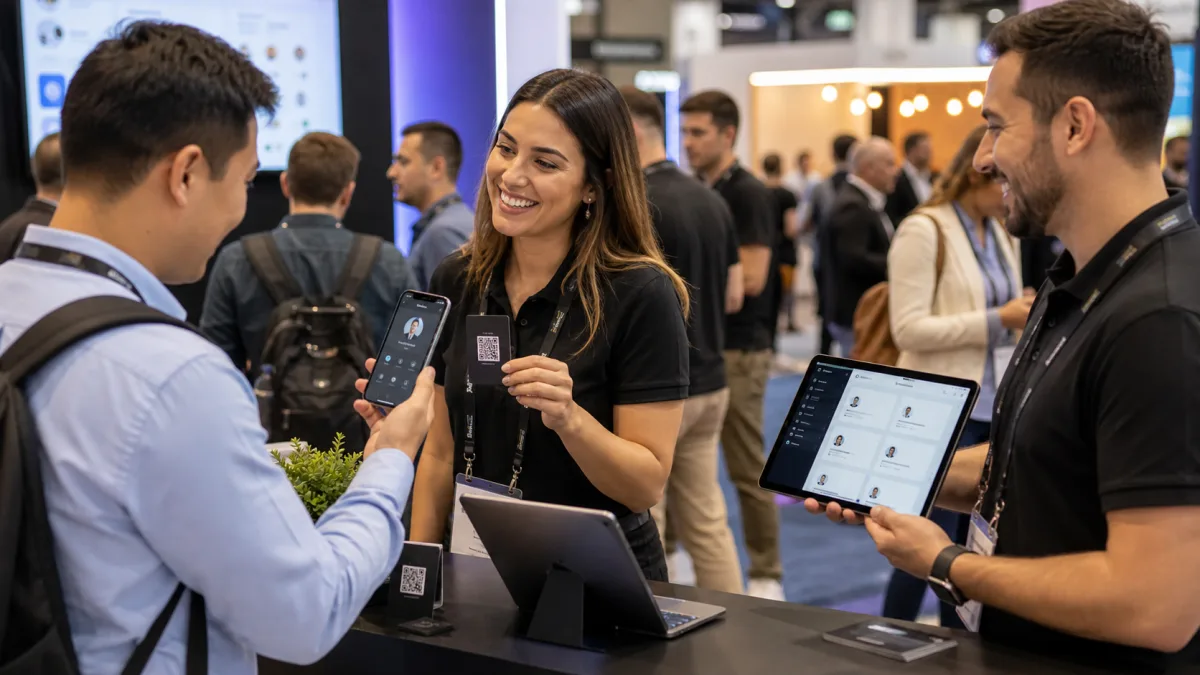
For larger events, give each person a short checklist before they arrive:
- Test the QR code on a second phone.
- Test the NFC card before the first day.
- Confirm the profile photo, title, phone number, and booking link.
- Add the card link to the email signature.
- Keep one backup sharing method ready, such as a short URL.
5. Train the Follow Up
The card is only the first step. The real value comes from what happens after someone scans it. Teach the team when to send the card, what to say after sharing it, and how to follow up.
A simple flow works:
- Share the card during the conversation.
- Ask the person to save it or open the relevant link.
- Add context to the CRM or notes app.
- Send a follow up message the same day.
- Use the same landing page or booking link that appeared on the card.
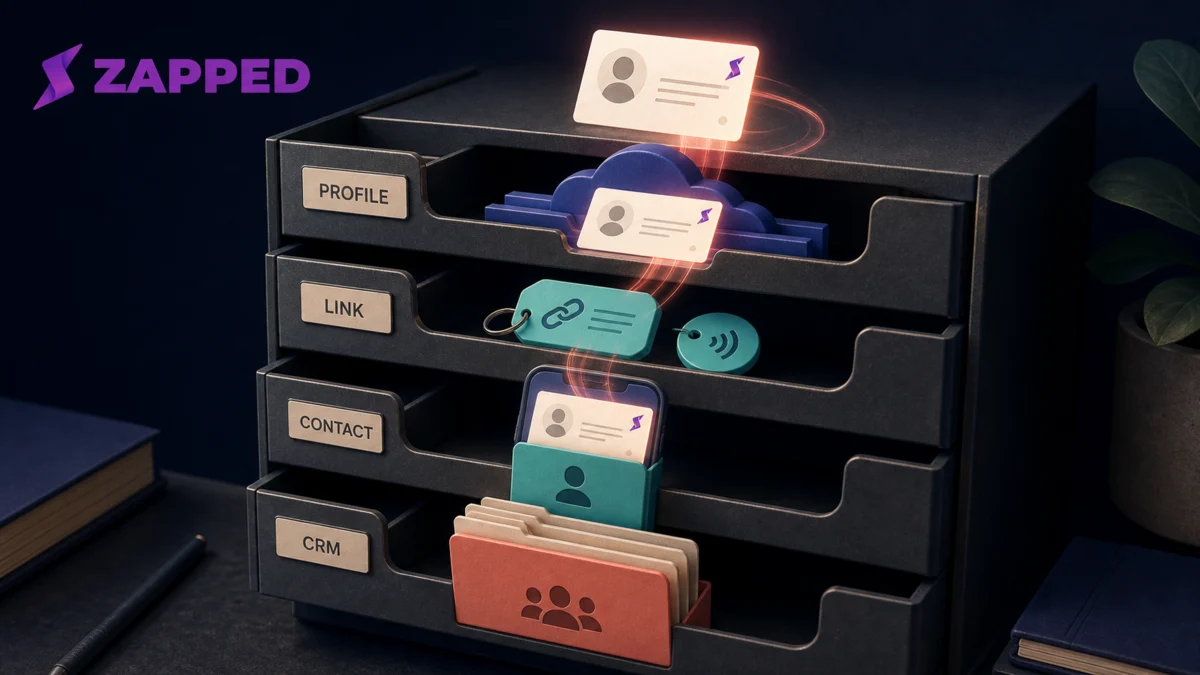
The guide to where digital business cards are stored is useful when the team needs to separate the hosted profile, saved contact, and CRM record in its rollout notes.
This makes the digital card part of the sales or relationship process, not a novelty.
Common Mistakes to Avoid
The biggest mistake is letting every employee improvise. That creates mismatched photos, outdated titles, broken links, and weak calls to action.
Watch for these problems:
- Too many links. A card with 14 buttons gives the recipient homework.
- No clear next step. A card should guide people to save, book, visit, apply, or message.
- Old job titles. Team cards need an owner for role and department updates.
- Weak mobile design. Most scans happen on phones, so test on phones first.
- No event specific page. If a conference booth sends everyone to the homepage, you lose context.
- No backup sharing method. NFC is convenient, but QR and link sharing should still be available.
- Unclear privacy choices. Decide which employees should show direct phone numbers and which should use office or booking links.
For a fuller review of security controls, account ownership, and privacy questions, use the most secure digital business card checklist before the rollout.
The fix is simple: use templates, keep the card focused, and review the live card before a campaign or event.
How Zapped helps teams roll this out
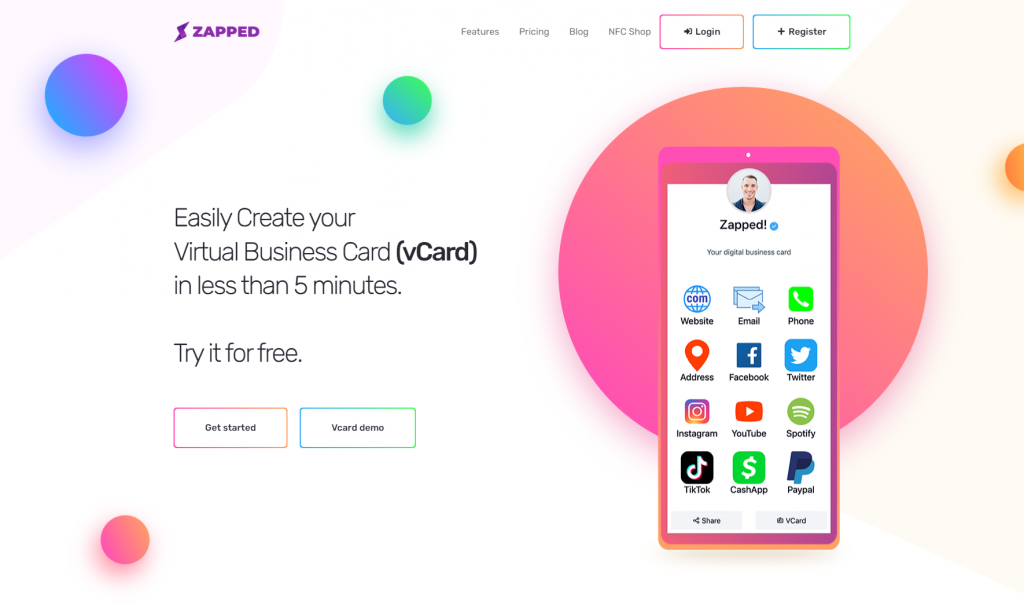
Team card rollouts work best when the company controls the structure and each person still has a profile that feels useful. Zapped supports that balance by giving teams shared profile patterns, QR and NFC sharing, saved contact actions, links, and company context in one place.
Use Zapped when you want every rep, recruiter, founder, or field employee to share a consistent card without making the recipient install an app. The team gets a cleaner system to manage, and the contact gets one mobile profile with the right next step.
Final Checklist for Team Digital Business Cards
Before you launch, run through this checklist:
- The title, photo, email, phone, and links are correct for every teammate.
- The card has one clear primary action.
- QR codes open the live profile on iPhone and Android.
- NFC cards open the same profile as the QR code.
- Email signatures use the same name, title, photo, and call to action.
- Department templates match the team's real use case.
- Someone owns updates after role changes, team changes, and campaigns.
- Event teams have tested cards before traveling.
That includes deciding whether a departing employee's physical NFC card can be reused for someone else. Are NFC business cards reusable covers what actually transfers and what does not.
Digital business cards for teams are not just a nicer version of paper. They are a small, repeatable system for turning introductions into action. When the card is accurate, easy to share, and connected to the right next step, every teammate has a better way to be remembered.
FAQs
What is a digital business card for a team?
A digital business card for a team is a managed employee profile that can be shared through a link, QR code, NFC card, or email signature. It gives each teammate a current contact profile while keeping company branding consistent.
Are team digital business cards better than paper cards?
They are better when details change often, employees share cards across many channels, or the company wants consistent branding and follow up links. Paper cards can still help in person, especially when they include QR or NFC access to the live profile.
Should every employee have the same card template?
Most teams should start with one approved template, then create department variations for sales, recruiting, support, executives, or events. That keeps the cards consistent without making every role feel generic.
Do team digital cards need QR codes and NFC cards?
Not always, but both are useful. QR codes are easy to scan from print, slides, badges, and signs. NFC cards are smoother for face to face sharing. Many teams use both pointing to the same profile.
How can Zapped help teams manage digital business cards?
Zapped gives teams shareable digital profiles that can work with QR codes, NFC cards, direct links, and contact saving workflows. That helps employees share consistent cards while keeping details editable over time.