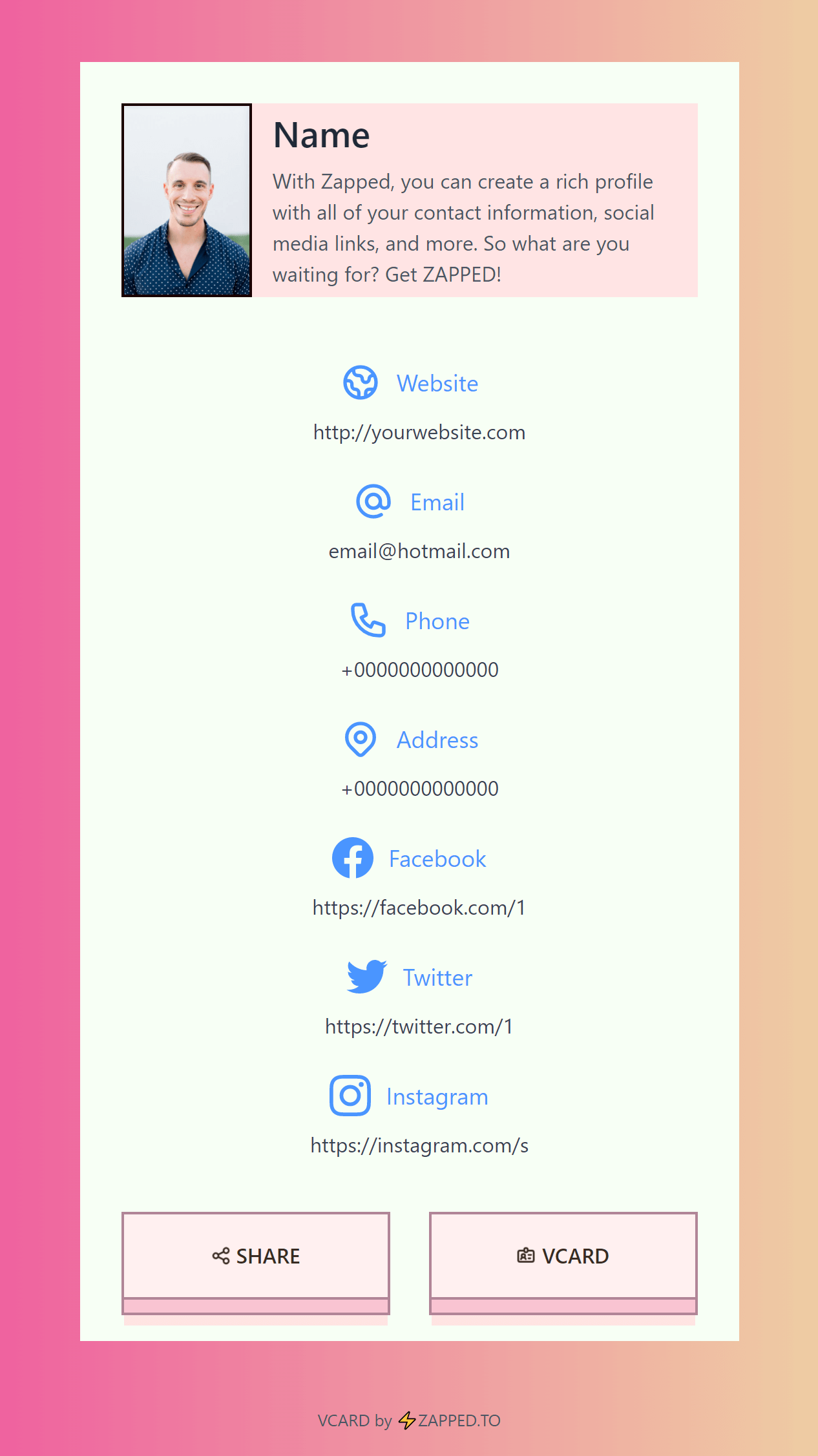
A company digital business card rollout is a brand system as much as a contact tool. The goal is to make every employee easier to reach while keeping the company profile consistent.
Quick answer
Companies should use digital business cards when they need consistent employee profiles, easier updates, centralized ownership, QR or NFC sharing, and better follow up after sales, recruiting, and event conversations.
Key takeaways
- Use a live profile as the source of truth.
- Add QR sharing because it works across more devices.
- Add NFC when in person sharing is part of your workflow.
- Keep the main action clear so people know what to do next.
- Use Zapped where an editable profile, QR, NFC, and team controls belong in one place.
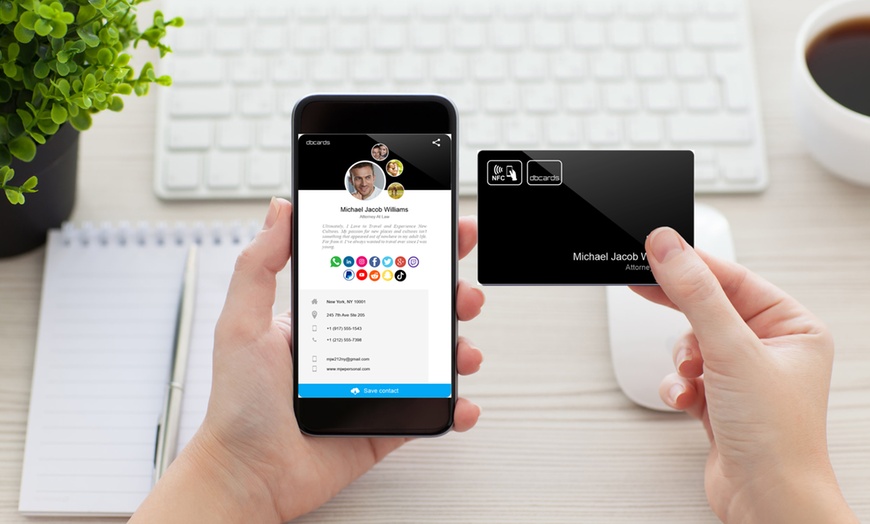
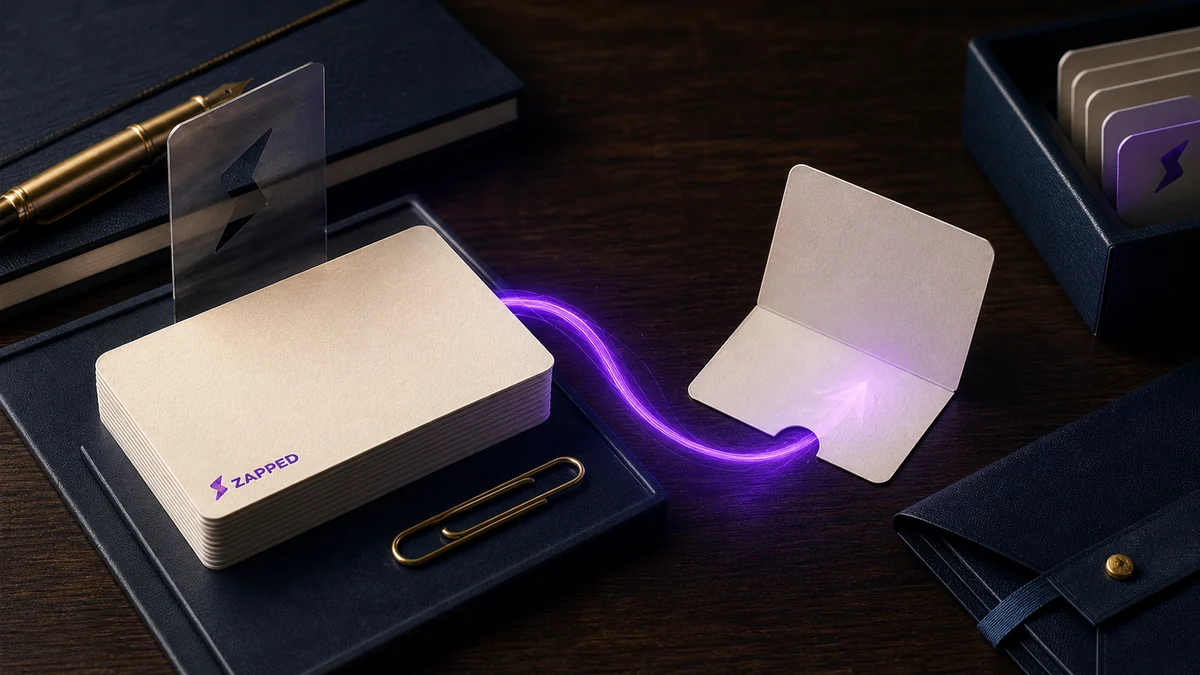
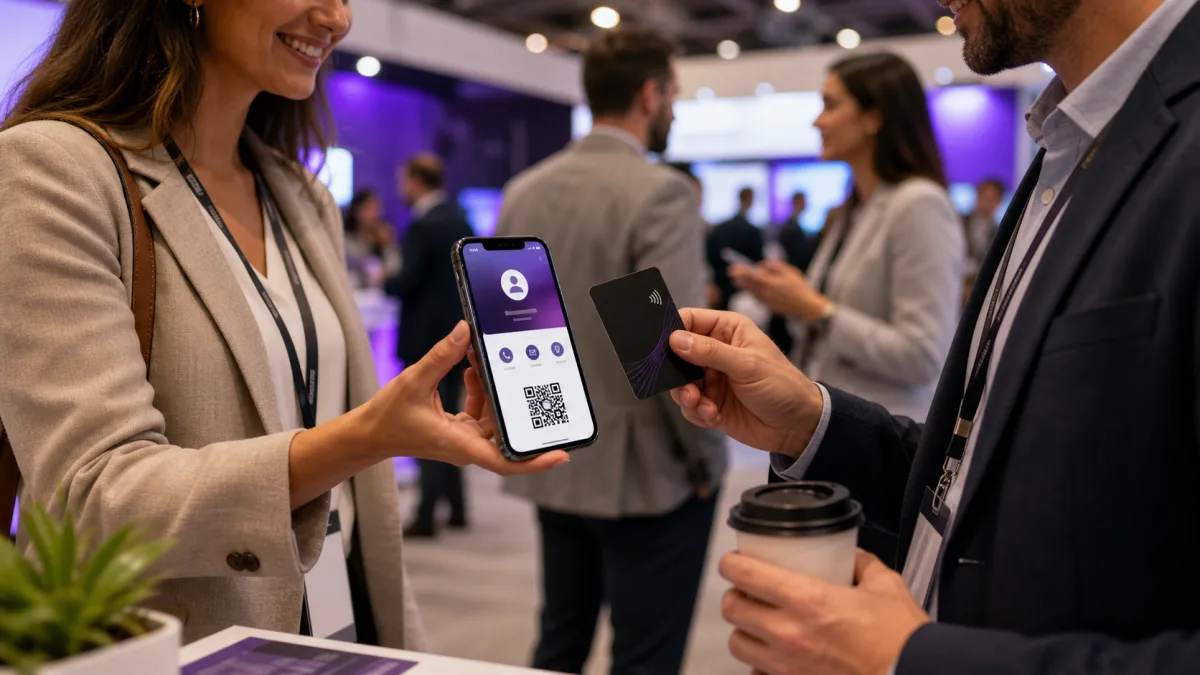
Use this image as a reference point while you compare the options below. The important idea is that the card, code, or NFC tap should lead to a profile that is easy to save and act on.
Best options by use case
| Team need | Feature to look for | Reason |
|---|---|---|
| Brand consistency | Templates | Every profile looks aligned |
| Employee turnover | Admin ownership | Company keeps control |
| Events | QR and NFC sharing | Fast handoff at booths |
| Sales follow up | Analytics or lead capture | Measures interest |
| Compliance | Role based editing | Limits accidental changes |
Rollout checklist for companies
Before inviting employees, decide who owns the profiles, what fields are required, which links are allowed, and how departed employees are handled. This prevents the digital card program from becoming scattered.
At Zapped, we make company cards work well because teams can treat digital cards as managed profiles instead of loose personal link pages.
What to include
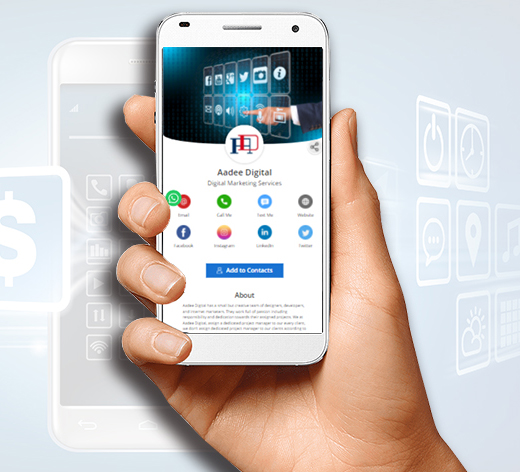
A strong digital business card usually includes:
- Name, role, and company.
- Phone, email, and website.
- A save contact action.
- One primary call to action.
- QR code or direct sharing link.
- NFC support when useful.
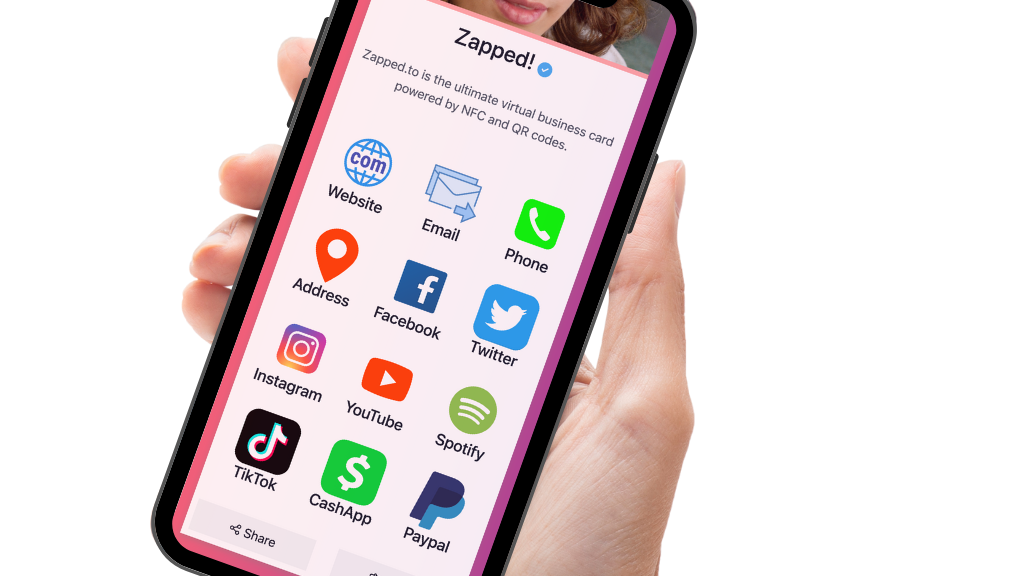
- Social, portfolio, booking, payment, or review links when they help.
Simple setup checklist
- Create the live profile.
- Add your essential contact fields.
- Choose one primary action.
- Generate and test the QR code.
- Add NFC or Wallet sharing if the use case needs it.
- Test the experience on iPhone and Android.
- Update the profile whenever your details change.
Company governance checklist
Before launch, decide which fields employees can edit and which fields should be locked. Names and personal phone numbers may be employee controlled, while brand colors, company URL, legal footer, and required links may need admin ownership.
Companies should also document the offboarding process. When an employee leaves, the company should be able to deactivate, transfer, or redirect the profile without chasing down a personal account.
For teams that issue physical NFC cards, team NFC business cards adds the tag register, custody, replacement, and retirement decisions behind that profile policy.
Where teams often lose value
Teams lose value when every employee creates a different card with different branding, different links, and no shared standard. The card should help the company look coordinated while still letting each employee show the right role and contact path.
Company rollout requirements
Company searches usually have higher purchase intent than solo card searches. The buyer is not only asking whether a card looks good. They are asking whether the company can keep profiles accurate across departments, locations, and employee turnover.
A company ready card system should include:
- Central ownership of profiles.
- Consistent brand templates.
- Role, location, and department fields.
- Easy updates when employees change jobs.
- QR, NFC, and direct link sharing.
- A clear offboarding process.
What to pilot first
Start with one department or event team. Give everyone the same template, then measure which buttons people actually use. After that, adjust the template before rolling cards out company wide.
Department examples
Different departments use the same card in different ways. Sales may put booking and case study links first. Recruiting may lead with job openings and LinkedIn. Customer success may link to support, help docs, and renewal contacts. Executives may need a cleaner profile with press, speaking, and assistant contact options.
This is why company cards should use templates with room for role specific links. The brand stays consistent, while each department still gets a useful next step.
Use Zapped to keep company cards consistent
Company digital business cards need more control than a single personal profile. Zapped helps teams keep employee cards consistent while still giving each person a useful profile with contact details, role-specific links, booking paths, and company information.
That matters when people join, change roles, move territories, or need updated links. Instead of reprinting cards or chasing scattered profiles, the company can keep one standard card experience and update the digital layer as the team changes.
FAQs
What is the best digital business card format?
The best format is usually a live web profile with a QR code, direct link, and optional NFC card. That gives people more than one way to open the same profile.
Do people need an app to view my digital business card?
Usually no. A web based profile should open in a normal browser. Apps can help the card owner manage the profile, but the recipient should not need to install anything just to view your details.
Should I use NFC or QR for digital business cards for companies?
Use both when the card will be shared in person. NFC feels fast when someone knows where to tap, and QR gives a visible backup for any phone with a camera.
Can I update the card after sharing it?
Yes, if the QR code, NFC tag, or shared link points to an editable profile. That is one of the biggest advantages over a static printed card.
Where does Zapped fit?
Zapped is built for cases where you want one editable digital card profile that can be shared by link, QR code, NFC card, and team workflows without rebuilding the card every time details change.
Sources
- IETF RFC 6350, vCard format specification: Used for vCard contact data context.
- NFC Forum, NFC technology and NFC Forum, NFC is in almost everything: Used for short range NFC behavior and NFC card context.