An NFC business card can be worth considering when a real in person handoff leads to one useful next action, such as saving contact details, booking, requesting a quote, or opening a menu. It is a poor buy when the tap opens a generic page, has no visible fallback, or leaves nobody responsible for keeping the destination current.
The practical value is not the tap alone. It is the live destination, the action waiting there, and the small operating plan that lets you learn whether one card deserves a wider rollout.
Quick answer
Use NFC when your business has a repeatable handoff, a clear destination, a QR fallback, and an owner who can update the page. Start with one card in one real setting. Review what people tapped, scanned, saved, clicked, asked about, and completed before buying a batch.
Keep it simple if you mostly network online, cannot explain what the recipient should do next, or cannot maintain the profile and URL. In those cases, a normal link or printed card may be easier to operate.
The physical card is the carrier. The live page and the follow through create the useful business system.
Key takeaways
- Choose the business moment before choosing the card.
- Send the tap to one live page with contact saving and one primary action.
- Put a QR code and readable contact basics beside the NFC route.
- Separate the physical card, tag payload, profile, analytics, and exit path.
- Pilot one card with proposed signals before scaling hardware or team access.
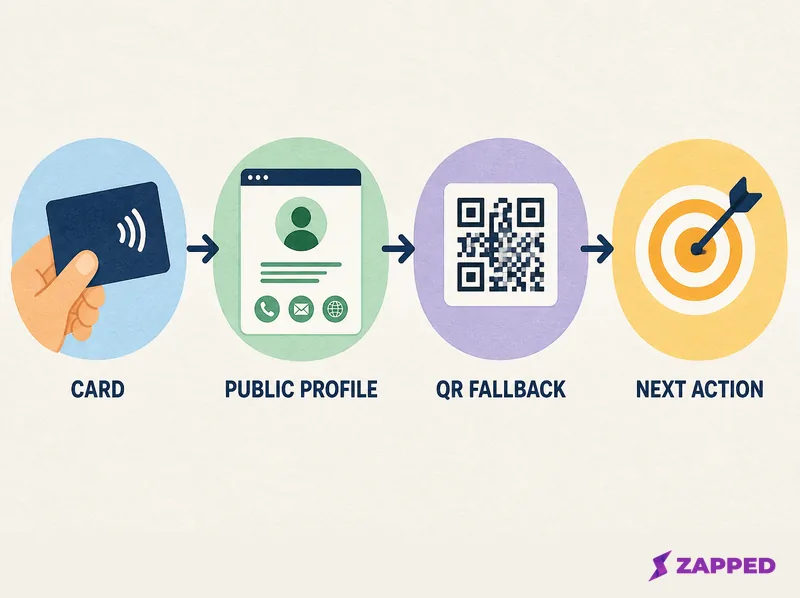
Start with the business moment, not the card
Ask six questions before you compare materials or features: what moment is the card serving, what should the recipient do, does the destination work in a normal browser, what is the fallback, who owns the system, and what will you review after a pilot?
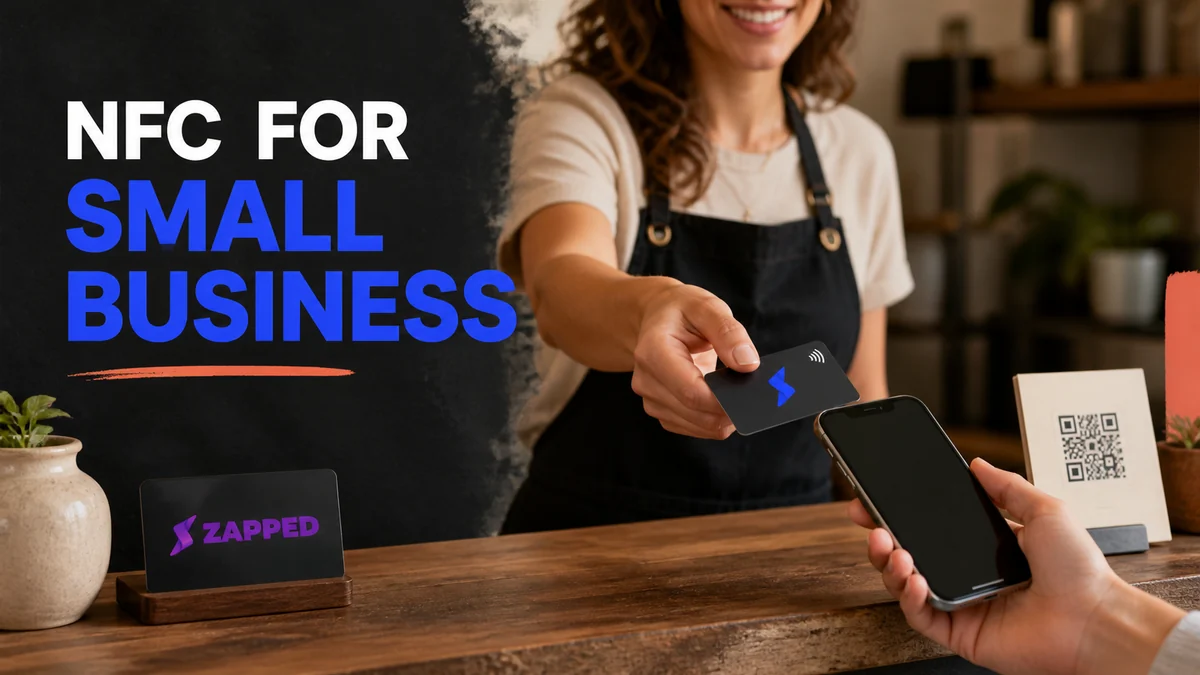
The answers change the right setup. A consultant meeting a prospect needs a different destination from a café placing a card by the till. The table below turns each context into a starting decision, not a promise of business results.
| Business situation | Primary destination | Fallback | Operational risk | Proposed signal |
|---|---|---|---|---|
| Solo service or field work | Save contact details plus booking, quote, or portfolio action | QR code and readable phone number | Dead phone, gloves, or a rushed handoff | Inquiries, bookings, and saves |
| Storefront or appointment business | Menu, booking, directions, review, or one current offer | Visible QR code and printed basics | Customers may not know where to tap | Scans, clicks, and completed next actions |
| Event or sales use | Save contact details plus one meeting or sales action | QR code, short link, and spoken fallback | Noise, speed, and inconsistent phone states | Saves, CTA clicks, and follow up completion |
| Small team | Member, role, location, or campaign profile | Shared QR and naming standard | Staff turnover or inconsistent profiles | Profile visits, saves, and team follow up signals |
For a team, define who creates profiles, who can edit them, and what happens when someone leaves. The guide to digital business cards for teams covers the larger governance problem. This article keeps the decision smaller: can one repeatable use case work before the team needs a full system?
The fit is strongest when the handoff happens close to the card and the information may change. An independent practical guide identifies events, sales calls, client meetings, and frequently changing booking or portfolio details as reasonable NFC use cases. Treat that as guidance, not proof that any particular outcome will improve.
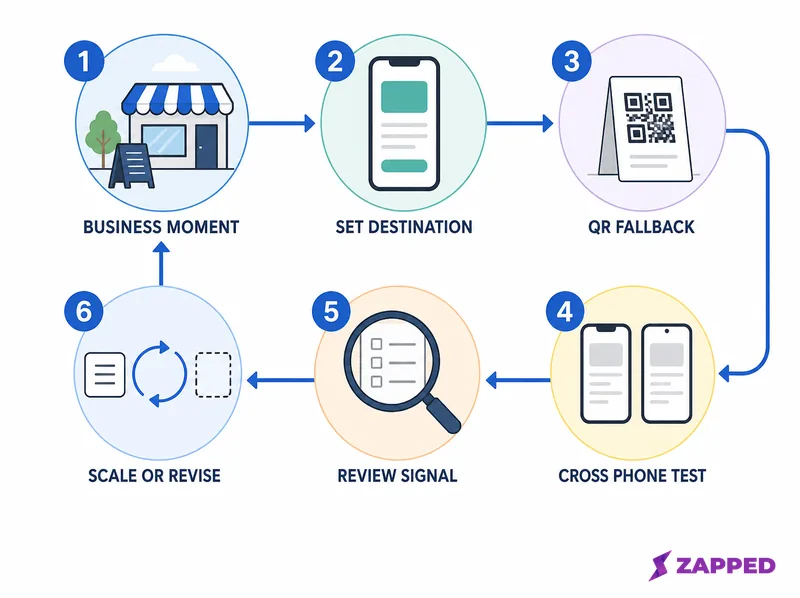
Give the tap one useful destination
An NFC tag commonly carries a URI stored in an NDEF message. The tag does not need to hold your whole profile. A short web address can open the page that carries your contact details, links, and next action. For a short overview, see what NFC business cards are.
Android's NFC documentation describes NDEF tag dispatch and URI parsing, and recommends NDEF when the format is under the implementer's control. Apple's background tag reading documentation describes a URI NDEF record for supported web and other URL schemes.
That makes a URL a sensible destination for a public business handoff. You can keep the card itself visually calm while the page handles details that would make the printed surface crowded.
Your destination should offer two things in this order:
- A way to save the relevant contact details.
- One primary action chosen for the setting.
The action might be booking an appointment, calling the business, requesting a quote, viewing a menu, opening directions, leaving feedback, or starting a sales conversation. Pick one. An overstuffed link hub makes the recipient decide what matters, which is exactly the work the card was supposed to remove.
If you want the full build and sharing sequence, use this creation and sharing walkthrough. The small business decision is narrower: decide what the tap should open before you decide what to buy.
Build in a fallback before you order more
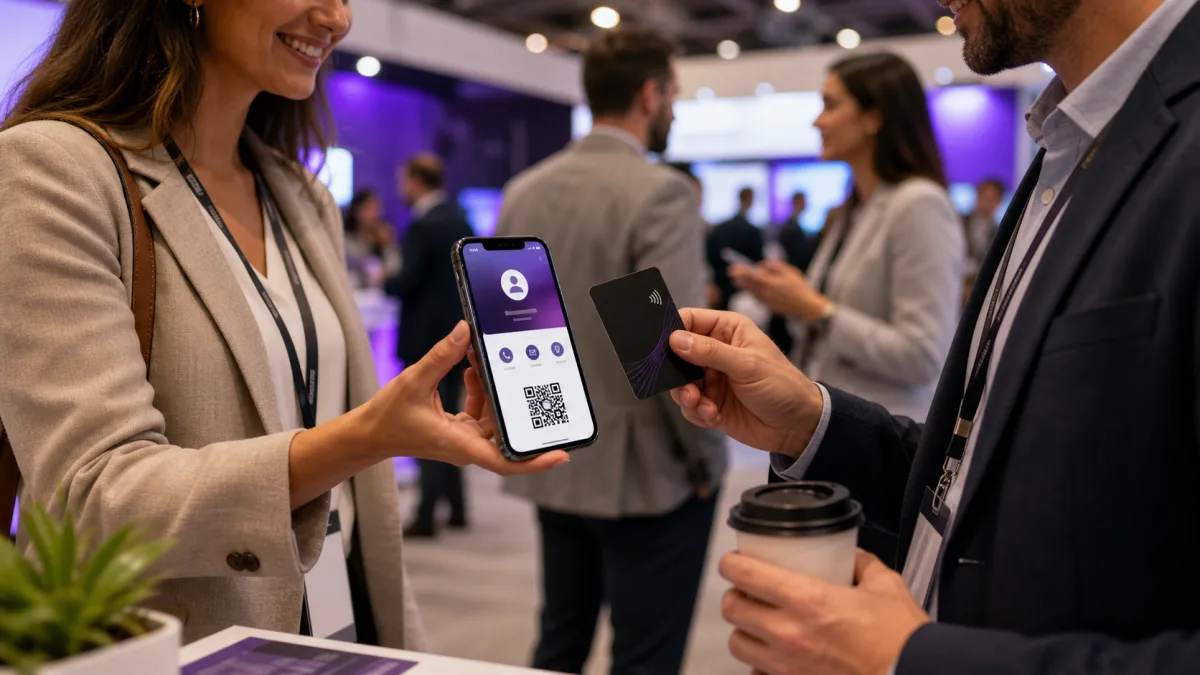
NFC is a close range handoff, so the recipient has to know what to do and have a phone in a usable state. Put a visible QR code beside the tap area, print the business name and at least one direct contact route, and add a short instruction such as “Tap or scan to save our details.”
The broader NFC versus QR comparison explains the carrier tradeoffs in more depth. For a small business, the operating answer is often both: NFC for an intentional handoff and QR for the visible recovery path.
Apple documents background tag reading on iPhone XS and later, with limits that include an active reader session, Apple Pay Wallet, camera use, Airplane Mode, and a phone that has not yet been unlocked after a restart. Android says devices usually look for tags when the screen is unlocked and NFC is enabled. Those conditions are reasons to keep the fallback visible, not reasons to promise a universal phone experience.
The NFC Forum's Release 15 announcement describes a certified compliant operating range moving from 0.5 cm to up to 2 cm. That is a standards level statement, not a finished card test. Phone cases, antenna design, card construction, and the exact tap position still belong in your pilot.
The independent practical NFC card guide recommends an NFC URL, a QR code to that URL, and readable contact basics. It also points to busy work sites, shop floors, older audiences, dead phones, and locked phones as situations where print or a hybrid route may be more useful.
Check the ownership layers before buying
An NFC purchase can hide several separate systems. Check each one instead of treating “editable card” as a complete answer.
- Physical card: What material and form factor fit the setting? Is it a card, sticker, counter sign, or another object?
- Tag payload: Is the tag writable, locked, or password protected? Who controls that state?
- Hosted profile: Does the tag point to a URL that can be updated without reprinting?
- Analytics: Who can view scans, visits, saves, clicks, or campaign signals, and how long is that history kept?
- Exit path: Who owns the URL, profile, QR route, analytics, exported contacts, and physical card if a staff member leaves or a plan ends?
NXP lists 144, 504, and 888 bytes of freely available user read and write memory for NTAG213, NTAG215, and NTAG216 chips. That is enough to make a short URL a more practical payload than a full business profile.
NXP also lists 100,000 write cycles and ten years of data retention for that chip family. Those are IC specifications, not a durability rating for the finished plastic, wood, metal, adhesive, print, or antenna.
The same datasheet documents field programmable read only locking and configurable password protection. That supports a buyer question, not a conclusion about any particular finished card. Ask whether the exact card can be rewritten, who can do it, and what happens if the answer is no.
Ask for the current total after the card, quantity, shipping, tax, software, analytics, and team needs. For current hardware and software detail, compare named NFC cards and fees and review current NFC business card costs. If recurring cost and cancellation matter most, read the guide to NFC cards without a subscription.
Pilot one card before you roll it out
The safest small business rollout is a small one. Use one real card, one repeatable business moment, and one destination that you can change without reprinting.
-
Choose one business moment and one primary action.
-
Create the destination with readable contact basics and a clear save option.
-
Add a QR code that opens the same public destination.
-
Program one card, or order one finished card with a documented destination.
-
Test the exact card on owner or staff phones and at least one recipient phone. Use both tap and QR paths.
-
Give the person handing over the card a short instruction for tapping and scanning.
-
Review taps, QR scans, profile visits or saves, CTA clicks, inquiries, and follow up completion.
-
Scale only when the workflow is repeatable, the destination stays maintained, and the fallback is clear.
Choose a review window that contains a real operating cycle, such as one event or a normal appointment period. Do not borrow a success threshold from another business. Stop or revise when the recipient cannot tell what to do, the fallback is missing, the destination is hard to maintain, or ownership is unclear.
If the tap fails, start with the QR route and readable contact details. Then use the full NFC business card troubleshooting guide to separate phone state, tap position, tag setup, and destination problems.
Where Zapped fits
Zapped is one destination option when you want the same live profile to open from a link, QR code, or NFC card in a normal browser without an app, so a recipient can save the details.
Zapped's NFC programming help recommends writing the public URL, testing with another phone, and keeping a QR fallback before you write the card.
The useful distinction is between updating the profile and rewriting the tag. With Zapped, existing QR, NFC, and link routes can keep pointing to the latest profile after edits. That supports a live destination model, but it does not turn every physical card into a universally rewritable tag.
For the page itself, Zapped supports a public URL alias, contact and booking actions, phone preview, and separate cards when different people, locations, brands, or campaigns need different details. That gives a solo operator a focused first profile and leaves a clearer path to separate destinations if the business grows.
Decide whether to scale
Scale when the business has a repeated in person use, one destination people understand, a visible fallback, an owner for updates, and signals worth reviewing. More cards do not repair a vague CTA or an unmanaged profile.
Keep one card, use a QR route, or skip NFC for now when the business rarely meets people in person, the handoff cannot be explained, the audience is unlikely to tap, or the owner cannot manage the profile and exit details. The right answer can be “not yet.”
DIY can make sense when you control the URL, the tag, and the destination and are willing to test and maintain them. A hosted profile can reduce setup work, but it adds questions about account access, analytics, exports, cancellation, and what remains usable outside the service.
Frequently asked questions
Are NFC business cards worth it for a small business?
They can be, when one physical handoff leads to one useful action and the same destination works by QR or link. A one card pilot is a better decision tool than a blanket yes or no.
Can a small business make an NFC card itself?
Yes, a small business can write a URL to a compatible tag, but the writing step is only part of the system. You still need to control the destination, print a fallback, test the exact card, and maintain the page.
What if a customer's phone cannot tap?
Ask them to scan the visible QR code or use the printed phone number, email address, or short link. If the failure repeats, check the phone state, tag, and destination separately before replacing the card.
Sources
Sources reviewed for this guide were checked on 2026-08-06.