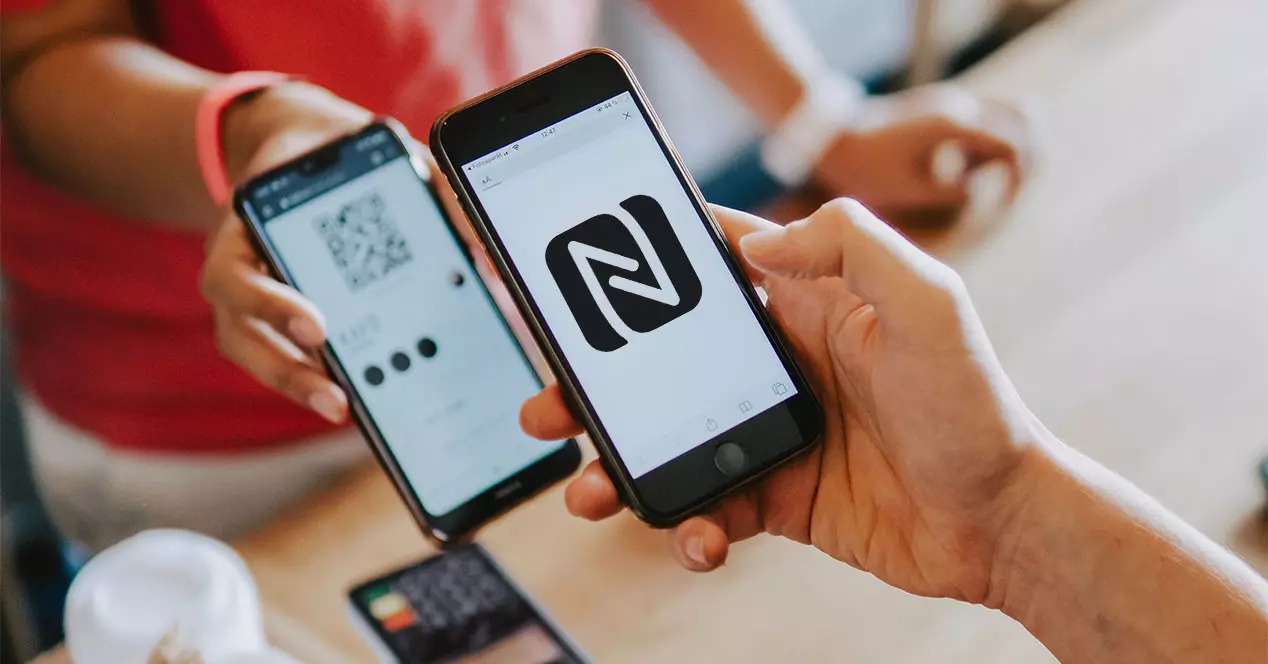
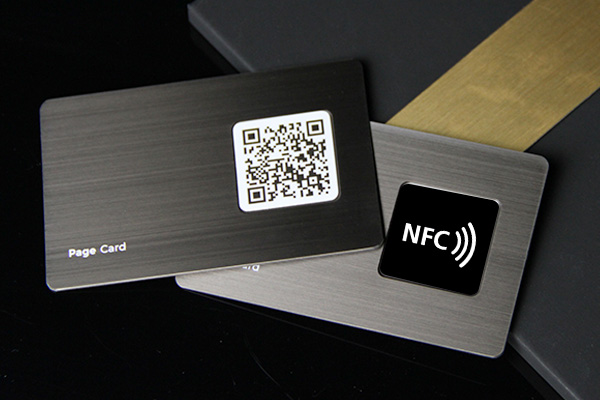
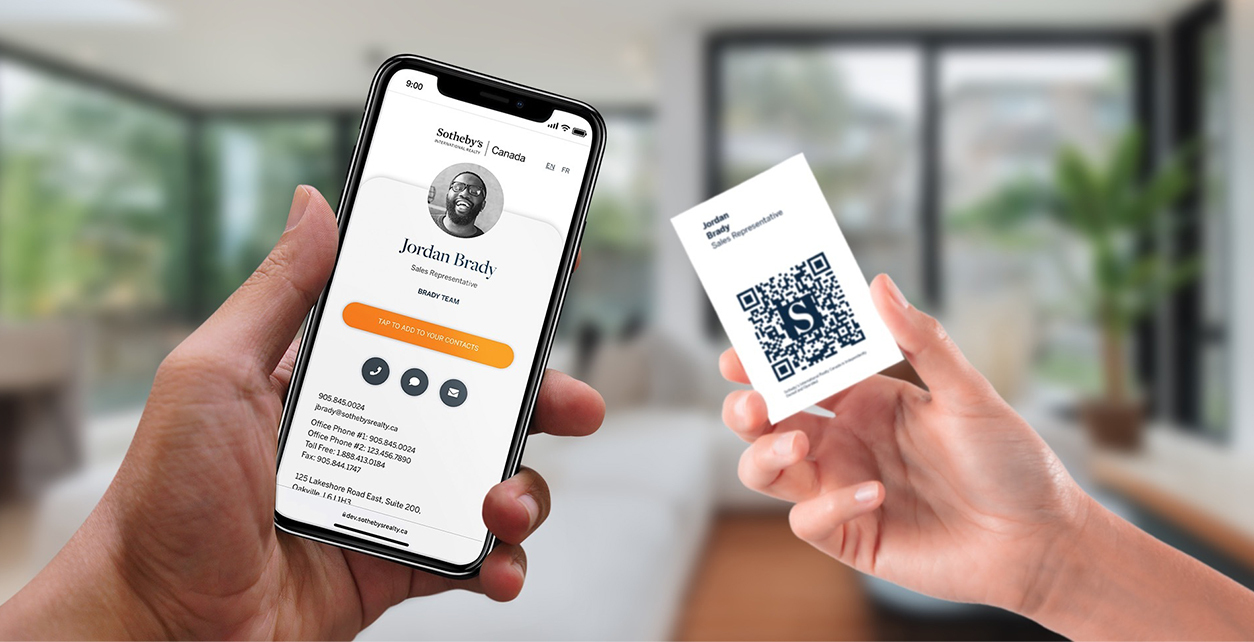
An NFC digital business card combines a physical NFC card or tag with an online contact profile. The physical card creates the tap, and the digital profile holds your live contact details, links, media, booking page, and other information.
Quick answer
An NFC digital business card is a tap to share card that opens your digital business card profile on a phone. It usually stores a short URL on an NFC chip. When someone taps the card, the phone opens the profile so they can save your contact details, visit your links, or take the next step.
Key takeaways
- The NFC chip usually stores a URL, not your entire professional identity.
- The digital profile is what makes the card editable and useful over time.
- A QR code backup makes the card easier to use across more devices.
- The best setup depends on how you network: events, sales calls, recruiting, field work, or team rollouts.
- Zapped is a natural fit when you want one editable profile that can be shared by NFC, QR, and link.
How does an NFC digital business card work?
An NFC digital business card works by storing a small NFC payload on a card, tag, sticker, or other object. When a compatible phone gets close enough, the phone reads the payload and opens the destination.
For professional networking, the destination is usually a digital card URL. The profile can include your name, company, title, phone, email, website, social links, booking links, payment links, portfolio, video, and save contact options.
The card itself does not need power, a battery, or an app. The receiving phone supplies the short range NFC interaction, then opens the URL in the browser. That is why the online profile matters more than the chip. If the profile is useful, the tap creates a useful contact exchange. If the profile is thin or outdated, the NFC card only opens a weak page faster.
NFC digital card vs NFC tag vs QR code
These terms overlap, but they are not exactly the same. If you have also run into "tap business card", "smart business card", or Apple's NameDrop and want those sorted out too, our tap business card terminology guide extends this table.
| Term | Meaning | Best use |
|---|---|---|
| NFC tag | The small chip or sticker that stores a payload | Automations, links, labels, business cards |
| NFC business card | A physical card with an NFC chip | Face to face networking |
| NFC digital business card | NFC card plus editable online profile | Professional sharing and follow up |
| QR business card | Printed QR code that opens a profile | Universal scanning and backup |
When is an NFC digital business card worth it?
An NFC digital business card is worth it when you meet people in person often enough that the tap experience saves time, improves follow up, or makes your brand more memorable.
| Situation | NFC card value | Better backup |
|---|---|---|
| Sales meetings | Fast handoff after a conversation | QR code on the card |
| Trade shows | Memorable tap interaction in a busy room | Short URL for badges or flyers |
| Recruiting | Share role, company, and booking links quickly | Email signature link |
| Real estate or field sales | One card can hold listings, contact details, and booking links | Printed QR on signs or brochures |
| Team rollout | Central brand control for many employees | Team directory or company page |
If most of your networking happens online, a digital card link may be enough. If you meet people at events, offices, venues, or sales calls, NFC gives that online profile a physical object people can tap.
How to create an NFC digital business card
- Create a digital profile with your contact details and links.
- Choose a short URL for that profile.
- Add a QR code for camera based scanning.
- Write the profile URL to a compatible NFC card or tag.
- Test the tap on iPhone and Android.
- Print or label the card so people know to tap or scan.
- Update the online profile whenever your details change.
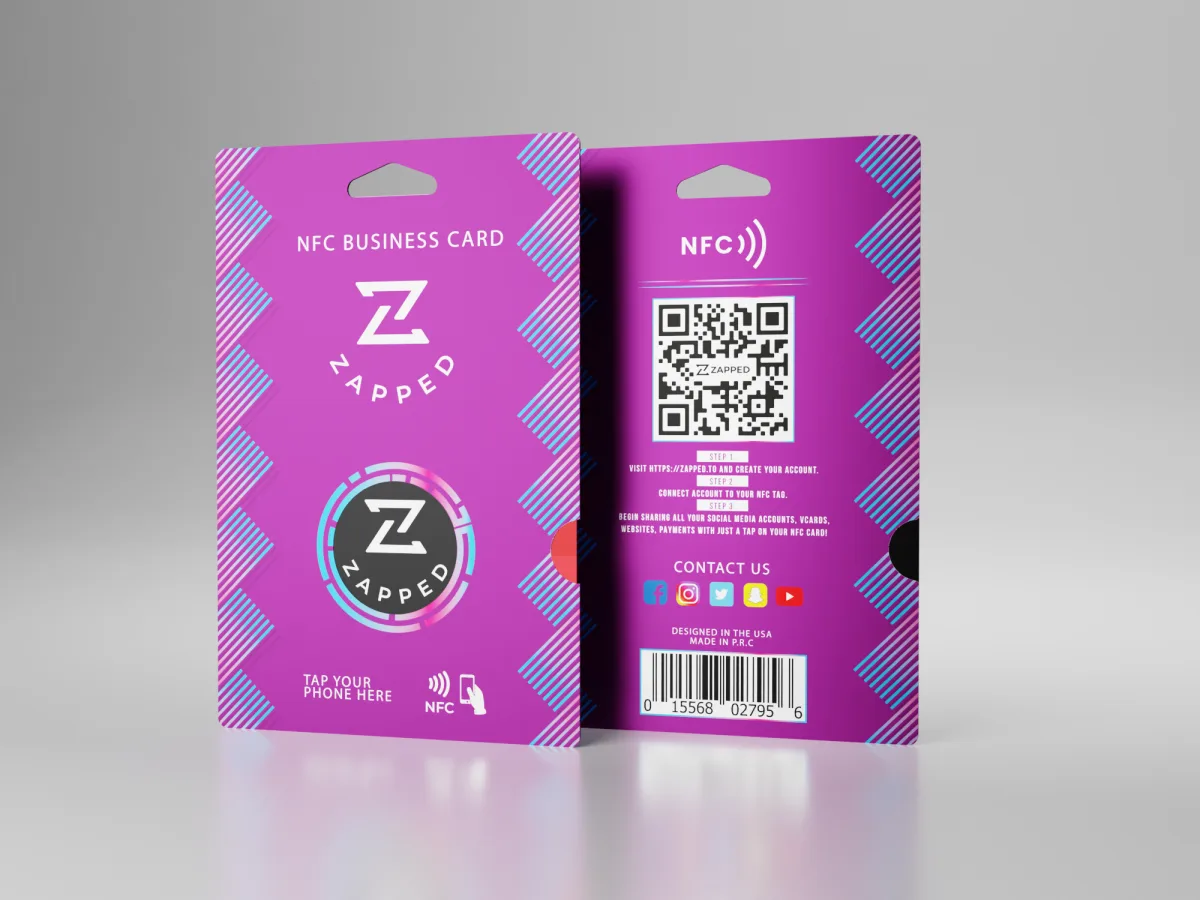
With Zapped, the profile is the center of the workflow. You can share the same profile through an NFC card, QR code, direct link, email signature, or team page.
Setup checklist
Before ordering or programming cards, confirm:
- The profile URL is short and stable.
- The profile has a clear save contact action.
- The QR code scans from the printed size you plan to use.
- The NFC tap opens the same profile on iPhone and Android.
- The printed card tells people whether to tap, scan, or both.
- You can edit the destination profile without reprinting the card.
For teams, also confirm who owns the profile, who can edit employee details, and what happens when someone changes roles or leaves the company.
What information should the profile include?
Start with the contact details someone needs right after meeting you.
Useful fields include:
- Name and role.
- Company.
- Phone and email.
- Website.
- LinkedIn or social links.
- Booking link.
- Portfolio or media.
- Payment or product links when relevant.
- Save contact or vCard download.
- Team or company page.
Keep the physical NFC card simple. Put the fuller experience online.
How do NFC digital cards work on iPhone and Android?
Most modern iPhones and many Android phones can read NFC tags that store a compatible URL record. The experience is slightly different by device.
| Phone type | What to expect | Practical tip |
|---|---|---|
| iPhone | Newer iPhones can read many NFC tags in the background | Tap near the top of the phone |
| Android | Many Android phones support NFC, but settings and antenna position vary | Make sure NFC is enabled and tap near the back center or upper area |
| Older phones | NFC may be missing or less automatic | Use the QR code backup |
The safest networking setup is not NFC only. Use NFC for speed, QR for universal scanning, and a direct link for messages, email signatures, and social profiles.
NFC digital business card formats
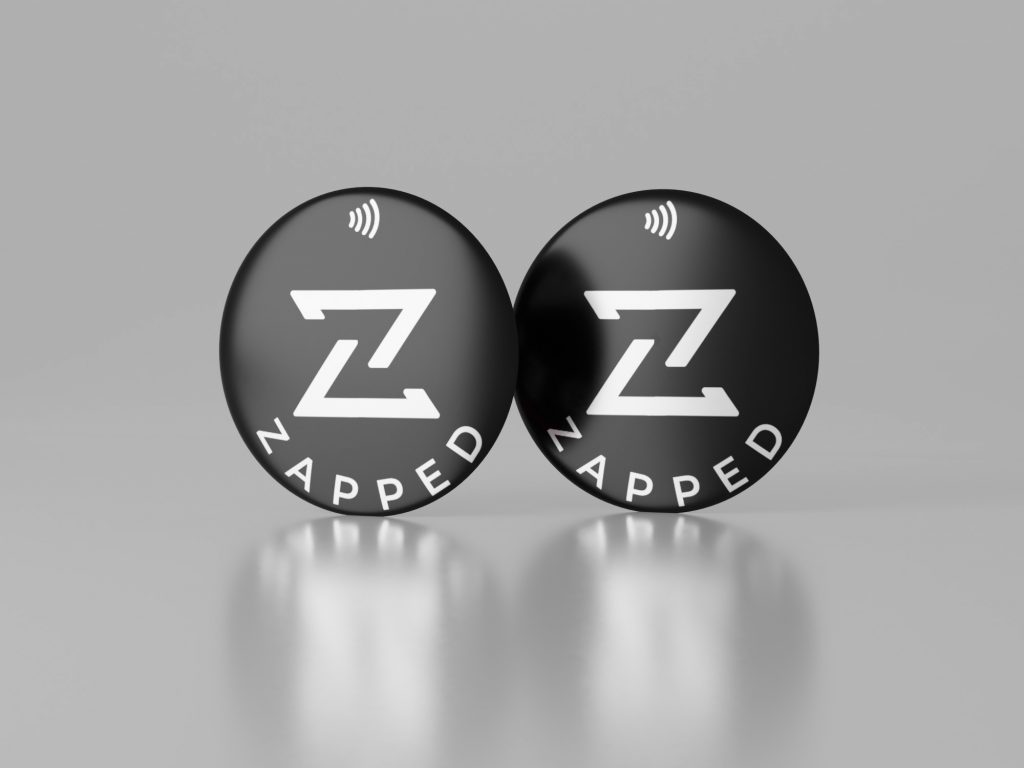
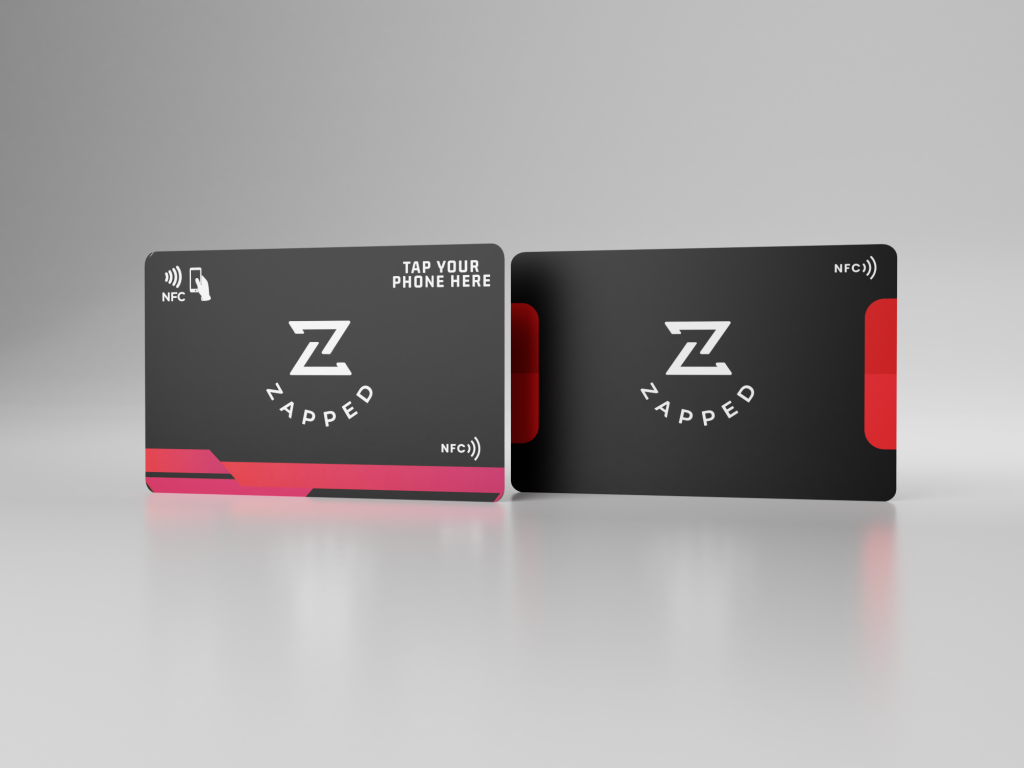
NFC digital cards can be built into several physical formats. If you specifically want a fob you carry on a keyring rather than a flat card, see our guide to the NFC keychain business card.
| Format | Best for | Notes |
|---|---|---|
| Plastic NFC card | Everyday networking | Familiar business-card shape |
| Metal NFC card | Premium personal brand | Heavier, more expensive, memorable |
| NFC sticker | Laptops, packaging, displays | Flexible and inexpensive |
| NFC keychain | Field teams, events, venues | Easy to carry |
| NFC badge | Conferences and staff | Good for team identification |
If you are deciding between a sticker and a card format specifically, see NFC sticker vs NFC business card for the tradeoffs, including what happens when a sticker goes on metal.
Benefits and limitations
NFC digital cards are convenient, but the best version includes NFC, QR, and link sharing.
| Benefit | Why it matters |
|---|---|
| Editable details | Update the profile instead of reprinting cards |
| Faster sharing | Tap a phone to open the profile |
| More room | Add links and media that do not fit on paper |
| Team consistency | Keep employee cards on the same brand system |
| Better follow up | Use links, forms, booking pages, or analytics |
Limitations:
- Some users may not know where to tap.
- Some phones require NFC to be enabled.
- Metal cases or thick cases can interfere.
- A QR code backup is still important.
How to choose an NFC digital business card platform
The card provider matters less than the profile experience people see after the tap. Choose a platform that makes the follow up easy.
| Feature | Why it matters |
|---|---|
| Editable profile | Lets you update contact details without replacing the card |
| QR code included | Gives every recipient a backup sharing method |
| Save contact action | Turns the tap into a real contact, not just a page view |
| Team controls | Keeps employee cards consistent and easier to manage |
| Analytics or lead capture | Helps sales and event teams understand follow up |
| Custom domains or branding | Makes the profile feel trustworthy and on brand |
Zapped is strongest when you want the NFC card, QR code, and direct link to point to one profile that can be updated over time.
NFC digital business card examples
Here are practical ways to use one profile behind the NFC card:
- A consultant links to a profile with phone, email, LinkedIn, booking link, and case studies.
- A realtor adds listings, calendar booking, WhatsApp, and a save contact button.
- A trade show team uses branded employee profiles with lead forms and company links.
- A creator uses the card to share portfolio, social links, store links, and email signup.
- A venue or hospitality team uses staff cards for contact details, menus, booking pages, and payment links.
The common pattern is simple: the NFC card starts the interaction, but the profile gives the person a reason to take the next step.
Build the NFC card around a Zapped profile
An NFC digital business card works best when the tap opens something you can update. Zapped gives the chip a live destination with your contact details, save contact action, QR backup, links, booking path, and company information.
That setup keeps the physical card simple. The card only needs to open the Zapped profile, while the profile carries the details people actually need after the tap. If your title, number, offer, or calendar changes, the card keeps working because the profile is the part you edit.
FAQs
Is an NFC digital business card the same as a digital business card?
Not exactly. A digital business card is the online profile. An NFC digital business card adds a physical NFC card or tag that opens that profile with a tap.
Can I update an NFC digital business card?
Yes, if the NFC card points to an editable online profile. You usually update the profile, not the chip.
Do NFC digital business cards work on iPhone and Android?
They can work on both when the card stores a compatible URL record. A QR code backup helps when NFC behavior varies by device.
What is better, NFC or QR?
NFC is faster for tap to share moments. QR is more universal and visible. The strongest business cards often include both.
Can I make one myself?
Yes. Create a digital profile, write its URL to a compatible NFC tag, and test it. A managed service like Zapped is easier when you want branded profiles, team use, QR codes, and updates without manual tag management.
Do people need an app to use my NFC digital business card?
Usually no. If the NFC chip stores a normal web URL, the recipient's phone can open the profile in a browser. Some advanced wallet, CRM, or app specific workflows may use an app, but a basic tap to profile card should not require one.
What should be printed on the physical card?
Print your name or brand, a short instruction such as tap or scan, and a QR code backup. Keep the printed card clean and let the online profile hold the full contact details, links, booking options, and media.
Sources
This guide uses NFC standards and platform documentation.
- NFC Forum, NFC technology: Used for NFC Forum tag and NDEF context.
- Android NFC basics: Used for Android NFC and NDEF context.
- Apple Core NFC: Used for iPhone NFC tag reading context.