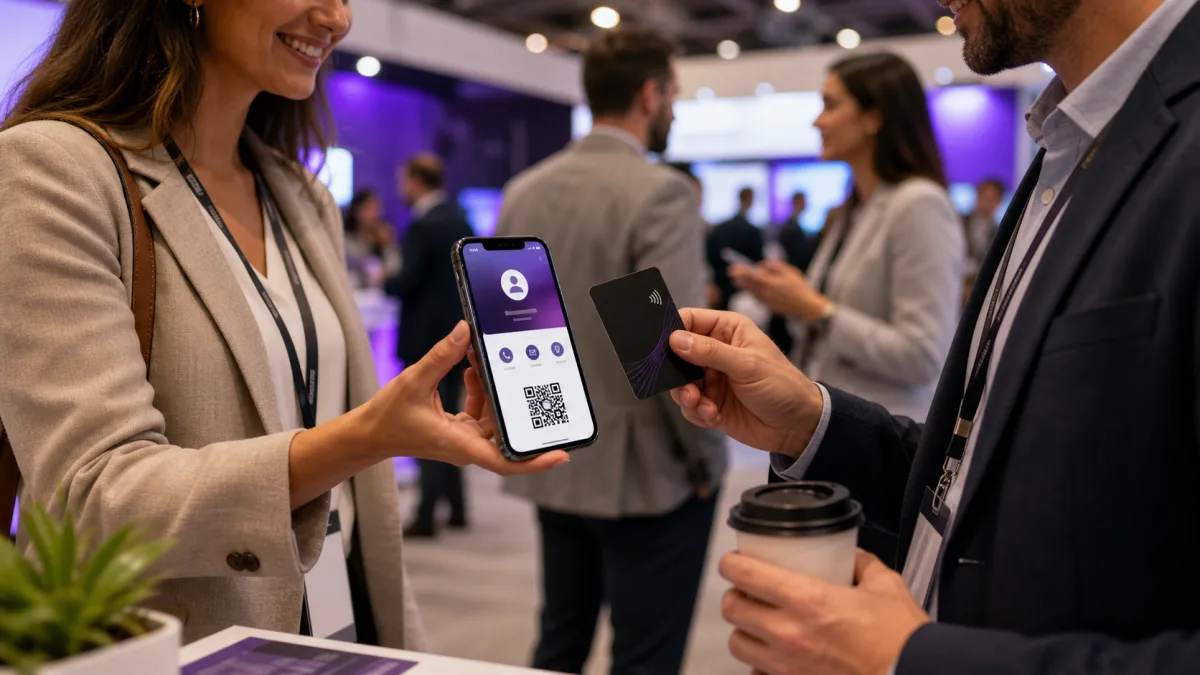
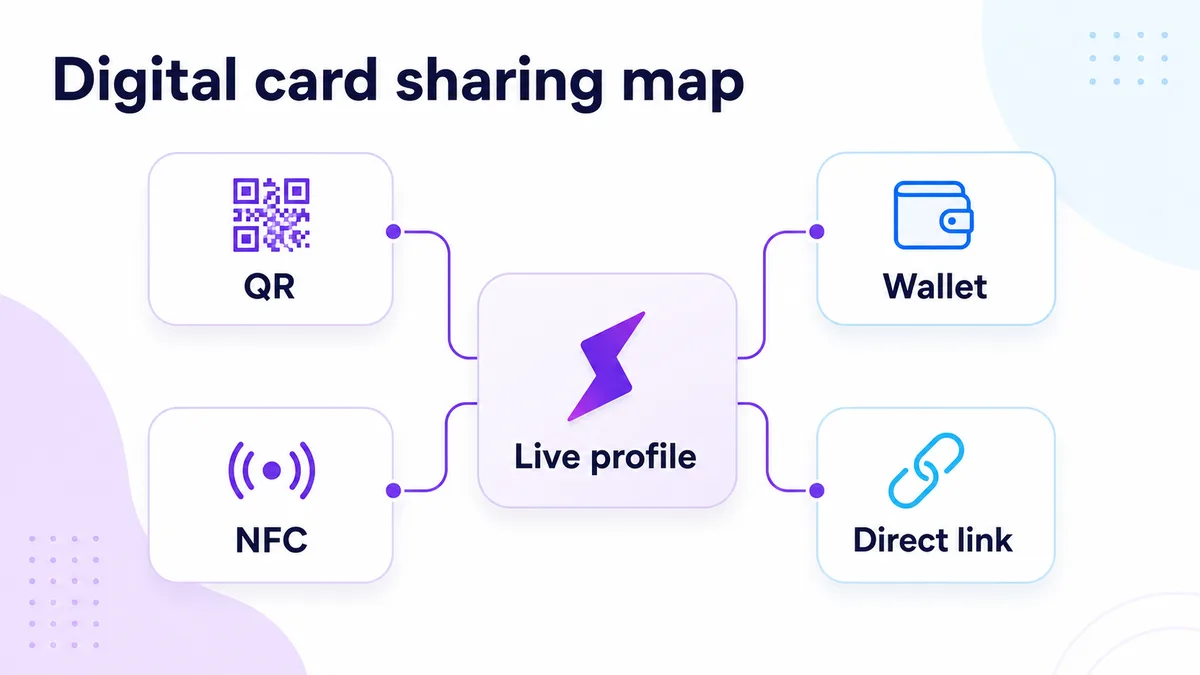
Digital business cards are now a practical networking tool, not just a novelty. The useful version is a live profile that people can open, save, and revisit from a QR code, NFC tap, direct link, wallet pass, or message.
Quick answer
A digital business card is an online contact profile that can be shared by QR code, NFC tap, direct link, Wallet pass, email signature, or message. The profile can include contact details, links, media, booking pages, and save contact actions.
Key takeaways
- Use a live profile as the source of truth.
- Add QR sharing because it works across more devices.
- Add NFC when in person sharing is part of your workflow.
- Keep the main action clear so people know what to do next.
- Use Zapped where an editable profile, QR, NFC, and team controls belong in one place.
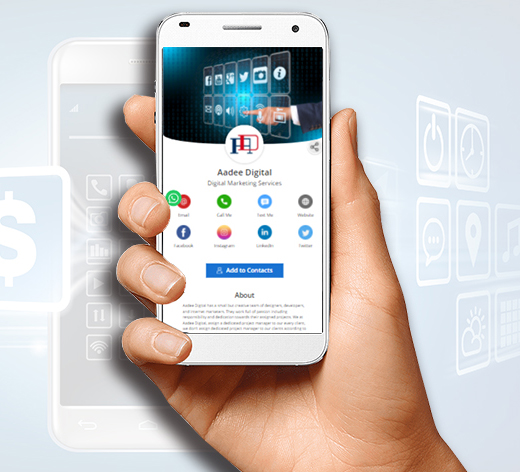
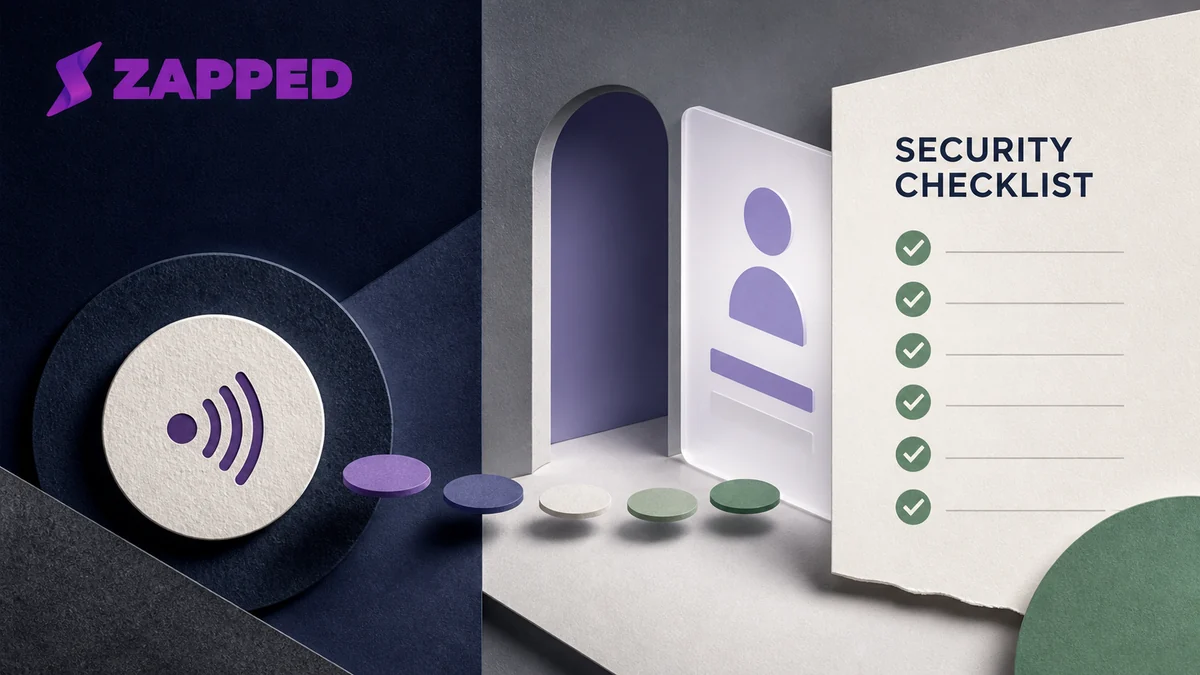
Use this image as a reference point while you compare the options below. The important idea is that the card, code, or NFC tap should lead to a profile that is easy to save and act on.
Best options by use case
| Part | What it does | Why it matters |
|---|---|---|
| Profile | Holds contact details and links | Editable after sharing |
| QR code | Opens the profile with a camera | Works on most phones |
| NFC card | Opens the profile with a tap | Fast for in person sharing |
| Wallet pass | Stores a card on the phone | Convenient for the owner |
| vCard download | Lets someone save contact details | Turns a view into a contact |
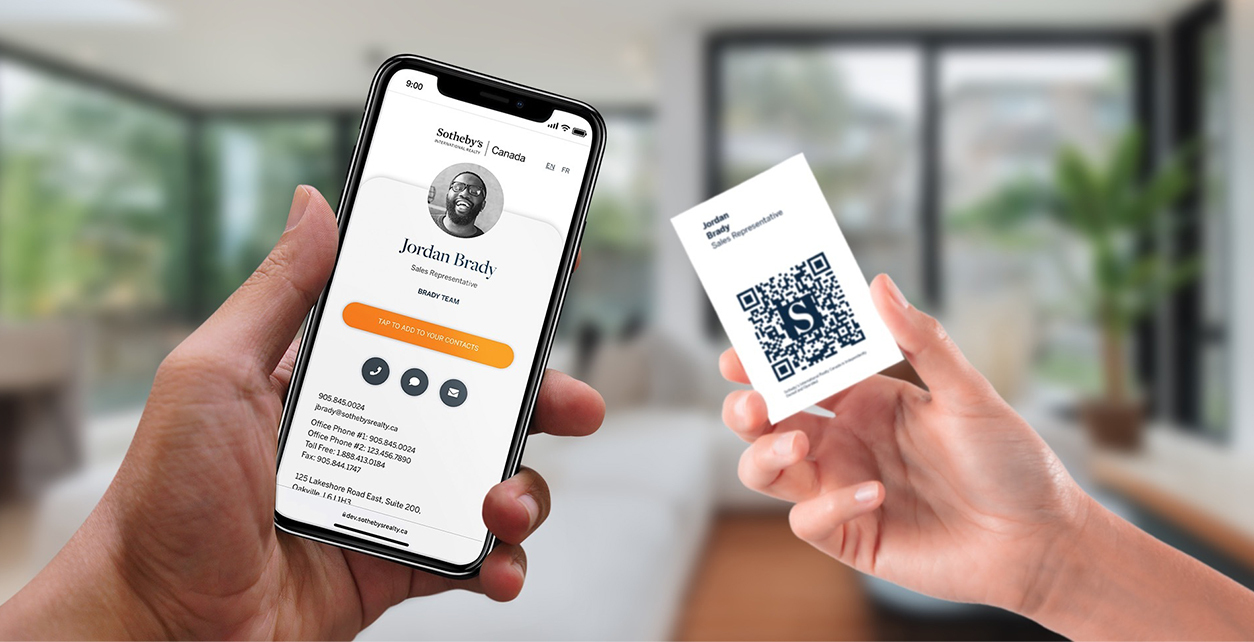
The useful pattern is one profile with several ways to open it. QR, NFC, Wallet, and direct links should not create separate versions of your card. They should all point people back to the same profile you can keep current.
What should a digital business card include?
Start with the information someone needs right after meeting you: name, role, company, phone, email, website, and a save contact option. Then add only the links that help the next step.
Good optional additions include a booking link, LinkedIn, portfolio, payment link, WhatsApp, team page, reviews, or featured content.
Digital card vs paper card
Paper is still useful as a physical reminder. A digital card is better for live links, updates, analytics, and richer information. The strongest setup often uses a printed card with QR and NFC that points to the digital profile.
What to include
A strong digital business card usually includes:
- Name, role, and company.
- Phone, email, and website.
- A save contact action.
- One primary call to action.
- QR code or direct sharing link.
- NFC support when useful.
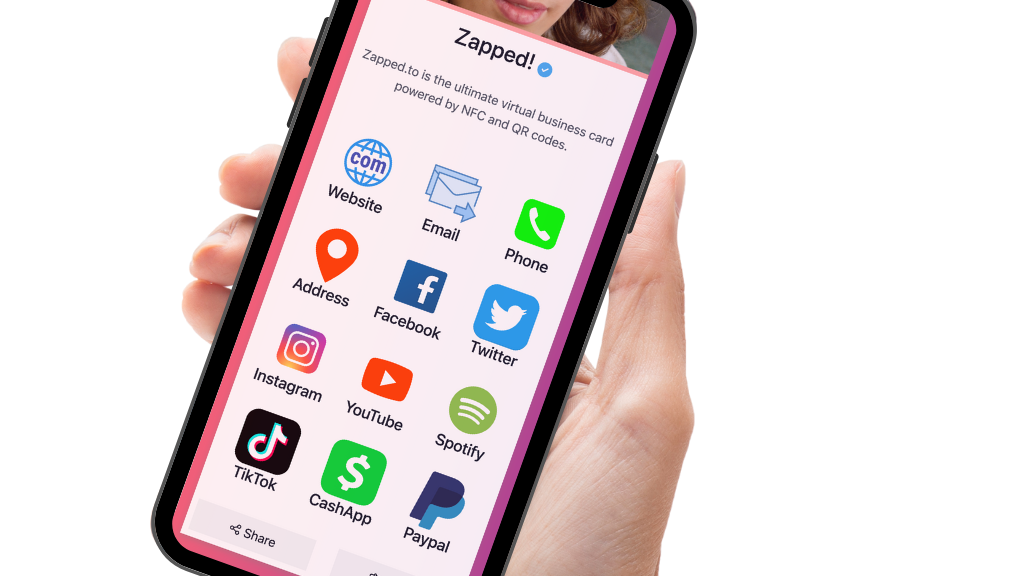
- Social, portfolio, booking, payment, or review links when they help.
Simple setup checklist
- Create the live profile.
- Add your essential contact fields.
- Choose one primary action.
- Generate and test the QR code.
- Add NFC or Wallet sharing if the use case needs it.
- Test the experience on iPhone and Android.
- Update the profile whenever your details change.
When a digital card beats paper
A digital card is better when the details might change, the recipient needs more than a phone number, or the conversation should lead to a next step such as booking, messaging, viewing work, or saving a contact. Paper can still help as a physical reminder, especially when it carries the QR code or NFC tap that opens the live profile.
What makes one feel professional
A professional digital card loads quickly, has a clear identity, and does not make the recipient hunt for the main action. It should feel like a compact landing page built for one person, not a directory of every link the owner has ever used.
Why this topic has broad search demand
People search for digital business cards from several angles: replacing paper cards, adding QR codes, buying NFC cards, creating team cards, and choosing a card app. That means a useful guide needs to cover more than one format.
Think of the digital card as the hub. QR codes, NFC cards, Wallet passes, email signatures, and WhatsApp messages are sharing methods that point people back to that hub. This is why a browser based profile is usually easier to maintain than separate files or static card designs. Visitor-facing venues such as zoos use the same hub pattern for memberships and tours, which is covered in zoo business card ideas.
Digital card formats compared
| Format | Best use | Watch out for |
|---|---|---|
| Profile link | Text, email, social bios, and messaging | Needs a clean mobile layout |
| QR code | Printed cards, signs, events, and slides | Must be tested before printing |
| NFC card | In person networking and premium cards | Needs a QR backup |
| Wallet pass | Quick access from a phone | Not every audience expects Wallet |
| vCard file | Simple contact import | Static details can go stale |
Zapped works best when these formats all lead back to one editable profile.
Use Zapped when the card needs to work after the scan
A digital business card should do more than display your name. Zapped turns the card into a live profile where someone can save your contact details, open your booking link, view your socials, visit your company page, or share your profile with someone else.
That makes it useful for individuals and teams. You can share by QR, NFC, direct link, WhatsApp, or email signature, then keep improving the destination without reprinting cards or rebuilding static contact files.
FAQs
What is the best digital business card format?
The best format is usually a live web profile with a QR code, direct link, and optional NFC card. That gives people more than one way to open the same profile.
Do people need an app to view my digital business card?
Usually no. A web based profile should open in a normal browser. Apps can help the card owner manage the profile, but the recipient should not need to install anything just to view your details.
Should I use NFC or QR for digital business cards?
Use both when the card will be shared in person. NFC feels fast when someone knows where to tap, and QR gives a visible backup for any phone with a camera.
Can I update the card after sharing it?
Yes, if the QR code, NFC tag, or shared link points to an editable profile. That is one of the biggest advantages over a static printed card.
Where does Zapped fit?
Zapped is a good fit when you want one editable digital card profile that can be shared by link, QR code, NFC card, and team workflows without rebuilding the card every time details change.
Sources
- NFC Forum, NFC technology and NFC Forum, NFC is in almost everything: Used for short range NFC behavior and NFC card context.
- IETF RFC 6350, vCard format specification: Used for vCard contact data context.
- Apple Support, scan a QR code with iPhone camera: Used for iPhone QR scanning behavior.
- Android, how to scan QR codes on Android: Used for Android QR scanning behavior.