A digital business card wallet can be helpful on iPhone, but it is only one way to carry and share your profile. Most people still need a QR code, direct link, and browser friendly profile.
Quick answer
A digital business card wallet stores or launches a card from a phone wallet or mobile shortcut. It is useful, but a normal web profile and QR code are still needed for people who are not on the same device ecosystem.
Key takeaways
- Use a live profile as the source of truth.
- Add QR sharing because it works across more devices.
- Add NFC when in person sharing is part of your workflow.
- Keep the main action clear so people know what to do next.
- Use Zapped where an editable profile, QR, NFC, and team controls belong in one place.
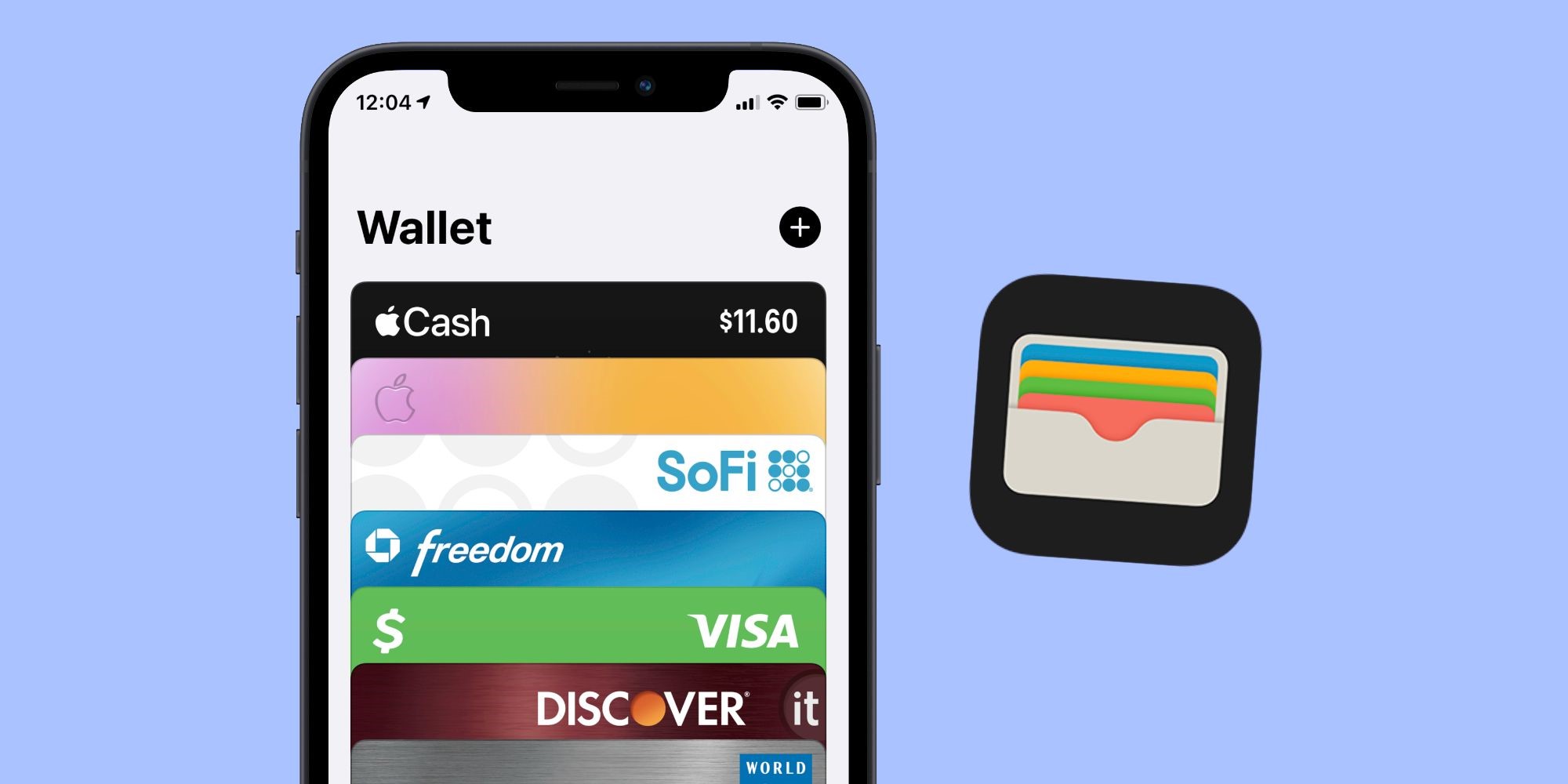
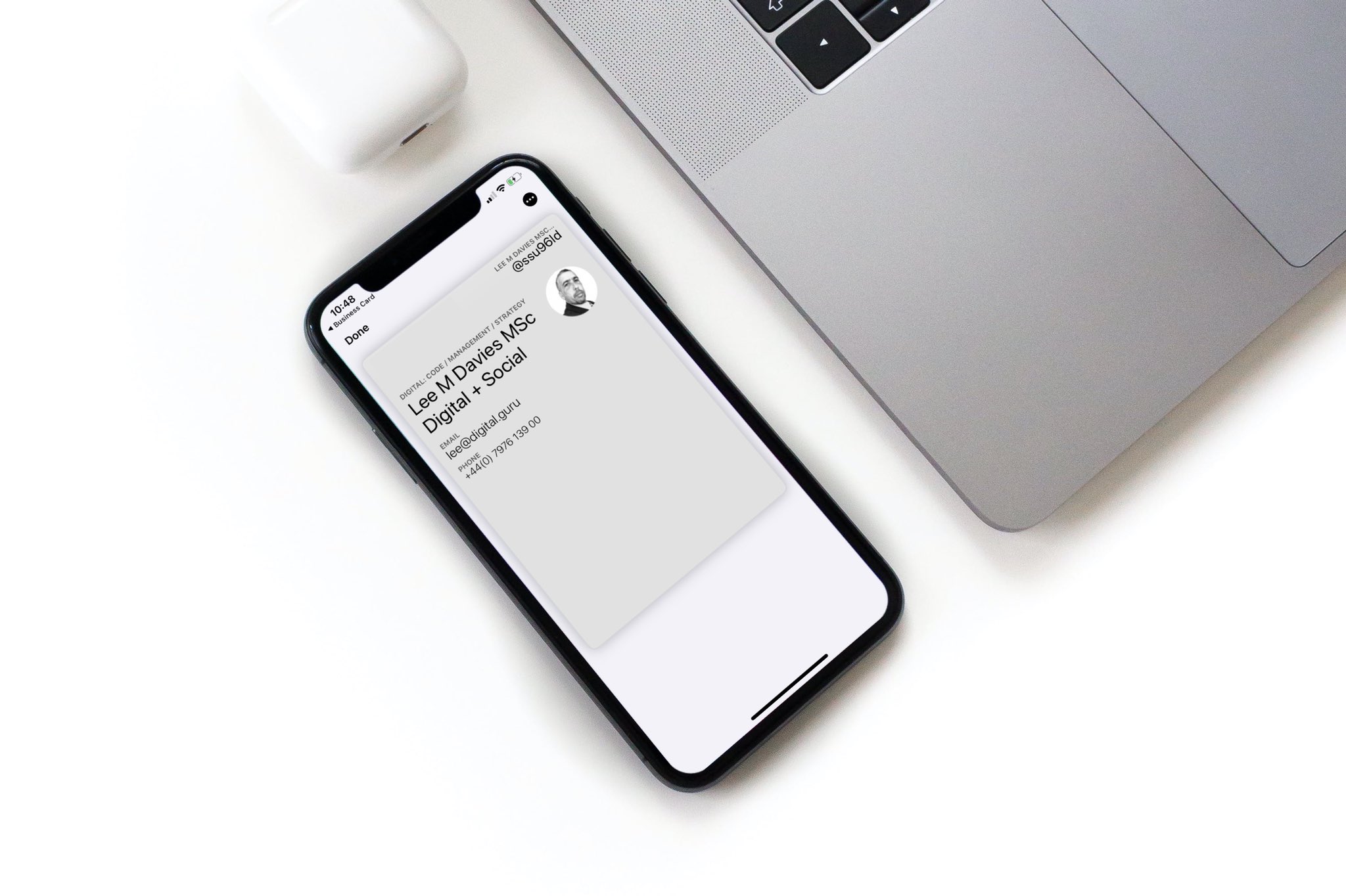
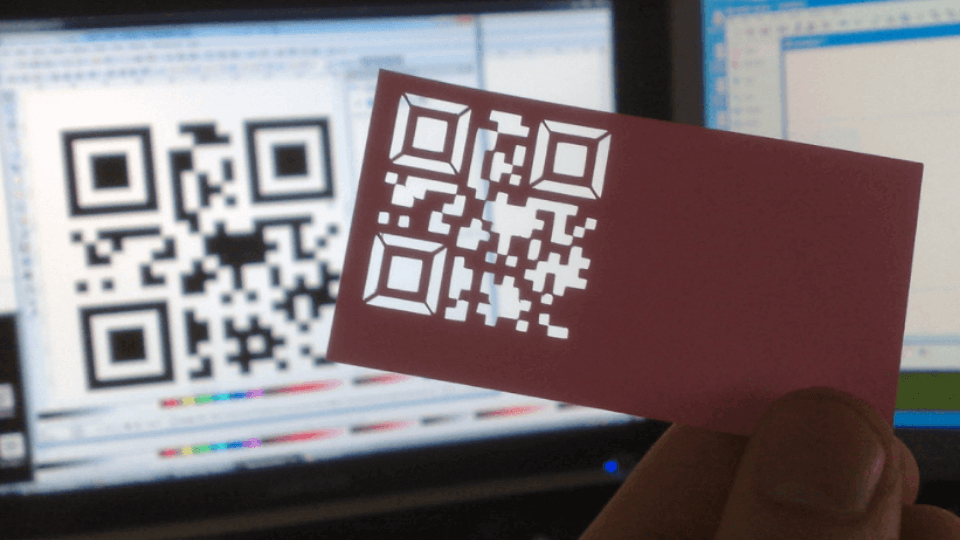
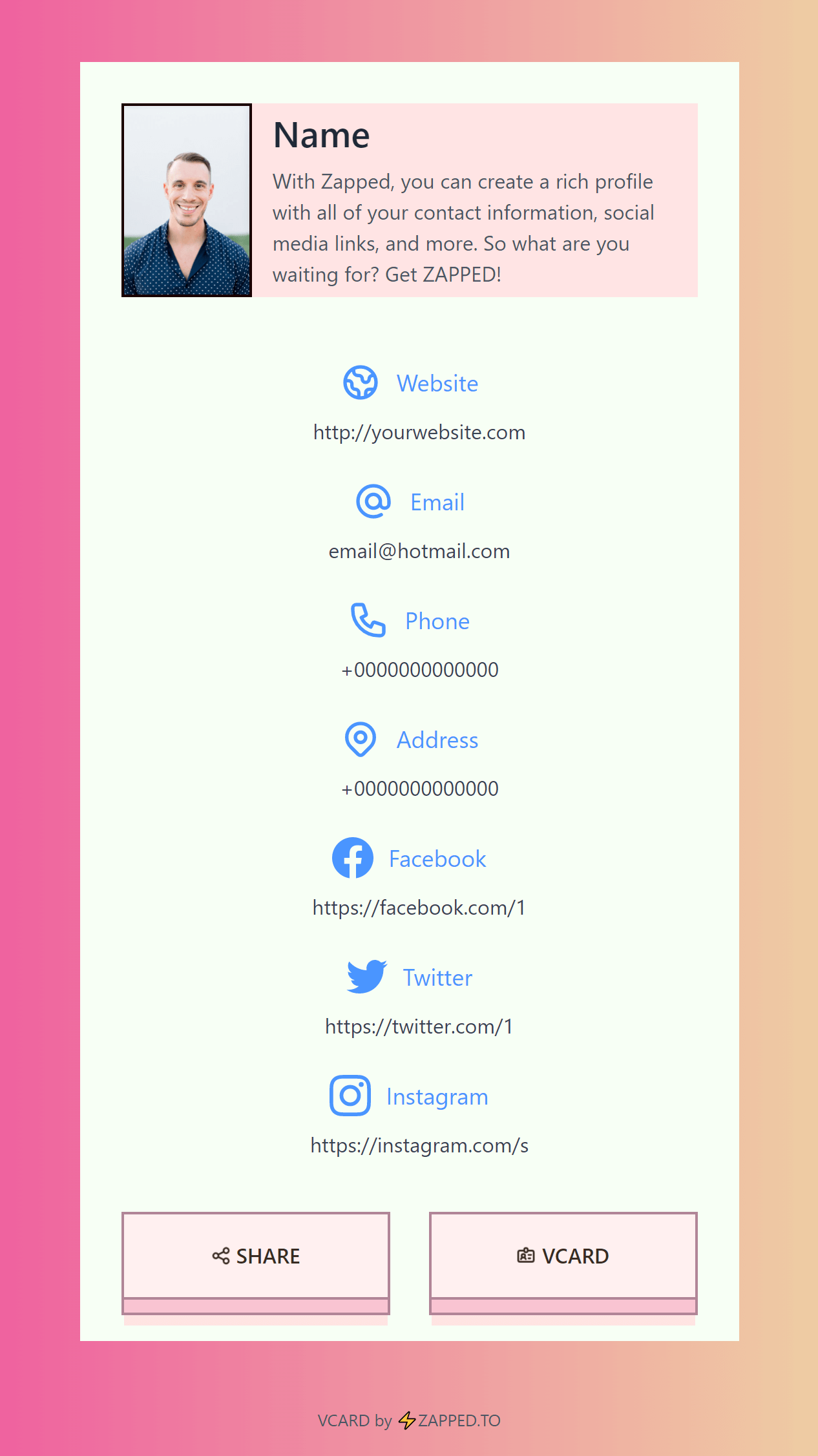
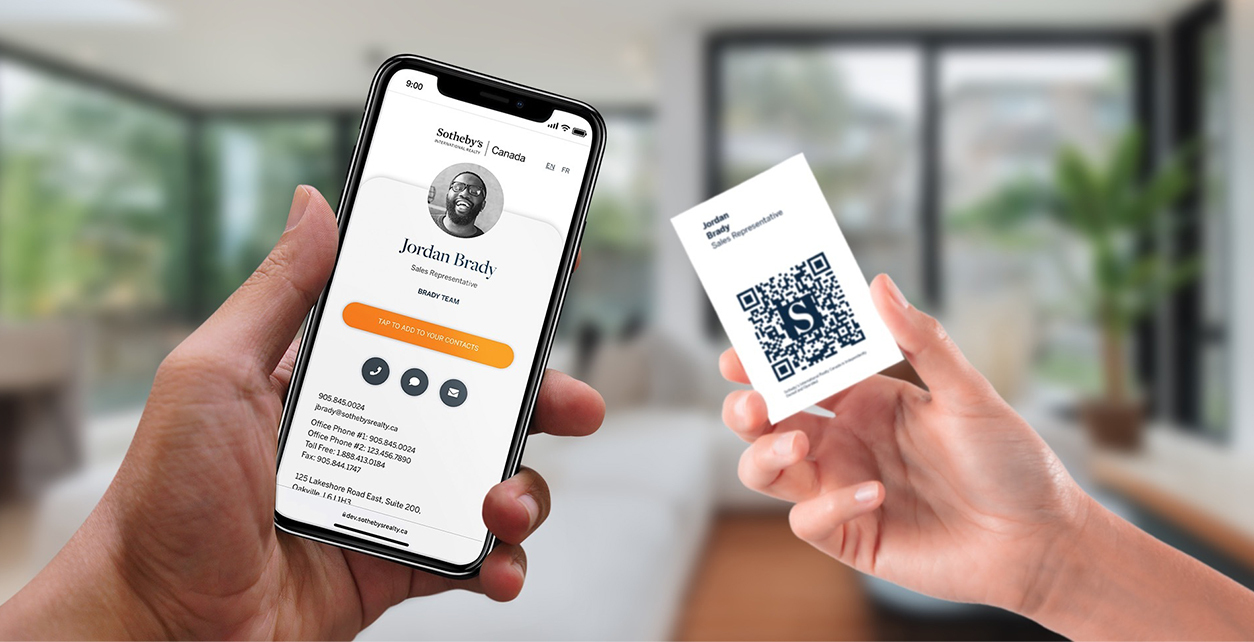
Use this image as a reference point while you compare the options below. The important idea is that the card, code, or NFC tap should lead to a profile that is easy to save and act on.
Best options by use case
| Option | Best for | Limit |
|---|---|---|
| Apple Wallet pass | Fast access on iPhone | Needs pass setup |
| Browser profile | Universal sharing | Not stored like a pass |
| QR image | Screens, print, events | Must be tested |
| NFC card | In person taps | Not every user knows the tap area |
| Contact file | Saving details | Less flexible than a live profile |
When Wallet makes sense
Wallet makes sense when you want fast access to your own card on your phone. It is less important for recipients because they may be using Android, desktop, or a company device.
That is why the profile URL should still work in a browser.
What to include
A strong digital business card usually includes:
- Name, role, and company.
- Phone, email, and website.
- A save contact action.
- One primary call to action.
- QR code or direct sharing link.
- NFC support when useful.
- Social, portfolio, booking, payment, or review links when they help.
Simple setup checklist
- Create the live profile.
- Add your essential contact fields.
- Choose one primary action.
- Generate and test the QR code.
- Add NFC or Wallet sharing if the use case needs it.
- Test the experience on iPhone and Android.
- Update the profile whenever your details change.
Wallet vs browser profile
Wallet is convenient for the card owner because the card is easy to open from the phone. A browser profile is more universal for recipients because it works from iPhone, Android, desktop, and shared links. The best setup treats Wallet as one access point, not the entire strategy.
When not to overbuild Wallet
If most sharing happens through WhatsApp, email, LinkedIn, QR codes, or NFC cards, the Wallet pass may be less important than a fast profile URL. Prioritize the recipient's path first, then add Wallet if it makes the owner experience smoother.
Wallet vs profile link
Wallet can be convenient for the card owner, but it is not always the best destination for every recipient. A profile link is more universal because it opens from QR codes, NFC cards, email signatures, social bios, and messages.
Use Wallet when you want quick access to your own card. Use a browser profile when you want the recipient to open, save, and act without setup. Many teams use both: Wallet for the employee, profile link for everyone else.
What to test
Check whether the Wallet pass still leads to the same profile as your QR code and NFC card. If each format points somewhere different, analytics and updates become harder to manage.
Team Wallet considerations
Wallet can be useful for individual convenience, but team rollouts need consistency. If every employee creates their own Wallet pass or contact card, branding and updates can drift. Use a shared profile template first, then decide whether Wallet is a helpful shortcut.
For mixed audiences, always keep a plain profile link and QR code available. Wallet should be an option, not the only path.
Use Zapped beside Wallet, not only inside it
Wallet can be a convenient shortcut for people who like storing passes, but not every recipient wants to add a pass before they know you. Zapped gives the card a normal mobile profile that works from QR, NFC, link sharing, and email signatures first.
That means you can still support Wallet-style sharing where it fits, while keeping the main contact experience open, editable, and easy for anyone to use from a browser.
FAQs
What is the best digital business card format?
The best format is usually a live web profile with a QR code, direct link, and optional NFC card. That gives people more than one way to open the same profile.
Do people need an app to view my digital business card?
Usually no. A web based profile should open in a normal browser. Apps can help the card owner manage the profile, but the recipient should not need to install anything just to view your details.
Should I use NFC or QR for digital business card wallet?
Use both when the card will be shared in person. NFC feels fast when someone knows where to tap, and QR gives a visible backup for any phone with a camera.
Can I update the card after sharing it?
Yes, if the QR code, NFC tag, or shared link points to an editable profile. That is one of the biggest advantages over a static printed card.
Where does Zapped fit?
Zapped is a good fit when you want one editable digital card profile that can be shared by link, QR code, NFC card, and team workflows without rebuilding the card every time details change.
Sources
- Apple Developer, Wallet and Apple Developer, getting started with Wallet: Used for Apple Wallet pass context.
- IETF RFC 6350, vCard format specification: Used for vCard contact data context.
- Apple Support, scan a QR code with iPhone camera: Used for iPhone QR scanning behavior.