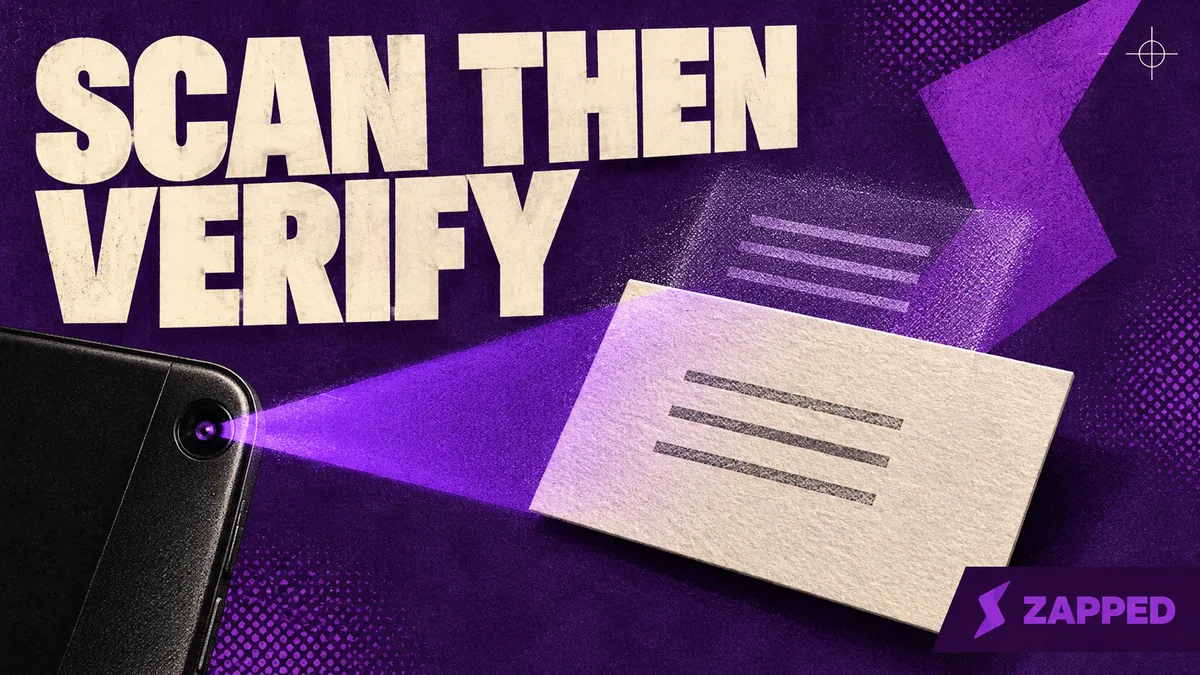
Google Lens for Paper Business Cards: Scan, Check, Save
Use Google Lens to read a paper business card on Android, iPhone, or desktop. Compare the extracted details with the card, then choose the right save or copy path.
Article category
Digital business card guides for choosing a platform, building a profile, sharing with QR or NFC, and keeping contact details easy to save.
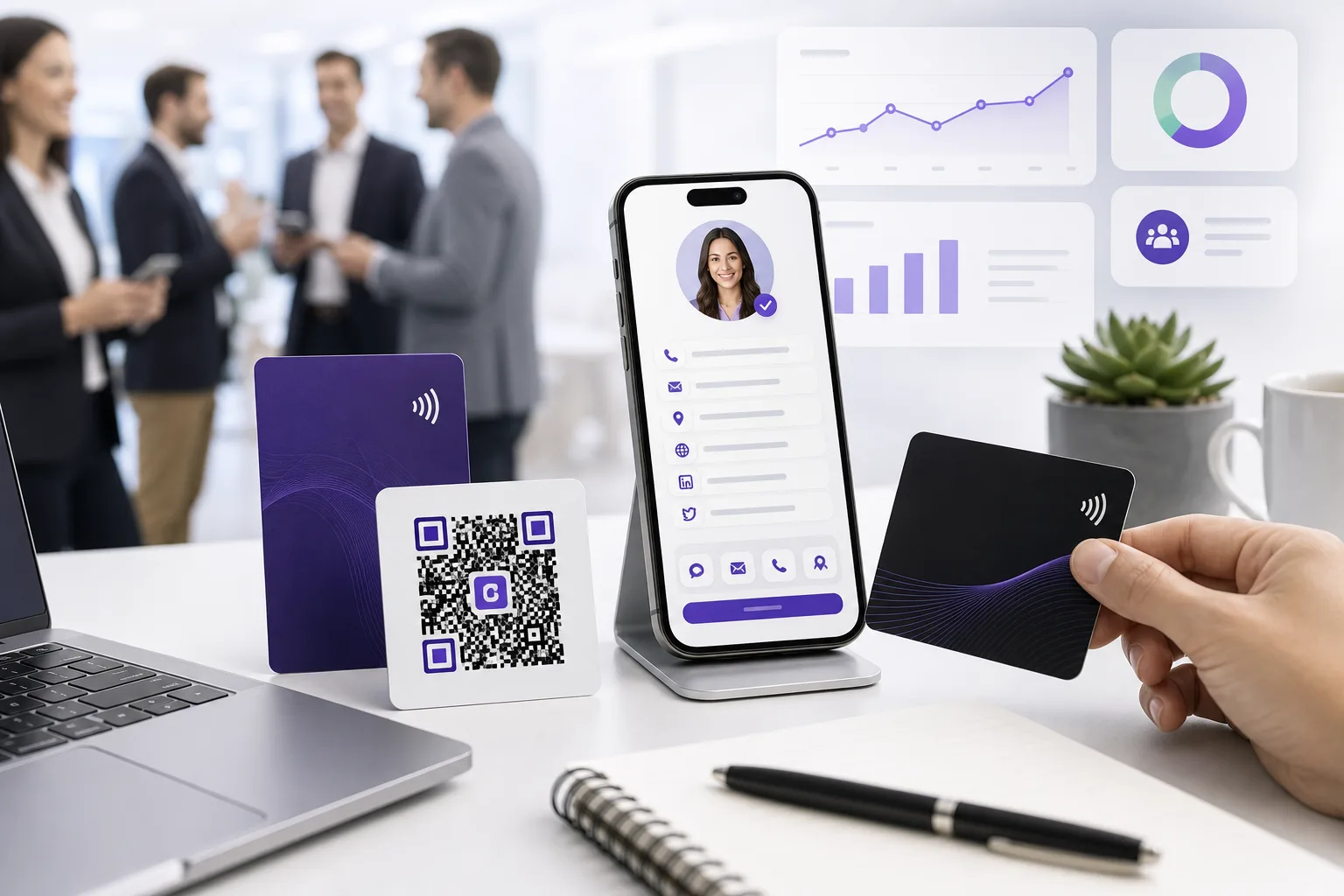
Use Google Lens to read a paper business card on Android, iPhone, or desktop. Compare the extracted details with the card, then choose the right save or copy path.
Compare white label digital business card platforms by branding depth, client control, billing, team features, analytics, and dated USD pricing.
Compare open source generators with self hosted digital business card apps, then choose between owning the code and using a managed profile.
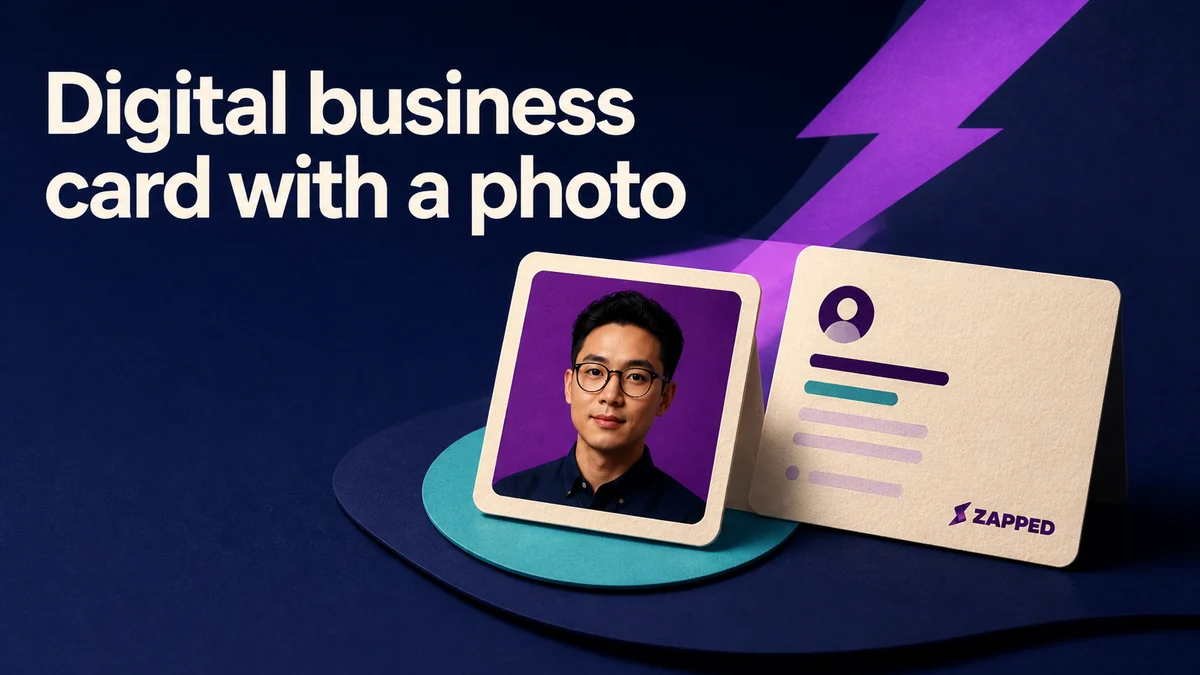
Learn how to choose, crop, size, and describe a photo for a digital business card, with accessibility checks and a safe fallback.

Compare digital business card market size estimates, forecast periods, definitions, and methodology before trusting the numbers.

Compare digital business cards with CRM sync, lead capture, follow up, team controls, analytics, pricing, and free tiers to choose a fit.
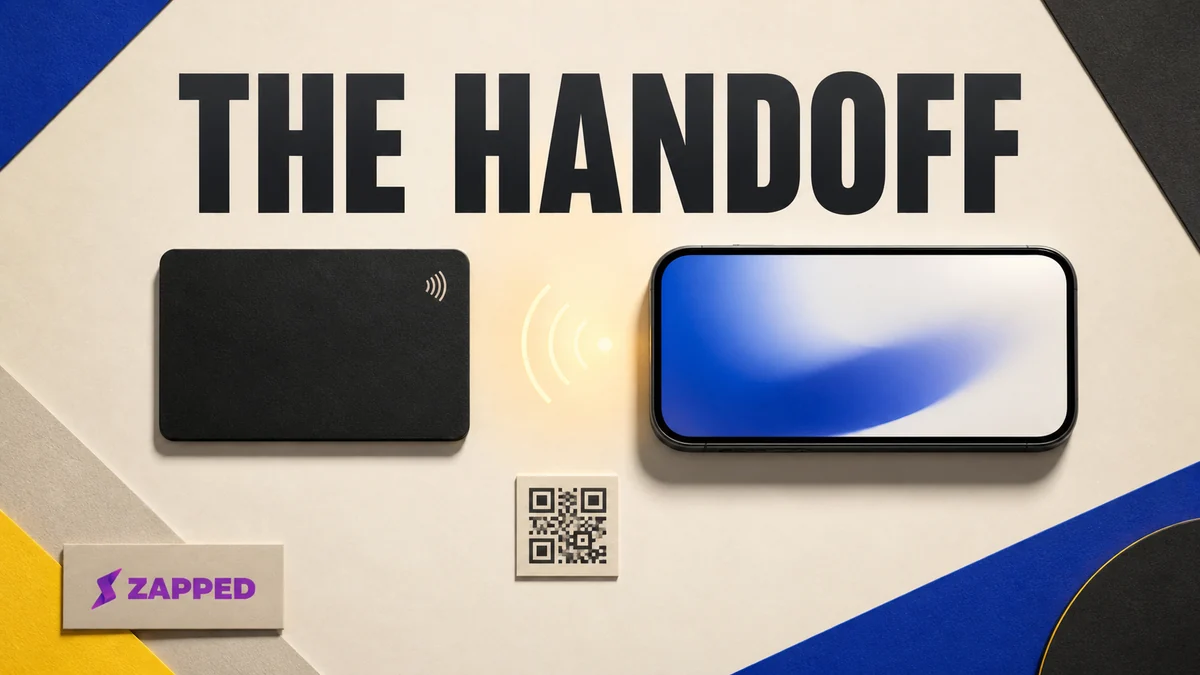
Compare NFC business cards with app only profiles on cost, subscriptions, handoff friction, follow up, and when a hybrid setup makes sense.
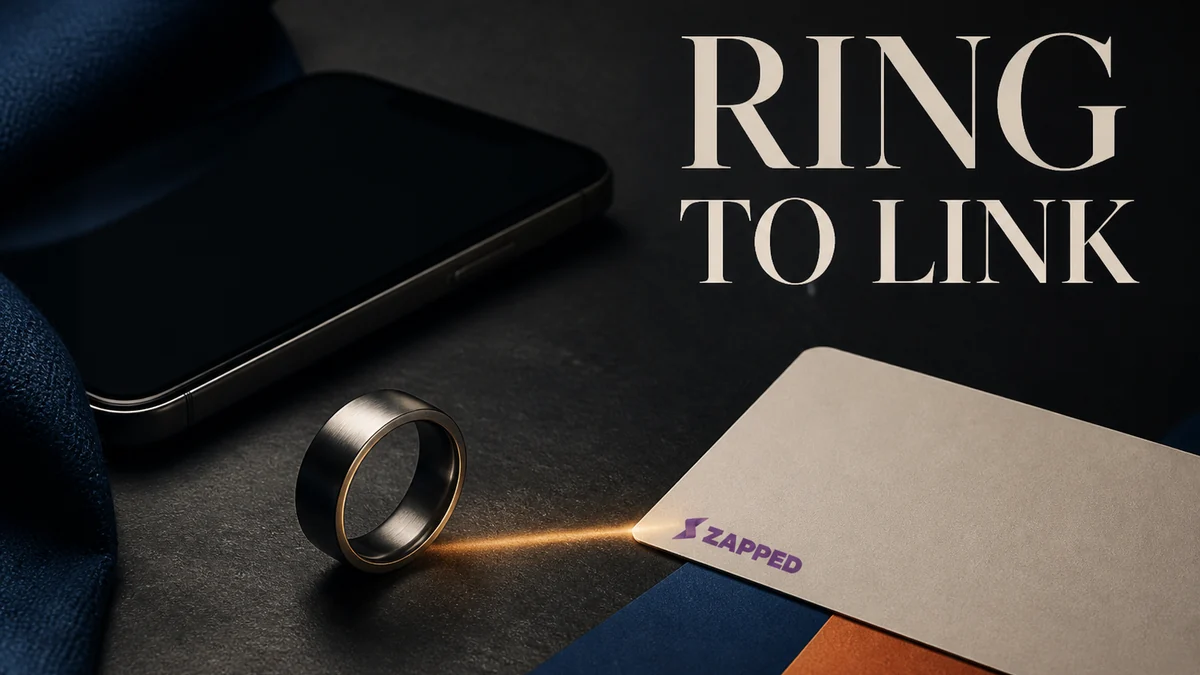
Learn what an NFC ring opens, how passive rings differ from battery smart rings, how to choose a size and compatible phone, and what to use when a tap fails.
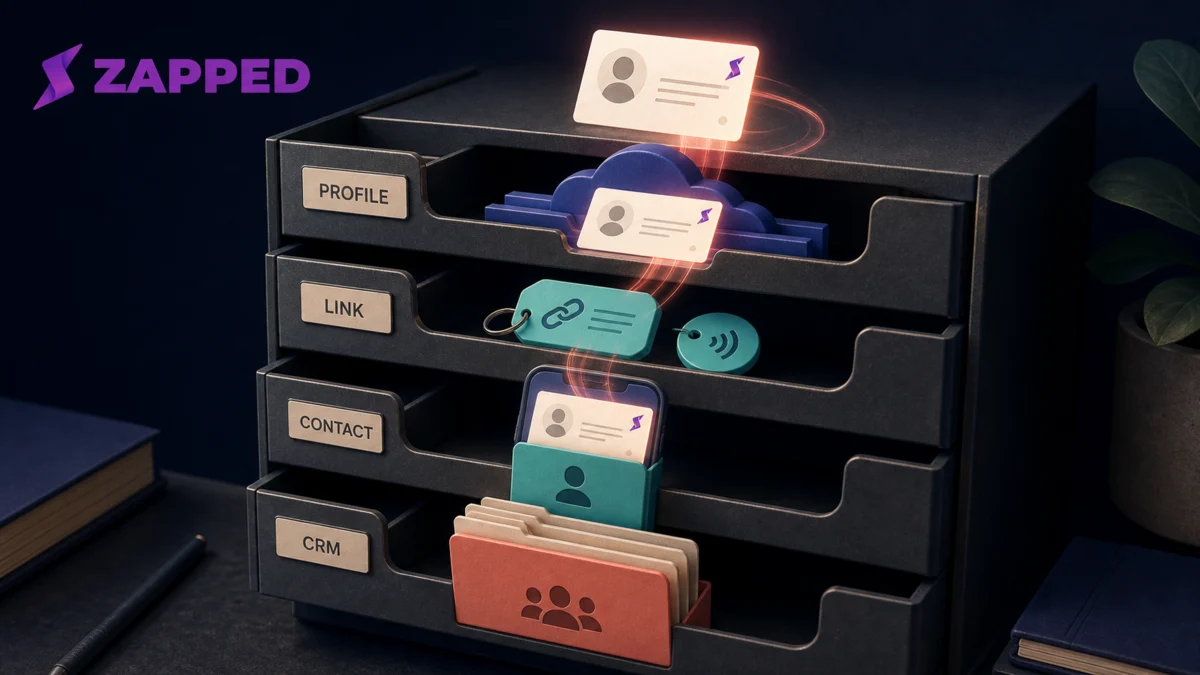
Learn where a digital business card profile, link, contact file, and CRM record can live, how copies diverge, and what to check before exporting or deleting data.
Copy your card link, paste it in the thread, add one line. What the recipient actually sees is decided by your page, their settings, and their contacts.
A digital business card template for WordPress builds the visible card fast. Then WordPress refuses the one file that makes the save to contacts button work.
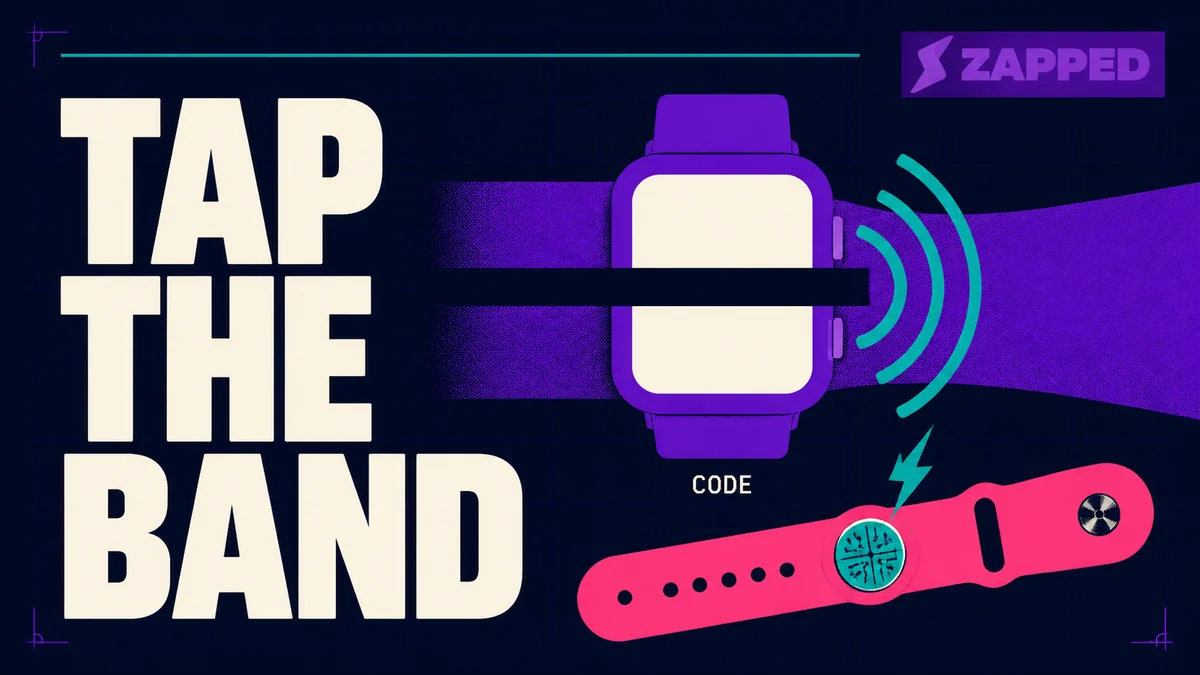
Your Apple Watch can share contacts with NameDrop or show a code, but it cannot tap like an NFC card. Here is what works, on which models, and what to set up.