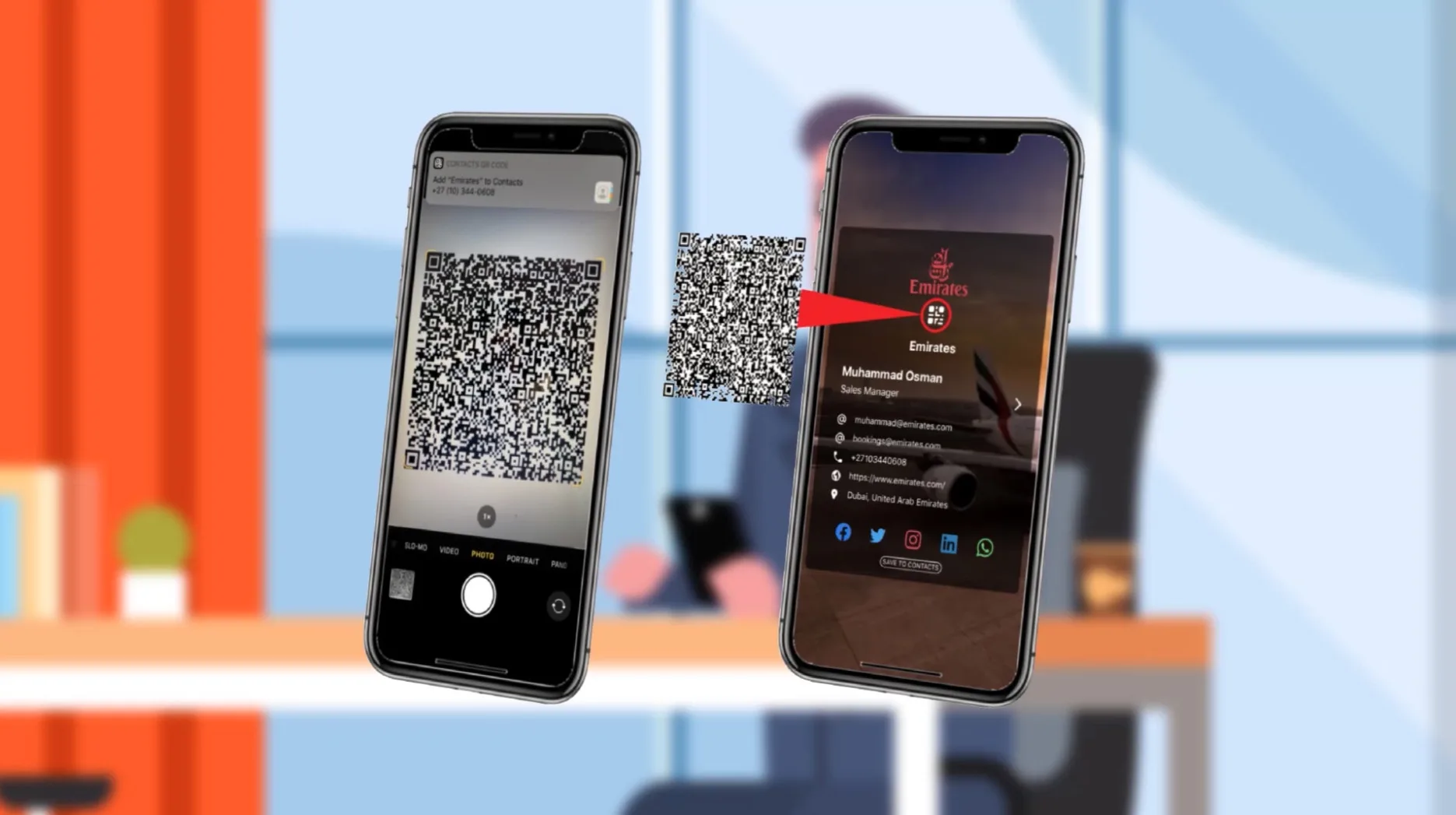
How To Send a Virtual Business Card
Learn the best ways to send a virtual business card through text, email, QR code, WhatsApp, NFC, and a Zapped profile link.
Article category
Digital business card guides for choosing a platform, building a profile, sharing with QR or NFC, and keeping contact details easy to save.
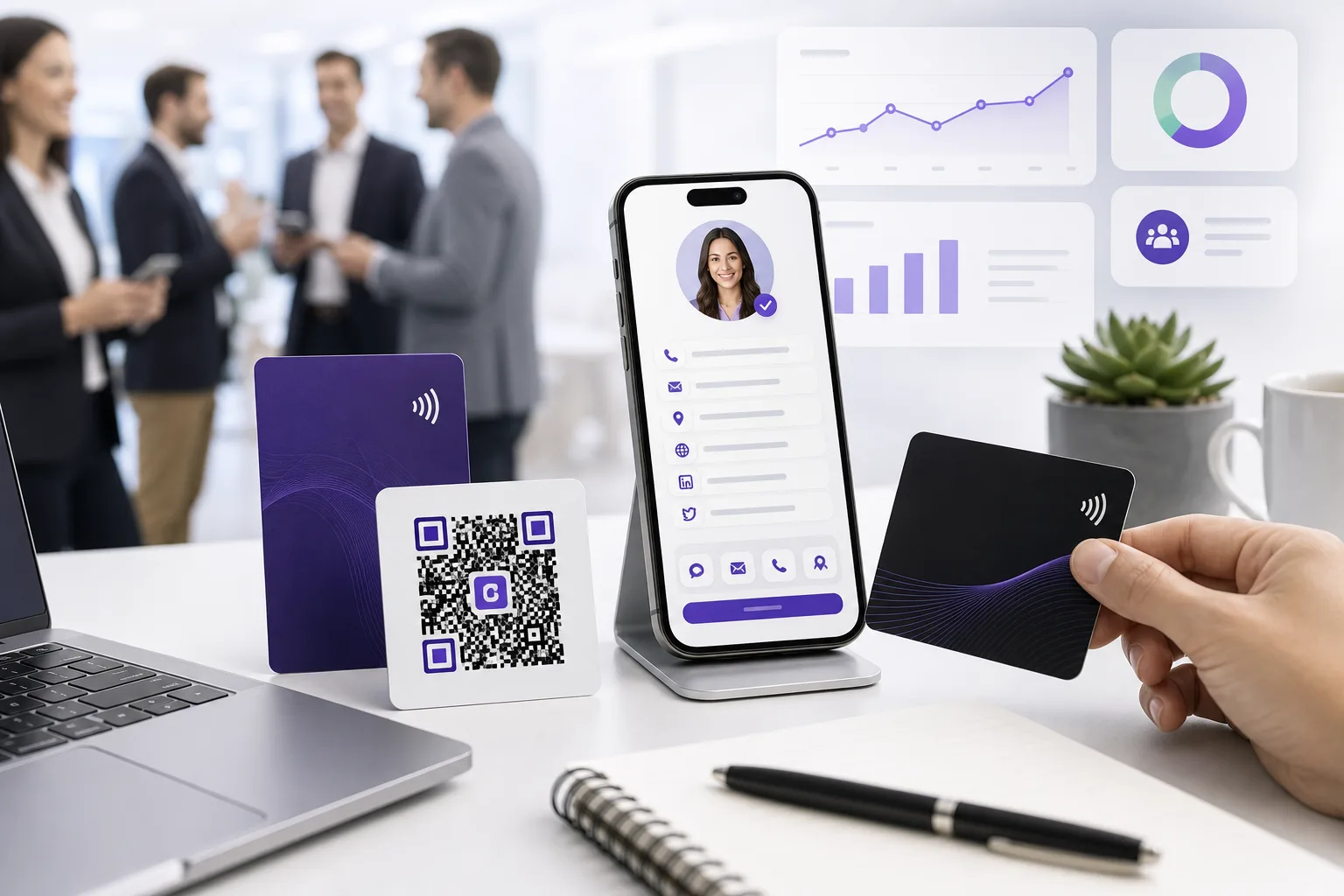
Learn the best ways to send a virtual business card through text, email, QR code, WhatsApp, NFC, and a Zapped profile link.

Learn how to move toward a paperless office with digital documents, e-signatures, QR codes, digital cards, and practical team habits.
Learn how to move toward a paperless office with digital documents, e-signatures, QR codes, digital cards, and practical team habits.

See why smart digital business cards make sense now, what changed, and when to use QR, NFC, and live profiles.

Compare electronic business cards, digital profiles, vCards, QR codes, NFC cards, team rollout, and practical Zapped workflows.
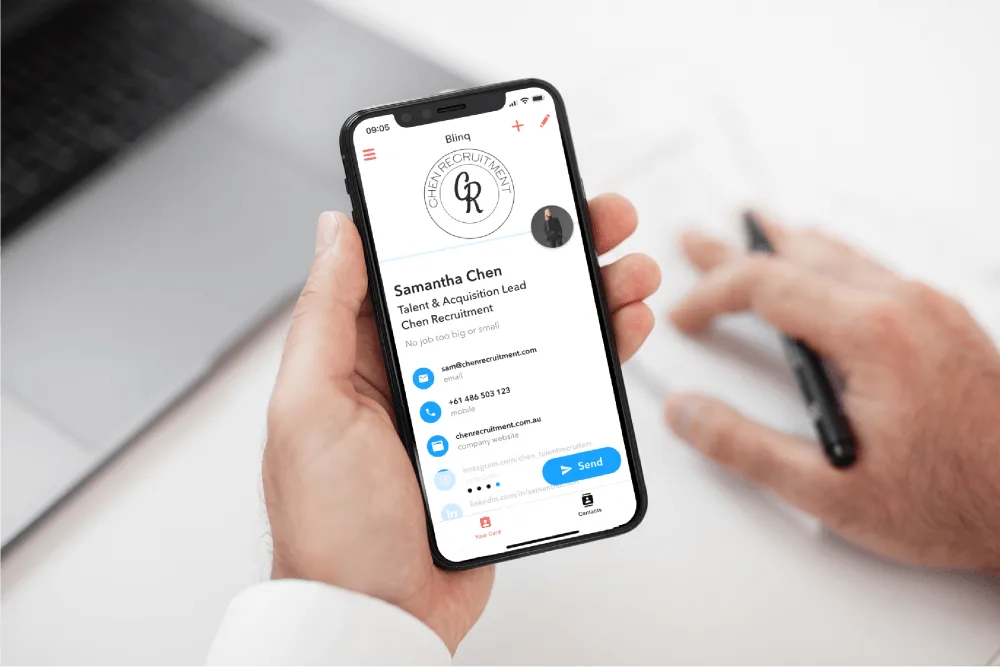
See practical uses for electronic business cards across networking, sales, events, recruiting, real estate, and team contact sharing.
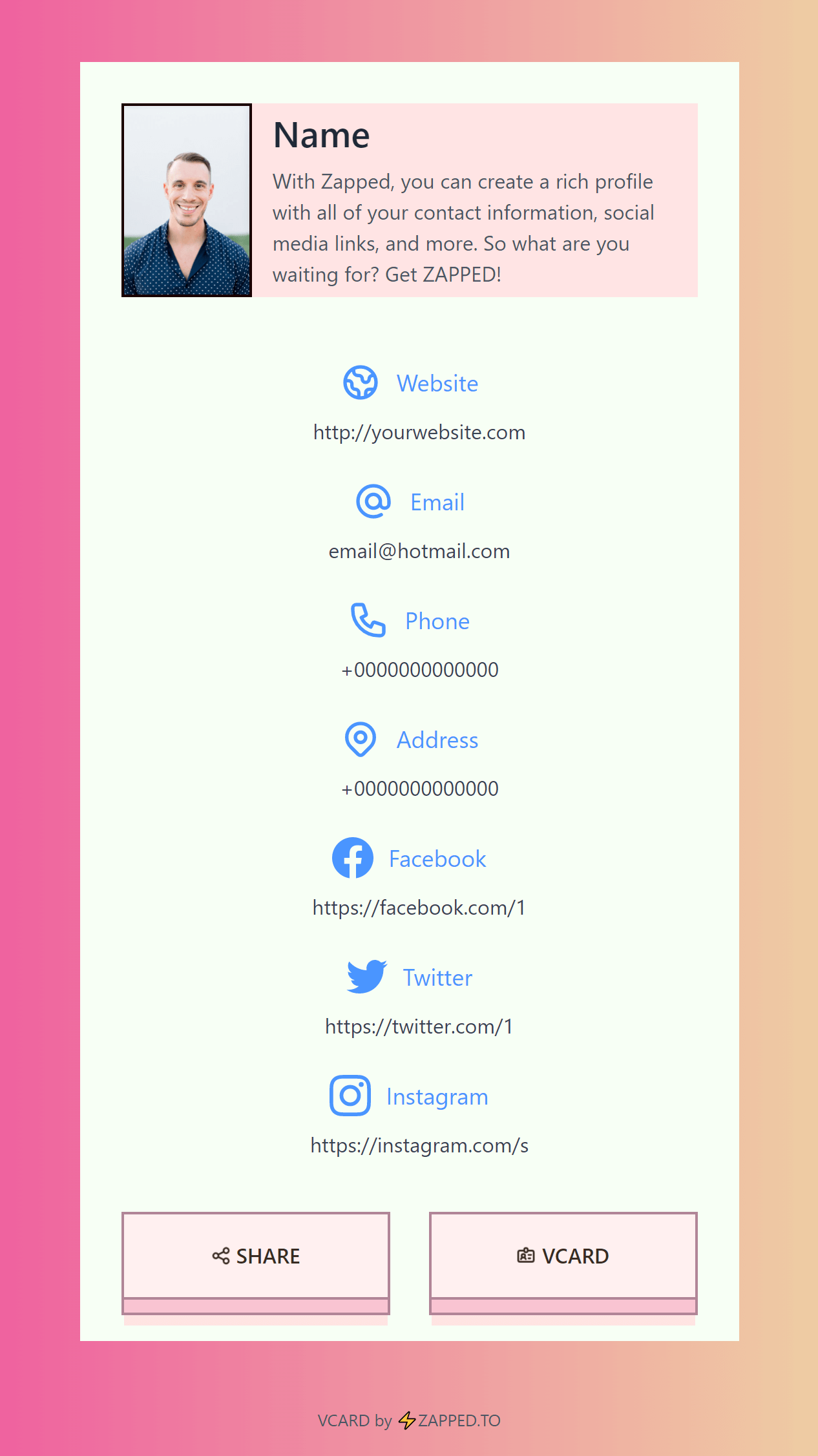
Learn how to share a digital business card by link, QR code, NFC, Apple Wallet, email signature, WhatsApp, text, social profiles, and events.
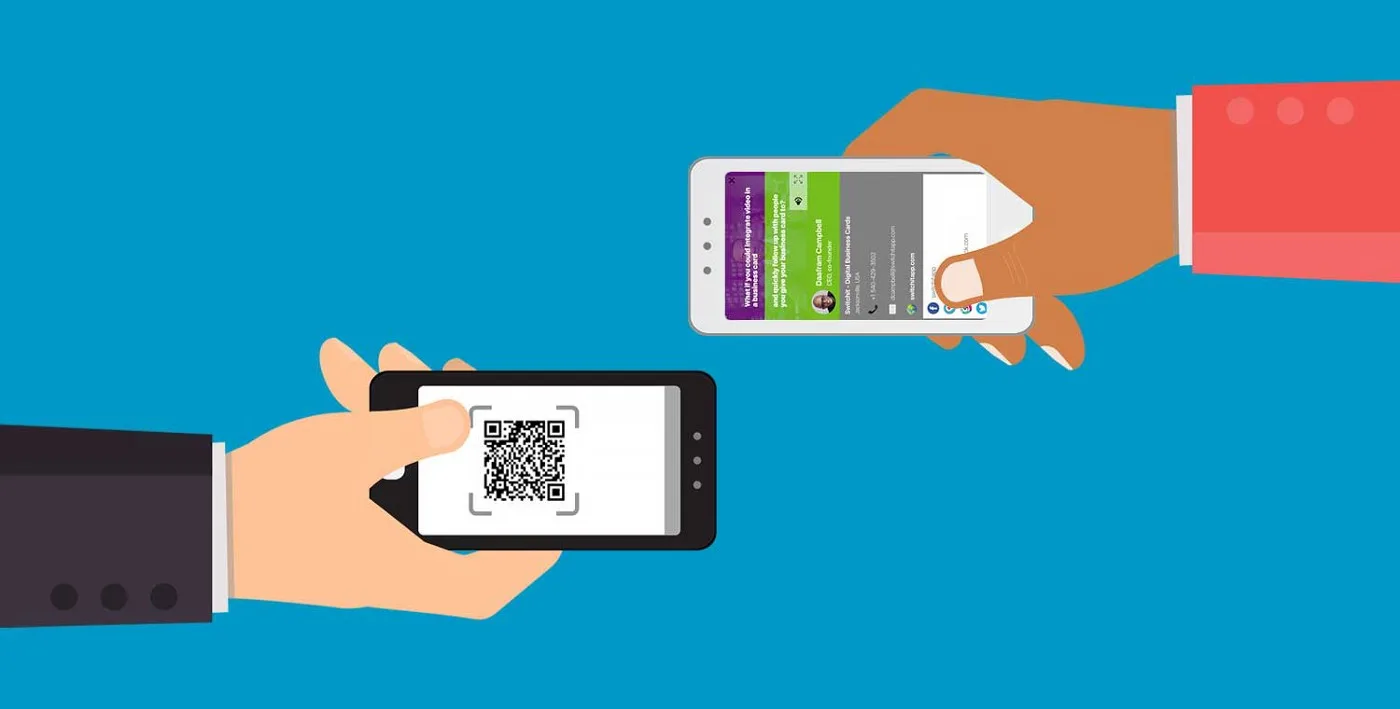
Learn how electronic business cards use QR codes, NFC, links, vCards, and profiles to share contact details and support follow up.
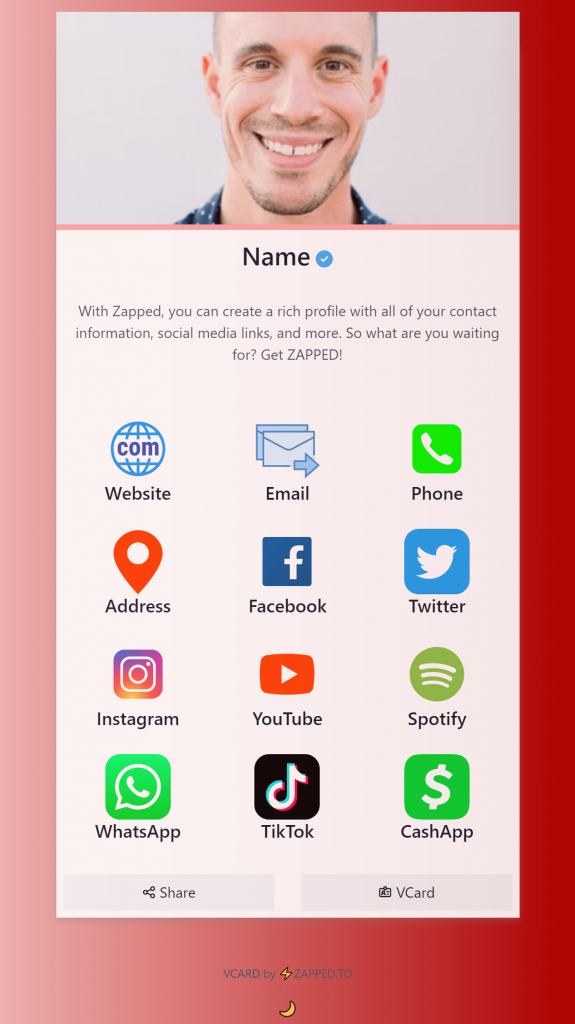
Use this checklist to decide what to put on a digital business card, what to leave out, and how to make the profile useful.
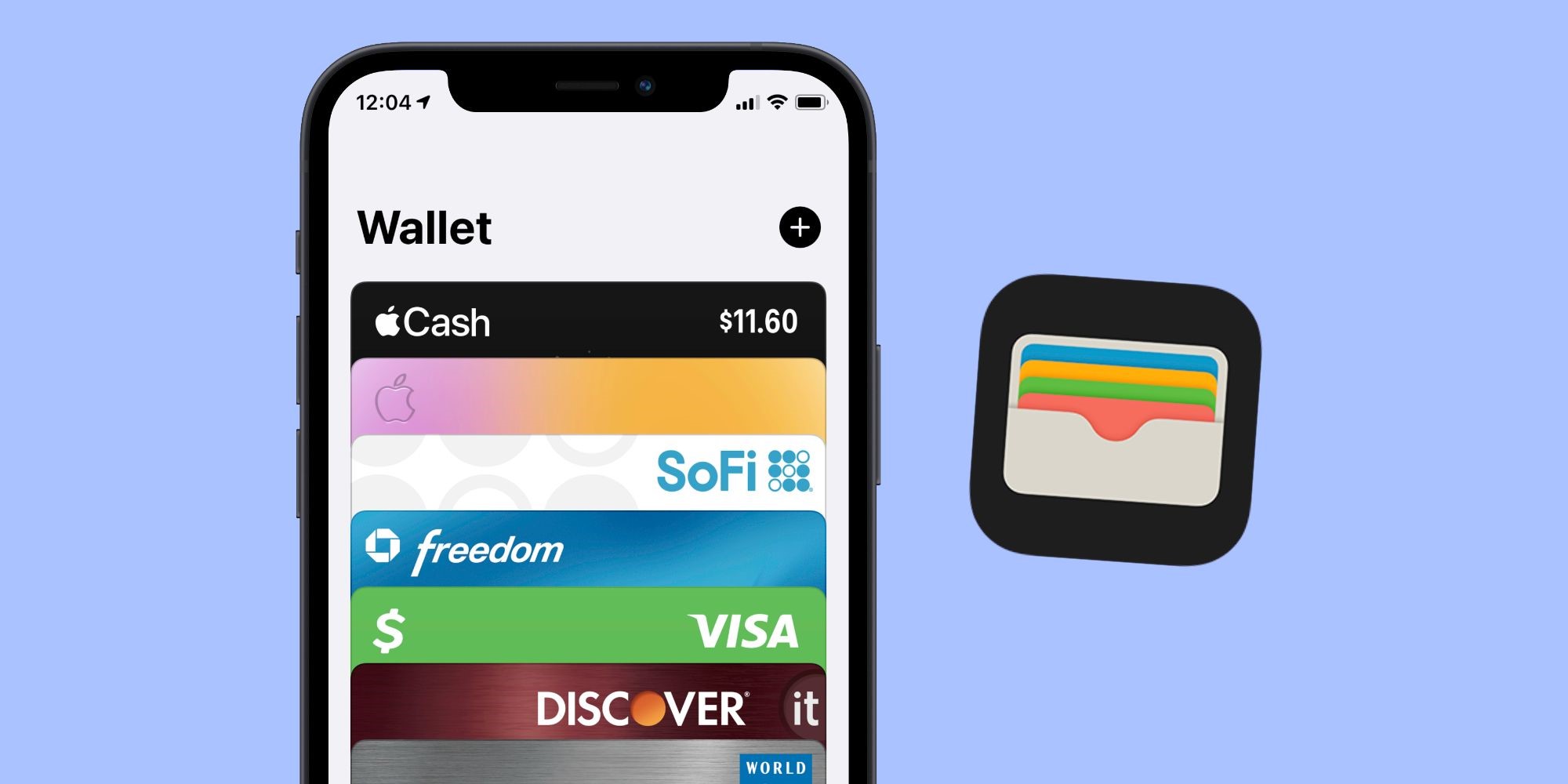
Learn how digital business card Wallet options work, when Apple Wallet helps, and when a QR, NFC, or browser profile is simpler.
Learn when search visibility helps a digital business card, what to optimize, and why not every card should be indexed.
Compare the best digital business card options by sharing method, team needs, analytics, branding, and follow up workflow.