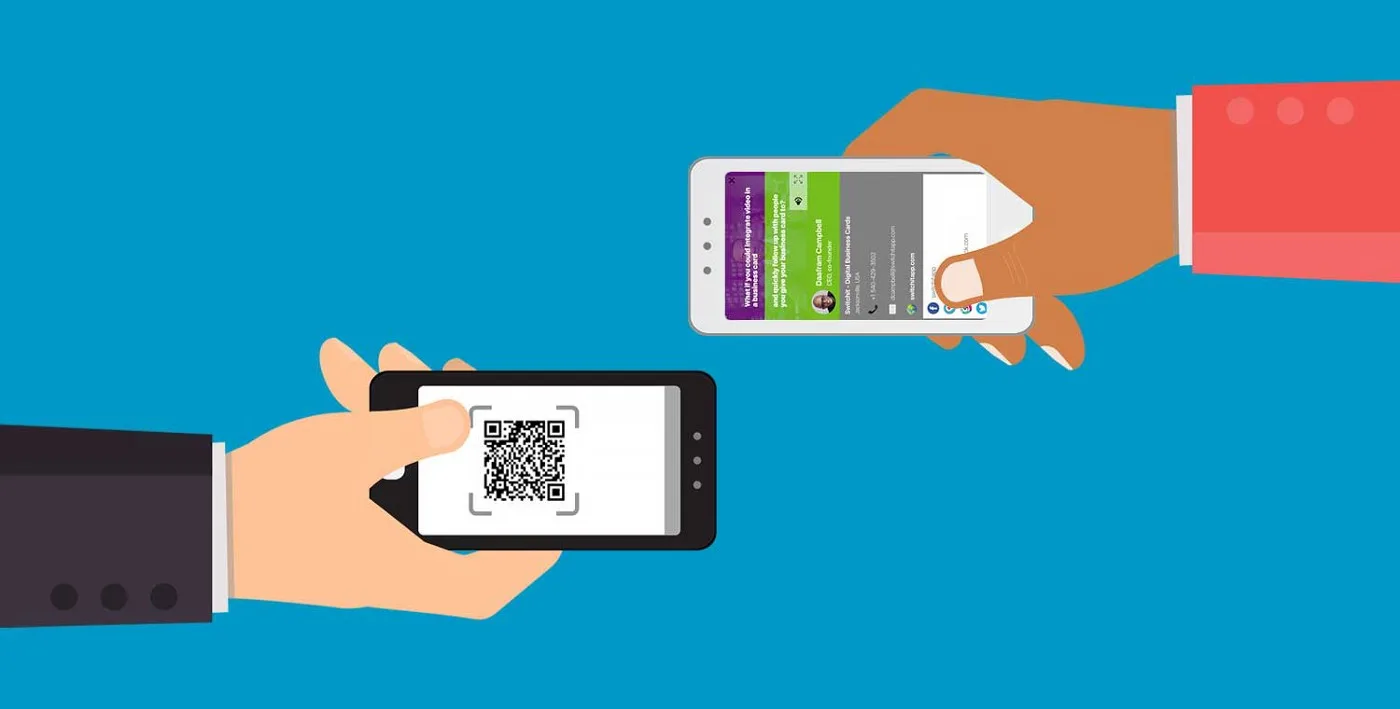
Electronic business cards work by sending someone to contact details they can open on a phone or computer. The delivery method can be QR, NFC, a link, email, Wallet, or a downloadable vCard, but the best versions keep one profile editable over time.
Quick answer
Electronic business cards work by sending someone to contact details they can open on a phone or computer. The delivery method can be QR, NFC, a link, email, Wallet, or a downloadable vCard, but the best versions keep one profile editable over time.
Key takeaways
- The destination profile matters more than the card format.
- QR, NFC, direct links, and saved contacts should work together.
- Test the flow on both iPhone and Android before printing or ordering cards.
- Use a live profile when your details, links, or offers may change.
- Zapped is strongest when one profile needs to support several sharing moments.
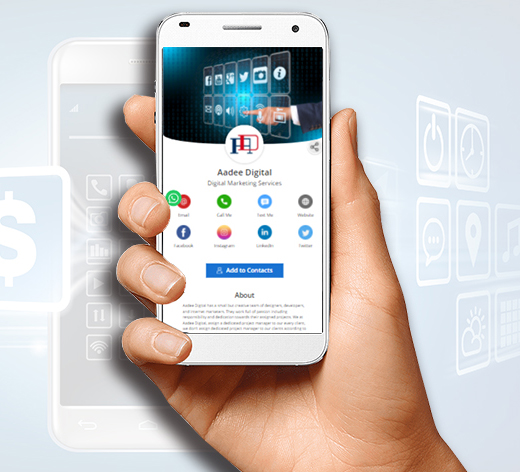
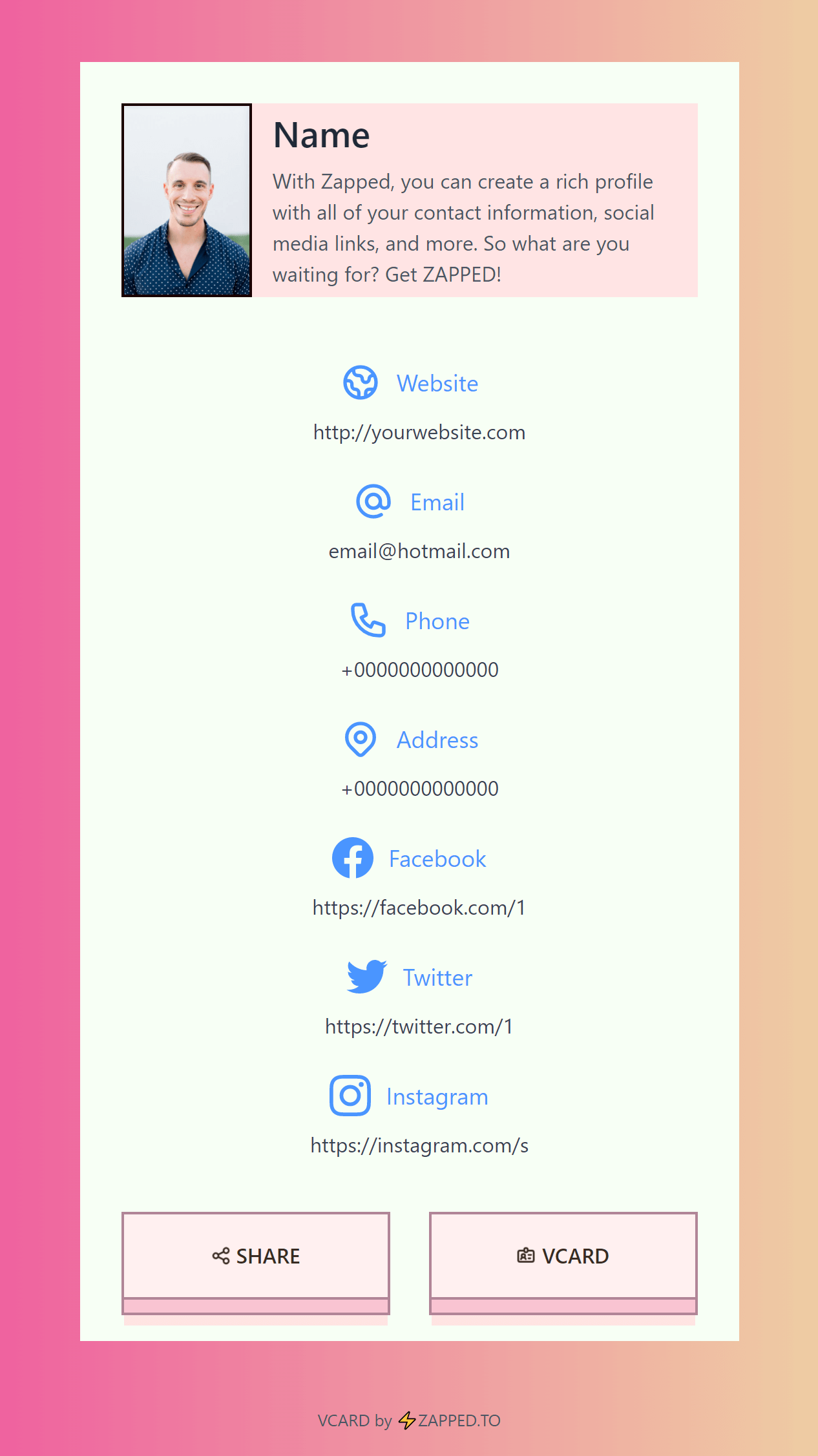
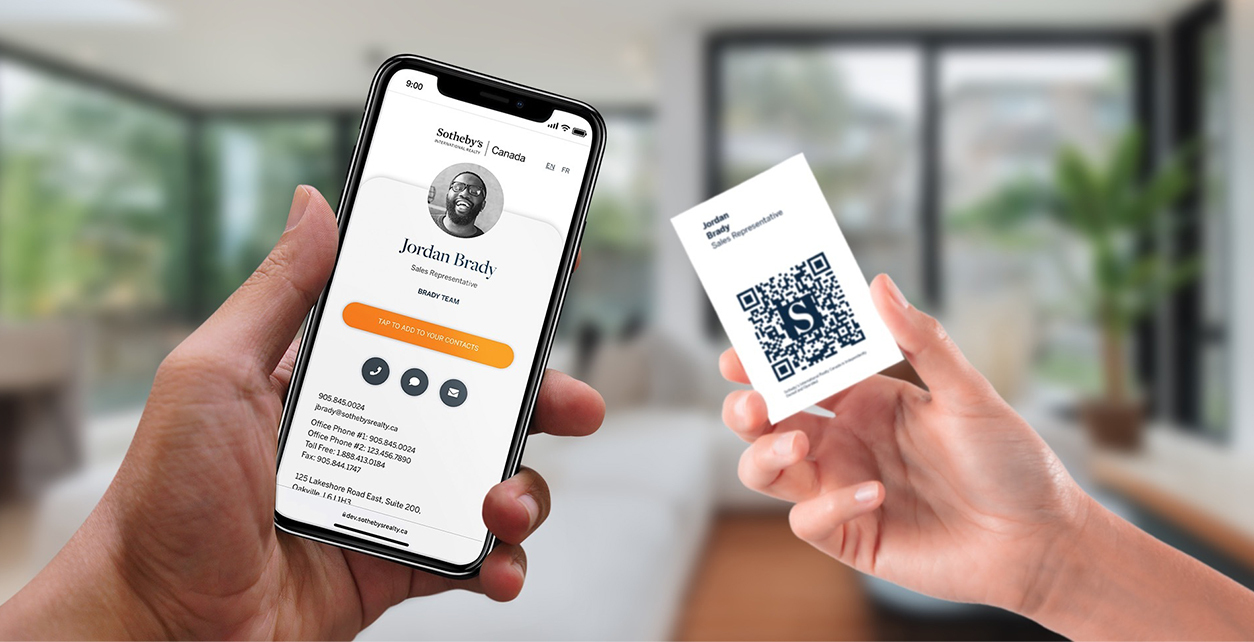
This close-up view shows the core moving parts: a profile, a card tap, a QR fallback, and a link-based contact destination.
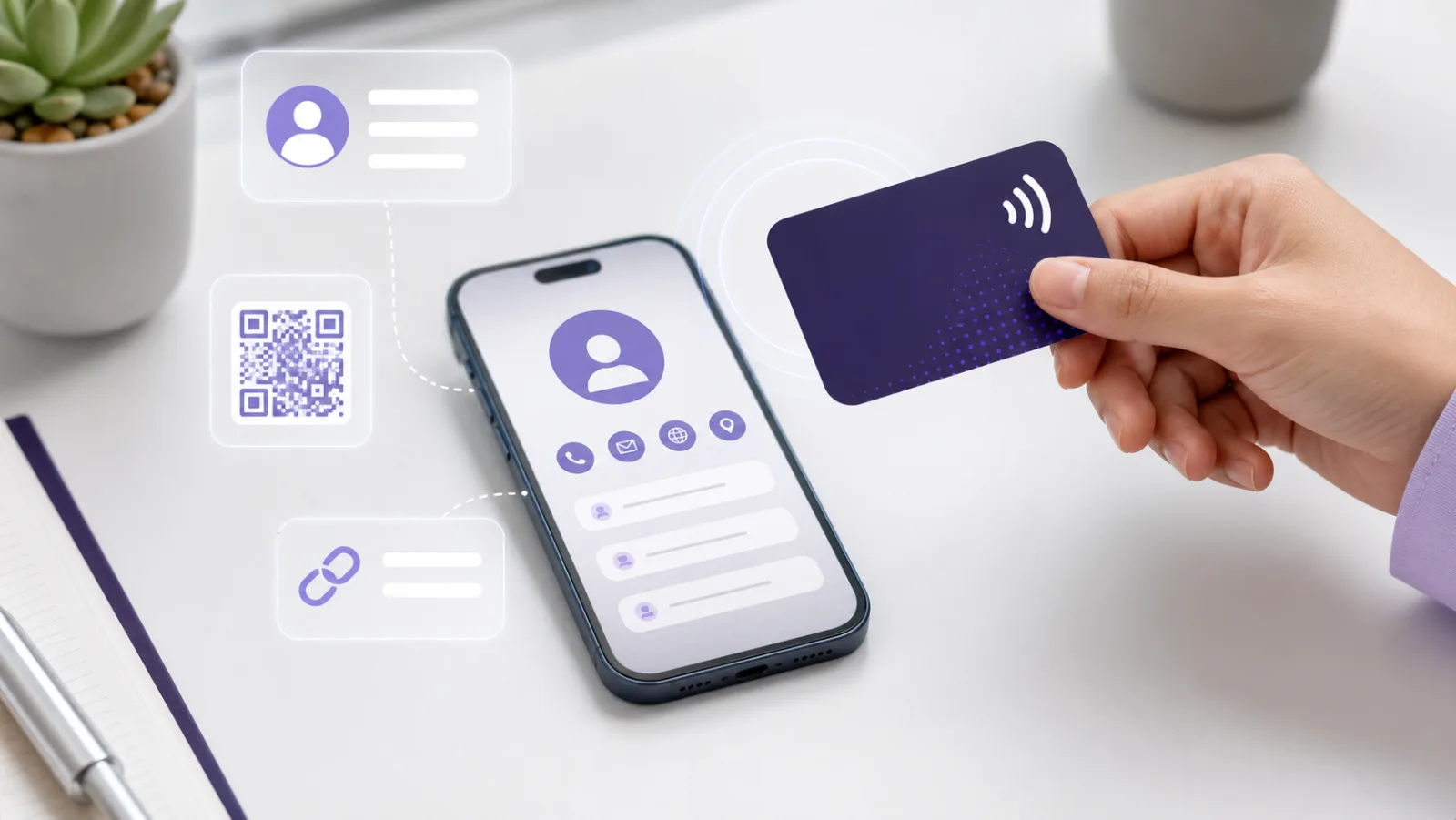
This visual shows the practical workflow behind electronic business card workflow.
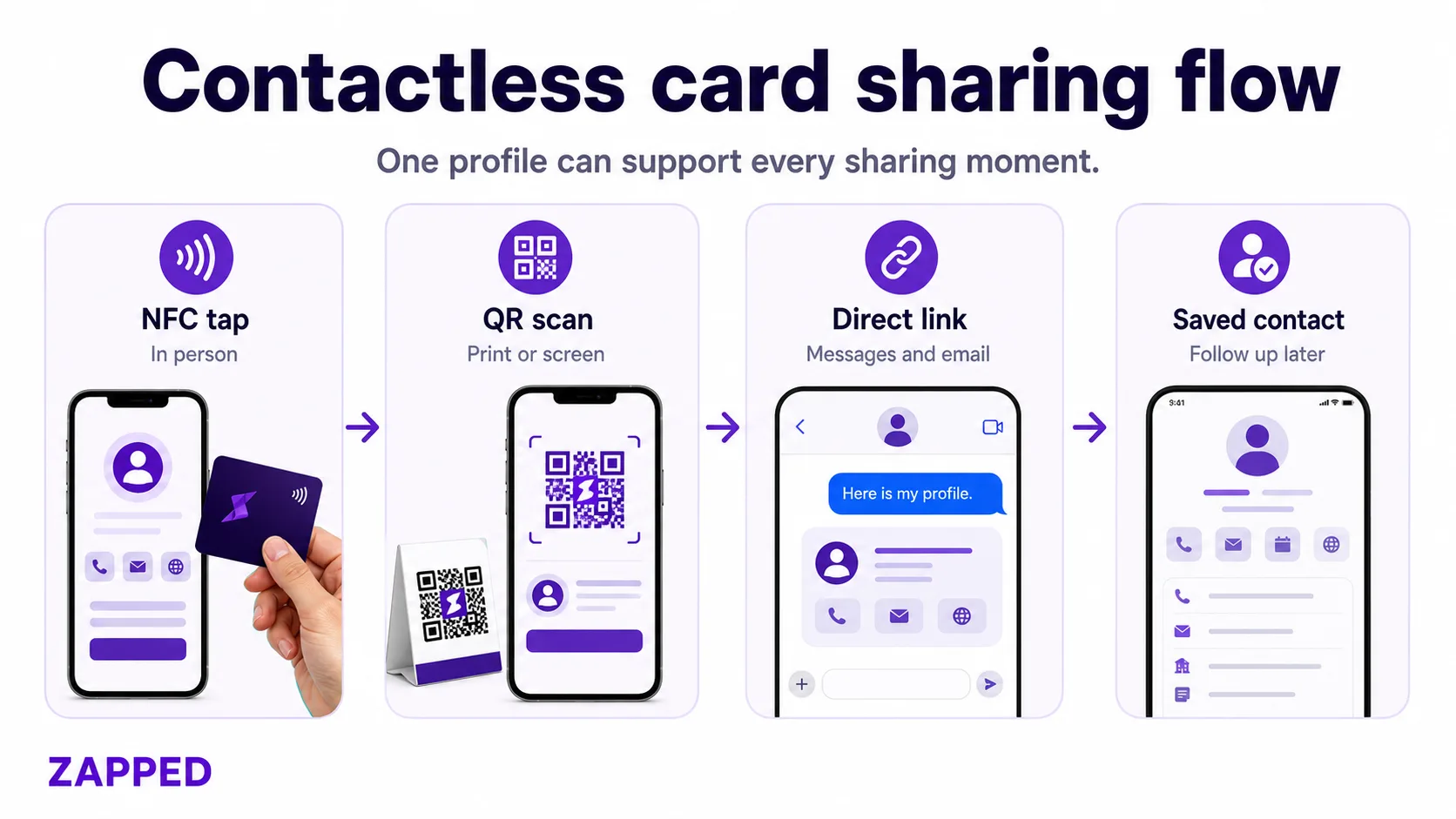
How electronic business card workflow works
The usual flow is simple: someone taps, scans, or clicks, then lands on a profile that tells them what to do next. A strong profile includes contact details, a save contact option, core links, booking or message actions, and enough branding to feel trustworthy.
The weak version is a static file or card that looks modern but becomes stale. The stronger version is a live profile that can be updated after the physical card, QR code, email signature, or message is already in use.
Best setup for most people
Use this setup when you want the card to be useful in real conversations:
- Create one profile with your current contact details.
- Add the most useful next step, such as booking, message, website, portfolio, or payment link.
- Connect the profile to a QR code and direct URL.
- Add NFC only after the profile is tested.
- Test the workflow on iPhone, Android, desktop, and inside messaging apps.
- Update the profile when your role, offer, phone number, or calendar link changes.
Zapped follows this model by making the profile the destination. That means the same profile can support a QR code, NFC card, direct link, WhatsApp message, and team directory without making the reader install an app.
What to avoid
| Mistake | Better approach |
|---|---|
| Only storing static contact text | Link to an editable profile |
| No QR backup | Use QR for phones, screens, and print |
| Too many links | Put the most important action first |
| Untested NFC | Test several phones before launch |
| Employee owned profiles | Use team ownership for company cards |
| Outdated profile details | Review links and contact data on a schedule |
When a live profile is better than a static card
A static card can be fine for a temporary use case, but most professional cards change over time. Your phone number, job title, landing page, booking link, social profile, or offer can change long before the card wears out.
A live profile is better when:
- You meet people at events or sales calls.
- You need people to save your contact details.
- Your links change during campaigns.
- You manage cards for a team.
- You want the same destination behind QR, NFC, email, and messages.
Use Zapped as the electronic card hub
Electronic cards work best when every sharing method points to the same current profile. Zapped gives QR codes, NFC taps, direct links, and email signatures one destination that can hold contact details, website links, social profiles, booking, and follow up actions.
That keeps the recipient experience simple and gives the owner a profile they can improve over time instead of rebuilding every card format separately.
Best places to use it
This workflow is strongest in moments where the other person already expects a quick exchange. That includes trade shows, client meetings, recruiting conversations, real estate showings, creator meetups, pop up shops, conferences, and service appointments.
It is less useful when the destination page is vague. If the recipient opens a profile and cannot tell whether to call, book, follow, buy, or save the contact, the modern sharing method will not produce much value. Give the profile one obvious first action, then support it with secondary links.
Buyer checklist
Use this checklist before choosing a tool or ordering physical cards:
| Question | What to look for |
|---|---|
| Can I edit the destination later? | The profile should update without replacing the card |
| Does it work without an app? | Recipients should be able to open it in a browser |
| Is there a QR backup? | QR helps with screens, print, and phones where NFC is off |
| Can someone save my contact? | A visit is less valuable if there is no follow up path |
| Is the team version clear? | Admin controls matter once more than one person uses it |
| Are the links current? | Old booking, social, or payment links hurt trust quickly |
For Zapped users, this checklist usually points to one practical setup: create the profile first, test it as a link and QR code, then connect NFC or printed materials after the destination is ready.
FAQs
Do people need an app to open the card?
A good digital profile should open in a browser. Some vendors have apps for the owner, but the recipient experience should be simple and app free whenever possible.
Is NFC better than a QR code?
NFC is fast in person, while QR is more flexible across print, screens, and phone settings. The best setup usually supports both.
Should the card store a vCard file directly?
A vCard file can work, but a live profile is easier to update. If the details may change, point the card or QR code to the profile.
Can teams use this workflow?
Yes. Teams should use consistent branding, centralized profile ownership, clear offboarding, and a standard save contact workflow.
What should I test before launch?
Test the profile link, QR code, NFC tap, save contact button, analytics, and every important link on at least one iPhone and one Android phone.
Sources
- RFC 6350 vCard: Used for vCard format context.
- NFC Forum NFC technology: Used for NFC context.
- Apple QR scanning: Used for QR context.