A paperless office is not a place with no paper at all. It is a workplace that stops using paper where a digital process is faster, easier to find, and easier to update.
Quick answer
To go paperless, start with the repeated paper moments: forms, contact sharing, meeting notes, approvals, receipts, onboarding, and sales materials. Replace each one with a simple digital workflow and keep a backup plan for documents that still need physical handling.
Key takeaways
- A digital card should make contact saving and follow-up easier.
- Put the most useful action near the top of the profile.
- Use QR, NFC, email, and direct links as different paths to the same live destination.
- Review the card after events, campaigns, or role changes.
What to decide first
Start with the sharing moment. A digital card for a sales call, event booth, email signature, hiring conversation, or team rollout needs a different first action. Choose the action before adding extra links.
| Choice | Best for | Watch out for |
|---|---|---|
| Personal digital card | Solo networking and simple follow-up | Can become stale without review |
| Team template | Sales teams and companies | Needs admin ownership |
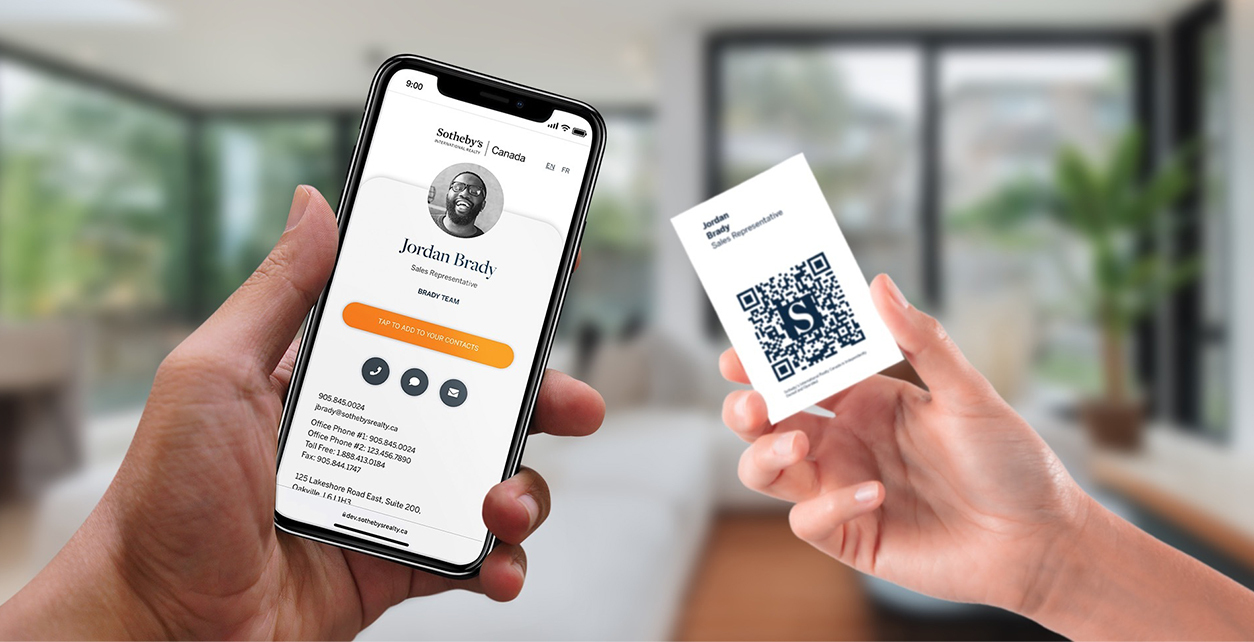
| QR or NFC sharing | Events and in-person meetings | Needs a tested mobile destination |
| Campaign profile | Launches, hiring, and seasonal offers | Should not replace the main evergreen card |
What to include
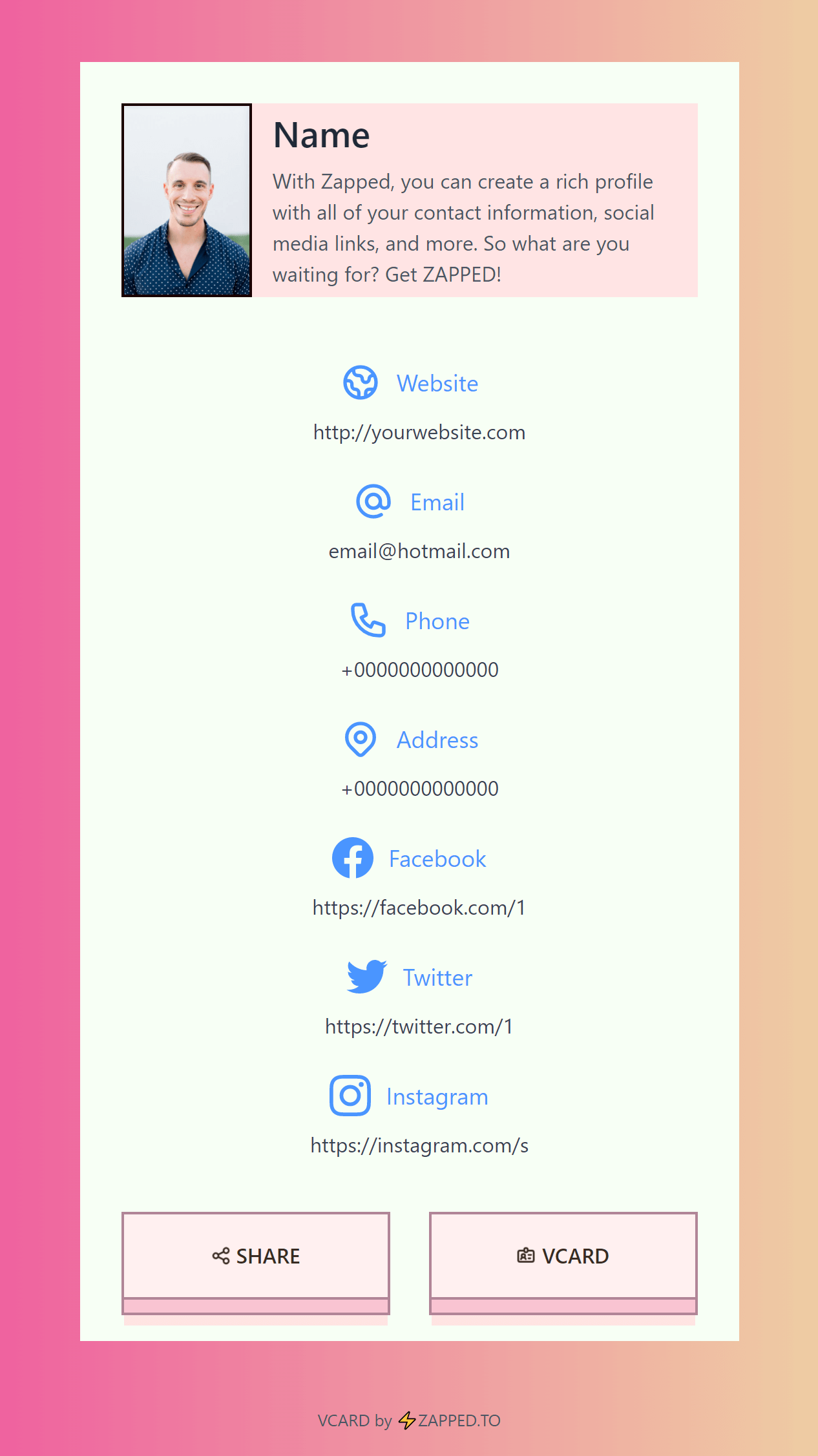
A digital card should make the first action obvious and keep the rest of the profile organized. Start with the contact methods people use most, then add booking, files, social links, payments, videos, or company pages only when they help the reader act.
Useful elements include:
- Name, role, company, and a clear profile photo or brand mark.
- Save-contact, call, email, and message actions when relevant.
- Booking, quote, menu, catalog, portfolio, or review links based on the use case.
- Team branding rules if more than one employee will share cards.
- Analytics or follow-up signals so the profile is more than a static page.
How to keep it useful over time
Treat the profile like a living sales asset. Review it after events, seasonal campaigns, role changes, and product updates. A digital card gets weaker when it points to old offers, broken links, former employees, or a generic homepage that does not match the conversation where it was shared.
How to make it work in the real world
Start with the smallest version that solves the reader's problem. Then add the pieces that make follow-up easier: a clear headline, one main call to action, a tested QR or link, and a destination that is easy to update. If the topic depends on a third-party platform, check the current official help page before publishing instructions.
Practical examples
- Use a QR code when the person will see the card or ad offline.
- Use a direct link when the person is already in email, social, or chat.
- Use a digital profile when several links need to live behind one destination.
- Use tracking when you need to know which campaign or event worked.
Useful profile layouts
For paperless office guide, how to reduce paper at work, think in profile layouts rather than one universal card. A sales profile should emphasize booking, quote requests, case studies, and direct contact. A hiring profile should show role, company, availability, and portfolio. A local business profile should prioritize phone, directions, reviews, menu, or services. A team profile should keep branding consistent while still making each employee easy to reach.
The best digital profile usually has one primary action at the top and supporting links below it. If every button looks equally important, the visitor has to decide what to do next. That creates friction.
Maintenance checklist
Review the profile after major events, seasonal campaigns, pricing changes, staff changes, and website redesigns. Test links on a phone, remove old offers, update photos, and make sure the first action still matches how people discover the card. A digital card is only better than a printed card if it stays current.
Common mistakes to avoid
Do not overload the reader with too many choices. Avoid untested links, low-contrast designs, outdated screenshots, broad claims, and static pages that cannot be corrected after the card, ad, or profile is shared.
Where Zapped fits
Zapped is useful when a card, link, QR code, NFC tap, email signature, or campaign needs one live destination. You can update the profile after sharing it, add contact and booking actions, and see which sharing moments produce clicks.
Before you publish or print
- Test every link, QR code, and phone action from a mobile device.
- Use one primary call to action.
- Keep screenshots, pricing, platform steps, and offers current.
- Review the profile or landing page after each campaign or print run.
FAQs
Is paperless office guide, how to reduce paper at work worth it for small businesses?
It can be worth it when the campaign has a clear offer, tracking plan, and follow-up path. Without those, the channel can create attention without measurable sales.
How should I track results?
Use a dedicated URL, QR code, call tracking number, booking link, coupon, or landing page so the campaign has a visible response path.
Where should the campaign send people?
Send them to the most useful next step, such as a landing page, booking page, review page, profile, quote form, or product page.
How does a digital card help marketing?
A digital card keeps the follow-up page editable, so the printed material, QR code, or profile link does not become stale.
Sources
- NFC Forum, NFC technology for NFC background.
- IETF RFC 6350, vCard format for digital contact format context.
- See our Zapped digital business card features for QR, NFC, profile, and team sharing workflows.