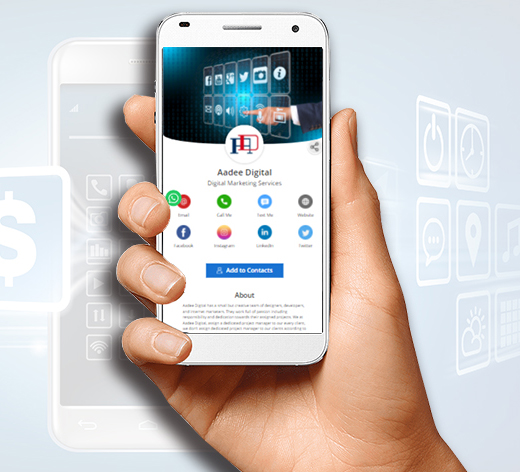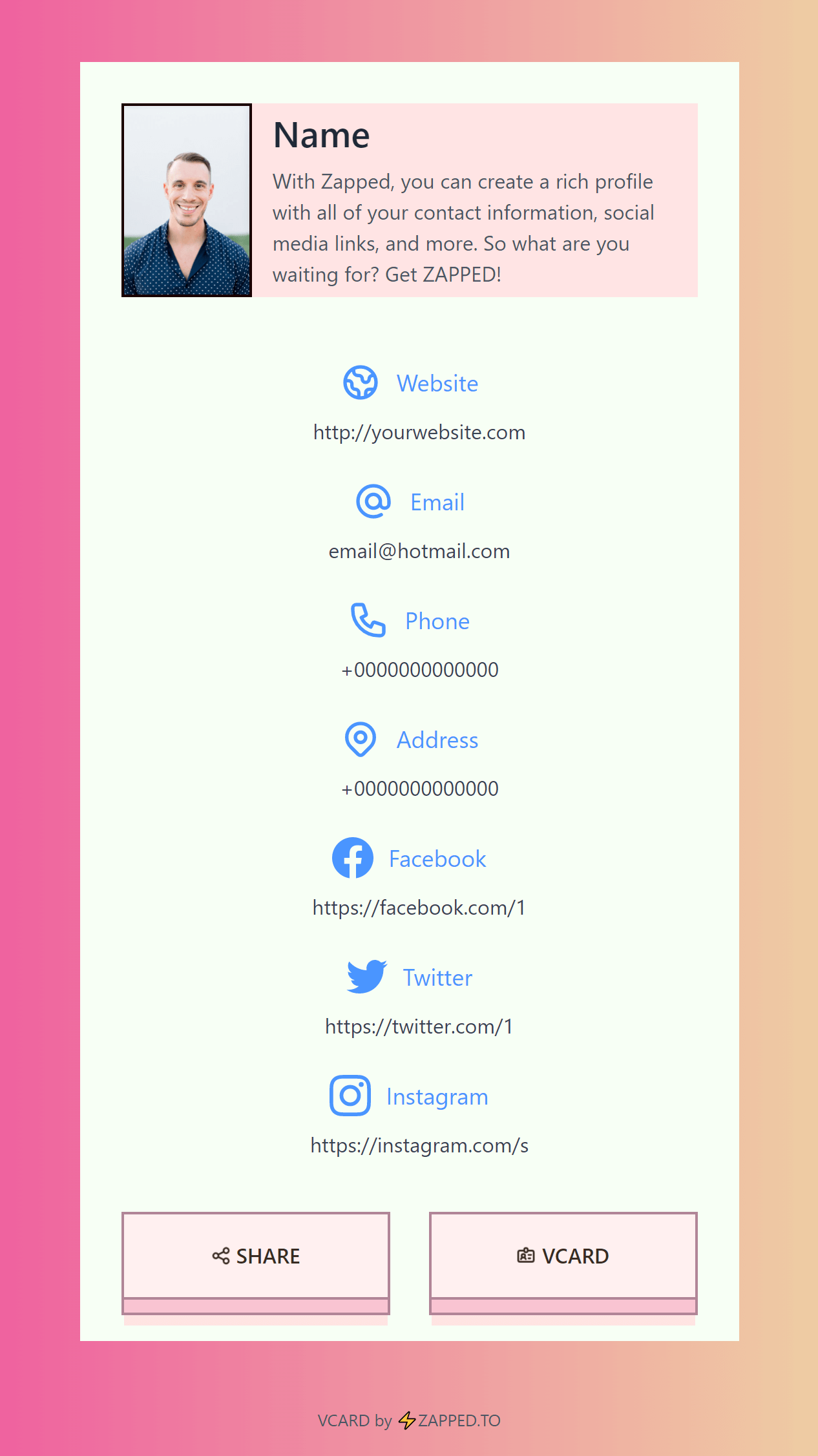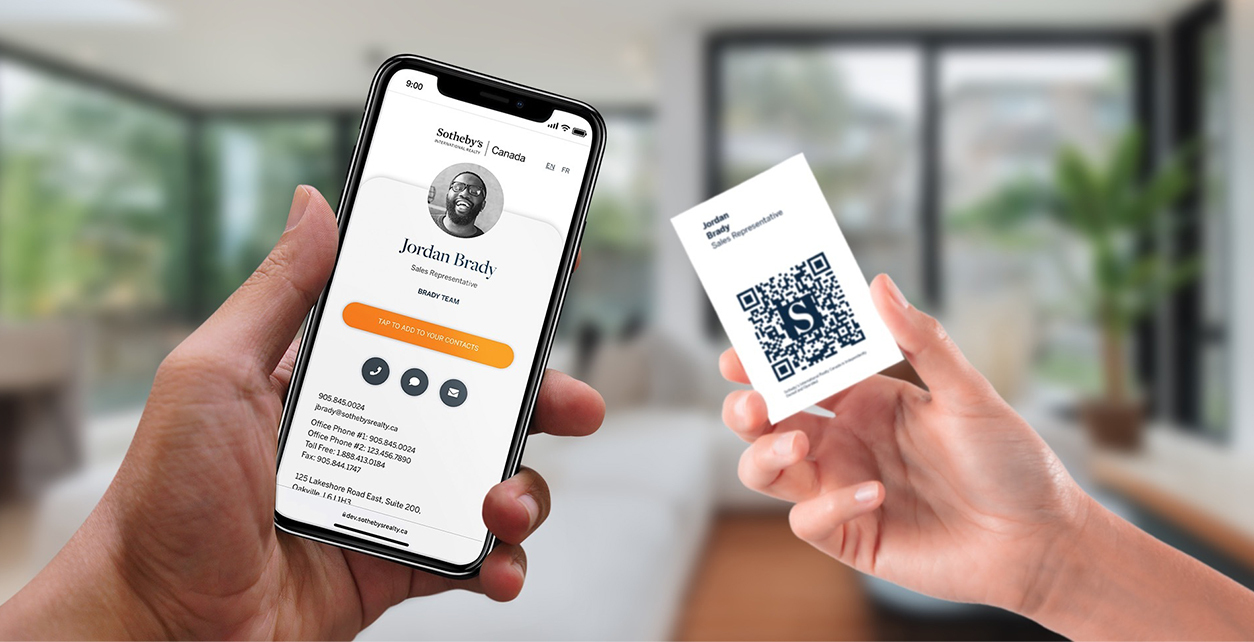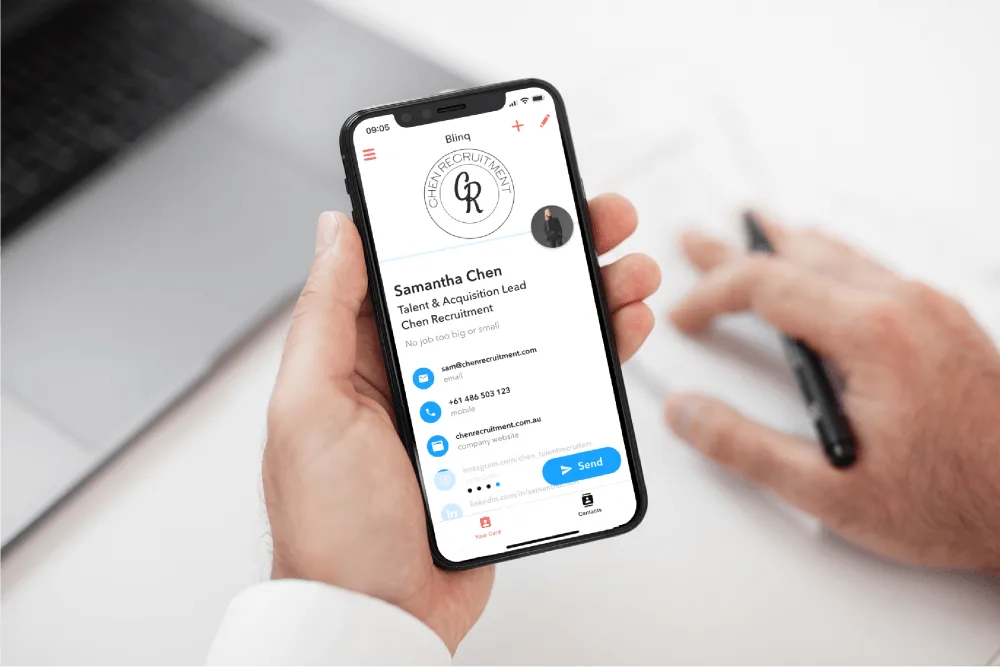
A digital info card is a shareable page that holds the information someone needs after meeting you. It can be personal, team-based, customer-facing, or campaign-specific.
Quick answer
Use a digital info card when you want one easy link or QR code for contact details, booking, payments, social links, documents, reviews, and follow-up. It is strongest when the information changes more often than a printed card should.
Key takeaways
- Use it as a live destination behind QR codes, NFC cards, emails, and social bios.
- Make the first action match the situation where the card is shared.
- Keep personal, team, and campaign cards organized.
- Review scan and click analytics to improve follow-up.
What to decide first
Start with the sharing moment. A digital card for a sales call, event booth, email signature, hiring conversation, or team rollout needs a different first action. Choose the action before adding extra links.
| Choice | Best for | Watch out for |
|---|---|---|
| Networking card | Meetings, conferences, sales calls | Needs a clear save-contact action |
| Review card | Local businesses | Should open the right review destination |
| Hiring card | Recruiting and events | Needs role, company, and contact path |
| Campaign card | Flyers, booths, packaging | Needs tracking and a focused offer |
What to include
A digital card should make the first action obvious and keep the rest of the profile organized. Start with the contact methods people use most, then add booking, files, social links, payments, videos, or company pages only when they help the reader act.
Useful elements include:
- Name, role, company, and a clear profile photo or brand mark.
- Save-contact, call, email, and message actions when relevant.
- Booking, quote, menu, catalog, portfolio, or review links based on the use case.
- Team branding rules if more than one employee will share cards.
- Analytics or follow-up signals so the profile is more than a static page.
How to keep it useful over time
Treat the profile like a living sales asset. Review it after events, seasonal campaigns, role changes, and product updates. A digital card gets weaker when it points to old offers, broken links, former employees, or a generic homepage that does not match the conversation where it was shared.
How to make it work in the real world
The best use starts with context. At a conference, put save contact and book a call first. For a restaurant, put menu, location, reservation, and review links first. For a team, keep branding consistent and give each person their own live profile.
Practical examples
- Put a QR code on a printed card that opens your live profile.
- Add a digital info card to an email signature.
- Use one card for an event campaign and another for personal networking.
- Create team cards so every employee shares the same current brand assets.
Useful profile layouts
For digital info card uses, 7 practical ways, think in profile layouts rather than one universal card. A sales profile should emphasize booking, quote requests, case studies, and direct contact. A hiring profile should show role, company, availability, and portfolio. A local business profile should prioritize phone, directions, reviews, menu, or services. A team profile should keep branding consistent while still making each employee easy to reach.
The best digital profile usually has one primary action at the top and supporting links below it. If every button looks equally important, the visitor has to decide what to do next. That creates friction.
Maintenance checklist
Review the profile after major events, seasonal campaigns, pricing changes, staff changes, and website redesigns. Test links on a phone, remove old offers, update photos, and make sure the first action still matches how people discover the card. A digital card is only better than a printed card if it stays current.
Common mistakes to avoid
Do not turn the card into a dumping ground for every possible link. Too many choices make people do nothing. Keep the first screen focused on the next action.
Where Zapped fits
Zapped is built for this exact pattern: one editable profile that can be shared by QR code, NFC tap, direct link, email signature, or social profile. It is useful when the same person needs different actions in different contexts without creating separate static pages every time.
Before you publish or print
- Choose the main action for the card.
- Add contact details, social links, booking, and files only when they help.
- Test the card on a phone before sharing.
- Update the profile after each campaign or event.
FAQs
What makes a digital info card effective?
It is effective when the design makes the next action obvious, keeps the contact details readable, and gives people one live destination for updates.
Should I add a QR code?
Yes, if the QR code sends people to a useful page. Test the code before printing and keep enough white space around it.
Do I still need a printed card?
Printed cards still help in face-to-face moments. They work best when paired with a digital profile that can change after the card is printed.
How often should I update the linked profile?
Update it whenever your offer, booking link, phone number, portfolio, menu, or lead form changes.
Sources
- NFC Forum, NFC technology for NFC background.
- IETF RFC 6350, vCard format for digital contact format context.
- Zapped's digital business card features for QR, NFC, profile, and team sharing workflows.