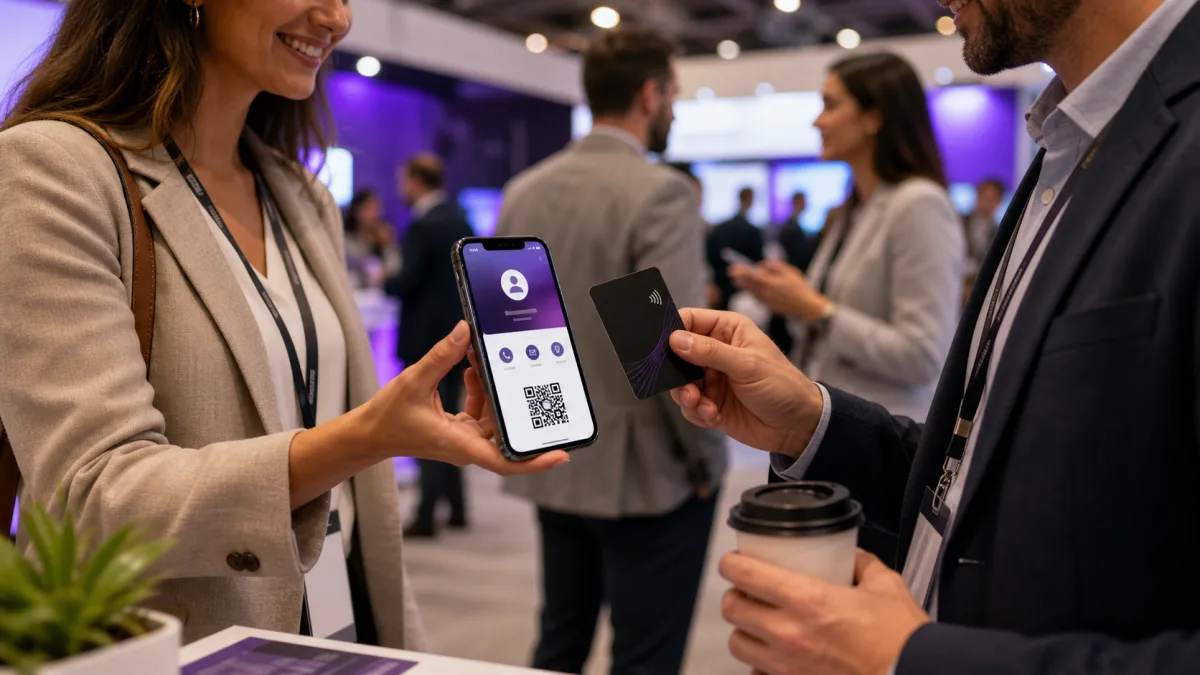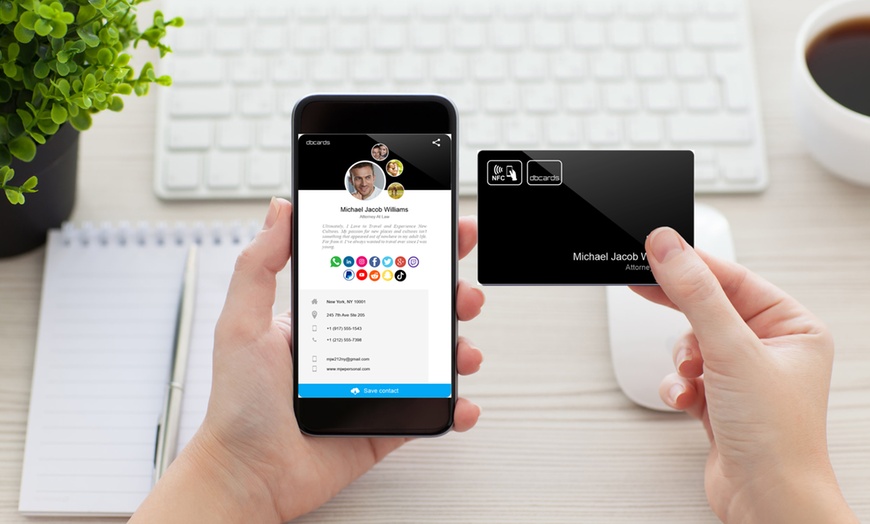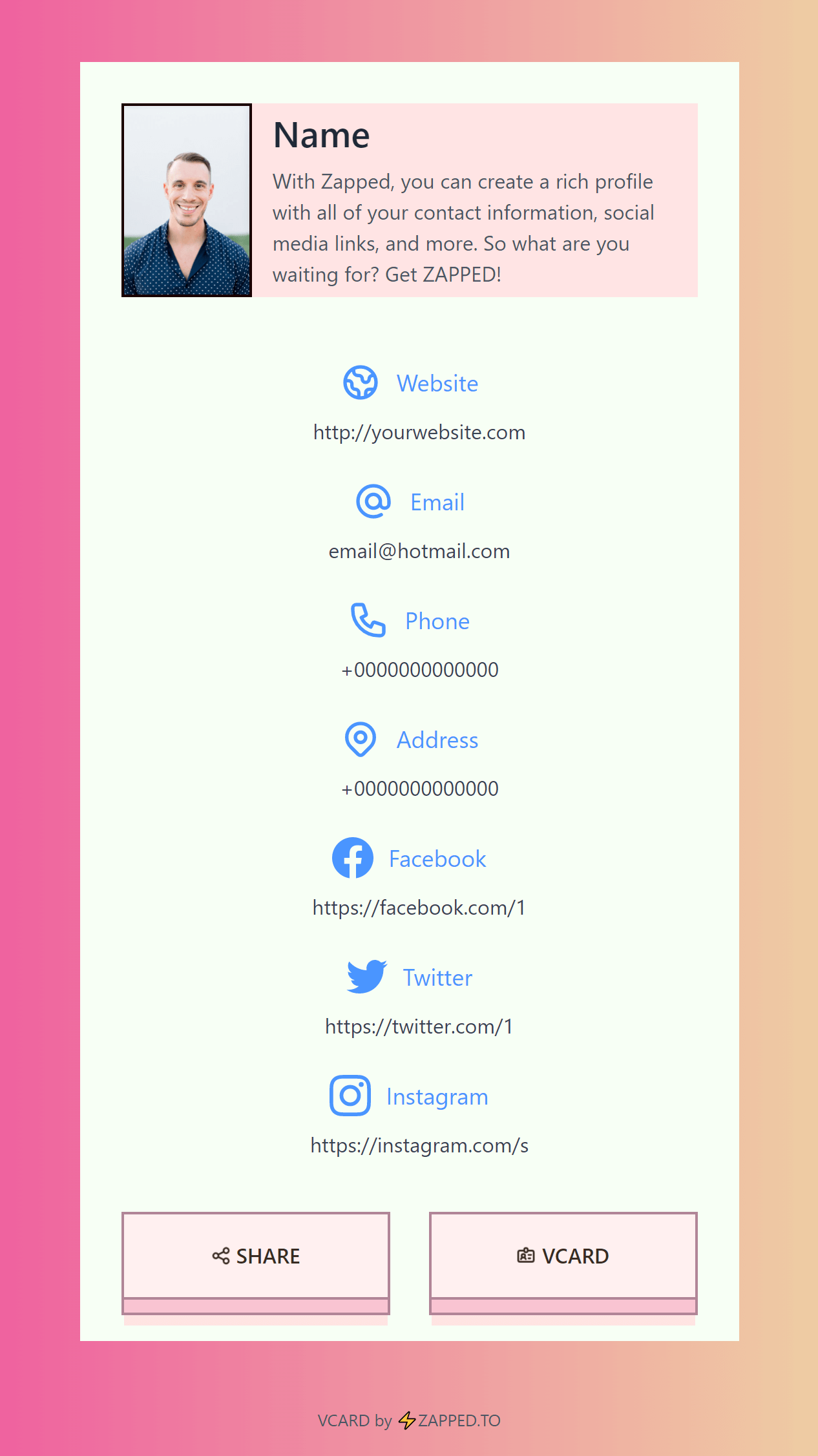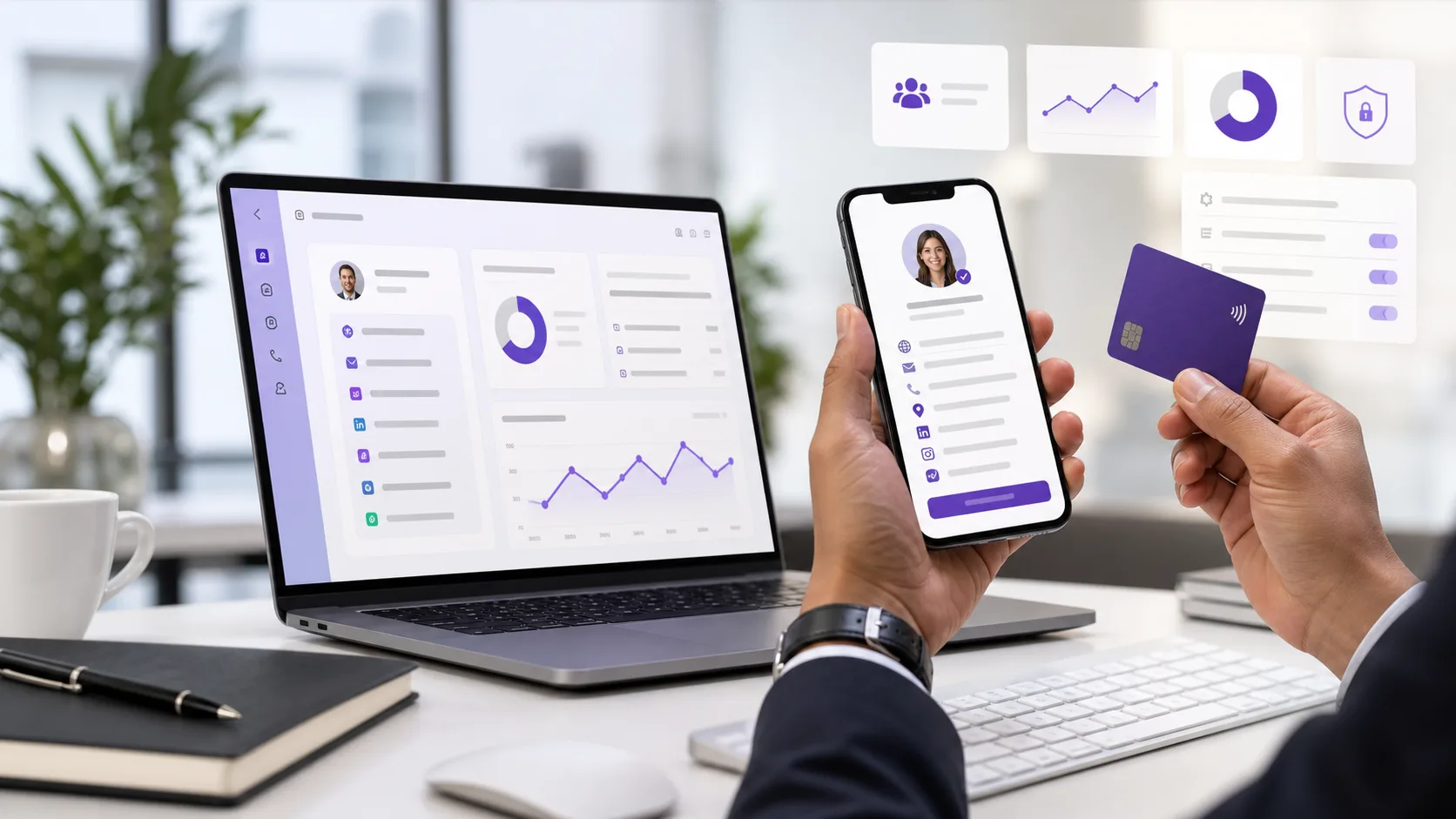
Virtual cards help businesses keep contact sharing current across employees, events, email, QR codes, NFC cards, and social profiles.
Quick answer
The main benefits of virtual cards are faster sharing, easier updates, fewer reprints, richer profiles, analytics, team consistency, and a better mobile follow-up path after meetings or events.
Key takeaways
- Keep the card readable before choosing finishes or novelty details.
- Use one primary action, such as call, scan, book, save contact, or request a quote.
- Add a profile or QR code when information may change.
- Test the printed and digital experience before ordering or sharing.
What to decide first
Start with the handoff moment. A counter card, field-service card, premium meeting card, and packaging insert all need different layouts and different follow-up actions.
| Option | Best for | Watch out for |
|---|---|---|
| Simple print card | Fast handoffs and low budget | Limited room for changing details |
| QR business card | Portfolios, booking, reviews, and quotes | The destination must stay current |
| Premium finish | High-touch meetings and luxury services | Can hurt readability if overdone |
| Hybrid card | Print presence plus digital follow-up | Needs scan and mobile testing |
What to include
Include name, business name, specialty, phone or email, website or profile link, and one call to action. If the card supports a service business, add service area, emergency or booking path, and proof such as reviews or project photos.
How to use it well
Use the printed card for recognition and the linked profile for depth. That lets the card stay clean while the profile carries photos, booking links, galleries, files, payments, service details, or quote forms.
Decision examples
Use a personal digital card when one person owns the relationship. Use a team-managed card when brand consistency, offboarding, templates, and analytics matter. Use a campaign profile when the same QR code or NFC card needs to support one launch, event, or offer. Use a printed card plus digital profile when the first impression happens offline but the details need to stay current.
The point is not to choose digital or print forever. The point is to make the next action easier in the place where the customer actually meets you.
Practical examples
- A printed card uses a QR code to open a profile with current links.
- A service provider sends scans to a quote or booking path.
- A local business uses a review or directions link as the primary action.
- A team keeps employee cards consistent while allowing individual contact details.
Best-fit profile layout
For virtual card benefits for businesses, keep the top of the profile focused. A buyer guide needs comparison details. A team card needs consistent brand fields. A sales card needs booking, quote, or demo actions. A general networking card needs save-contact, phone, email, and a short reason to reconnect.
The deeper links can sit lower on the profile: social channels, files, videos, maps, portfolios, payments, service details, and company pages. That keeps the first screen usable while still giving motivated visitors more context.
Maintenance and team control
A digital card is only better than a static card if it stays current. Review profile links after pricing changes, offer changes, staff changes, website redesigns, and events. For teams, assign an owner for templates, logo usage, role naming, and offboarding so former employees or outdated offers do not keep circulating.
Common mistakes to avoid
Avoid unclear calls to action, stale links, tiny type, broad claims, untested QR codes, and destinations that do not match the promise on the card or campaign.
Where Zapped fits
Zapped helps when this topic needs one editable destination behind a card, QR code, NFC tap, social profile, email signature, or campaign. You can keep the physical or social touchpoint simple while the live profile carries contact details, booking, reviews, files, payments, videos, and analytics.
Before you publish or share
- Test every QR code, NFC tap, link, and button on a phone.
- Check the first screen for one clear action.
- Update old screenshots, platform steps, or pricing context before publishing.
- Make sure the related profile or landing page matches the reader intent.
FAQs
Is virtual card benefits for businesses still useful?
Yes, when it helps someone take the next step faster. The format matters less than the clarity of the offer, contact path, and follow-up destination.
Should I use a QR code?
Use a QR code when the next step is easier on a phone. Test it before printing, keep enough white space around it, and send people to a mobile-friendly page.
Can I use a digital card instead of print?
You can use a digital card by itself for online sharing, but print still helps in face-to-face moments. Many businesses use both.
How often should I update the linked page?
Update it whenever your offer, contact details, portfolio, booking link, pricing context, or campaign changes.
Sources
- NFC Forum, NFC technology for NFC context.
- IETF RFC 6350, vCard format for digital contact context.
- Zapped digital business card features for digital profile, QR, NFC, and team workflows.