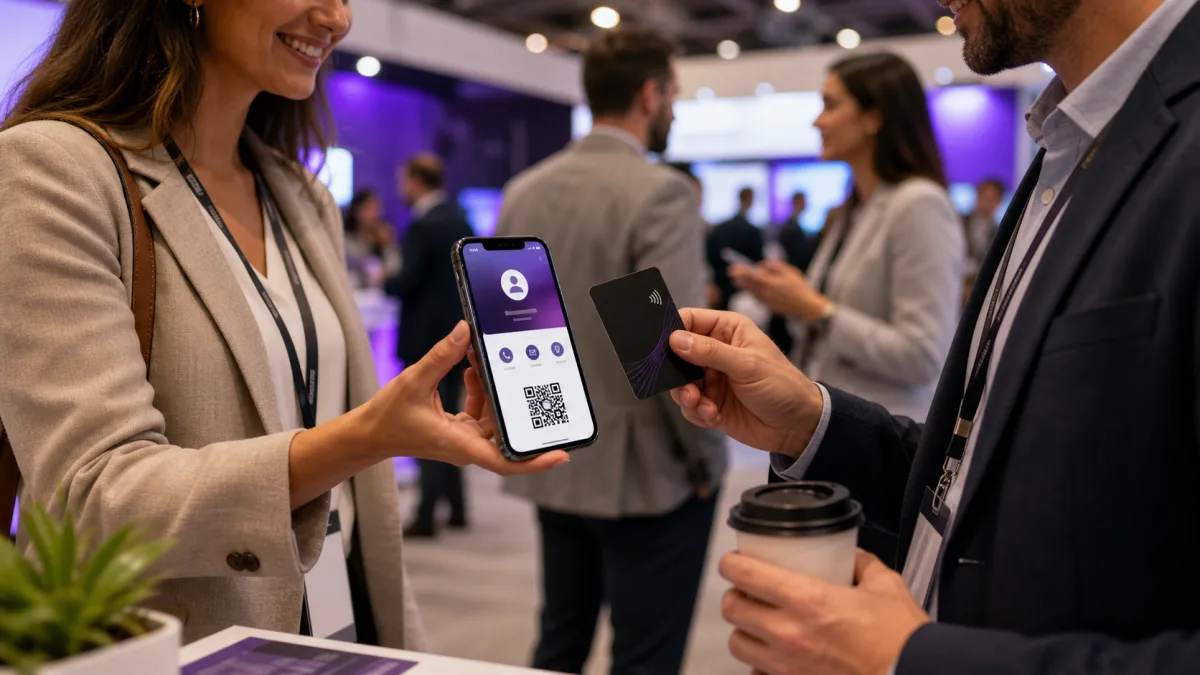
The best digital business card is not simply the one with the flashiest NFC card. It is the one that makes the next step easy after someone meets you, scans your QR code, taps your card, or opens your link.
Quick answer
The best digital business card for most professionals is a live profile with a clean mobile layout, QR code, direct link, save contact action, and optional NFC card. Teams should add admin controls, templates, and analytics.
Key takeaways
- Use a live profile as the source of truth.
- Add QR sharing because it works across more devices.
- Add NFC when in person sharing is part of your workflow.
- Keep the main action clear so people know what to do next.
- Use Zapped where an editable profile, QR, NFC, and team controls belong in one place.
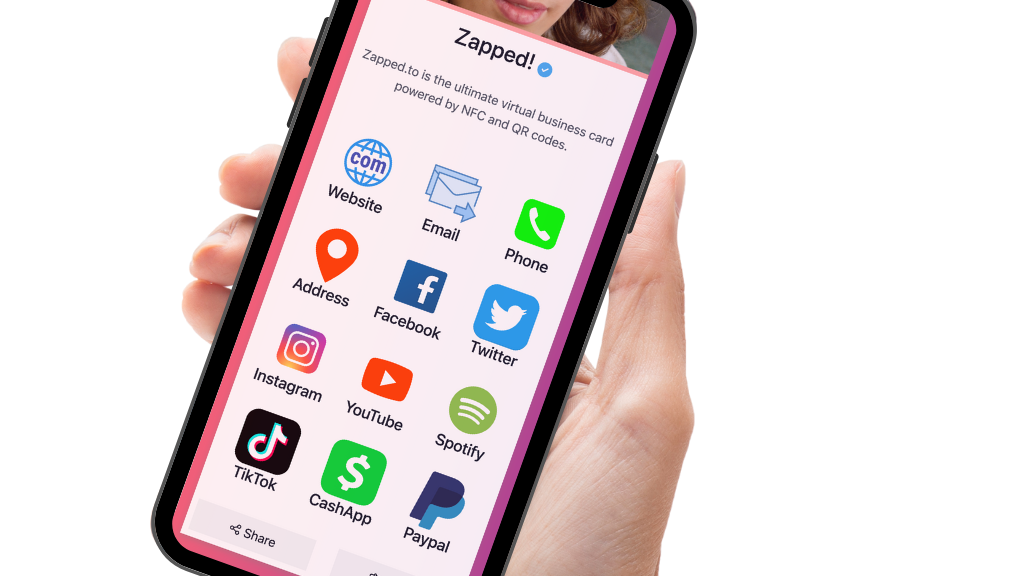
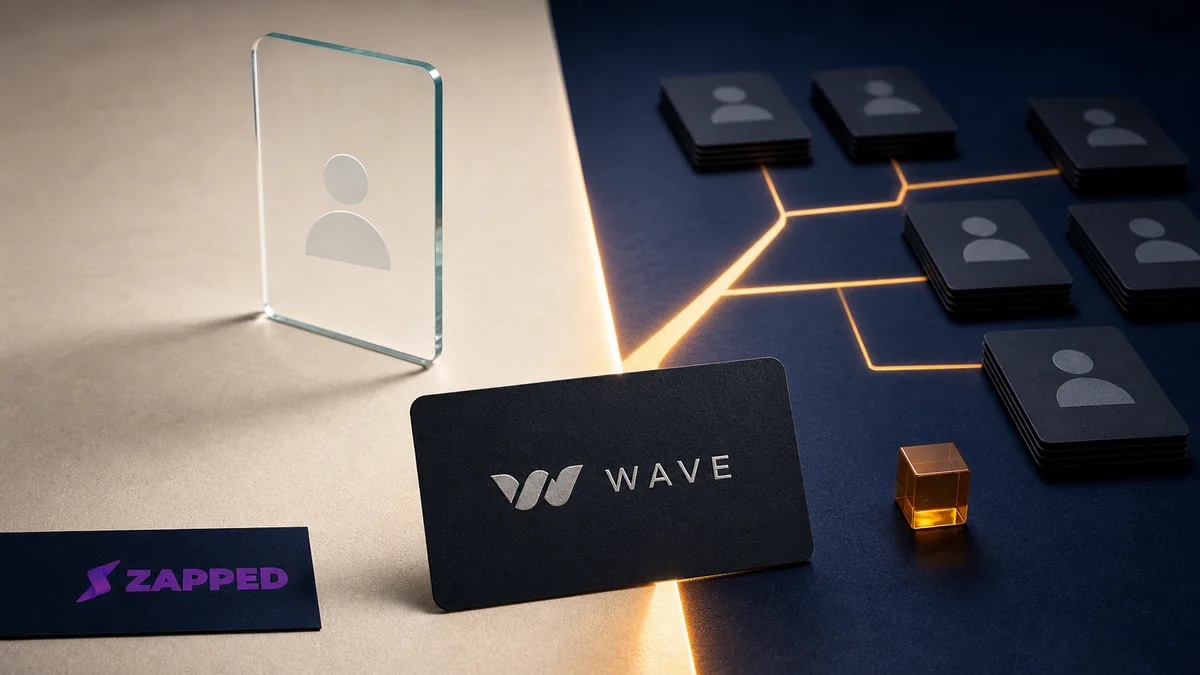
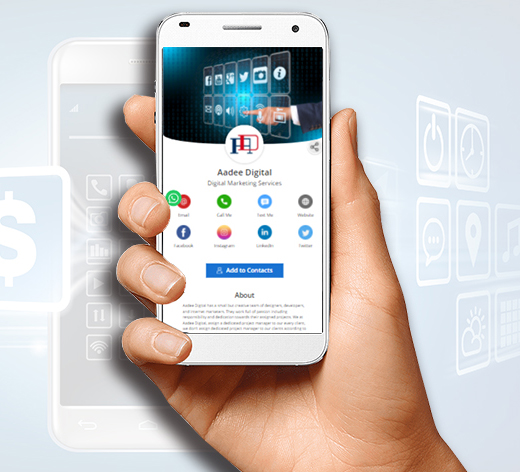
Use this image as a reference point while you compare the options below. The important idea is that the card, code, or NFC tap should lead to a profile that is easy to save and act on.
For a card-first comparison that separates hardware price from software and ownership terms, read our Best NFC Business Cards in 2026 guide.
Best options by use case
| Need | Best choice | Why |
|---|---|---|
| Solo networking | Live profile plus QR | Easy to share anywhere |
| In person events | QR plus NFC card | Fast handoff with backup |
| Sales team | Team managed profiles | Brand control and analytics |
| Creators | Profile with media links | Shows work and audience channels |
| Companies | Templates and admin controls | Keeps employee cards consistent |
How to choose the best option
Start with the way you actually meet people. A person who gets most leads from in person events needs a different setup than a remote consultant who mainly shares links in email.
Look for a profile that is fast on mobile, easy to edit, and clear about the next action. Then decide whether you need NFC cards, Wallet passes, analytics, or team permissions.
Security deserves its own due diligence pass, so use the most secure digital business card checklist when privacy, account control, or link safety could change the decision.
When Zapped is our best fit
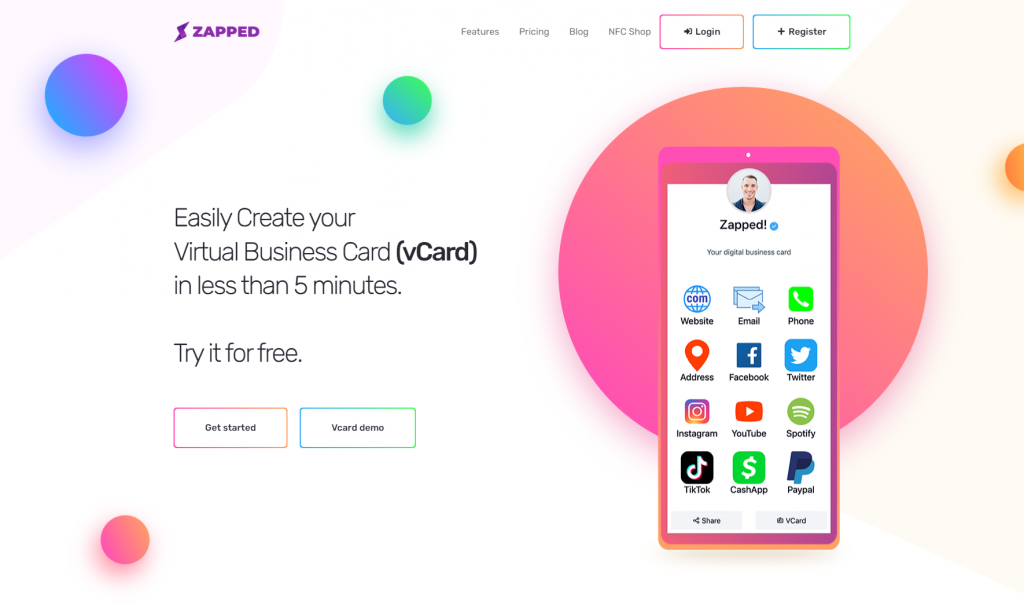
Zapped is built for people who want a digital business card that works across real networking situations, not just a pretty profile page. It gives you a live card that can be shared by QR, NFC, direct link, email signature, WhatsApp, and team workflows.
Choose Zapped when the important outcome is a saved contact, booked meeting, follow up action, or consistent team card. The profile can still link to your website and socials, but the main experience is built around helping someone reach you after the first interaction.
What to include
A strong digital business card usually includes:
- Name, role, and company.
- Phone, email, and website.
- A save contact action.
- One primary call to action.
- QR code or direct sharing link.
- NFC support when useful.
- Social, portfolio, booking, payment, or review links when they help.
Simple setup checklist
- Create the live profile.
- Add your essential contact fields.
- Choose one primary action.
- Generate and test the QR code.
- Add NFC or Wallet sharing if the use case needs it.
- Test the experience on iPhone and Android.
- Update the profile whenever your details change.
Buyer criteria that matter
When you compare digital business card tools, test the recipient experience before the dashboard. Open the profile on a phone, save the contact, tap every button, and scan the QR code from a realistic distance. A tool can look polished in screenshots and still feel clumsy during a real introduction.
For business use, also check ownership. The company should be able to update profiles, remove former employees, and keep brand details consistent. That matters more than a one time card design.
Common mistakes
The most common mistake is choosing a card because the physical NFC card looks premium while the digital profile is weak. The second mistake is hiding the contact action below too many social links. The third is using a QR code that points to a static file instead of a profile that can be changed later.
High intent comparison criteria
The strongest buying terms in this cluster point to comparison intent, not only definition intent. A reader searching for the best digital business card usually wants to know which option fits their job, what the free plan can prove, and whether the card can grow into a team workflow later.
Use these criteria before choosing:
| Criterion | Why it matters |
|---|---|
| Recipient experience | The card should open quickly and make saving details obvious |
| Sharing channels | QR, NFC, direct link, and messaging should point to the same profile |
| Team controls | Companies need ownership, branding, and offboarding |
| Analytics | Click and scan data help prove whether the card is being used |
| Update process | A good card stays useful after your details change |
A polished design helps, but the best card is the one people can actually use after the conversation.
FAQs
What is the best digital business card format?
The best format is usually a live web profile with a QR code, direct link, and optional NFC card. That gives people more than one way to open the same profile.
Do people need an app to view my digital business card?
Usually no. A web based profile should open in a normal browser. Apps can help the card owner manage the profile, but the recipient should not need to install anything just to view your details.
Should I use NFC or QR for digital business card?
Use both when the card will be shared in person. NFC feels fast when someone knows where to tap, and QR gives a visible backup for any phone with a camera.
Can I update the card after sharing it?
Yes, if the QR code, NFC tag, or shared link points to an editable profile. That is one of the biggest advantages over a static printed card.
Where does Zapped fit?
At Zapped, we see a good fit when you want one editable digital card profile that can be shared by link, QR code, NFC card, and team workflows without rebuilding the card every time details change.
Sources
- NFC Forum, NFC technology and NFC Forum, NFC is in almost everything: Used for short range NFC behavior and NFC card context.
- IETF RFC 6350, vCard format specification: Used for vCard contact data context.
- Apple Developer, Wallet and Apple Developer, getting started with Wallet: Used for Apple Wallet pass context.
- Apple Support, scan a QR code with iPhone camera: Used for iPhone QR scanning behavior.
- Android, how to scan QR codes on Android: Used for Android QR scanning behavior.